What can be installed
The full menu of software SpipCP installs — web servers, languages, databases, caches, and site types — with the versions on offer.
SpipCP installs and manages real software inside instances. This page is the complete menu: the services installable into an instance, and the site types launchable on top of them. Versions are pinned, installs are clean, and everything is managed through the panel — no manual server setup.
Services (installed into an instance)
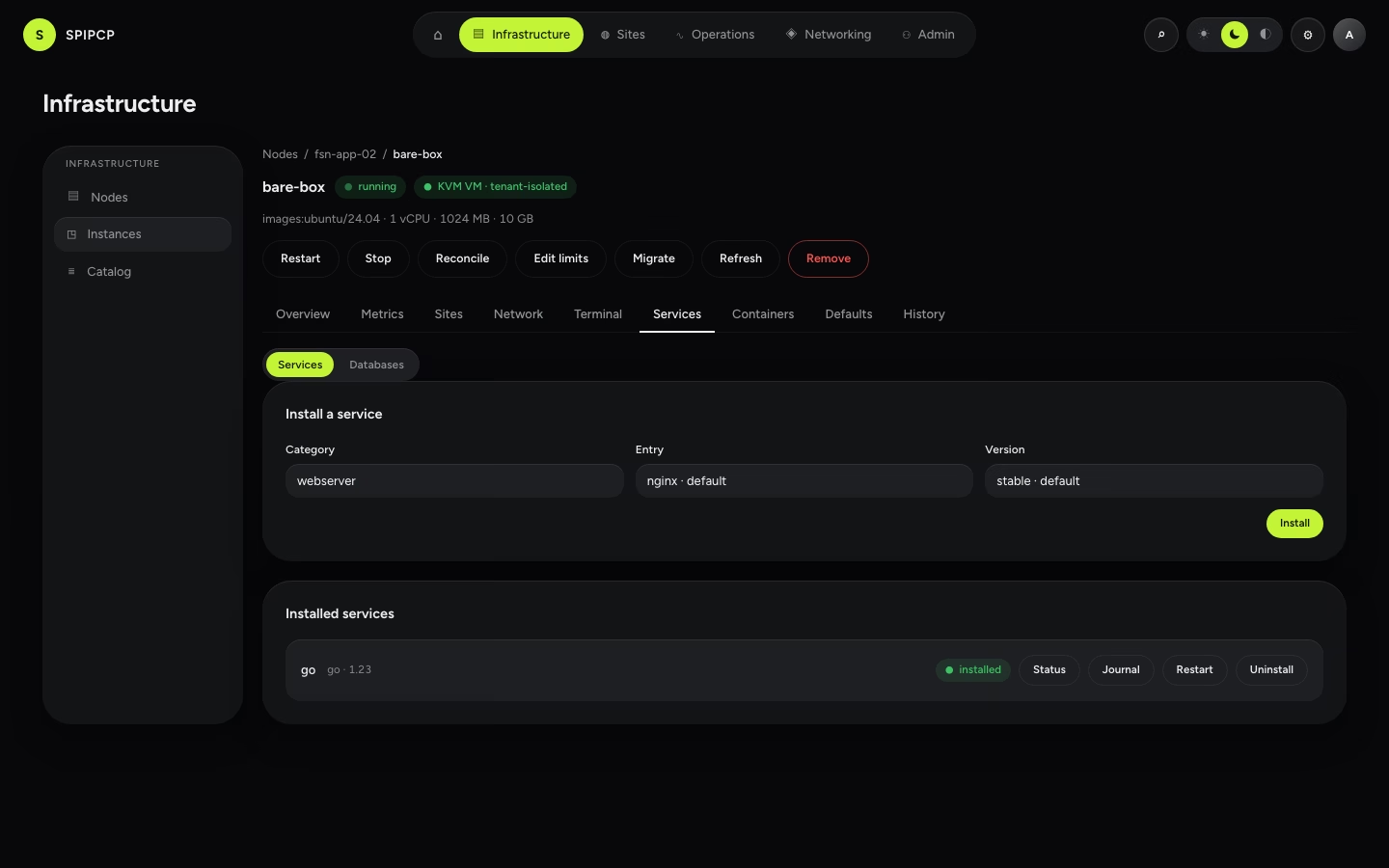
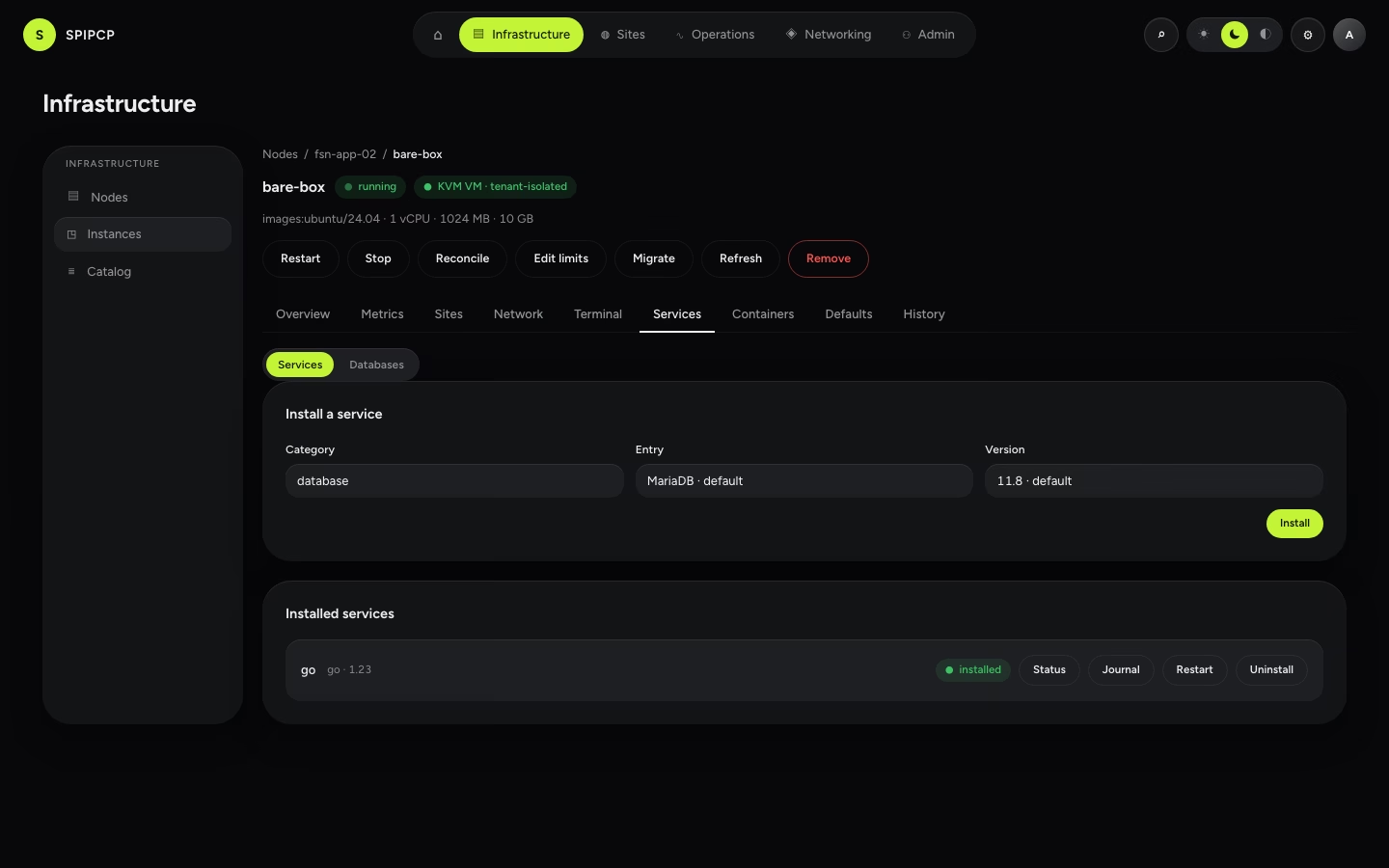
These install from an instance's Services tab. One per category per instance.
Web servers
| Service | Versions | Notes |
|---|---|---|
| nginx | stable | The default web server. |
| Caddy | 2 | Automatic HTTPS, simple config. |
| OpenLiteSpeed | stable | Event-driven server with built-in LSCache — the alternative WordPress front. |
Languages & runtimes
| Service | Versions | Notes |
|---|---|---|
| PHP | 8.5 · 8.4 · 8.3 | Installed with FPM and Composer. |
| Node.js | 24 · 22 · 26 | For Node apps and build steps. |
| Python | 3.13 · 3.12 · 3.11 | CPython (deadsnakes) with venv, pip and build tools — for Django, FastAPI and Flask apps. |
| Go | 1.23 · 1.22 | Official go.dev toolchain (installed from the pinned, checksum-verified tarball). A build-time dependency only — a Go app compiles to a static binary that needs no runtime. |
| Rust | 1.96 · 1.95 | Installed via rustup (minimal profile), pinned and checksum-verified; build-essential rides along for the C linker cargo needs. A build-time dependency only — a Rust app compiles to a single binary that needs no runtime. |
Databases
| Service | Versions | Notes |
|---|---|---|
| MariaDB | 11.8 | MySQL-compatible, the common default. |
| MySQL | 8.4 | |
| PostgreSQL | 18 |
Caches / key-value
| Service | Versions | Notes |
|---|---|---|
| Valkey | 9 | Open-source Redis fork (BSD). |
| Redis | 8 | Note its license at selection time. |
Pinned, versioned, verified
Each version is pinned, so an install gives the same software every time. Every install runs as steps ending in a check — a half-finished install is caught, not left silently broken. Bumping a version is a setting change, not a risky upgrade.
Site types (launched on top)
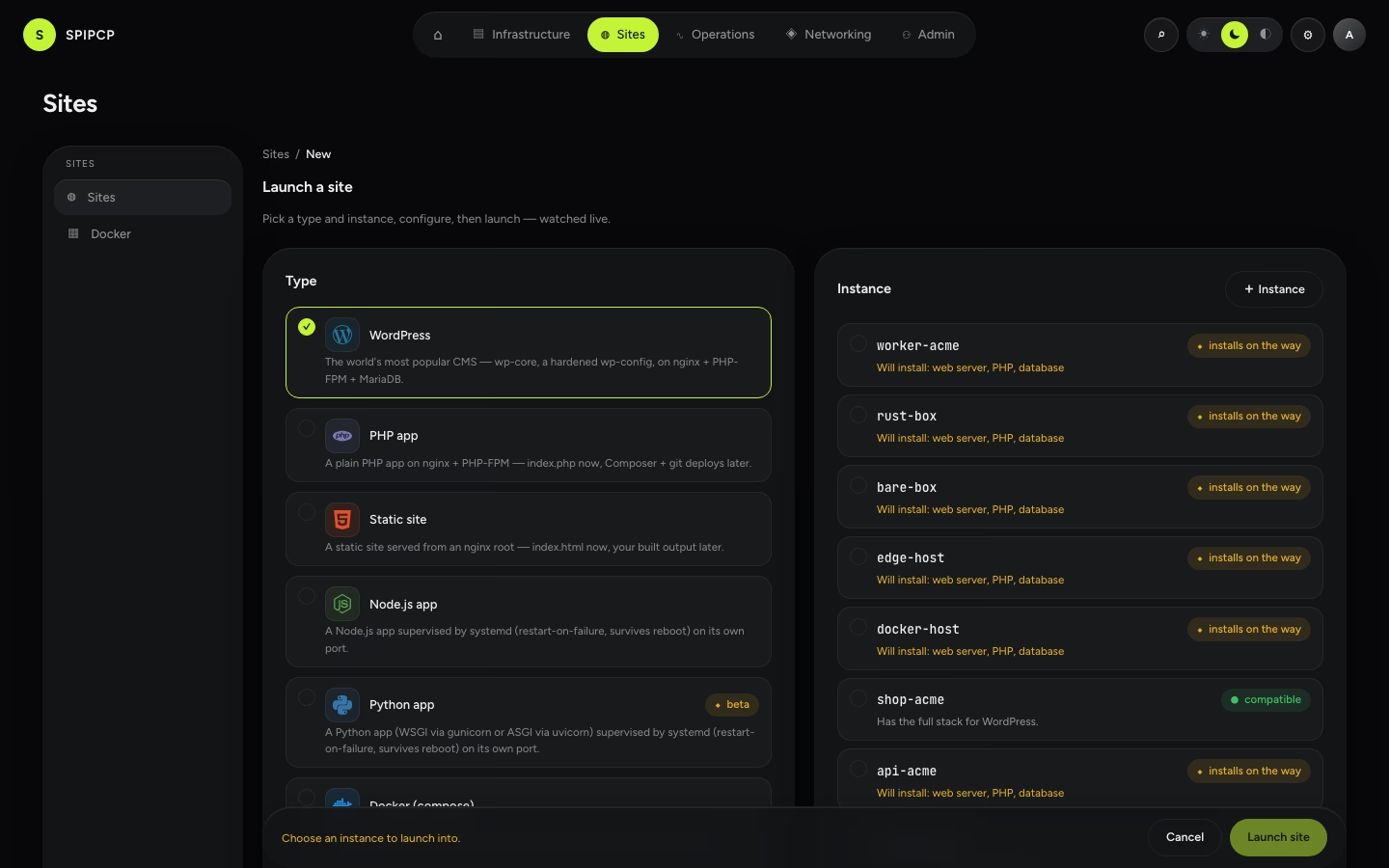
Launching a site means picking a type — a ready-made stack that installs and wires itself up automatically:
| Type | What it provides |
|---|---|
| WordPress | A full WordPress install — web server + PHP + database, unique salts, secure file permissions, hardened defaults. Choose nginx (FastCGI cache) or OpenLiteSpeed (LSCache) at create time, and tune PHP limits, OPcache and caching later in the site's WordPress settings. |
| PHP | A generic PHP app on PHP-FPM behind the web server. |
| Static | Static files served directly — the simplest, fastest option. |
| Node | A Node app under a systemd unit that restarts on failure and survives reboots. |
| Python | A Python app (WSGI via gunicorn or ASGI via uvicorn) under a systemd unit that restarts on failure and survives reboots — see Python sites. |
| Go | A Go app built to a single static binary and supervised by a systemd unit that restarts on failure and survives reboots. A compile error fails the build before the site serves — see Go sites. |
| Rust | A Rust app built with cargo build --release to a single binary and supervised by a systemd unit that restarts on failure and survives reboots. A compile error fails the build before the site serves — see Rust sites. |
| Docker | A containerized app run from a docker-compose.yml, per-app with its own port and route — see Docker site types. |
Every site type can also have a database, domains and TLS, git deploys, backups, and scheduled jobs — see Sites.
→ How installs work: Catalog. · Security defaults: Security.
Catalog
The menu of software installable into an instance — web servers, PHP, Node, databases, and caches — with pinned versions and clean, checkpointed installs.
Docker management
See and control every container across a fleet — status, health, CPU/mem/size, start/stop/restart/recreate/pull, live logs, and alerts — from one screen, with three zoom levels (fleet → instance → app).