Nodes
Bring a server under SpipCP's control — enroll it once over SSH, harden it, and keep it converged — then manage it from the node workspace.
A node is a server SpipCP manages — a VPS or a bare-metal box. It receives SSH access once; the panel installs a small agent, hardens the box, and from then on keeps it in a known-good state and watches it. Everything on SpipCP — instances, and the sites inside them — lives on a node, so this is where management starts.
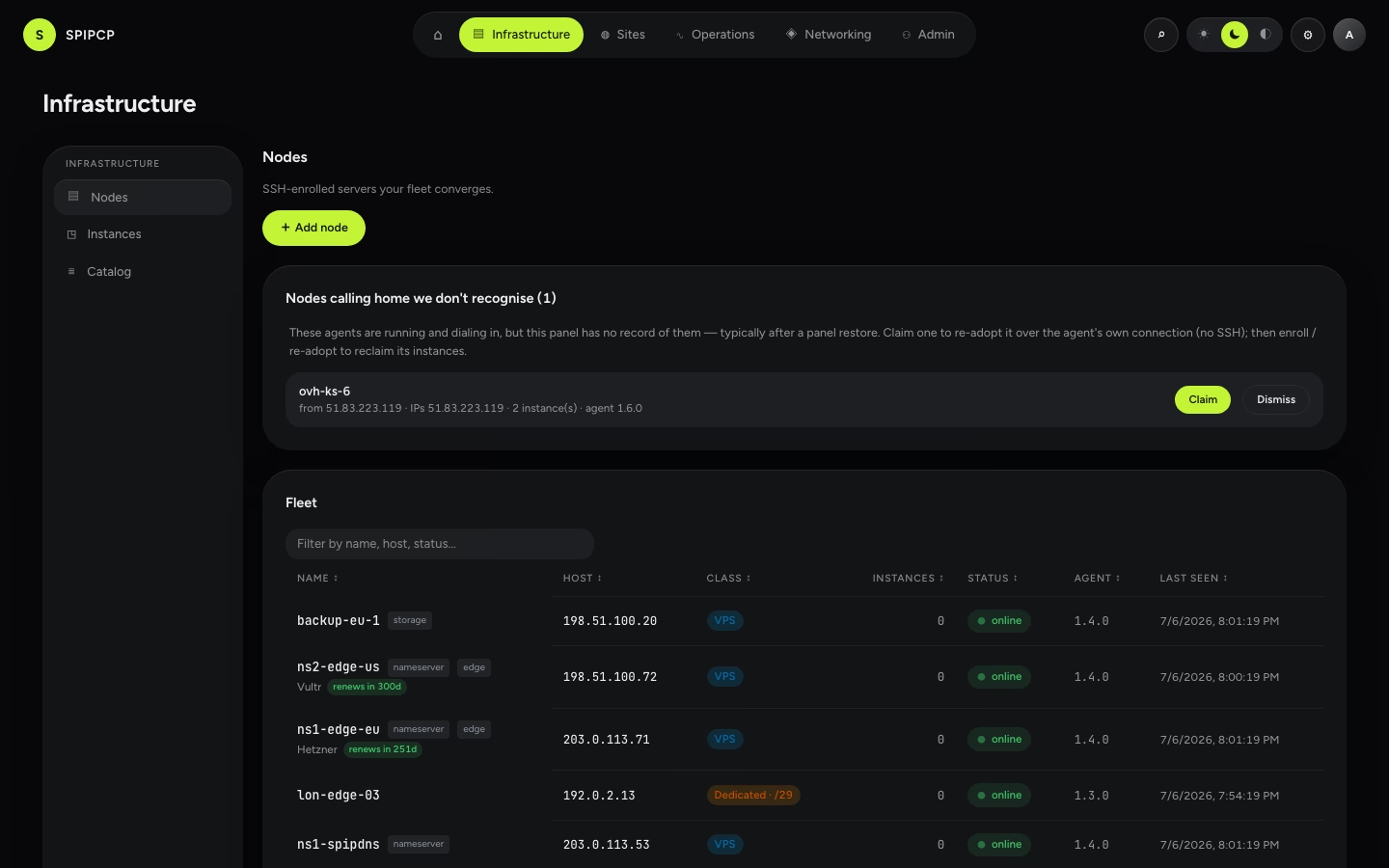
Adding a node
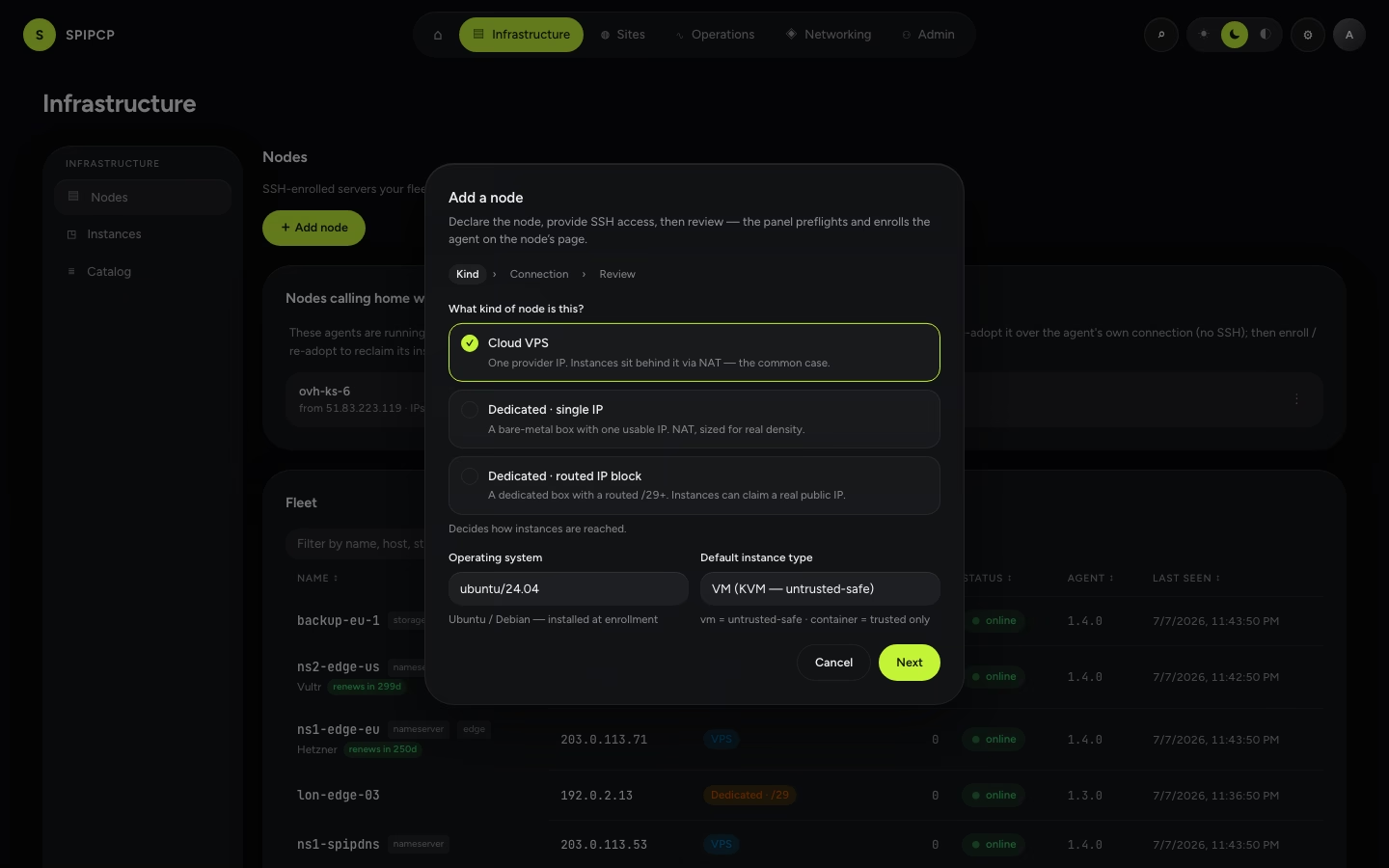
From Nodes → Add node, a wizard walks through bringing a server online:
Give it SSH access. Name the node and enter its host, SSH port/user, and a private key or password. This is the only time SSH is used, and it's encrypted right away.
Choose what it is. Pick the topology class (VPS, single-IP dedicated, or multi-IP dedicated) and the OS image. The class decides what instances the node can later run.
Preflight. Read-only checks run over SSH and report a verdict — OS, networking, disk, and whether the box can host instances — before anything changes. A failing check explains how to fix it.
Enroll & converge. The panel installs the agent, then hangs up SSH. The agent connects back over a secure channel and the node goes online, then reconciles to green — hardened and reporting facts, watchable live in the terminal.
Publish an agent release first
Enrollment installs the agent binary onto the node, so a fresh panel needs one published release per CPU architecture first (Agents → Releases → Publish). Otherwise the wizard stops with "No agent release published." This is a one-time step.
Once a node is online, its workspace has these tabs.
Overview
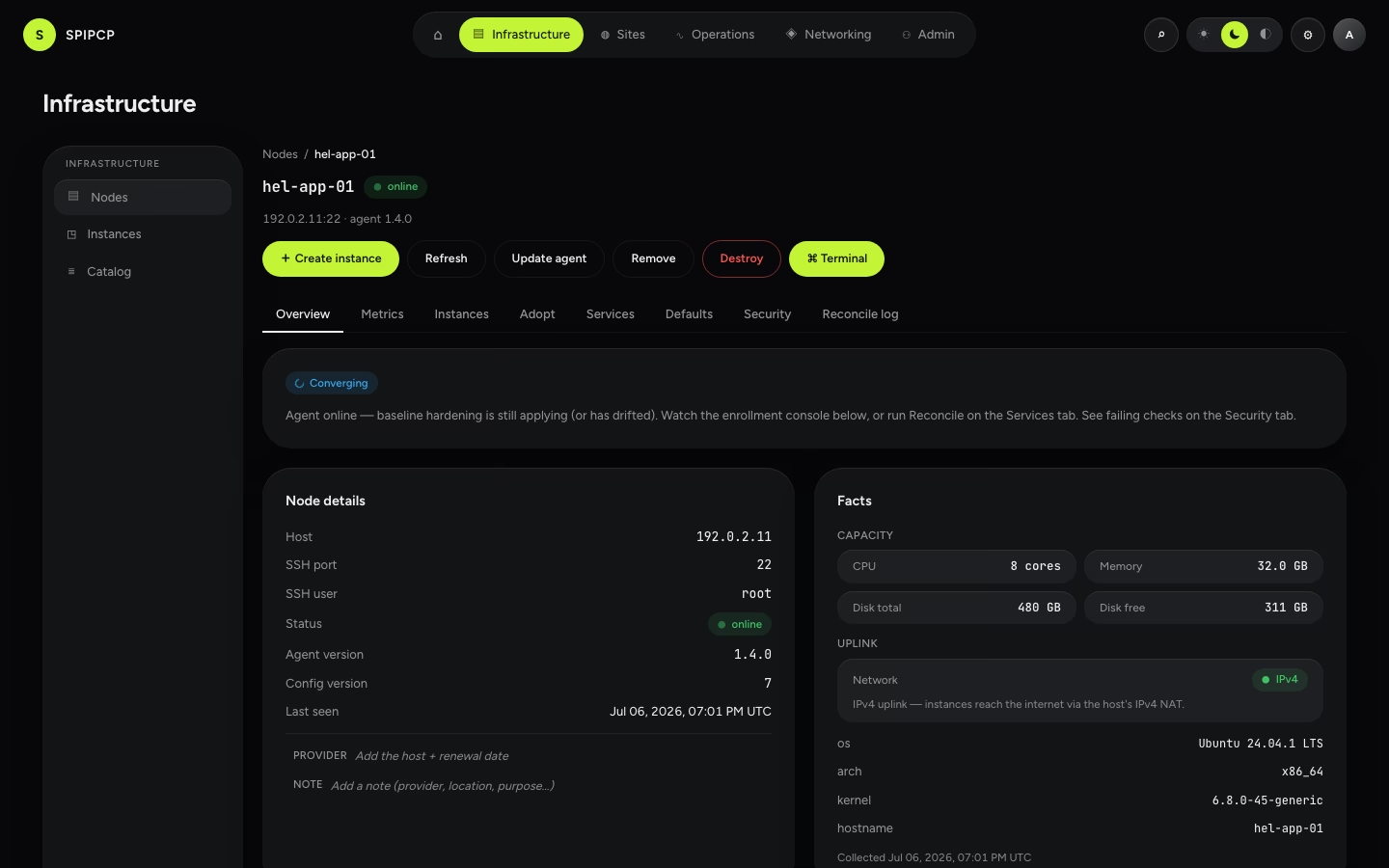
The node's details and the live facts the agent collects — hostname, OS, architecture, CPU, memory, disk — plus a Drift card if the live server has wandered from its desired state. The card names each drifted step in plain words — what diverged, what fixing it will do, and any network egress the fix needs — with a Reconcile now button that applies only the drifted steps and streams the run live, right on the card.
Renaming a node
A node's name is the label the panel shows for that server. It never reaches the agent and nothing on the server itself depends on it, so it can be changed at any time — the pencil beside the name in the node header, or beside Name on the Overview tab, opens a rename dialog.
Names are unique across the fleet. A name another node already holds is refused, with the reason shown on the field so it can be corrected without leaving the dialog. Entries already written to the activity and audit logs keep the name the node carried at the time, and the rename itself is recorded with both the old and the new name, so the two eras join up.
Metrics
CPU, load average, memory, and disk trends for the node — with a 1h · 24h · 7d · 30d range picker, an online-history strip showing when the node has checked in, and capacity gauges comparing what's allocated to instances against the node's real resources.
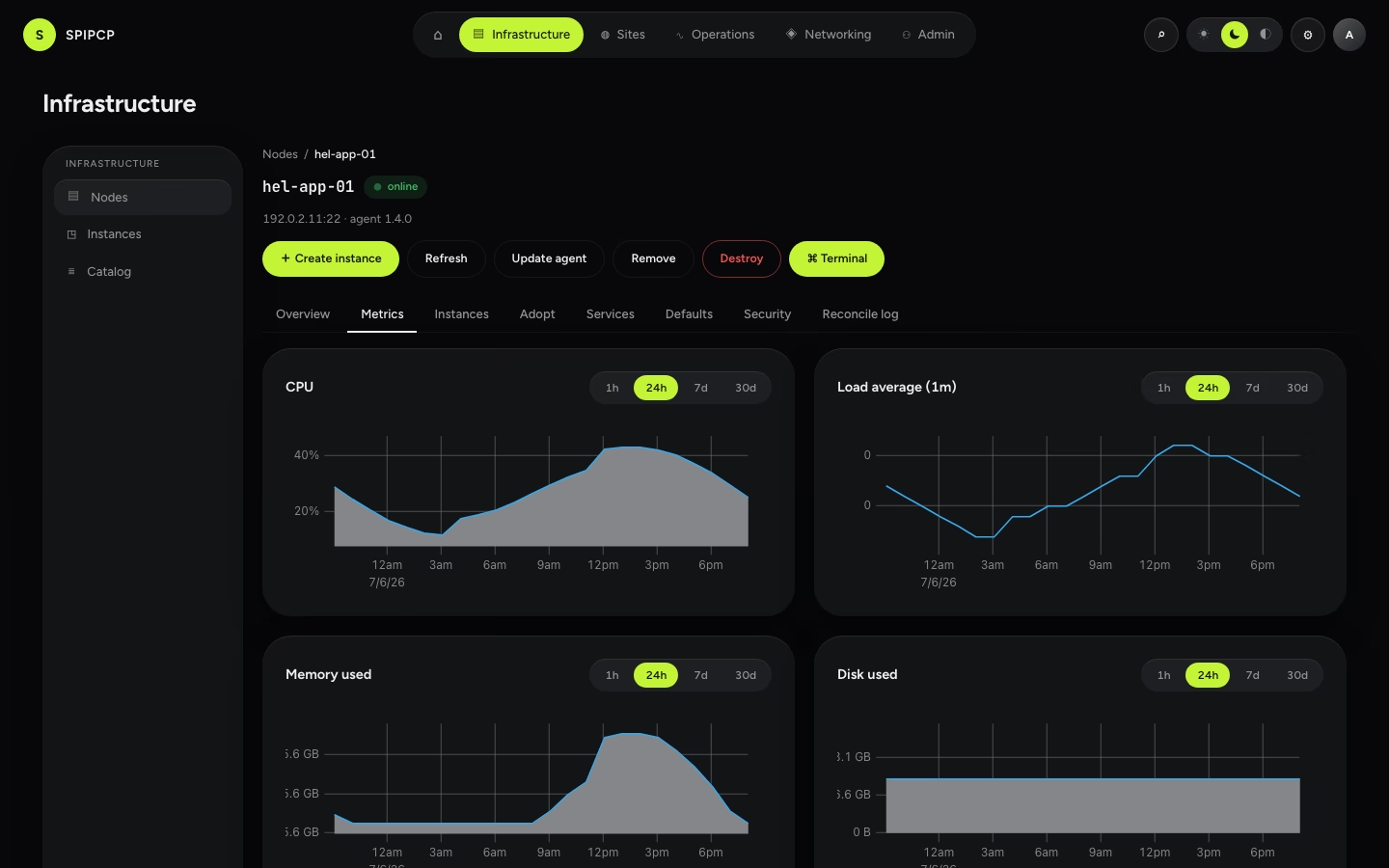
See Analytics for how the history behind these charts is collected.
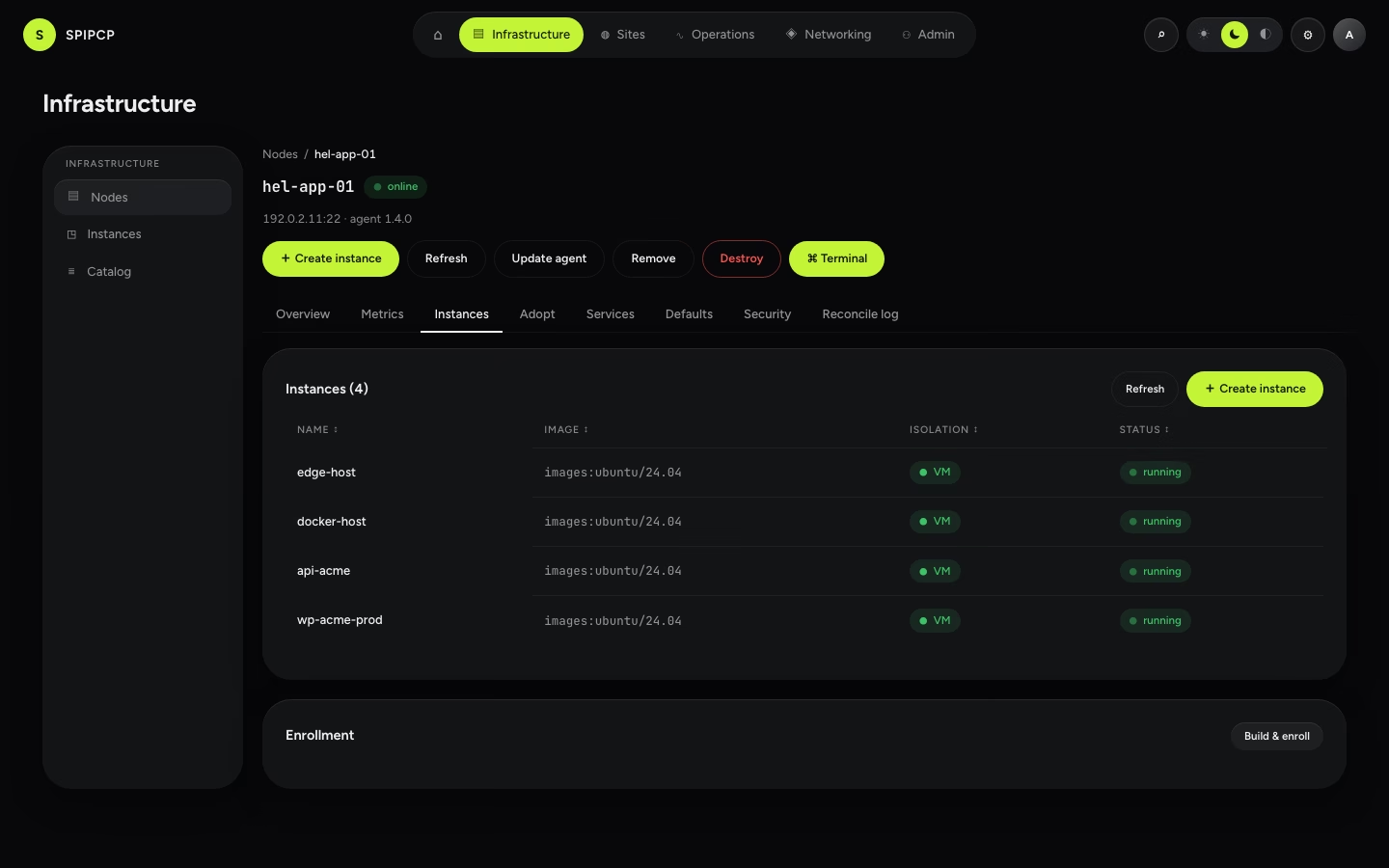
Instances
Every instance hosted on this node, with a jump into each one — and a Create instance button that opens the create dialog with this node already chosen.
Services
The state of the node's own services (the agent, Incus, Caddy, fail2ban) and the Reconcile and Dry-run controls. Reconcile brings the node back to its desired state and streams every step live; a dry run shows what would change without touching anything.
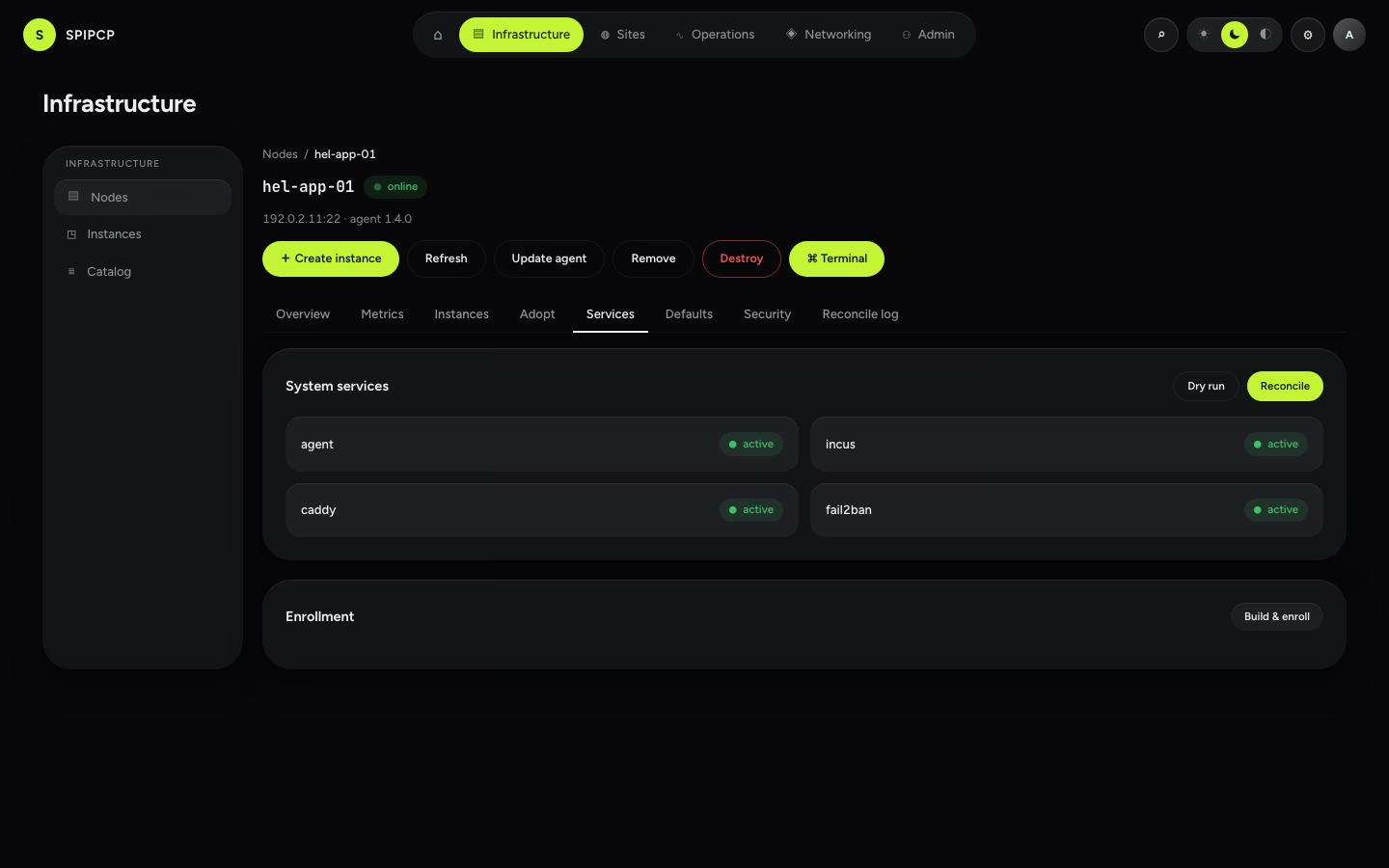
| Control | What it does |
|---|---|
| Reconcile | Bring the node back to its desired state (safe to re-run — a no-op if already green). |
| Dry run | Show what would change without applying it. |
→ Learn more: how reconcile and drift work.
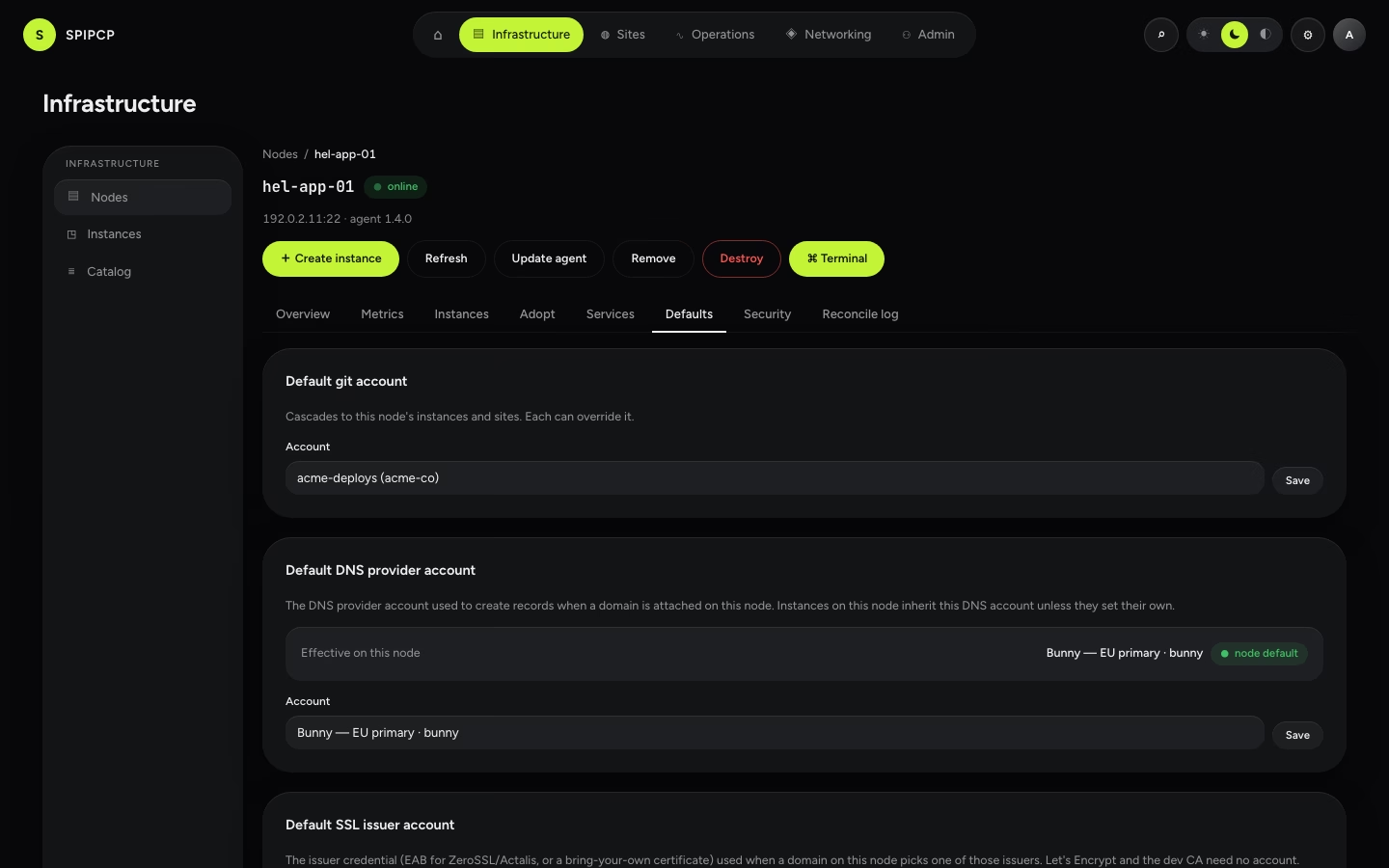
Defaults
The node's cascade defaults — the git account, DNS provider, and SSL issuer its instances, and the sites inside them, inherit unless they override them. Set once here, everything below picks them up.
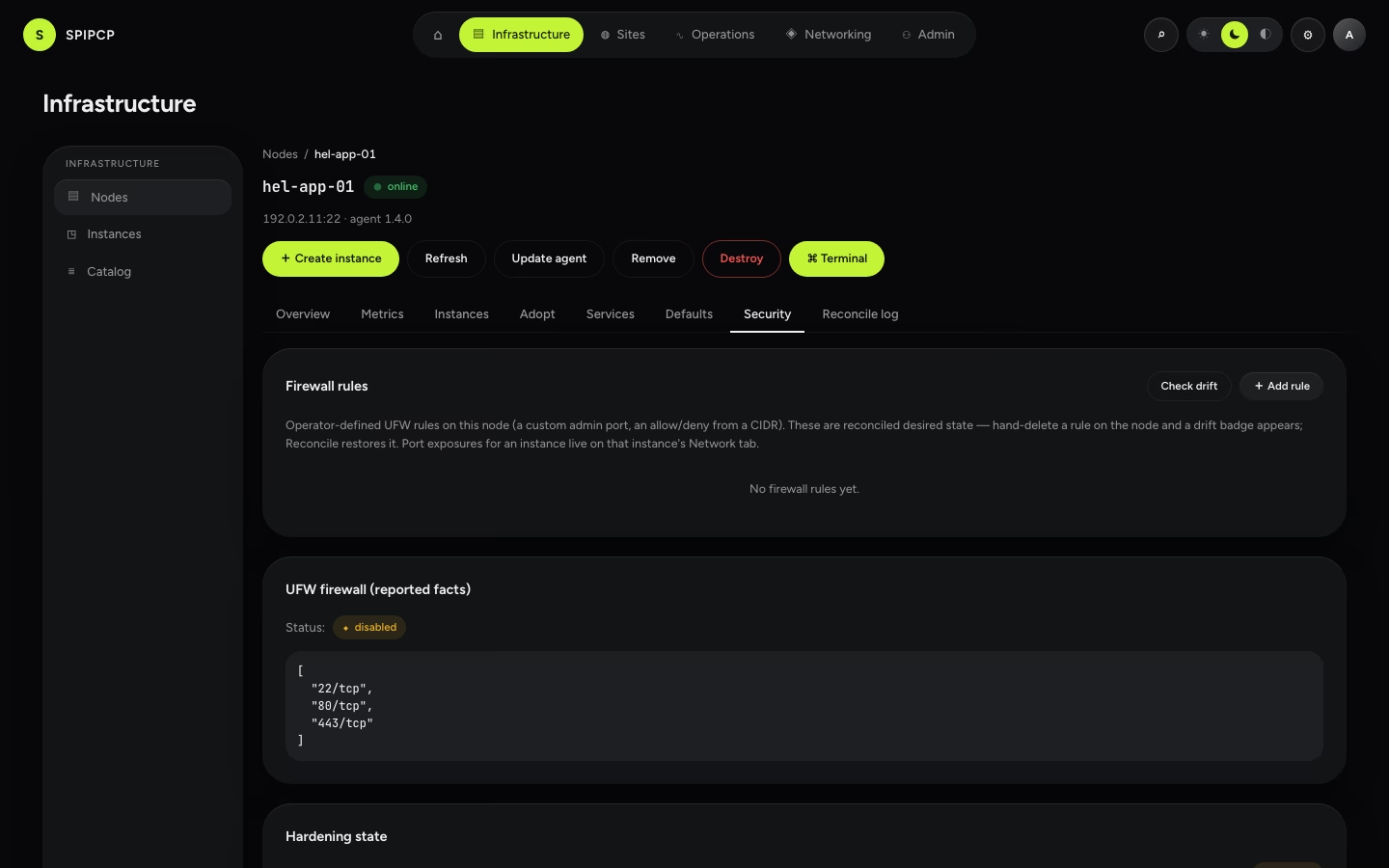
Security
The node's security posture: its firewall (UFW) rules, the hardening state, and anything that's drifted from the baseline. The first reconcile applies a default-deny firewall, no-root-SSH, fail2ban, a sysctl baseline, and automatic security updates.
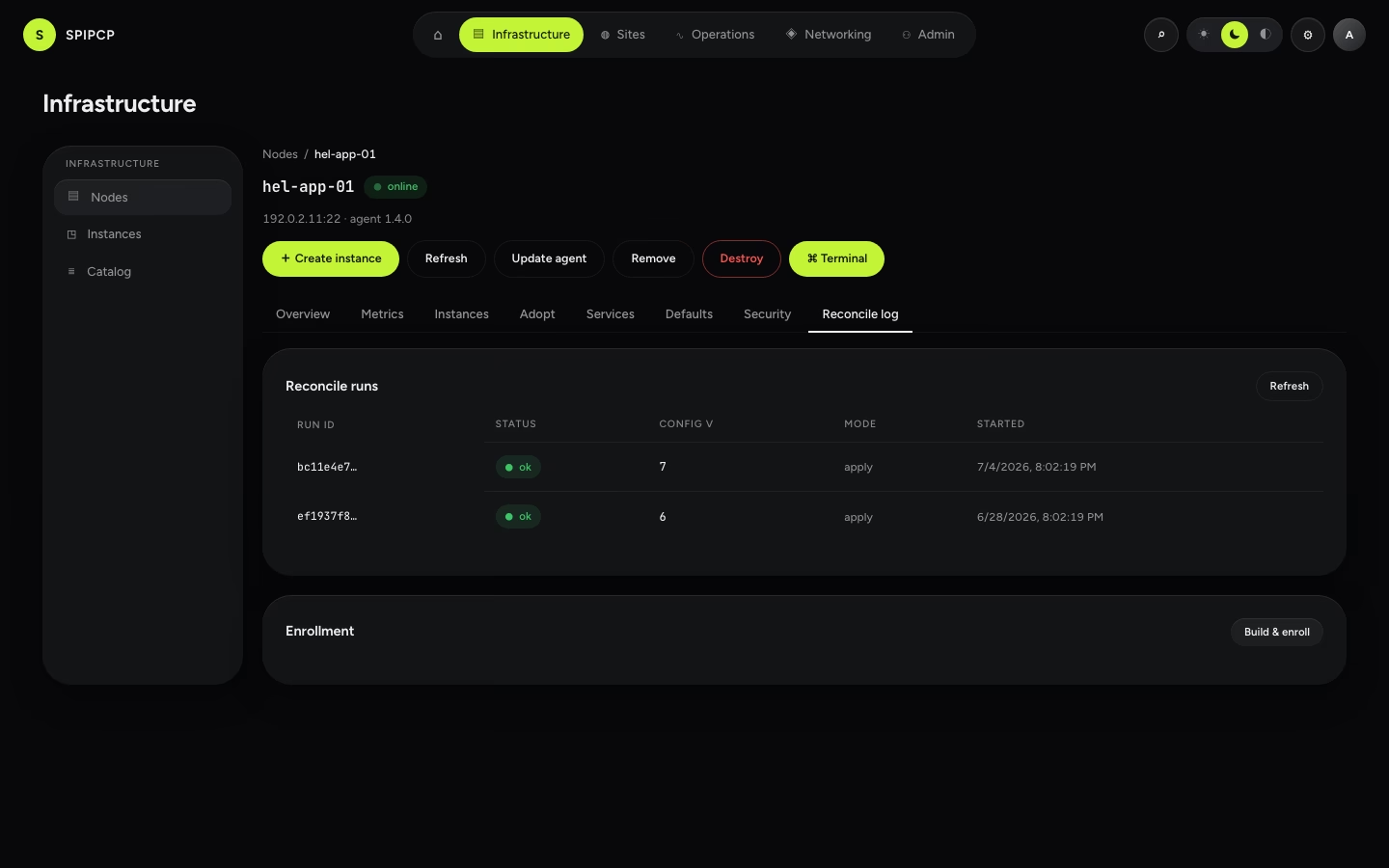
Reconcile log
Every reconcile run against the node, re-openable with the same live view, replaying exactly what changed and when.
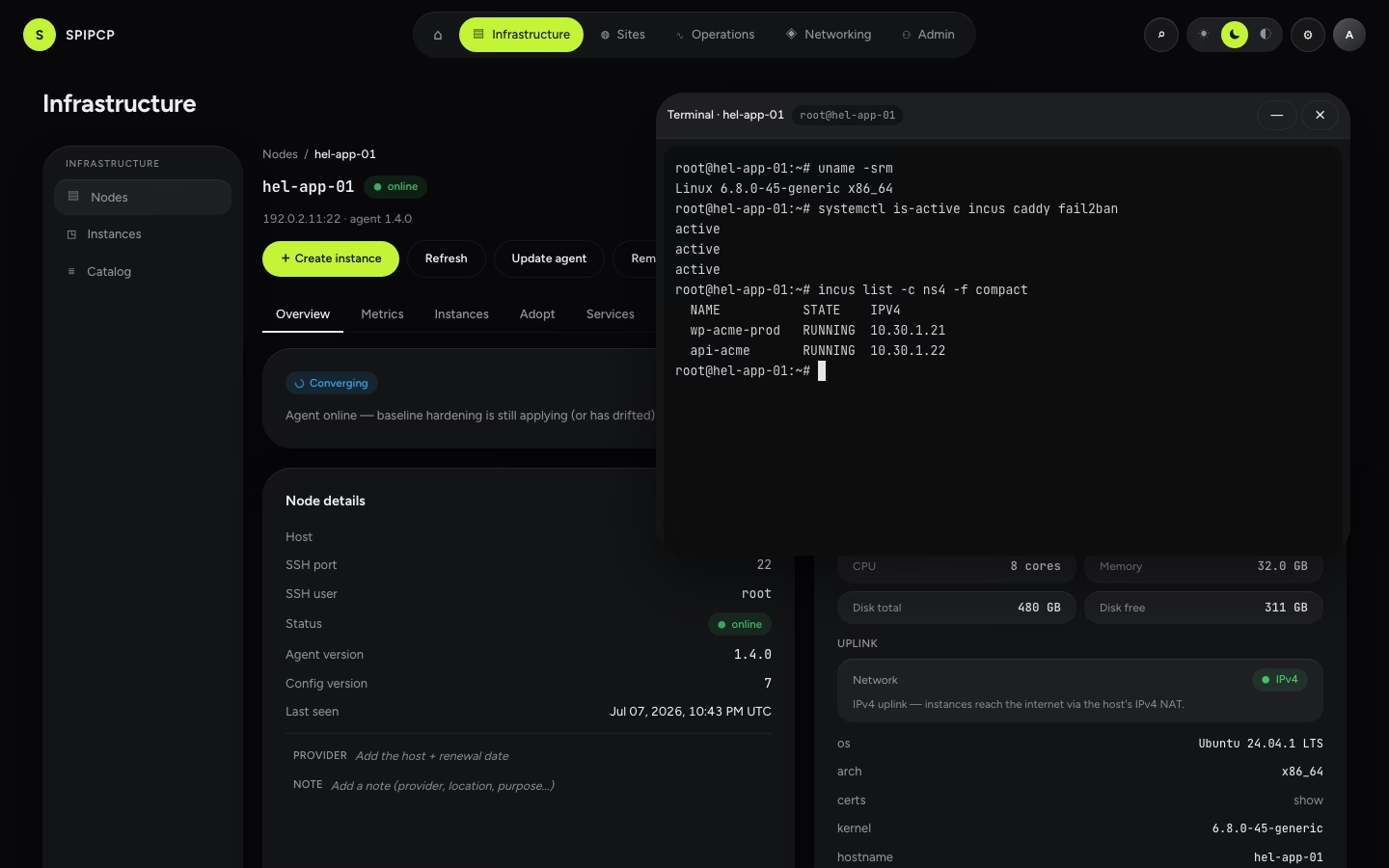
Terminal (break-glass)
For genuine hands-on access, the Terminal opens a real shell on the node. It's admin-only and every session is audited — an escape hatch, not the normal way to drive a node (reconcile is that). Operators don't get it.
How it works
A node is never SSHed into to run things — the panel decides the desired state and the agent applies it. Reconcile works out the difference between desired and actual, then applies the steps in order. It's safe to re-run, and resumable: if a step fails it stops there and reports how to fix it, and re-running continues from that point. Drift detection is a scheduled read-only check that flags hand-edits; the next reconcile puts them back. A fleet reconcile brings every node back in line at once. Agent releases are signed, and a node refuses to run an unverified binary.
Mobile
Using the panel from a phone — install to the home screen, navigate with the bottom bar, check metrics, jump to anything that needs a fix, and email the people it affects.
Node topology classes
A node declares what it is when it's added — VPS, single-IP dedicated, or multi-IP dedicated. The class decides how instances are reached and what instance creation can offer.