Upload limits
Four gates decide whether an upload lands — the edge proxy, the web server, PHP, and the destination directory. This is how to see which one is saying no, and how to make sure the limits shown in the panel are the limits the server is actually enforcing.
An upload crosses four gates before it lands, and the smallest one is the real limit. Each fails differently, which is why raising the obvious one so often changes nothing:
| Gate | The setting | How it fails |
|---|---|---|
| Edge proxy | max_size on the node's reverse proxy | Severs the body mid-transfer. No status, no error — the browser simply stalls. |
| Web server | client_max_body_size | Answers 413, or stalls until fastcgi_read_timeout. |
| PHP | upload_max_filesize / post_max_size | Silently drops the file; the upload "succeeds" with nothing in it. |
| Destination | Whether the directory is writable | WordPress asks for FTP credentials, or reports a missing temporary folder. |
Four symptoms, four wrong theories. The panel names the one that is binding instead.
The fourth gate has a card of its own, directly below this one on the same tab:
File ownership reads the docroot against the contract its site type
sets and repairs the entries that no longer match. A plugin install ending in Could not create directory is that gate, not this one.
Which gate is saying no
On a site's WordPress tab, Measure the upload chain reads every gate's current live value — from the configuration files inside the instance and from the proxy's own running config, not from what the panel last intended to write — and names the smallest.
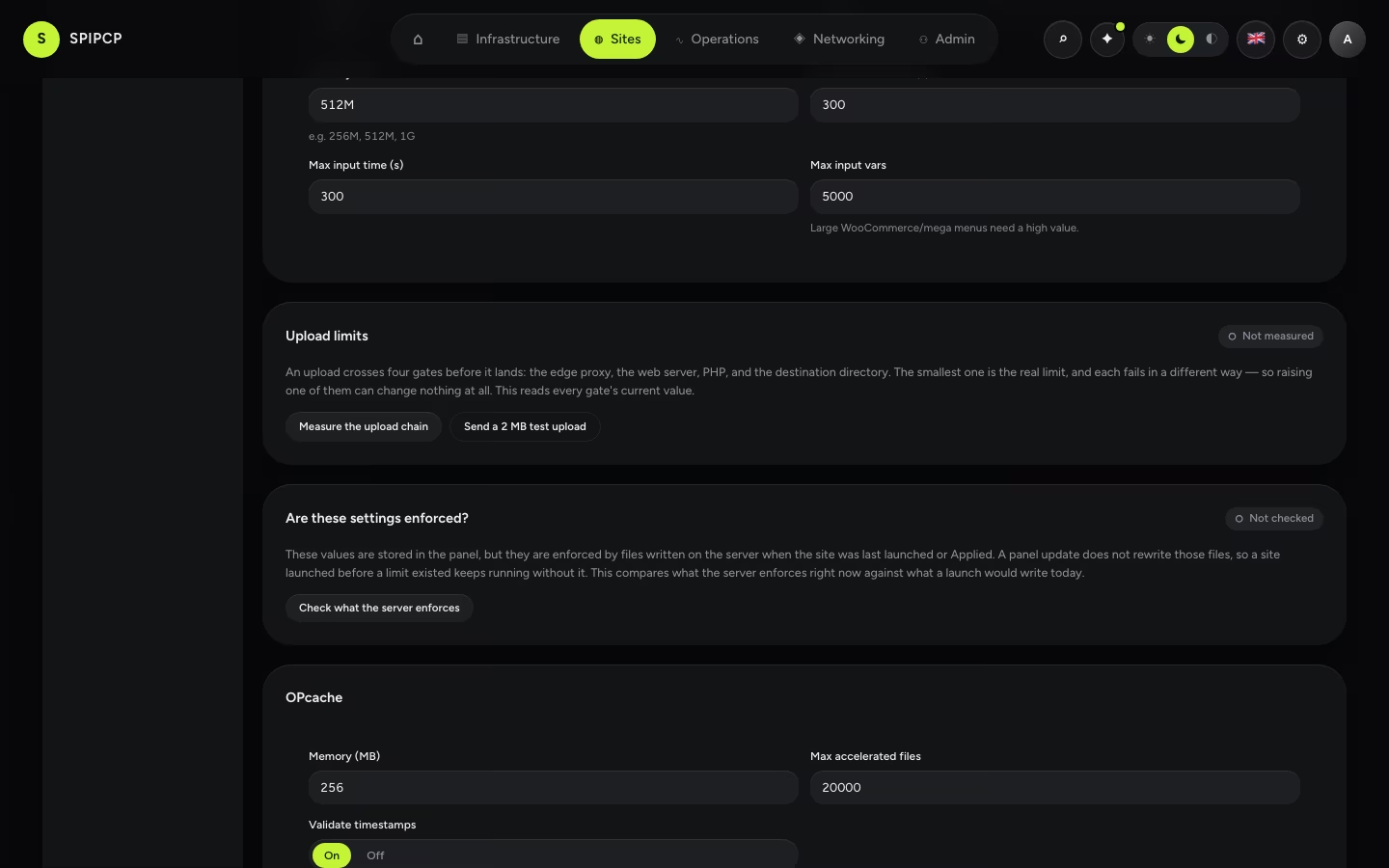
Two things it deliberately will not do:
- A default is not a measurement. A gate that cannot be read is reported as unreadable and the verdict is marked provisional. Filling in a plausible number would recreate exactly the confidence that makes this hard to diagnose.
- An absent directive is a measurement. A web server configuration that sets no
client_max_body_sizereally does enforce the built-in 1 MB, so that is what is reported — labelled with where it came from, because "1m, from the config" and "1m, because there is no config" have completely different remedies.
Sending a real upload
Reading four numbers is a model of the chain, and a model can be right about every value and still wrong about the outcome. Send a 2 MB test upload posts a real multipart body — the size a plugin's own chunked uploader sends — through the actual chain and reports where it stops.
It also reports PHP's limits as the web request path sees them, which is a different set of numbers from the command line's. That reading is what finally explained a live incident where every configuration file looked correct: a limit had been saved without a unit, and PHP reads a bare number as bytes.
It cleans up after itself
The test writes one inert PHP file into the document root for the length of the run and removes it on every exit path — including a timeout or an interrupted request.
Are the limits shown actually enforced?
This is the part that is easy to miss. The values on the Settings tab live in the panel's database. What enforces them is written on the server — the web server configuration and the PHP pool inside the instance, and the route pushed to the node's proxy — when the site was last launched or Applied.
A panel update rewrites none of those. So a site launched before a limit existed keeps running without it, while the Settings tab reads the number it was given.
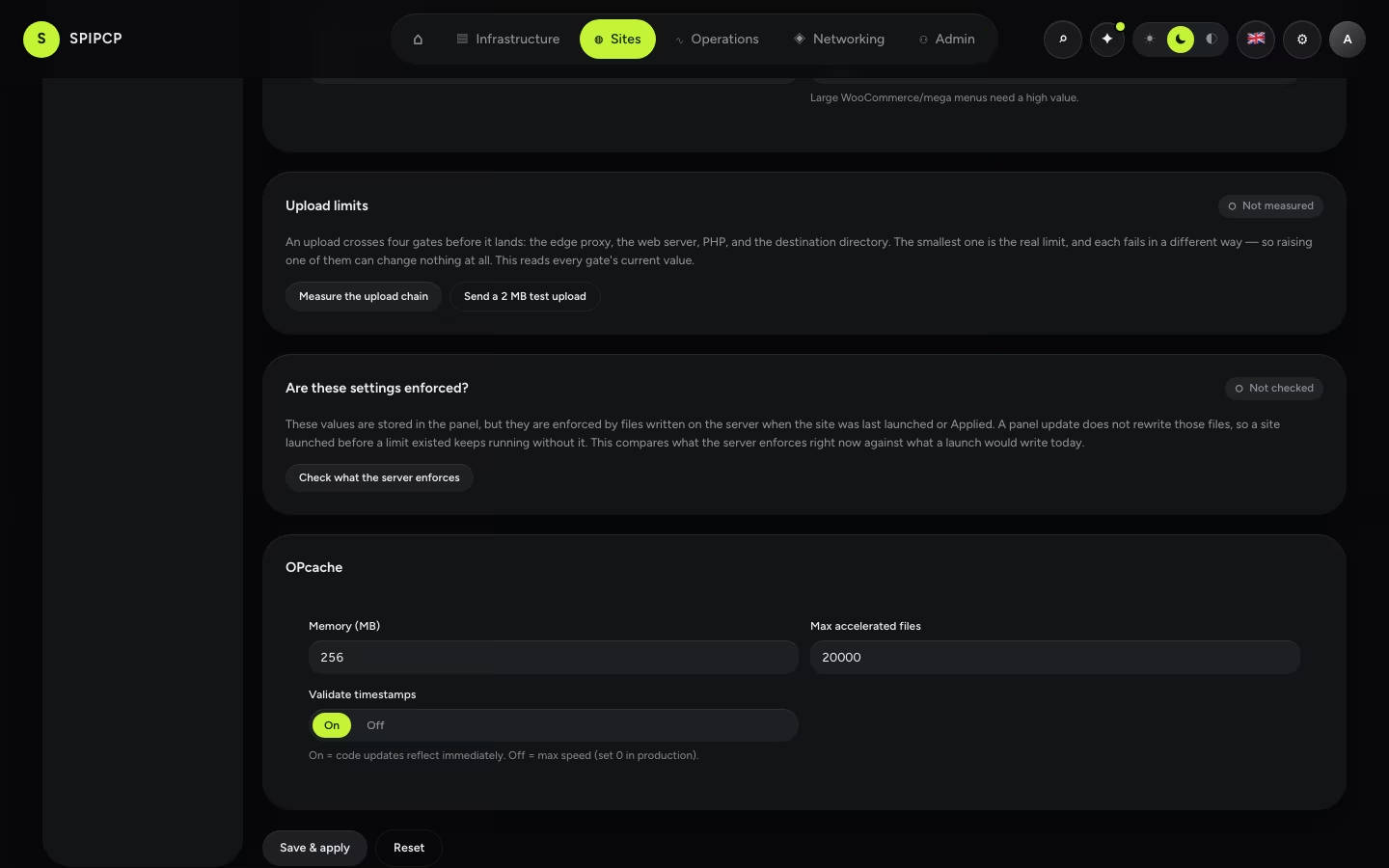
It reads the limits the web path actually uses
PHP reports one set of limits on the command line and another on a web request — the per-site pool is what a page load runs under, and it is the one read here. Confusing the two is how a site running at 256 MB gets reported as running at 2 MB.
Check what the server enforces compares each gate's live value against what a launch would write today, and reports one of three things per gate:
- enforced — the live value is what the panel would write.
- not enforced — they differ, and the difference is shown as expected → actual.
- unreadable — the gate could not be read. This is never counted as drift: acting on a non-measurement would mean repairing a fault that a repair cannot fix.
Apply to enforce them re-runs the site's own Apply — the same relaunch the Settings tab's button runs. There is one thing that writes these files, and it is the launch engine.
Not every tier is a number
Two of the checked tiers are facts rather than ceilings, and both are things the launch writes and
nothing else maintains. The PHP pool's runtime user is below. The scheduled-tasks contract —
the must-use plugin present, and no DISABLE_WP_CRON in wp-config.php — is the other; it is what
keeps backup plugins from reporting a perfectly healthy schedule as broken, and it arrives wrong on
any docroot restored from an older archive. See Scheduled tasks.
The PHP pool's runtime user is one of the checked values
A site's PHP runs as that site's own Linux user, so it cannot read a neighbour's wp-config.php.
That is written at launch like every other value here, so a site launched before it still runs as
the shared www-data — and shows as not enforced against the user it should be running as until
it is Applied. See Many sites, one instance.
After a panel update
The same check runs across the whole fleet whenever the panel's build changes, from Settings → Updates:
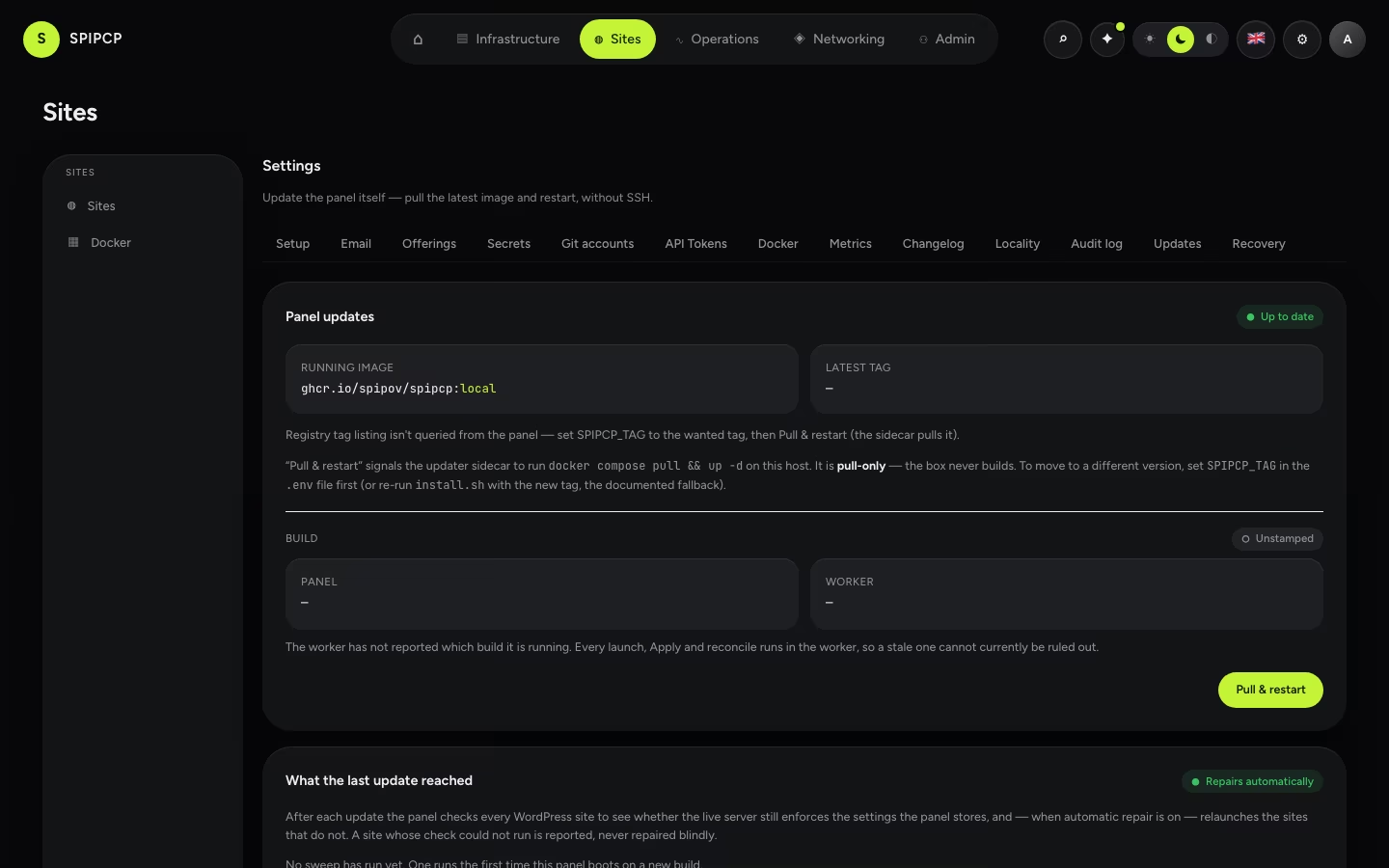
Every WordPress site is checked, and the ones whose live server no longer enforces their settings are relaunched. A site whose check could not run is reported, never repaired blindly, and a repair that fails stays listed rather than disappearing.
It can be switched to report only — drift is then listed here and in Attention, and repair stays a manual Apply. Repairing automatically is the default, because a limit fix that ships and reaches nothing already running has not really shipped.
Which build is running matters more than it looks
The panel and its worker are two processes from one image, and the worker performs every launch, Apply and reconcile. A worker on an older image quietly undoes every fix while the panel renders the current interface and reports each relaunch as a success. The running image tag cannot show this — it is handed to both processes identically — so each image now records the build it was made from, and a mismatch is reported here and in Attention.
Raising a limit properly
Change Upload max filesize and Post max size on the WordPress settings tab and press Save & apply. Everything else follows from those two: the web server's body ceiling tracks the larger of them, and the edge proxy's cap is never allowed below it.
Always include the unit
512M, not 512. PHP reads a bare number as bytes, so 512 is half a kilobyte. The form
requires a unit now, and a value saved without one before is read as megabytes.
→ The settings themselves: WordPress settings. · Getting files onto a site another way: Sites.
WordPress settings
Tune a WordPress site without touching a config file — the fronting web server (nginx or OpenLiteSpeed), PHP limits, OPcache, and page / object caching, applied with one click.
File ownership
A site's docroot has two readers — the site's own Linux owner and the web server — and one ownership contract that lets both do their job. This is what that contract says, how to see whether the files on disk still match it, and the one button that puts them back.