DNSSEC
What DNSSEC is and why it matters, turning it on for a self-hosted zone, the DS-record step at the registrar (and verify DS), key rollover, and the one critical warning — pull the DS at the registrar BEFORE removing DNSSEC, or the zone goes BOGUS.
DNSSEC signs DNS answers so a resolver can prove they really came from the authoritative source and weren't tampered with on the way. Without it, DNS answers can be forged. With it, a forged answer fails validation and is rejected. For self-hosted DNS, where the whole chain is under direct control, turning it on is a strong, cheap win.
How it works here
PowerDNS does the cryptography: enabling DNSSEC on a zone makes PowerDNS generate the keys, sign the zone, and hold the private keys on the nameserver boxes. The remaining step is at the registrar — publishing a DS record that links the parent zone to those keys, completing the "chain of trust" from the root down to the domain.
The panel reads the DS record from PowerDNS and displays it for entry at the registrar. It can't write it there (that's Layer 1, the registrar's side), so as with glue and delegation it guides and verifies.
There is nothing to buy and no “dnssec.io” to sign up for
DNSSEC for a self-hosted zone is entirely contained in the self-hosted stack. No registration with
any third party, no certificate to buy, and there is no external "DNSSEC service" — dnssec.io is not
part of this. Enabling the toggle has the PowerDNS boxes generate the keys and sign the zone; the only
thing that leaves that infrastructure is the public DS record, which is pasted at the registrar once.
The private keys never leave the boxes and never enter the panel database.
Turning it on for a zone
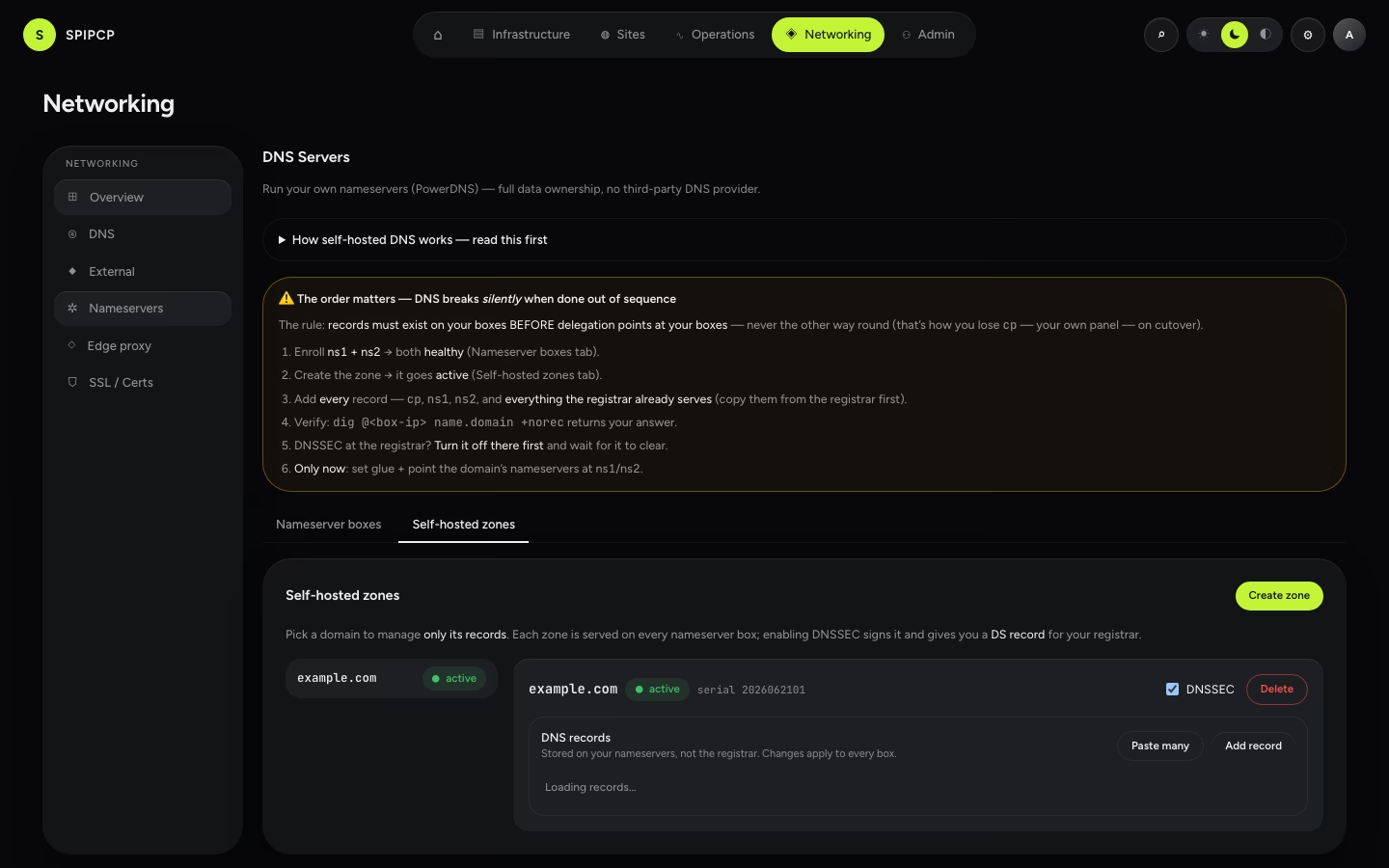
On the zone in Networking → Nameservers → Self-hosted zones (pick the domain in the zone selector), enable DNSSEC. PowerDNS generates the keys and signs the zone on every nameserver box.
The panel shows the DS record (key tag, algorithm, digest type, and digest). At the registrar of that domain, find DNSSEC / DS records and enter the values exactly as shown.
Back in the panel, click Verify DS — it confirms from outside that the parent now publishes a DS that matches the zone's key, so the chain of trust validates end to end.
Add the DS only after the zone is signed
Sign the zone first, then publish the DS. Publishing a DS at the registrar for a zone that isn't yet validly signed tells resolvers to expect signatures that aren't there — which makes the zone fail validation (BOGUS) just like the removal mistake below, only in the other direction. The panel's flow enforces this order: it only surfaces the DS once the zone is signed.
Key rollover
Keys are rotated periodically (a "rollover"). PowerDNS handles the signing side; what changes on the registrar side is the DS. When the signing key rolls, the DS that represents it changes, so the new DS must be re-entered at the registrar and Verify DS run again. The panel shows a pending rollover and the new DS as a signal to update it; validation stays intact through the rollover window.
The critical removal warning
This is the one DNSSEC mistake that takes a domain completely offline — read it before ever turning DNSSEC off.
Remove the DS at the registrar FIRST, or the zone goes BOGUS
Disabling DNSSEC has a strict order: remove the DS record at the registrar first, wait for that to propagate, and only then unsign the zone in the panel.
If the zone is unsigned (or the keys deleted) while the parent still publishes a DS, every validating resolver sees "the parent says this zone is signed, but the answers aren't" — and treats the whole zone as BOGUS, refusing all answers. The domain effectively disappears for anyone behind a validating resolver, even though the records are fine. The cure (pulling the DS, then waiting out the cache) is slow and painful. So: DS out at the registrar → verify it's gone → unsign. Never the other order.
Next steps
- Delegate a domain — get the zone onto the nameservers first.
- Failover — signing rides on top of the two-box pair.
- Self-hosted overview — the architecture and trade-offs.
Failover
Why two nameservers give automatic failover with nothing to configure — resolvers try each NS in turn. What the panel's NS-health probe watches, and what to do when a box goes unreachable.
Git deploys
Deploy a site from git — scoped deploy keys, the fetch→build→release pipeline, zero-downtime cutover, one-click rollback, and push-triggered redeploys.