API tokens
Create a scoped spat_ bearer token so a script can drive /api/v1 without a login. The DNS-onboarding preset, scope intersection, one-time reveal, and revoke/expiry — all admin-only.
An API token lets a machine client authenticate to SpipCP's API with a bearer
header instead of a session cookie — so an onboarding script, a CI job, or a mobile client can drive
/api/v1 without a human login. A token is a spat_… string (SpipCP API Token), scoped
to a permission subset, shown once, and revocable.
A token can never exceed the admin who created it
A token's effective permissions are the intersection of (a) the subset picked at creation and (b) the role of the admin who created it — re-derived on every request. So if that admin is later demoted, the token's reach shrinks with the role. A token can never be minted more powerful than its creator.
Creating a token
Settings → API tokens → Create token (admin-only). Give it a label, optionally an expiry, and pick the permissions it may use:
Label the token to distinguish it from others later — e.g. onboarding script.
Expiry (optional). Leave it blank for a token that never expires, or set a date after which it's automatically rejected.
Permissions. Tick the exact subset the token needs, or click DNS onboarding preset for the common case (below). Keep the set as small as the job requires.
Create token. The raw spat_… token is shown once, right then. Copy it — it's hashed at rest
and never shown again. If lost, revoke it and create a new one.
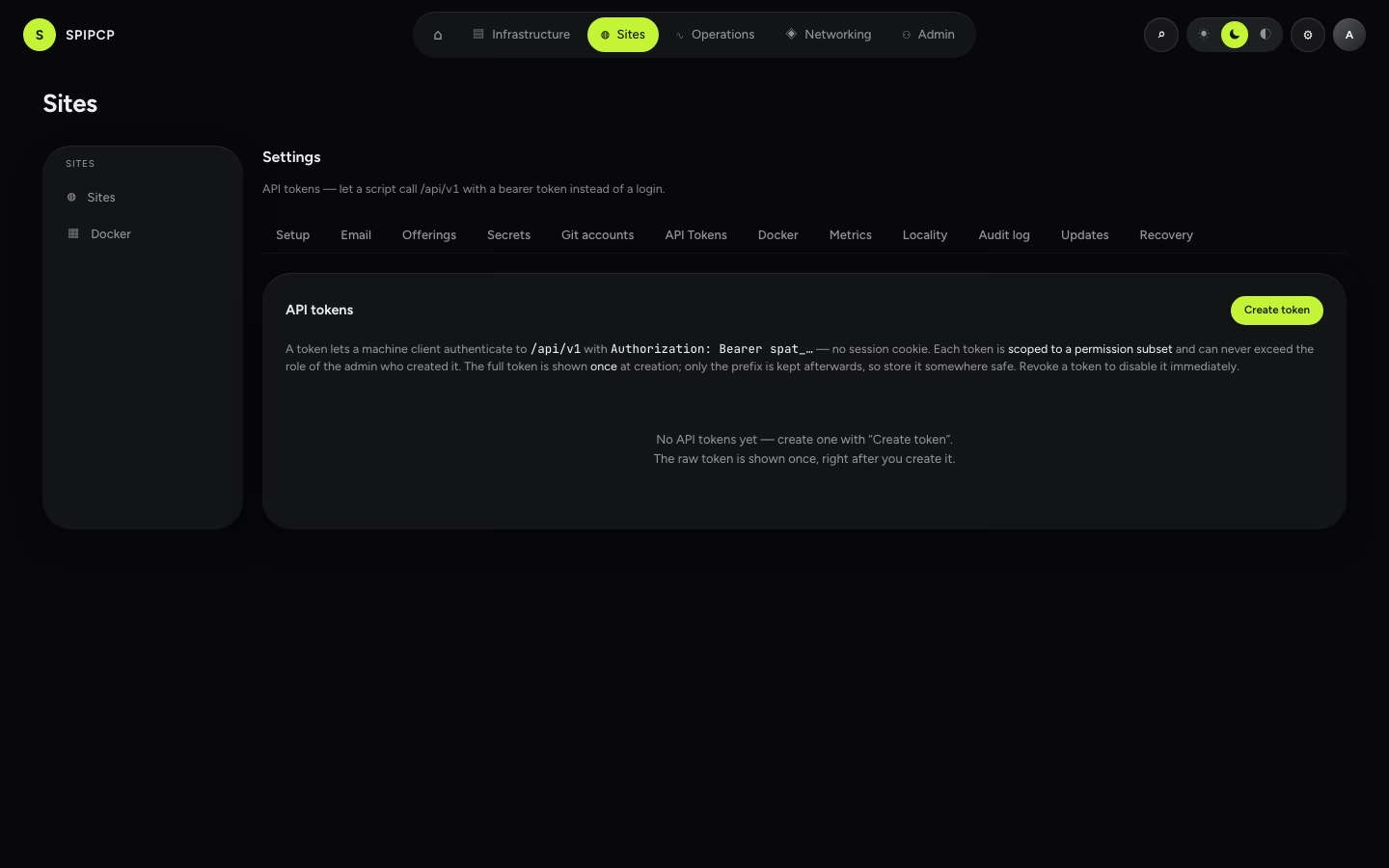
The token list shows only non-secret fields: the prefix (the first few characters, enough to
identify a token without revealing it), the label, how many permissions it carries, its state
(active · expired · revoked), when it was last used, and its expiry. The hash and the raw token
are never in any response.
The DNS-onboarding preset
The DNS onboarding button selects exactly the permissions a scripted subdomain onboarding needs — no more:
| Permission | Why the script needs it |
|---|---|
domains:view | Read domains + zones, poll the cert state. |
domains:manage | Attach the domain, upsert a self-hosted DNS record. |
settings:view | Resolve the effective DNS provider account for the site (the cascade). |
That is the exact set the onboarding script
drives — so the preset button and the script's documented requirements can never drift. Because the
effective grant is intersected with the creator's role, the token must be minted as an admin (an
operator's role doesn't include domains:manage).
Using a token
Send the raw token as a bearer header on any /api/v1 request:
curl -X POST https://panel.example.com/api/v1/domains/get \
  -H "Authorization: Bearer spat_xxxxxxxx" \
  -H "Content-Type: application/json" \
  -d '{ "id": "<domain-uuid>" }'
The token authenticates as a synthetic principal whose permissions are the intersection above; the per-procedure permission checks then work exactly as they do for a logged-in user. A call to a procedure outside the token's scope returns 403; a revoked or expired token returns 401.
Revoking and expiry
Revoke on a token's row disables it immediately — a revoked token is rejected on the next request and can never be re-activated (mint a new one instead). A token with an expiry past its date is likewise rejected automatically. Both create and revoke write an audit entry (label + prefix, never the raw token).
Turn the whole feature off per installation
Programmatic tokens can be disabled entirely under Offerings — then minting a token is a 403 and this settings entry is hidden. The default is on.
Site-bound tokens
A token minted from a site's Custom hostnames card (rather than this Settings page) is bound to that one site and scoped to custom-hostnames permissions only — it authenticates the same way, but a per-procedure check additionally rejects any call against a different site (403), so a leaked site-bound token's blast radius is one site's DNS automation, never the fleet. See Custom hostnames and the Custom hostnames API.
Next steps
- Domains & Routes API — the procedures a DNS-onboarding token drives, and the end-to-end onboarding sequence.
- Custom hostnames API — the site-bound token variant, for an app whose customers bring their own domains.
- Offerings — open or close the API-token feature for the installation.
- Networking → SSL/TLS — what gets issued once a domain is attached.
SSL issuer accounts
Connect alternative certificate authorities — ZeroSSL or Actalis (ACME with EAB) and self-supplied custom certificates — and cascade an issuer default down node → instance → domain. EAB keys and private keys never reach a node.
Offerings
The operator switchboard — open or close each DNS posture, provider, certificate scenario, and the API-token feature for the whole installation. Closed means hidden in the UI and refused server-side. Defaults are all-on.