Users & Roles
Invite people to the panel and give them a role. Admin-only.
Users & Roles manages who can sign in and what they can do. SpipCP is invite-only after the first admin — there's no open sign-up — so people get in only through an invite sent from here.
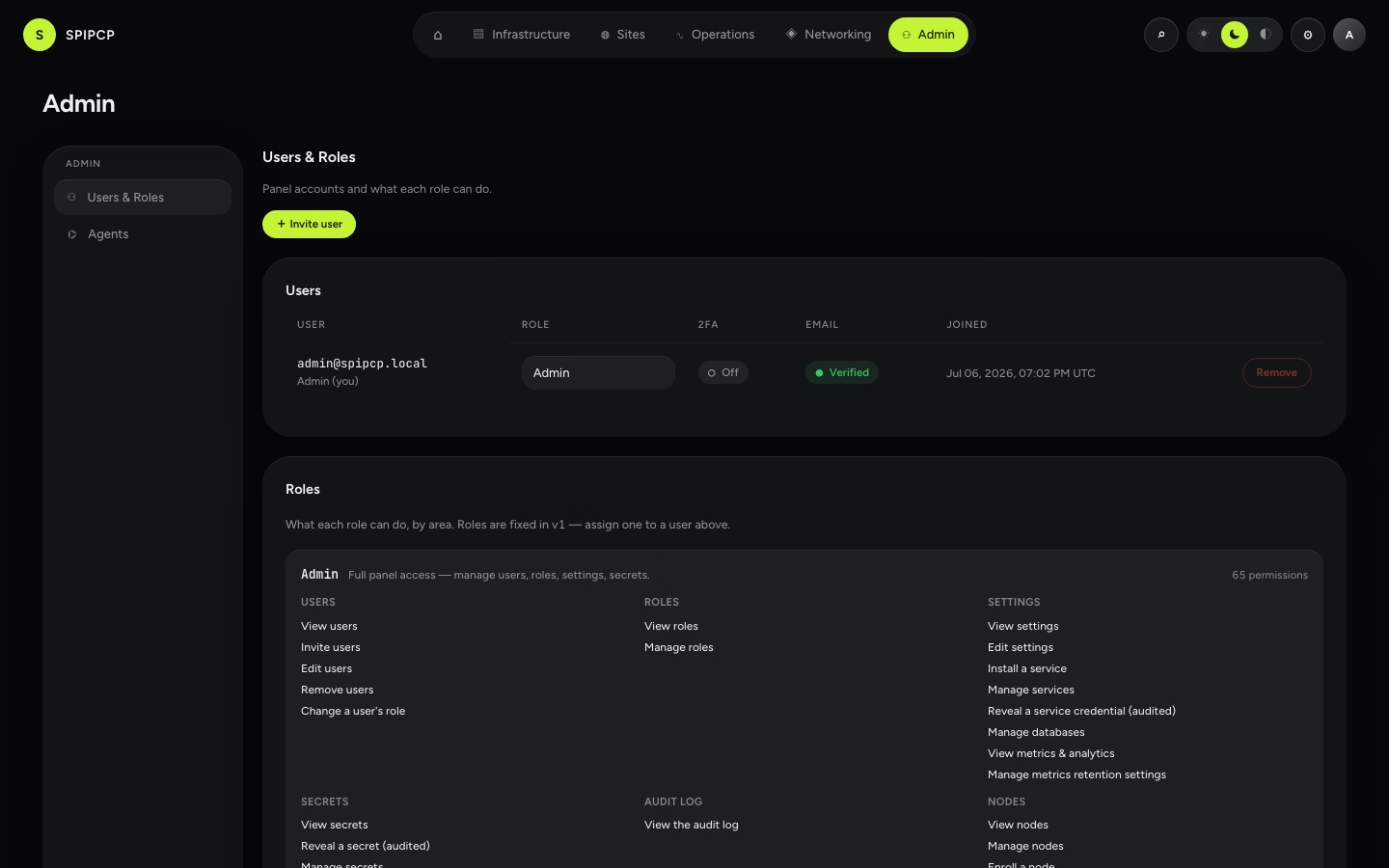
Roles
Each user has exactly one role:
| Role | Sees | Can do |
|---|---|---|
| Admin | Everything | Every action, including Settings, Users, and the audit log. |
| Operator | The whole fleet | Day-to-day operations, but not admin surfaces (Settings, Users, audit). |
| Developer | Nothing in the panel | An in-instance SFTP user, not a panel login. |
Permissions are enforced on the server
Hiding a menu from an operator is just a convenience — the server refuses any action a role doesn't hold. The first account ever created becomes the admin automatically.
Inviting someone
Invite user sends an email invite; the recipient sets their own password and, optionally, two-factor. The role is picked at invite time, and can be changed or revoked later.
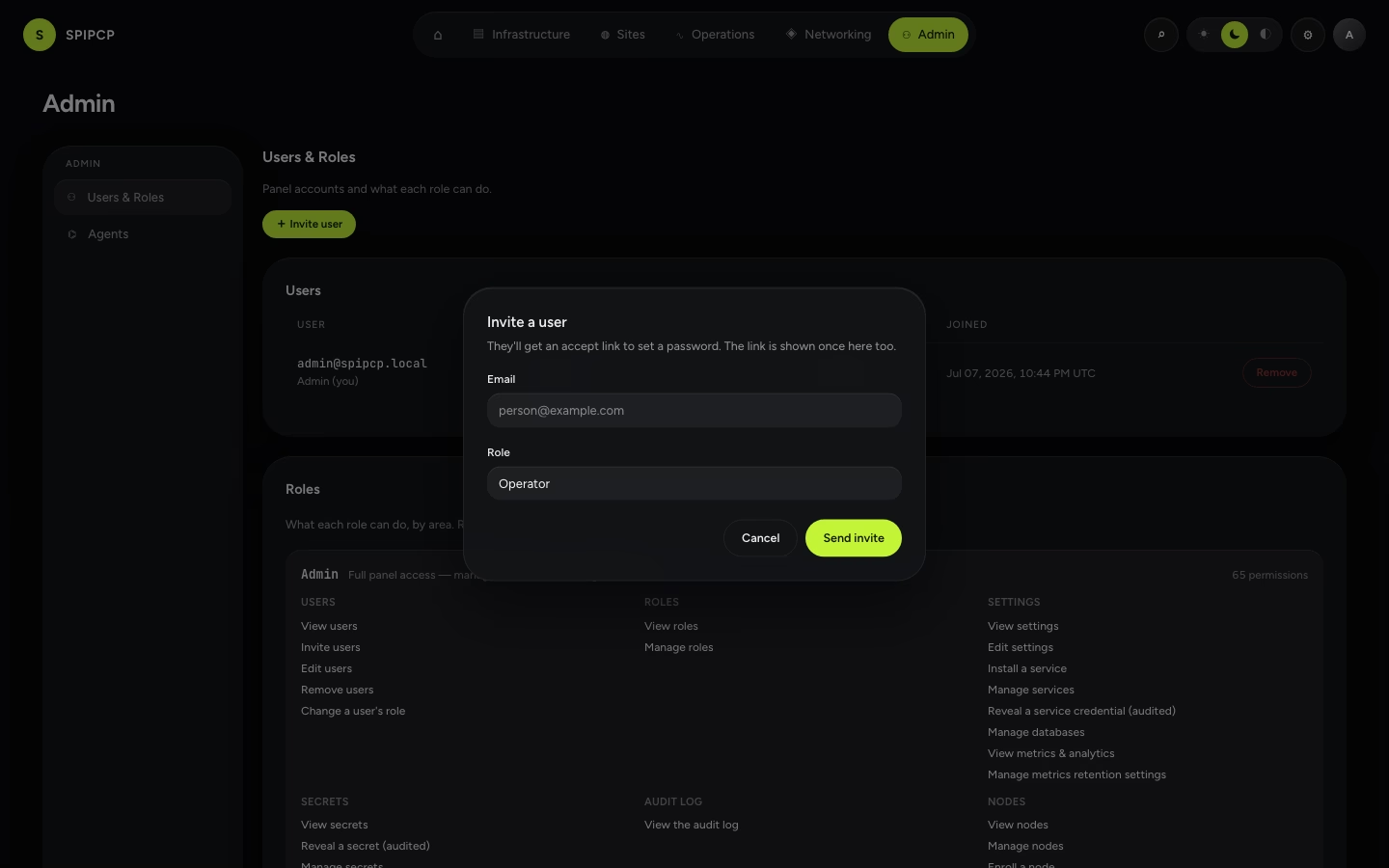
| Control | What it does |
|---|---|
| Invite user | Email an invite and assign a role. |
| Change role | Move someone between admin / operator. |
| Revoke | Remove a user's access. |
→ Sign-in, two-factor, and recovery: Accounts & sign-in. · Planned per-resource access: Team access.