Settings
Panel-wide configuration — email, encrypted secrets, git accounts, locality, and the audit log. Admin-only.
Settings is the admin area for panel-wide configuration — a set of pages in the sidebar, each covered below.
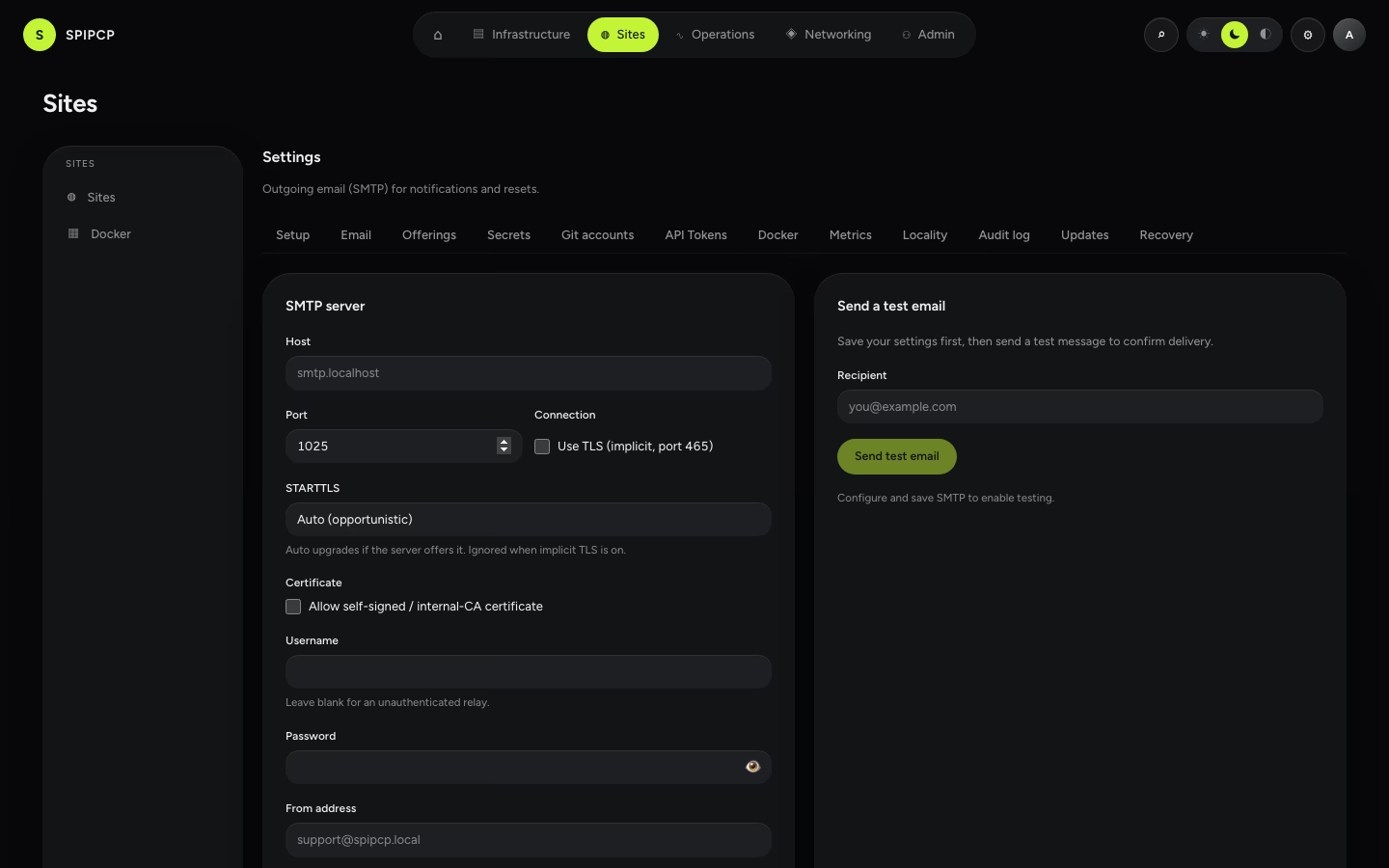
Configure the SMTP server SpipCP uses to send invites, password resets, and monitoring alerts. Email settings are stored encrypted, and login never depends on email — so a broken mailer can't lock anyone out.
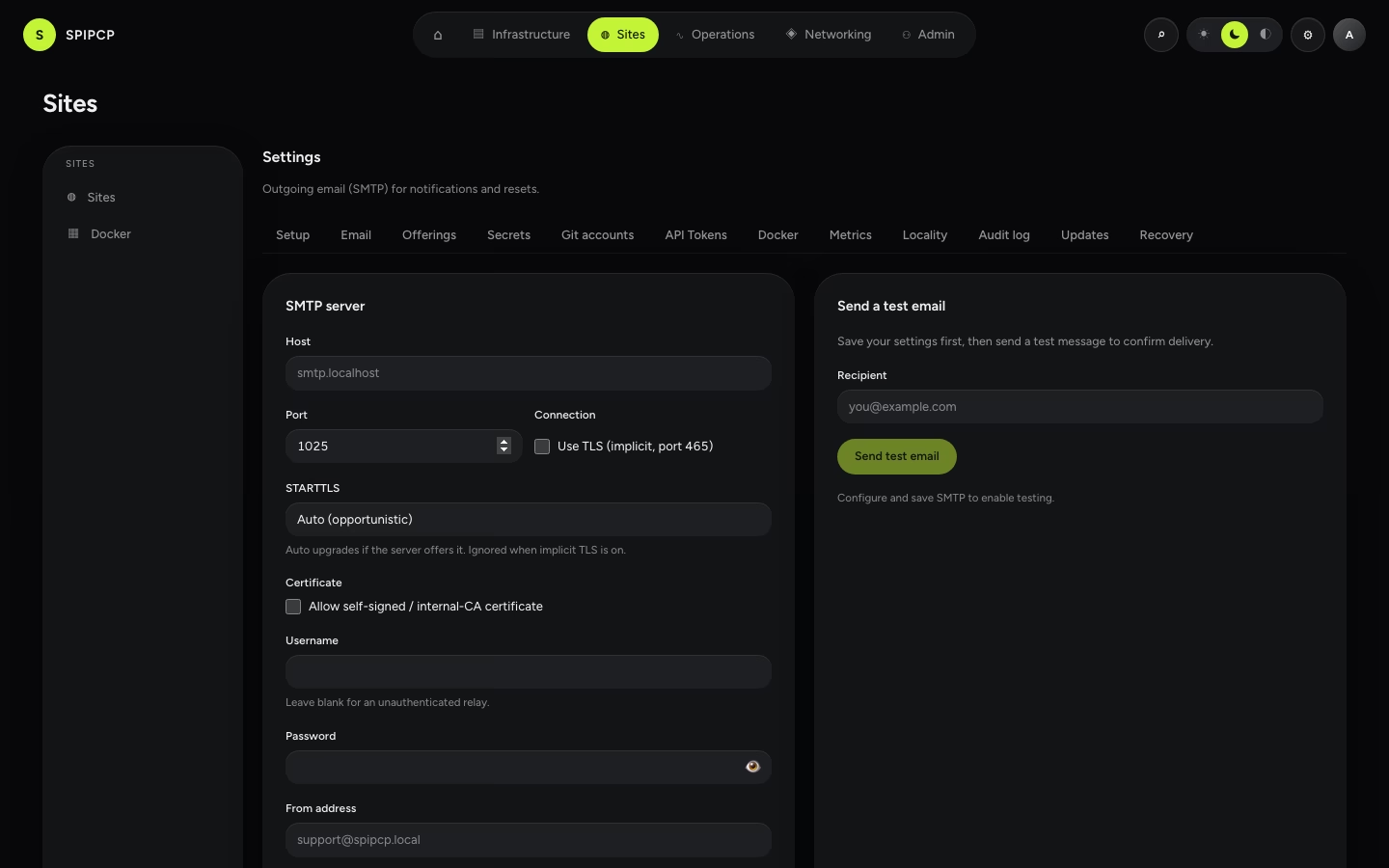
→ Detail: Setup wizard.
DNS providers
Named DNS credentials — Cloudflare, Bunny, Hetzner, deSEC, or Gcore — that let SpipCP create DNS records automatically when a domain is attached. The API token is encrypted and never reaches a node, and an account can be set as a default that cascades node → instance → domain. To run self-hosted nameservers instead, see the DNS section.
→ Full page: DNS providers.
SSL issuers
Alternative certificate authorities for HTTPS — ZeroSSL or Actalis (ACME with EAB) and self-supplied custom certificates. Let's Encrypt is the default and needs no account. Secrets (EAB HMAC keys, private keys) are encrypted and never reach a node; the chosen issuer cascades node → instance → domain.
→ Full page: SSL issuer accounts.
Secrets
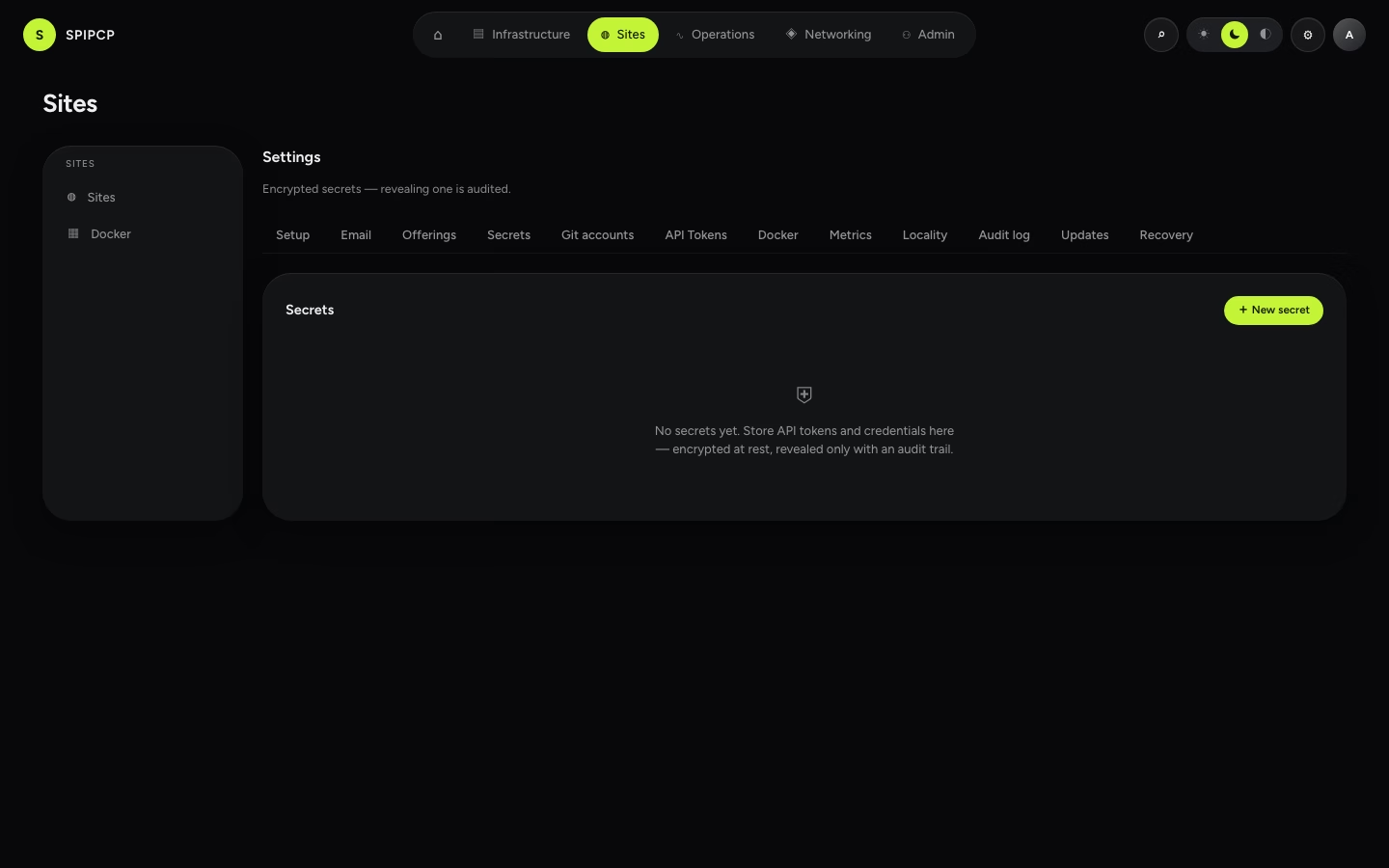
The encrypted secret store. Secrets are kept encrypted, and revealing one is audited, so there's a record of every time a secret was viewed.
Git accounts
Reusable provider credentials (GitHub, GitLab, Bitbucket, Gitea) used to browse repos and register deploy keys. The token stays in the panel and never reaches a node.
→ Full page: Git accounts.
Locality
The panel's default timezone and locale, plus per-user overrides — so timestamps and formats read the way each person expects.
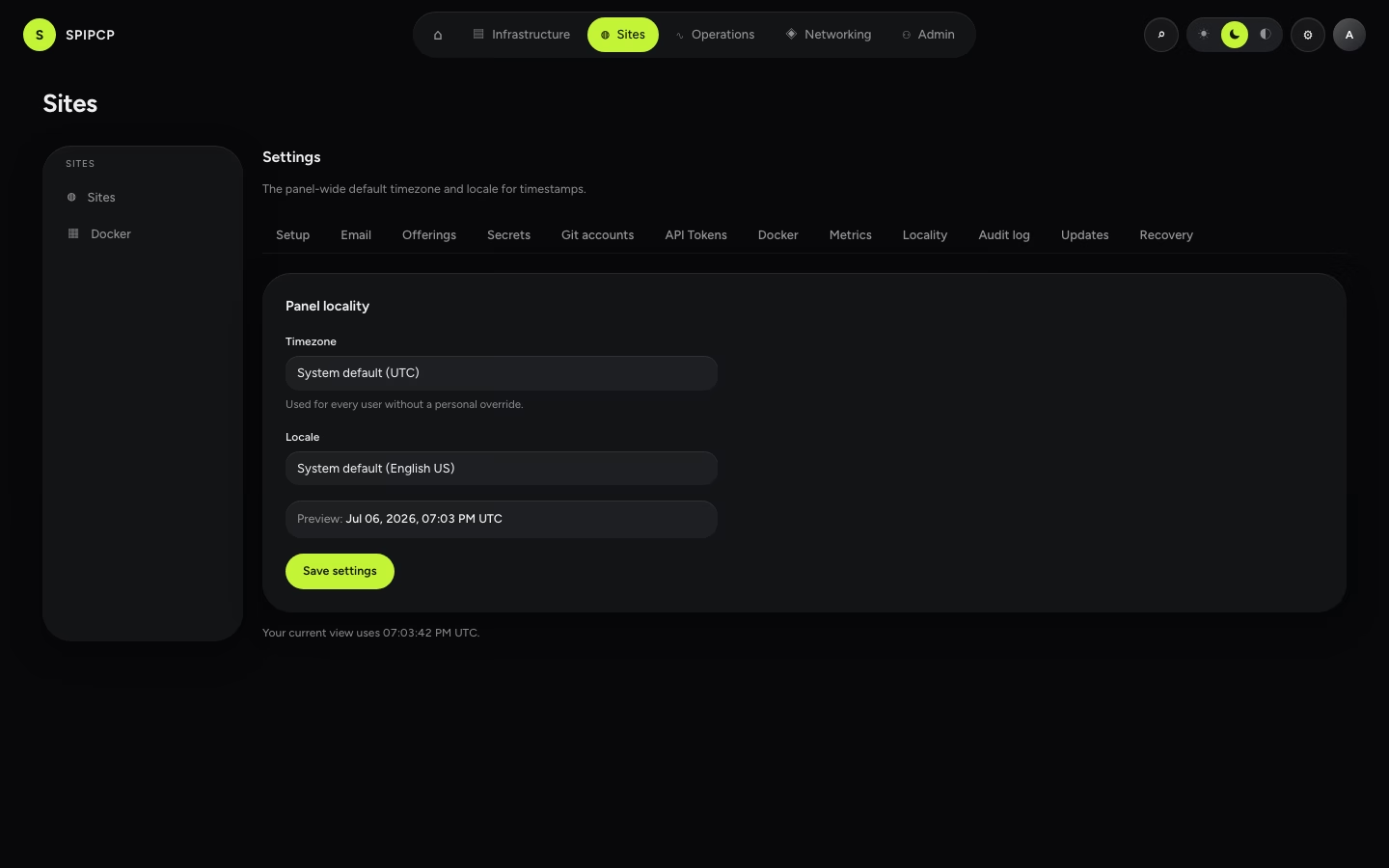
→ Detail: Locality.
Changelog
Not a Settings page but its own item in the Admin group: where a release is written — version, severity, summary, and items tagged new / improved / fixed — saved as a draft and published in one click. A draft is invisible everywhere until published. Publishing can notify users in-app and by email (each user can turn release email off in their own preferences; it is on by default), and POSTs a signed webhook to anything listening.
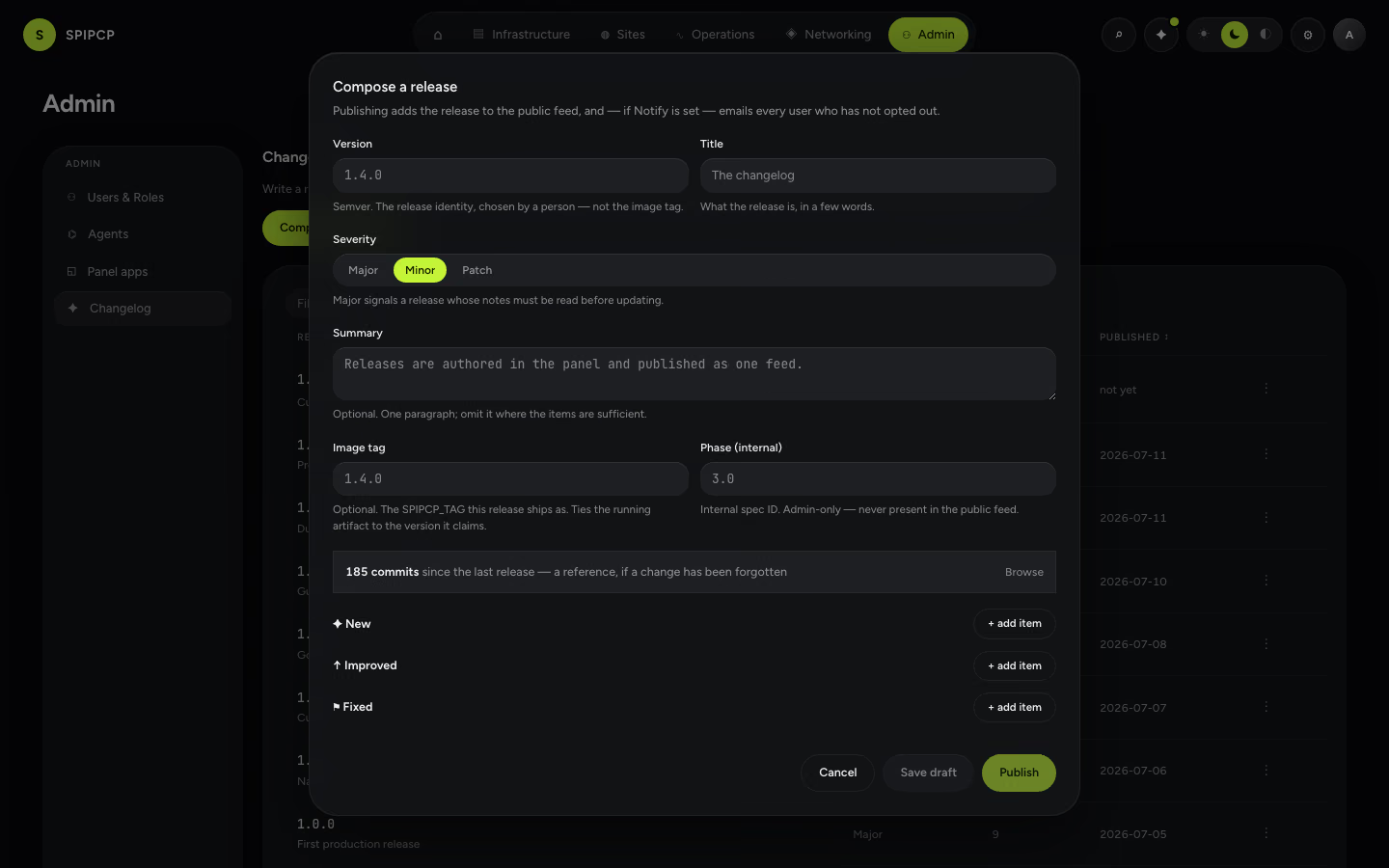
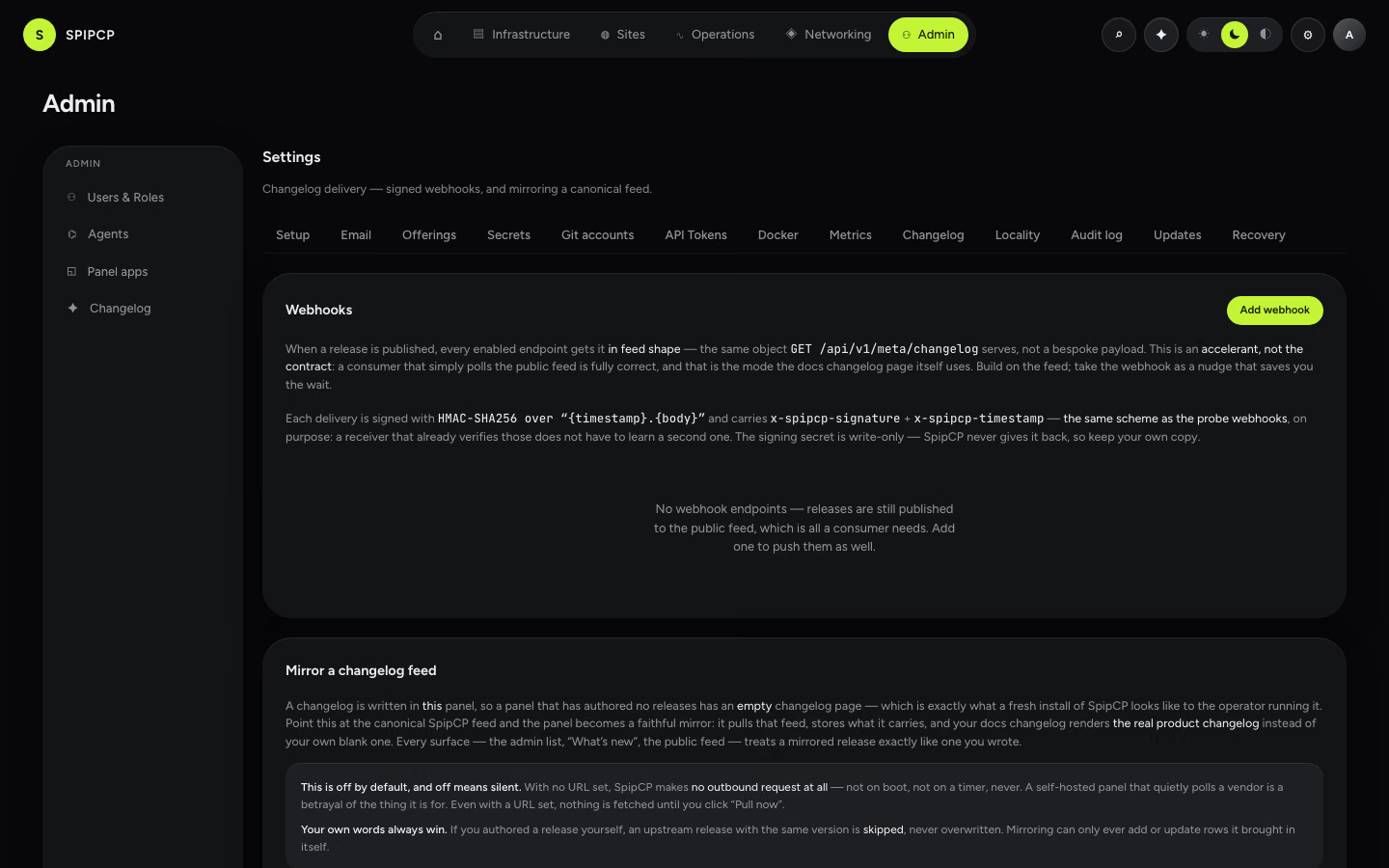
Delivery is configured on Settings → Changelog: the webhook endpoints that get every published release (signed with HMAC-SHA256, the same scheme as the probe webhooks), and mirror mode — pointing the panel at a canonical feed makes it render that changelog instead of its own blank one. Mirroring is off by default, and off means no outbound request at all.
| Permission | Grants |
|---|---|
changelog:view | Read the releases and the "what's new" panel. Held by operators. |
changelog:manage | Write, publish, unpublish, delete a release (admin-only). |
Published releases become the public feed the docs changelog renders.
→ Consume it: Changelog API. · What the numbers mean: Versioning.
Audit log
The append-only record of accountable actions — who did what, when. Also reachable from Activity in the sidebar.
→ Full page: Audit log.
Admin only
Settings is admin-only. Operators don't see it in their navigation, and the server refuses the underlying calls either way — hiding the menu is just a convenience on top of that.
DB console & restarts
Open the site's database in Adminer behind a single-use, short-lived token gate, copy password-free connection snippets, and restart a service (nginx / PHP-FPM / the app unit) from the site workspace — with the panel asserting the unit came back.
Users & Roles
Invite people to the panel and give them a role. Admin-only.