Metrics
The fleet-wide metrics-history retention settings — how long raw samples and hourly rollups are kept before the panel prunes them.
Settings → Metrics holds the retention windows behind every chart on the dashboard, node, instance, and site resource trends. Operators can view the page; only admins can save, so Save shows a permission error for a read-only operator. Both values are stored encrypted, and changes are audited like any other setting.
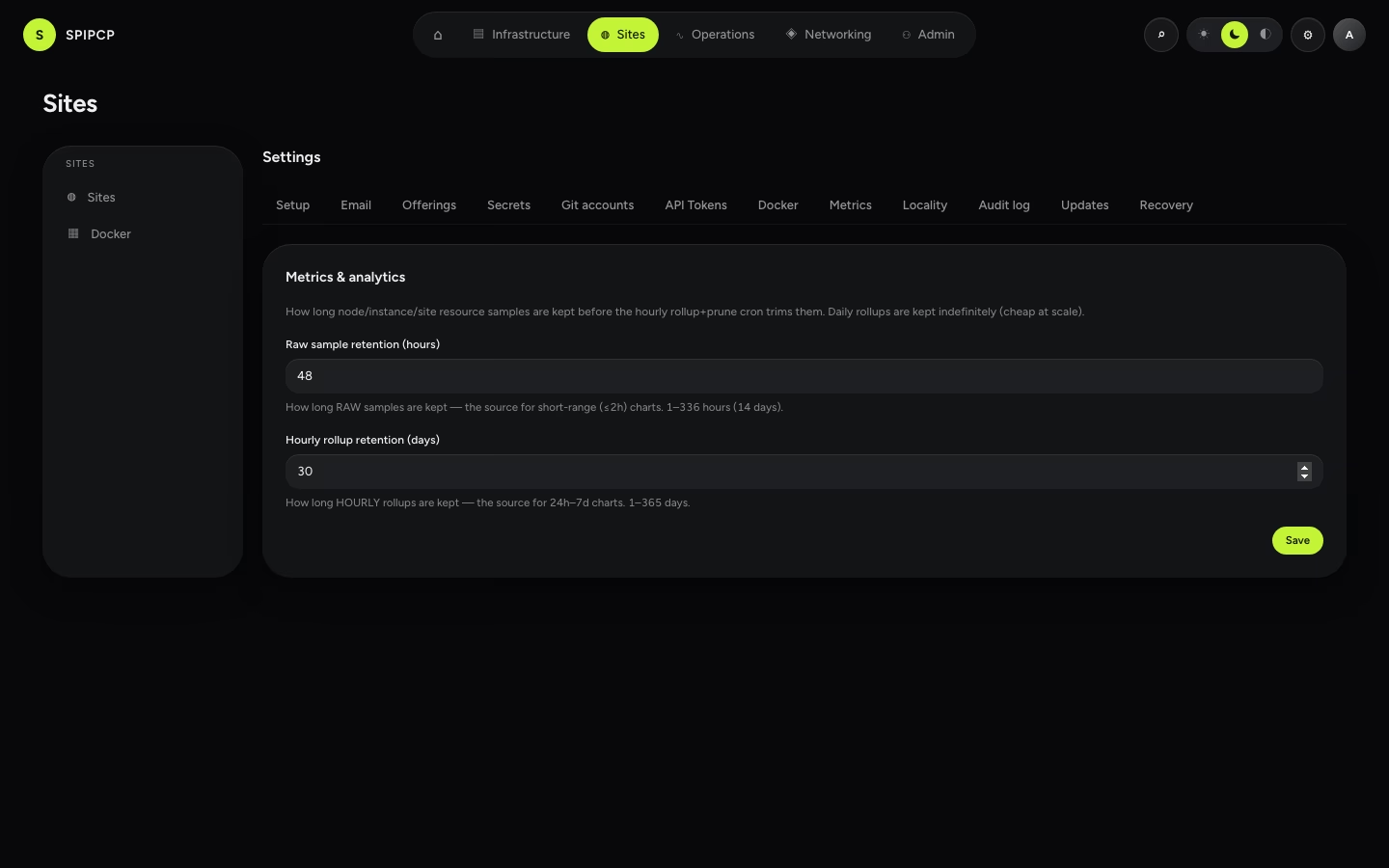
Raw sample retention
How long raw samples are kept before the hourly rollup+prune cron trims them (1–336 hours / up to 14 days, default 48 hours). Raw samples are the source for short-range (≤2h) charts and the basis for hourly rollups — once a bucket has been rolled up, the raw rows behind it are expendable.
Hourly rollup retention
How long hourly rollups are kept before their own prune trims them (1–365 days, default 30 days). Hourly rollups are the source for 24h–7d charts. Daily rollups are kept indefinitely — cheap at fleet scale, so there's no daily-prune setting.
A changed retention window takes effect on the rollup cron's next hourly tick — no restart needed.
→ See Analytics for how the history behind the charts is collected and rolled up.