Administration
Account
Manage sign-in — sessions, two-factor security, and personal preferences.
The account menu covers personal access and preferences for the signed-in user. It's separate from Users & Roles, which manages other people. It has three pages.
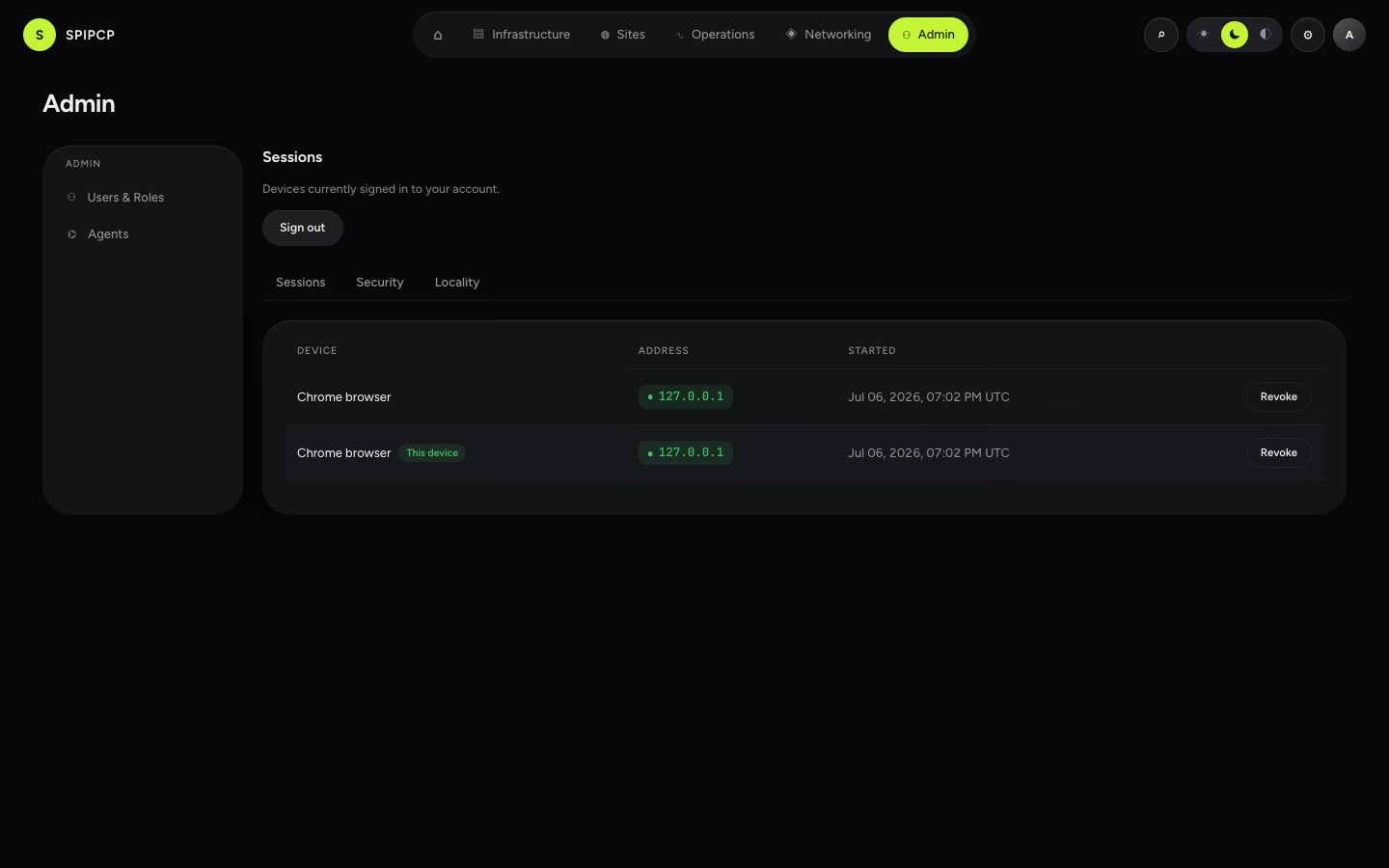
Sessions
Every active sign-in for the account, with its device, IP, and last-seen time. Revoke any session to drop it — revoking the session in use signs out immediately.
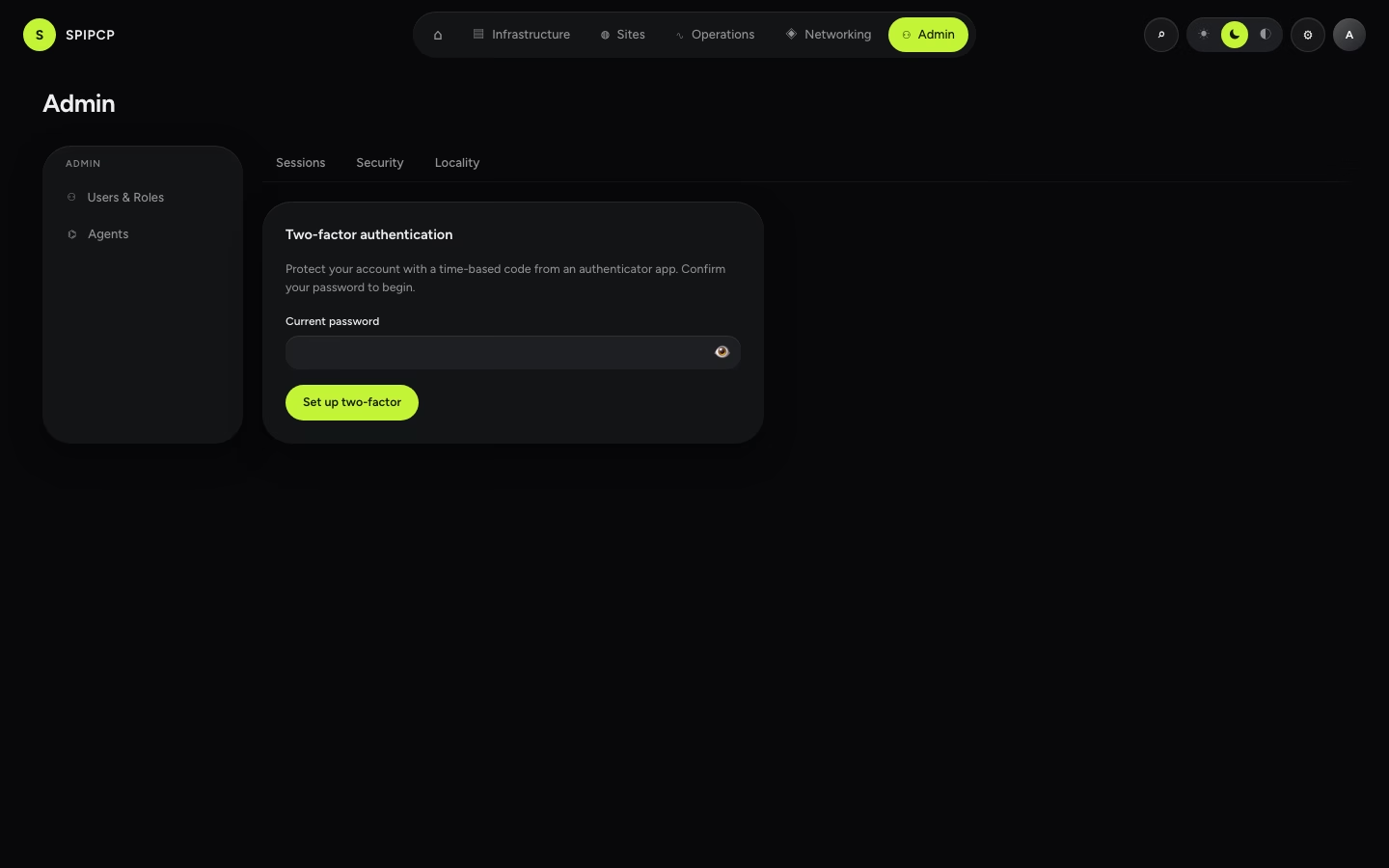
Security (two-factor)
Turn on TOTP two-factor (an authenticator app) and manage recovery codes. Password + TOTP always works for sign-in; recovery codes restore access if the authenticator is lost.
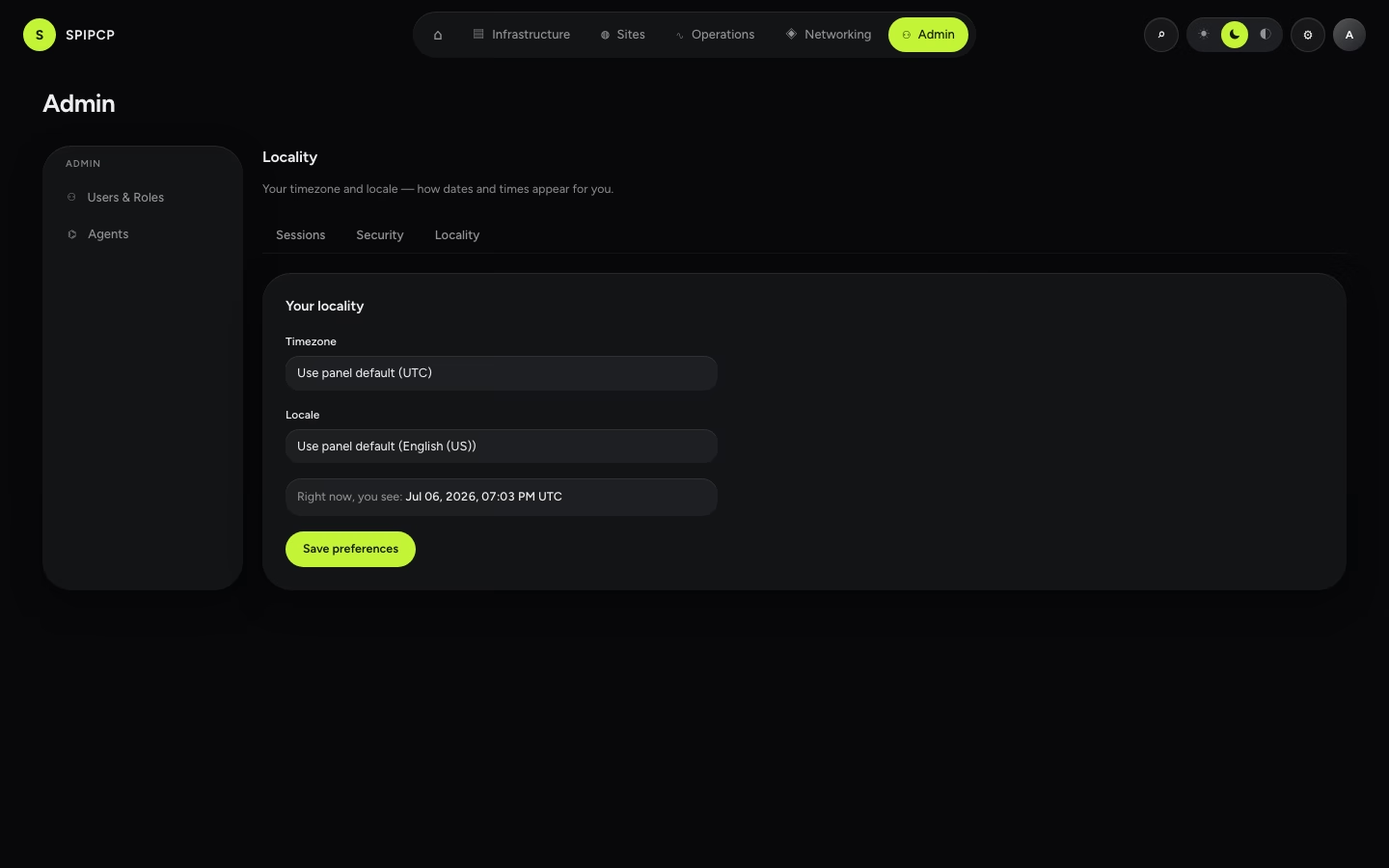
Preferences
Personal display settings — theme (light / dark / system) and a timezone and locale override.
→ More on sign-in and recovery: Accounts & sign-in.