Audit log
The append-only record of accountable actions on the panel.
The audit log is the panel's record of who did what. It is append-only: nothing can edit or delete an entry, so the log is a permanent record. Admins view it under Settings → Audit log (also reachable from Activity in the navigation). Operators can't see it.
What is recorded
Each entry has the action, who did it (id + email), an optional target, extra details, and a timestamp. The recorded actions are:
| Action | Written when |
|---|---|
auth.login | A new session is created (a login). |
user.invite | An admin issues an invite. |
user.set-role | A user's role is changed. |
session.revoke | A session is revoked. |
settings.smtp.save / settings.smtp.seed | SMTP settings are saved or seeded from env. |
settings.locality.save | The panel-default locality is changed. |
secret.create / secret.update / secret.delete | A secret is written or removed. |
secret.reveal | A secret's plaintext is disclosed. |
Two kinds of logging
Logging behaves differently for the two most sensitive actions:
- Secret reveal — the entry is written before the secret is shown. If the log write fails, the reveal is cancelled. A secret is never revealed without a record.
- Login — logging never blocks a login (the panel is what gets reached when things are broken), so if the log write fails, the login still works and the error goes to the server log.
Viewing
The log lists events newest-first, with timestamps in the configured locality. It is read-only — no entry can be changed from the UI.
Activity analytics
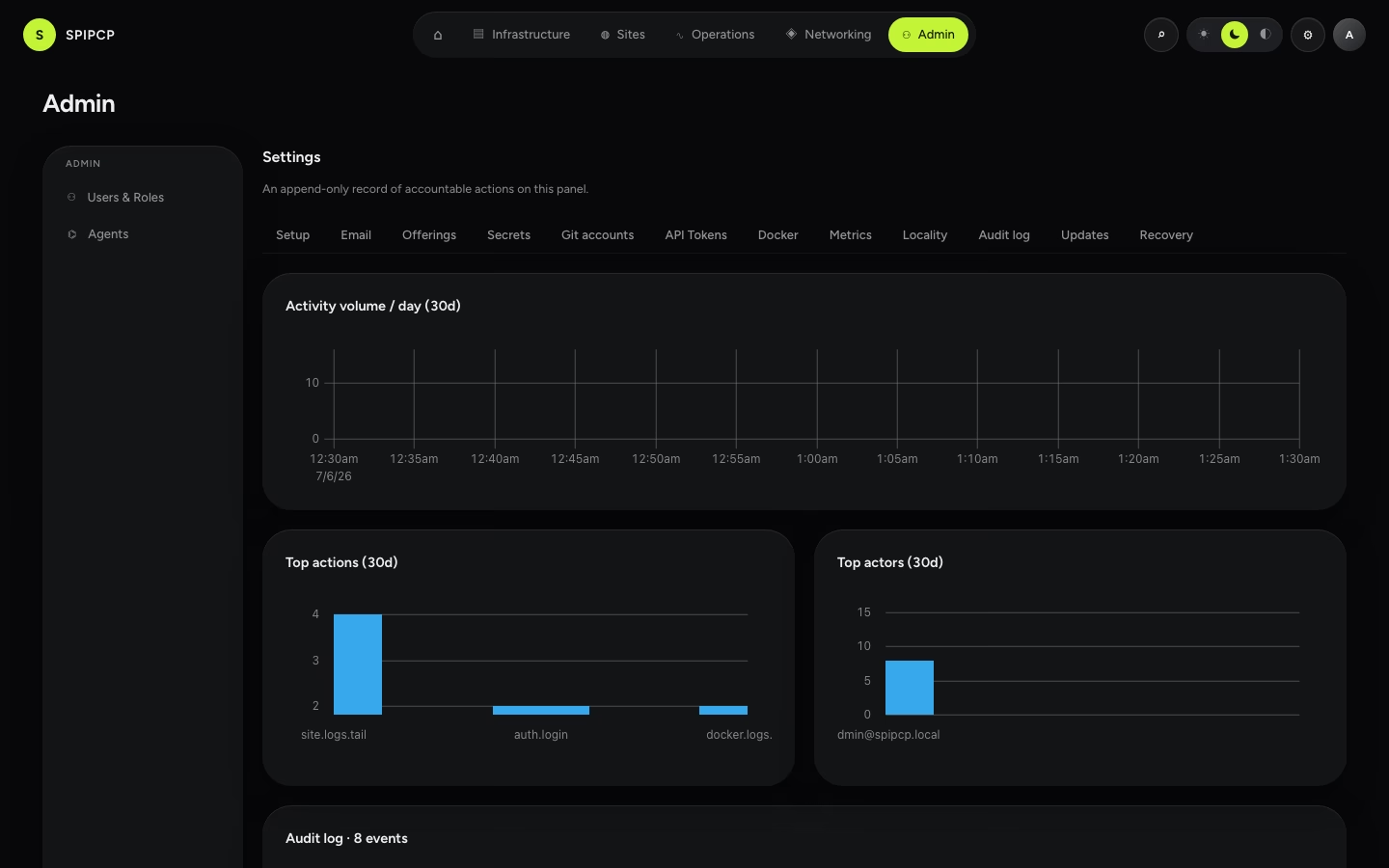
Above the row table, three charts summarize the last 30 days: an activity volume trend (events
per day), the top 10 actions (which kind of event happens most), and the top 10 actors (who's
generating the most activity). Useful for spotting an unusual spike — a burst of secret.reveal
calls, or a single account doing far more than everyone else.