Screenshot index
Every product screenshot in these docs, in one place — a contact sheet linking each image to the page it documents, and the one command that regenerates them all.
This is the contact sheet for every screenshot in the documentation. Each tile links to the page it
appears on; the filename below it is the image under spipcp-docs/public/img/. It doubles as a
checklist — anything showing the camera placeholder instead of an image hasn't been captured yet.
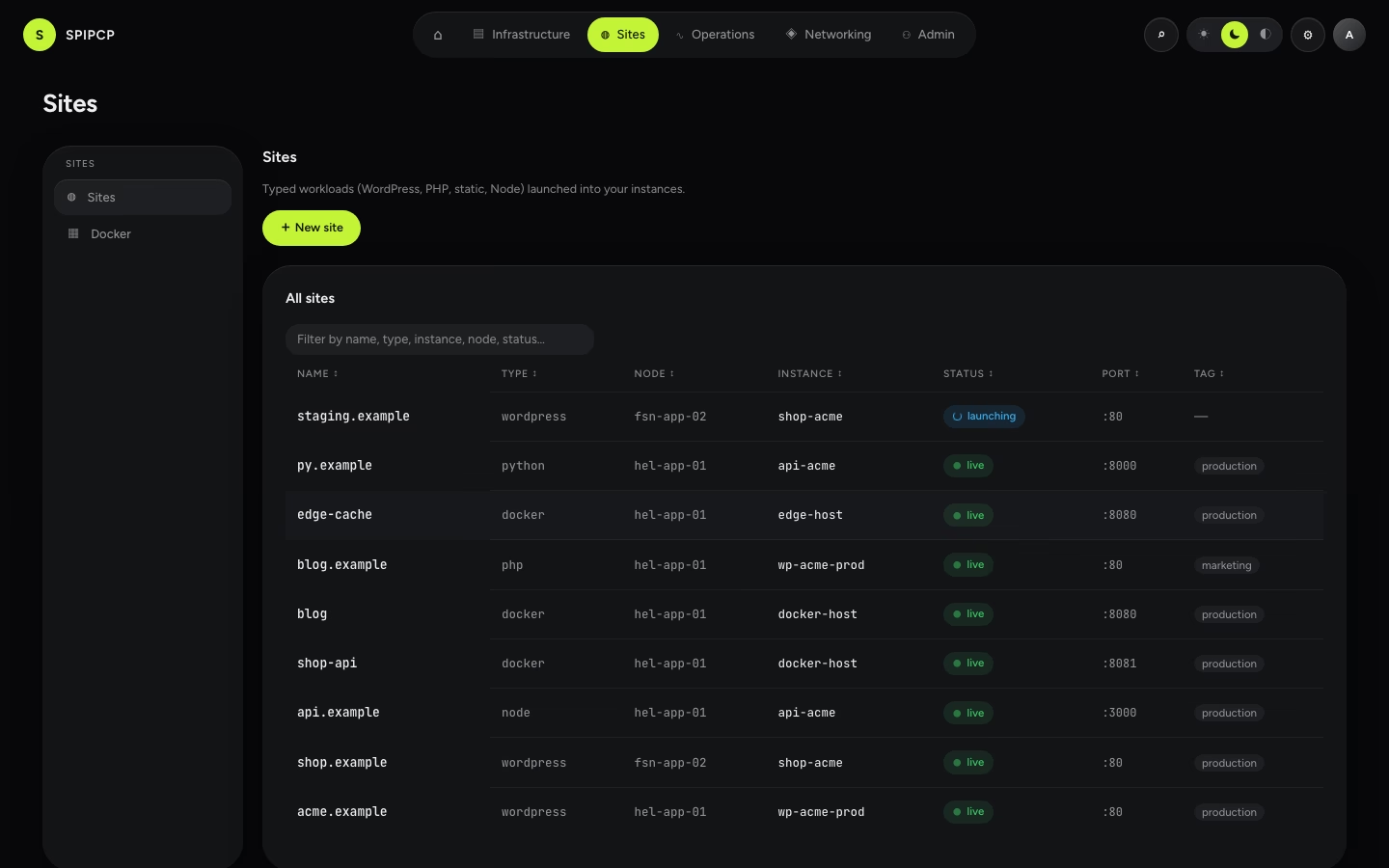
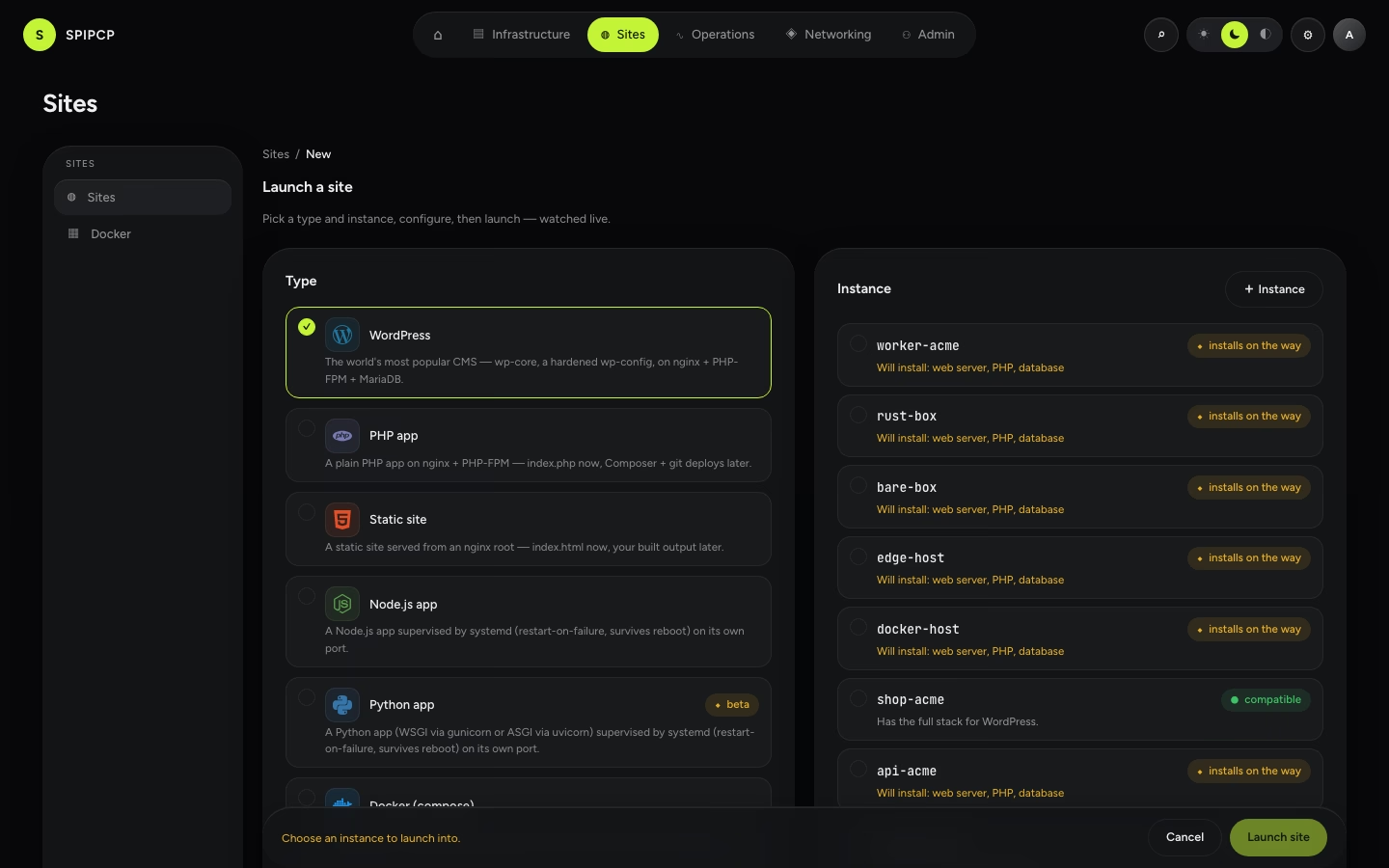
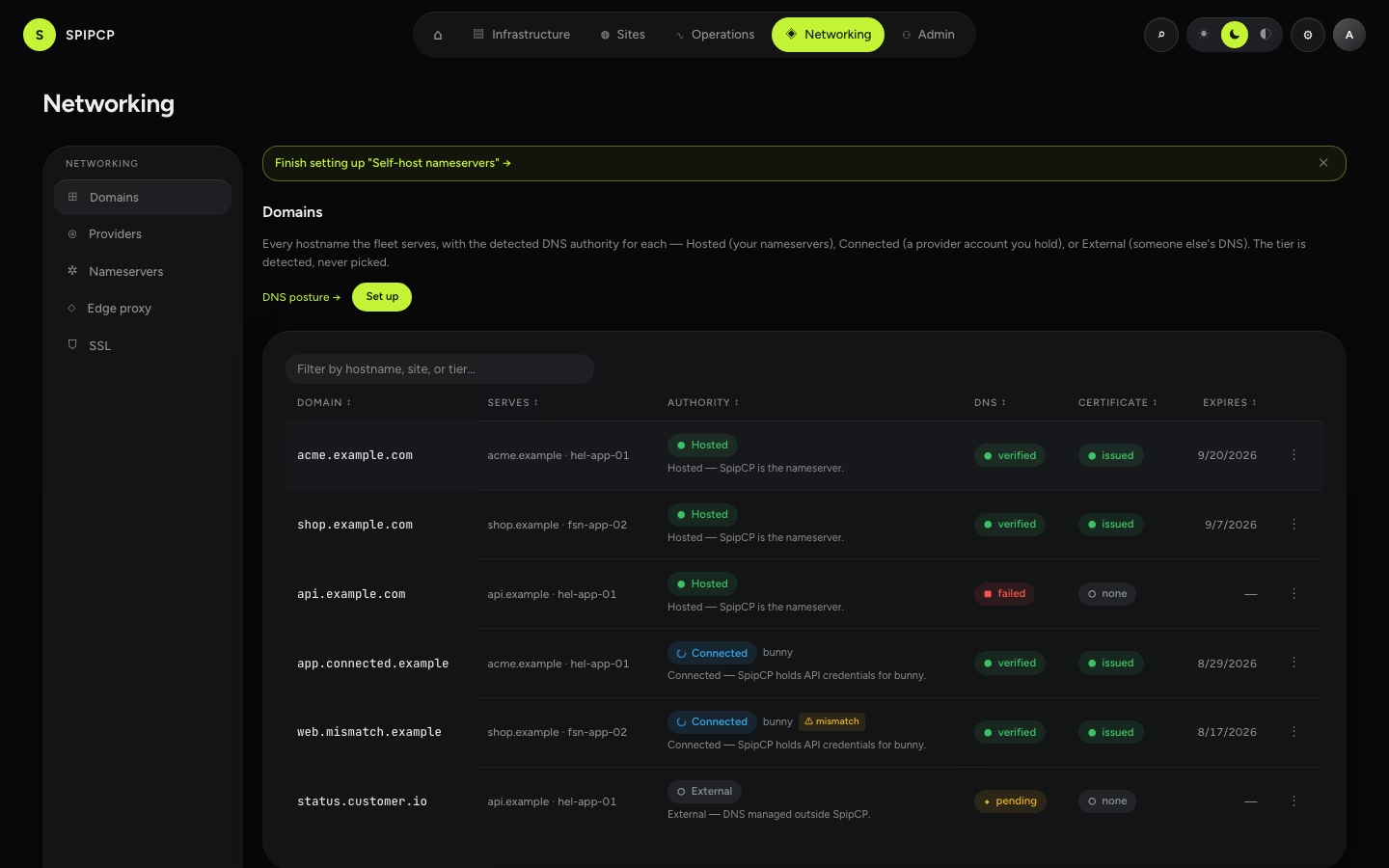
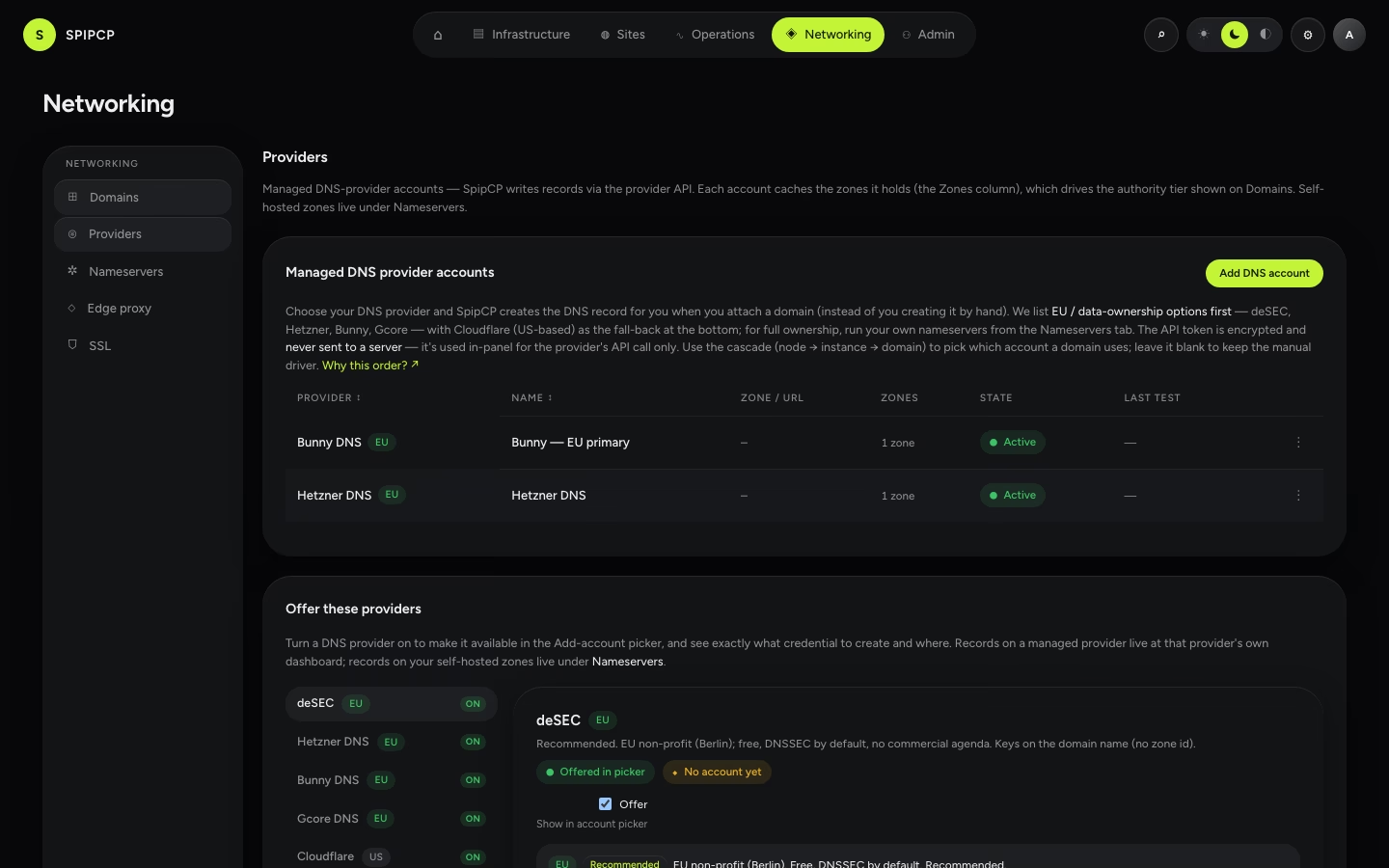
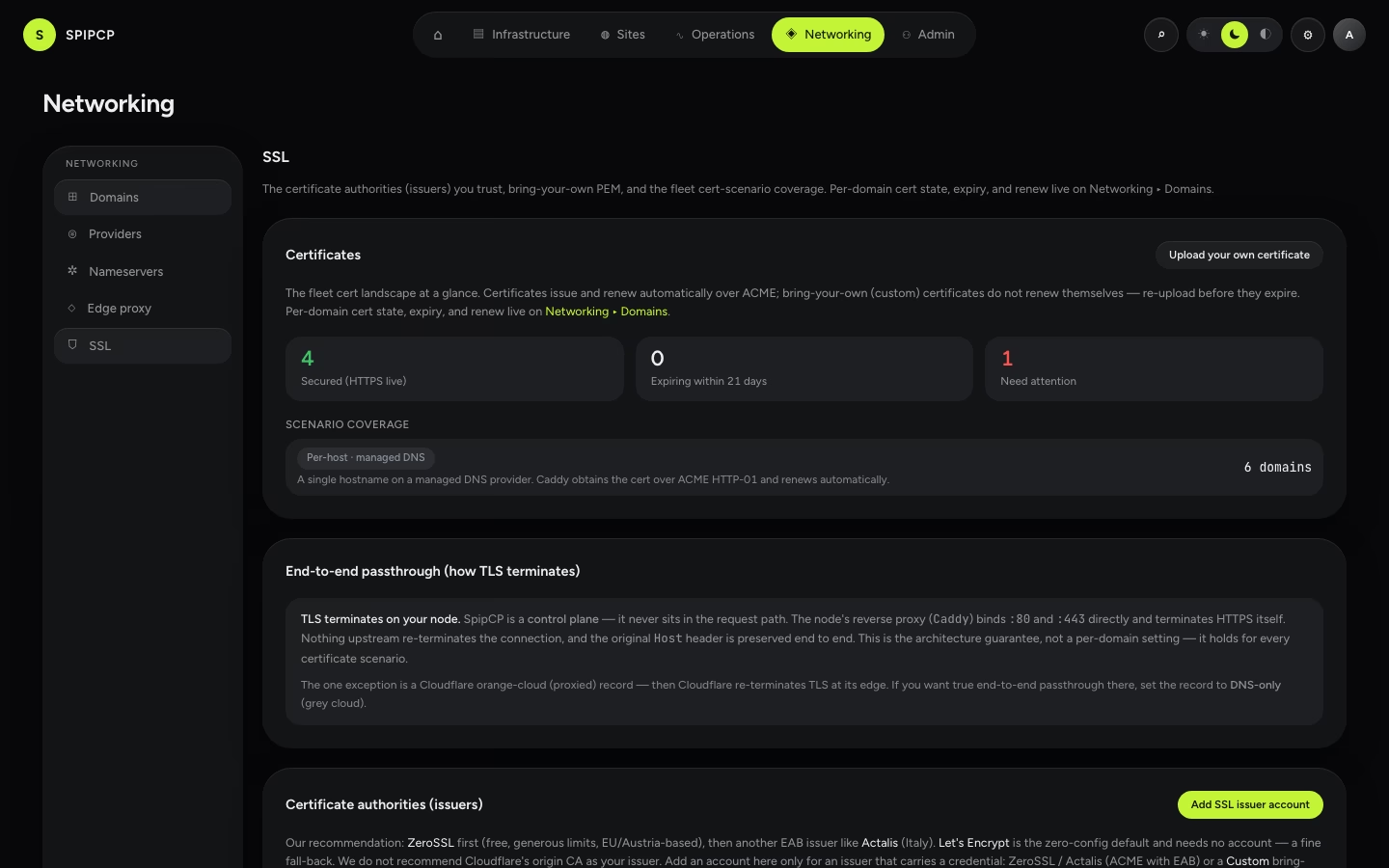
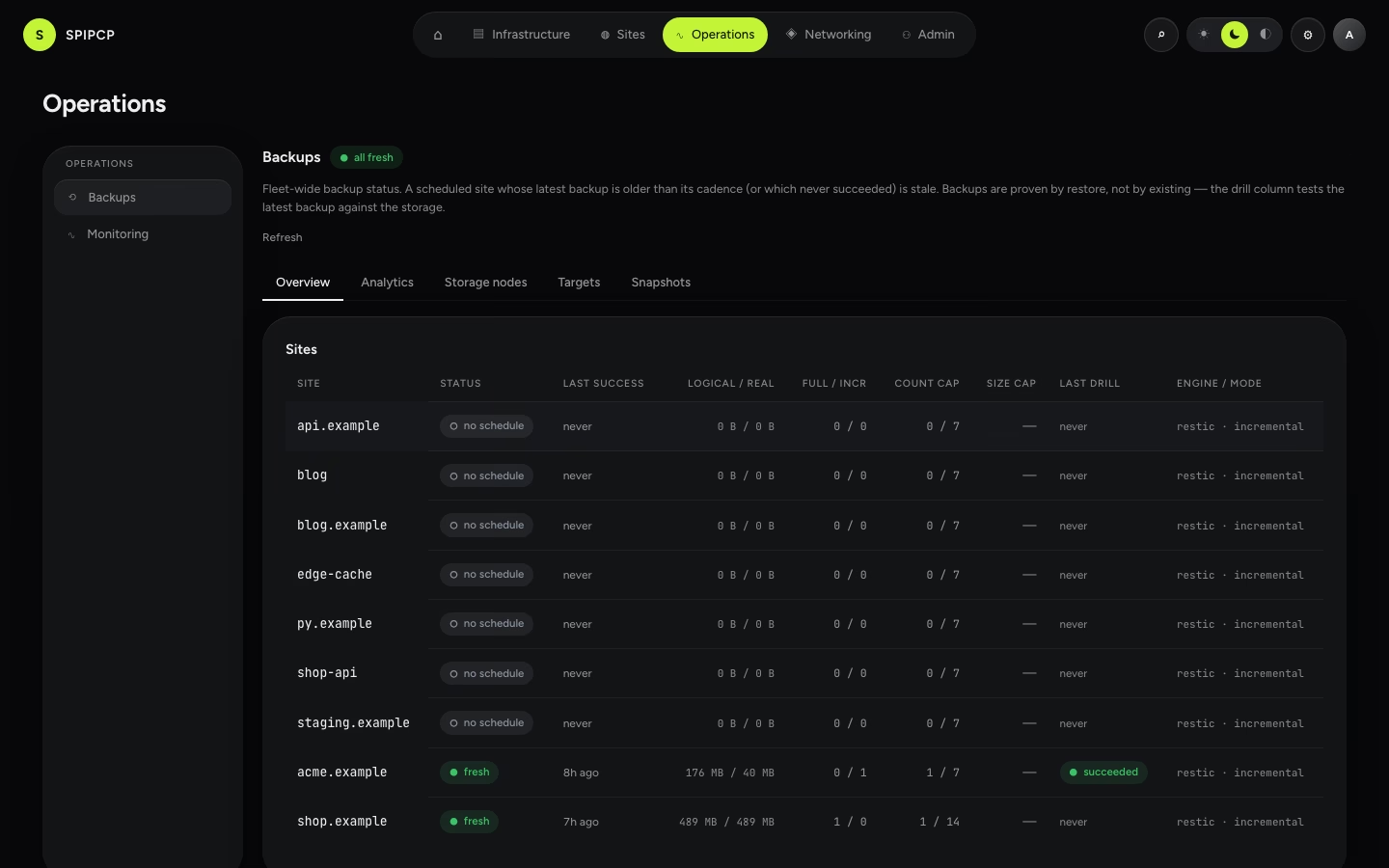
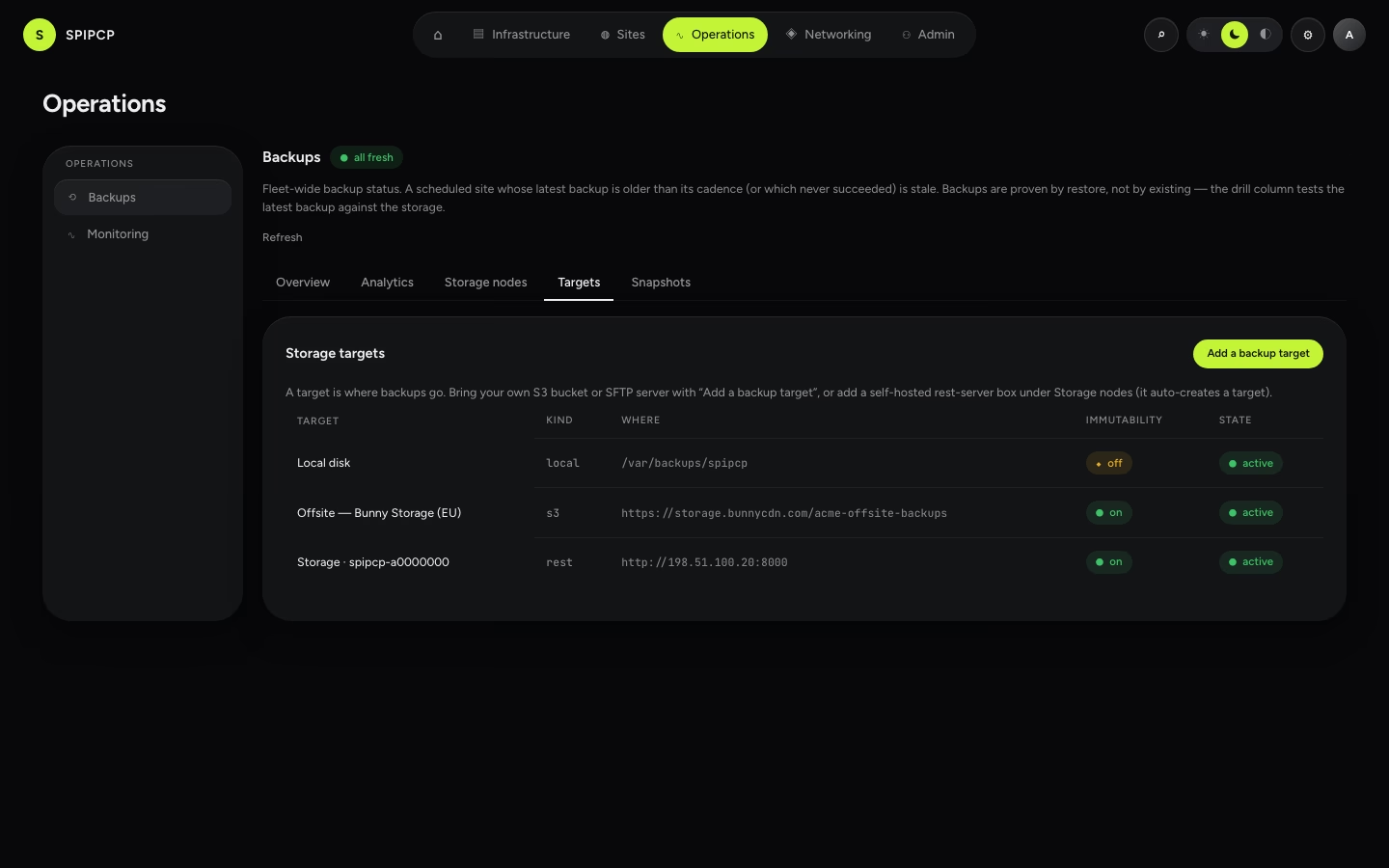
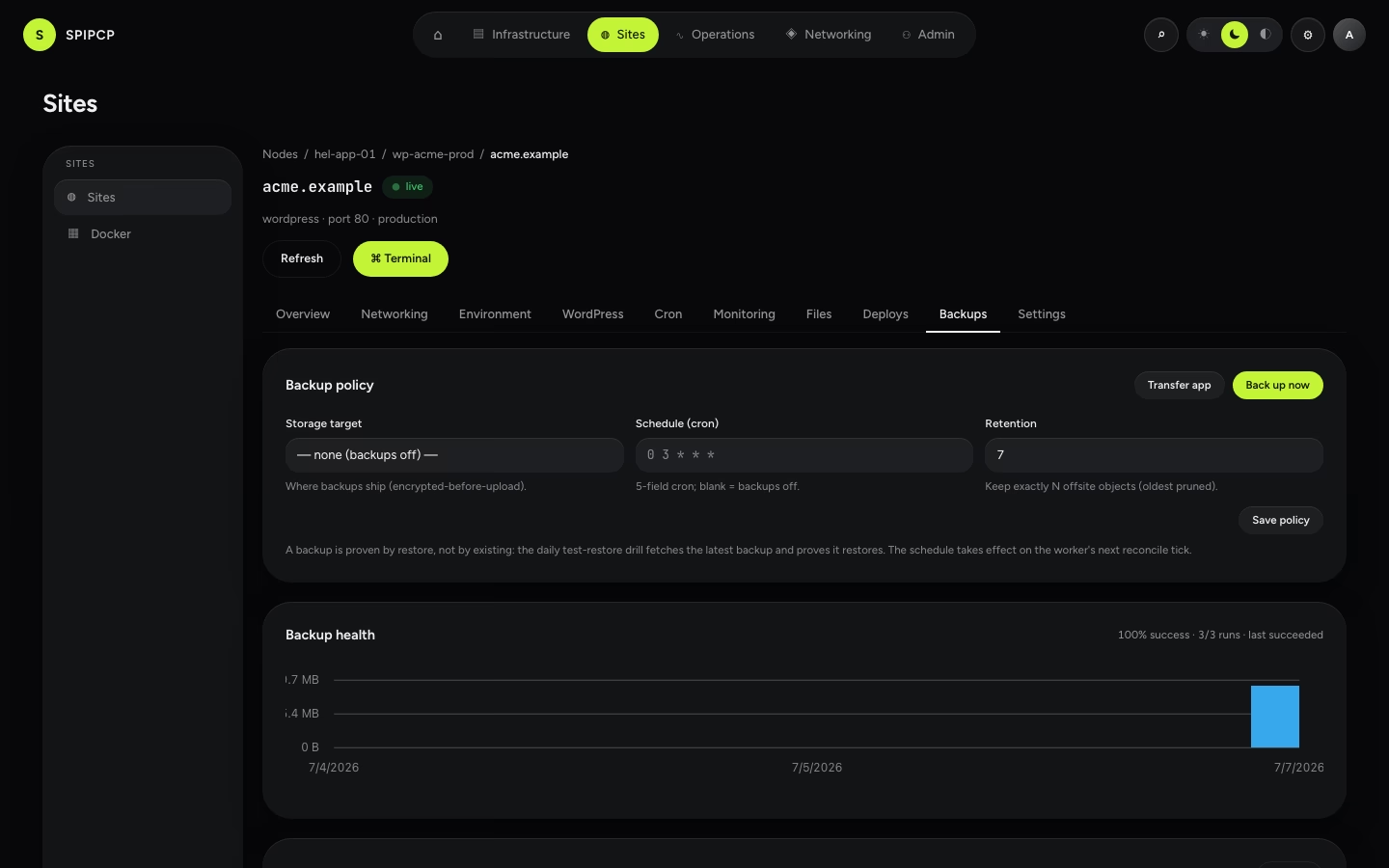
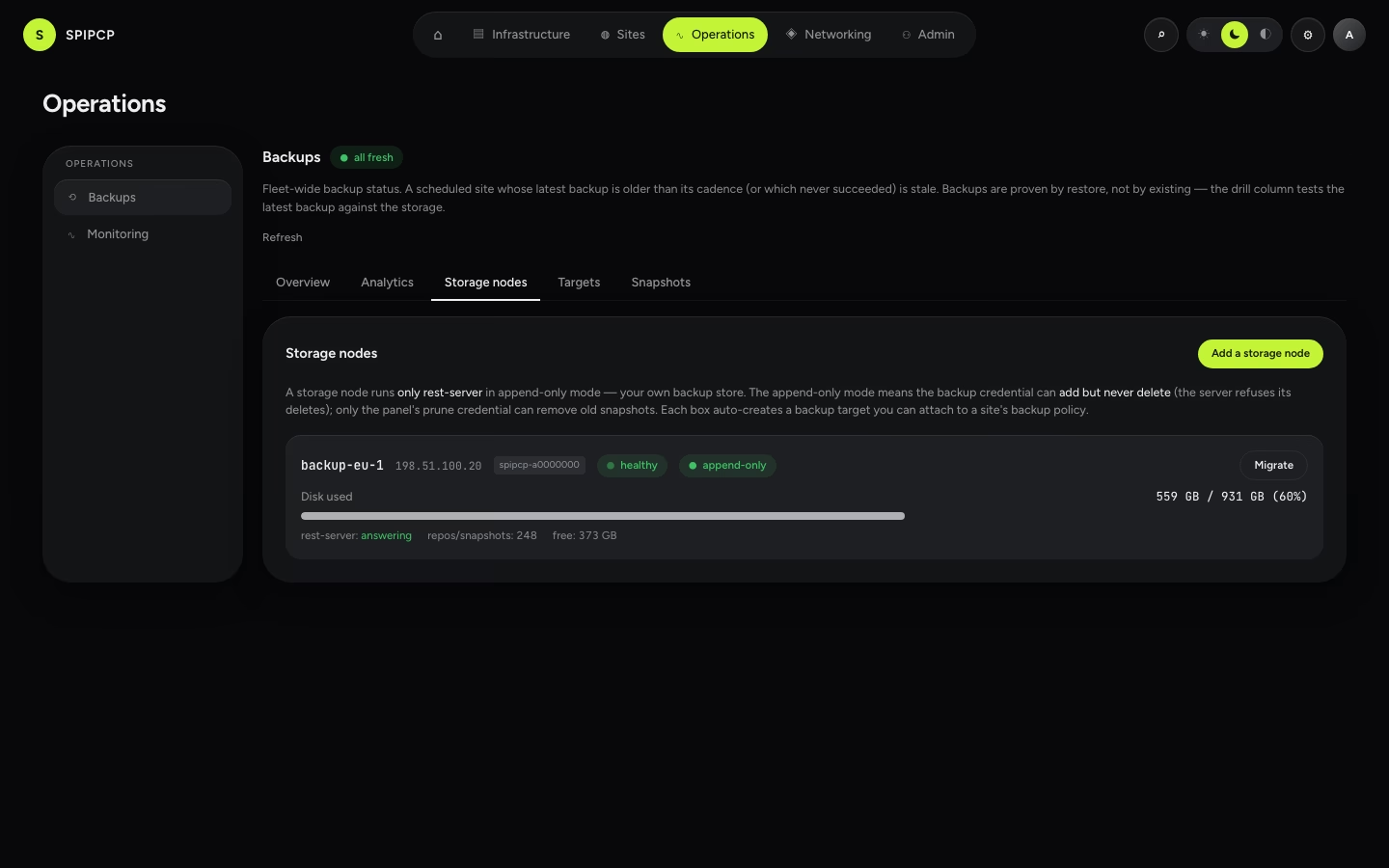
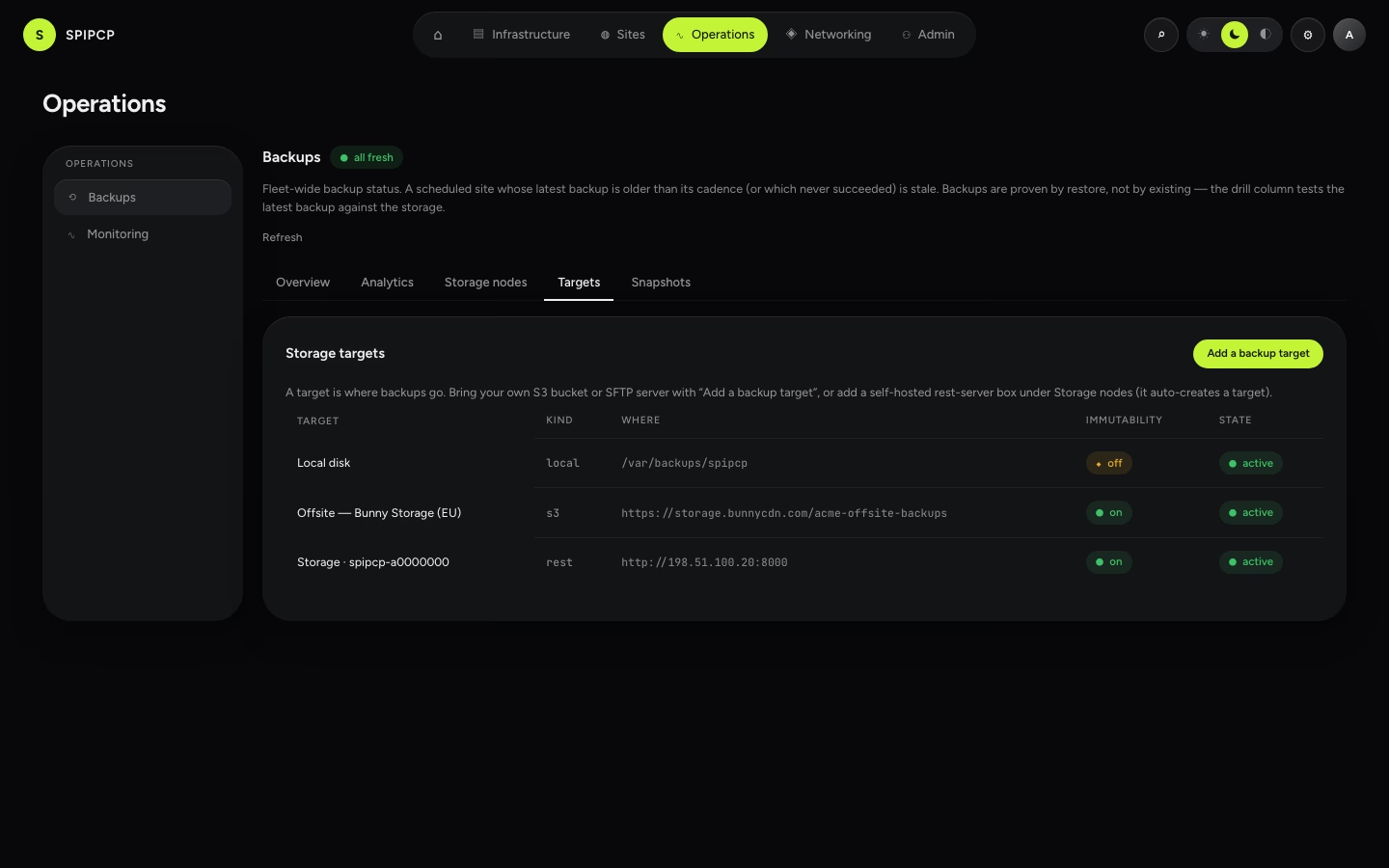
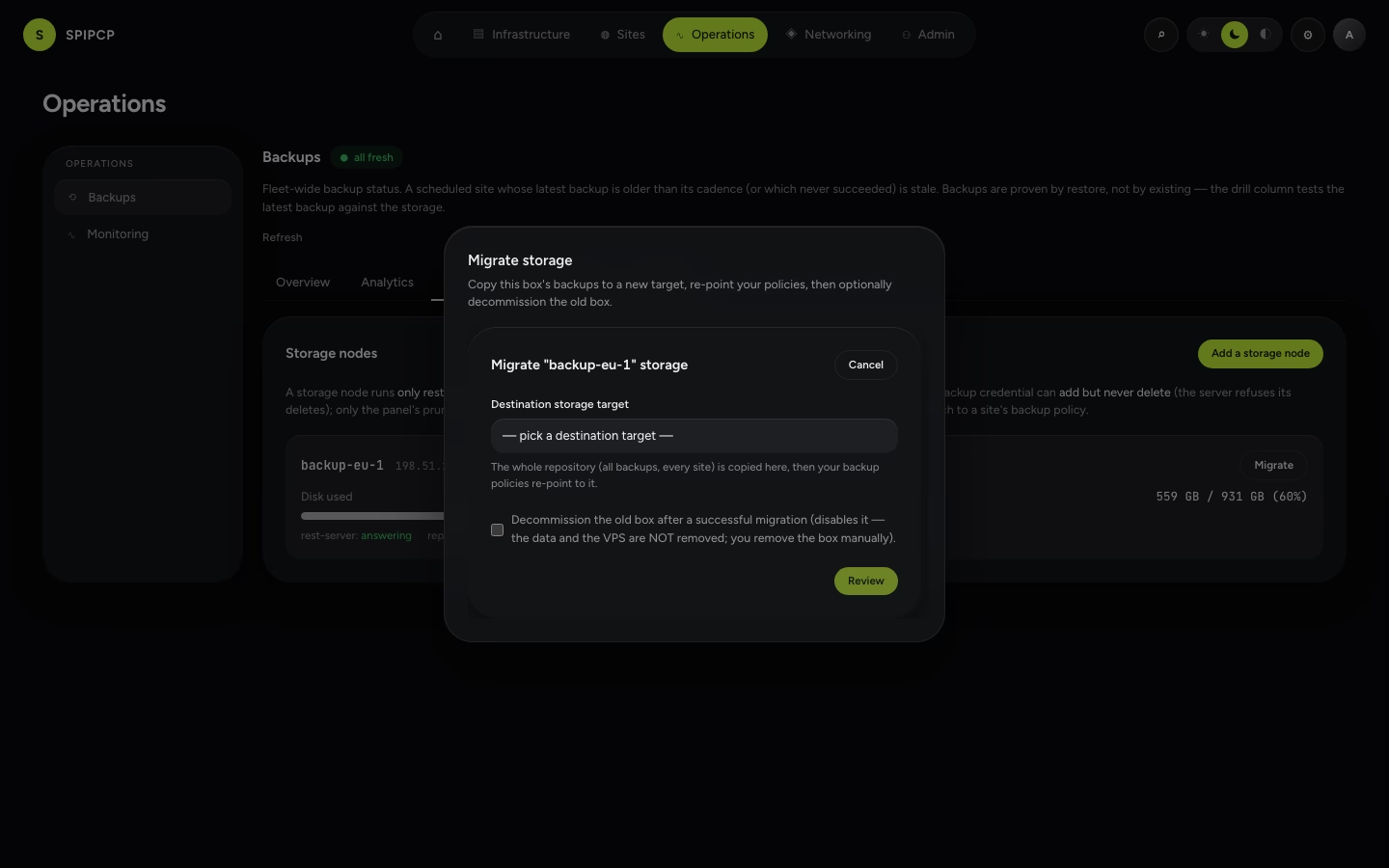
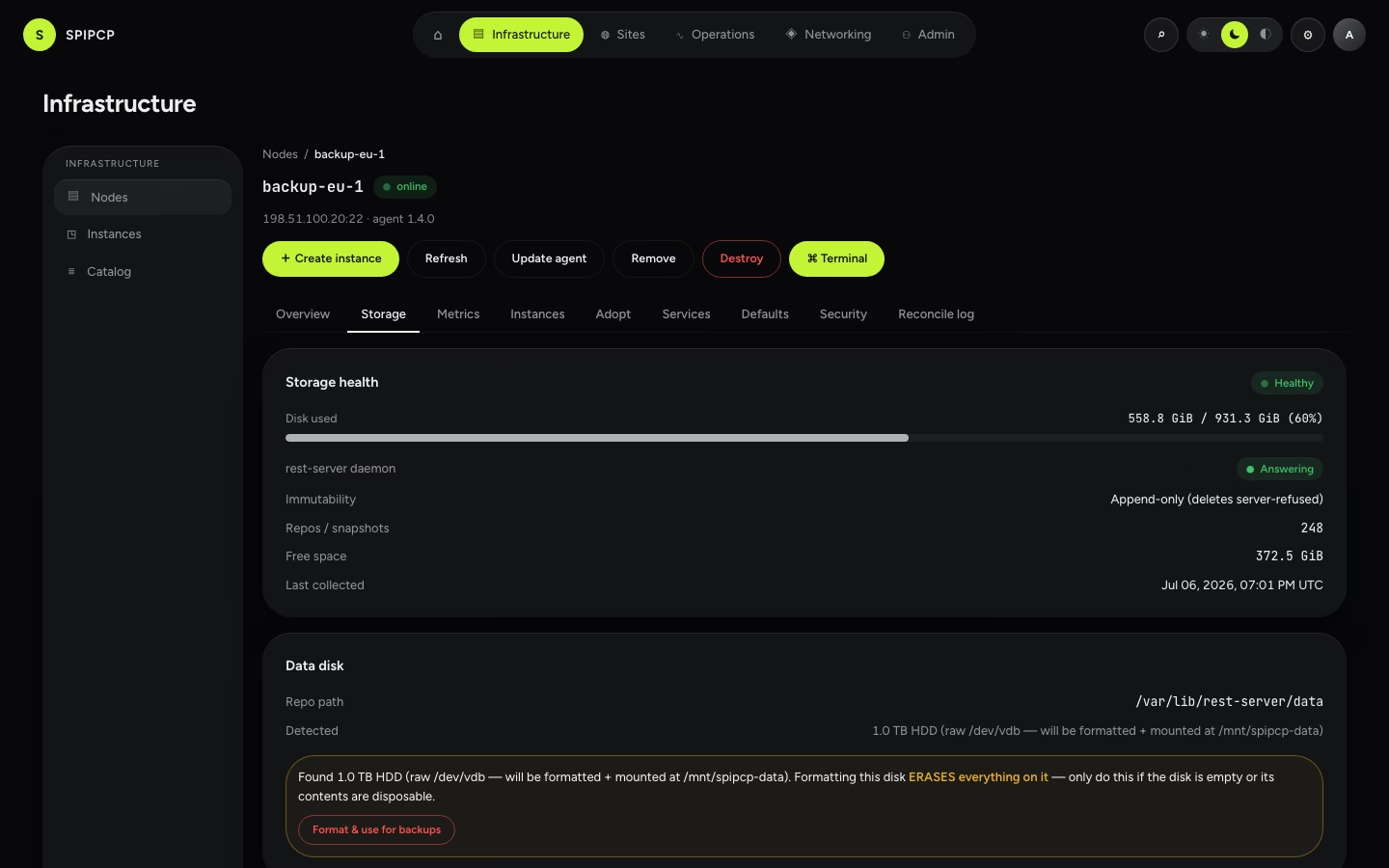
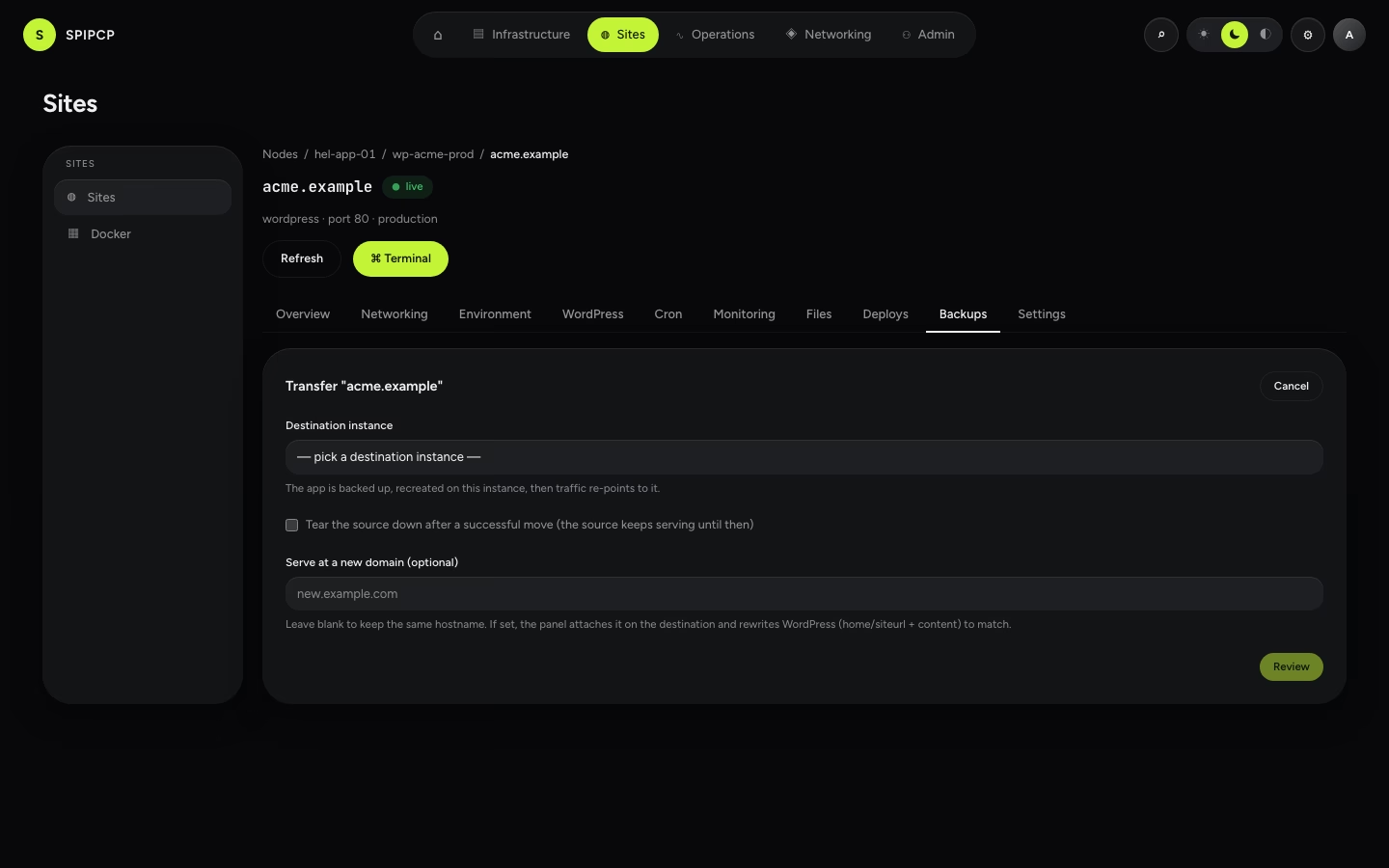
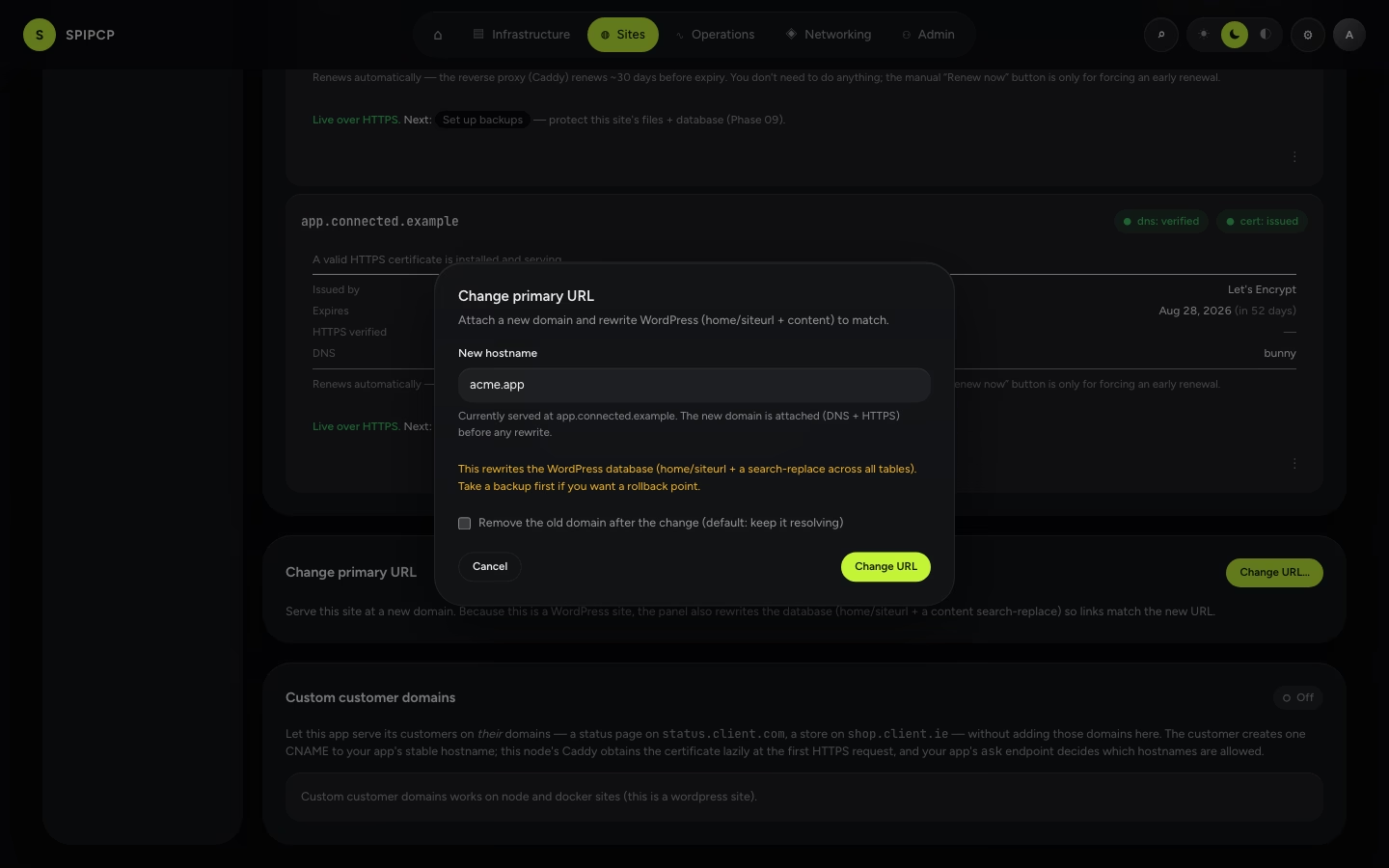
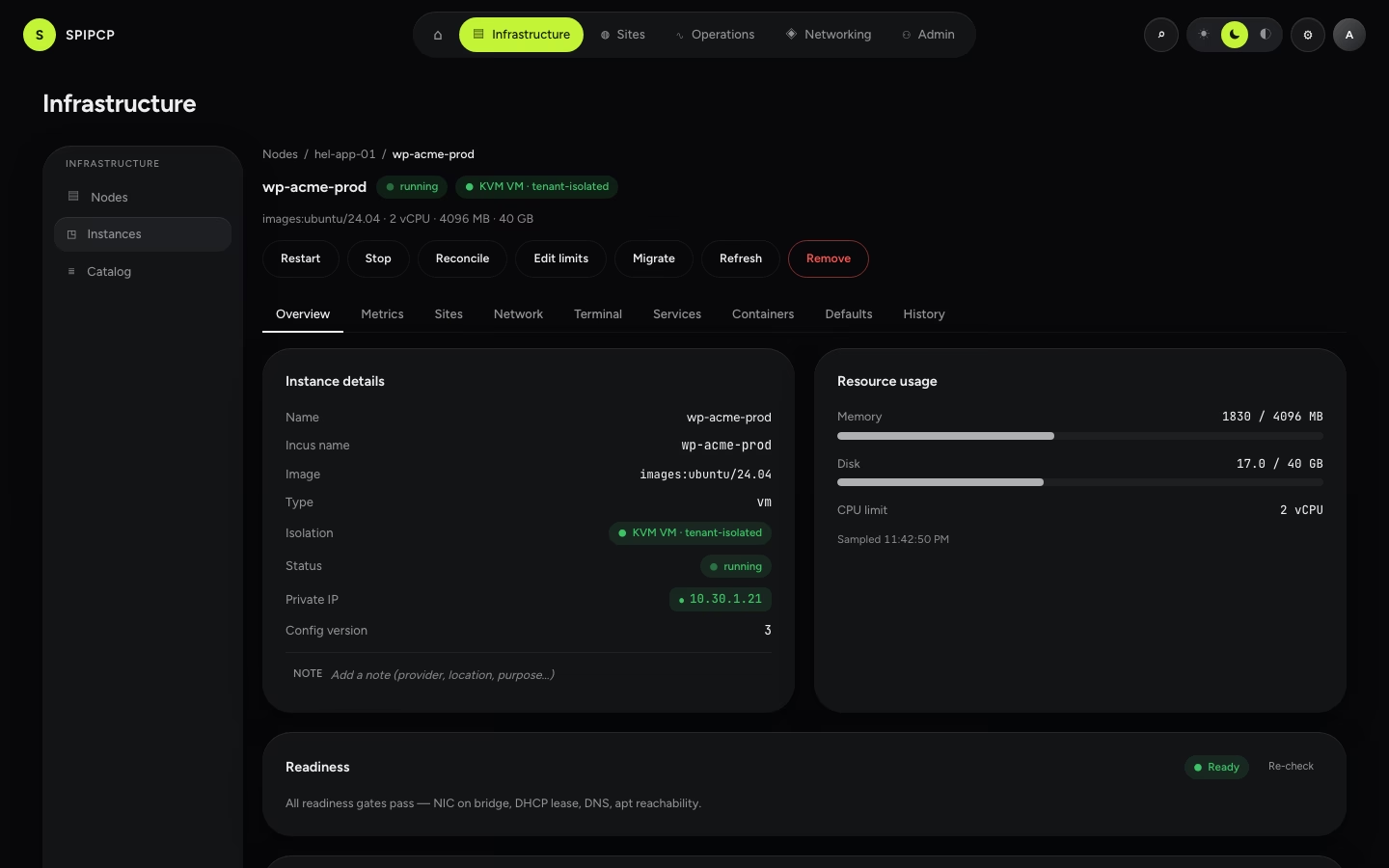
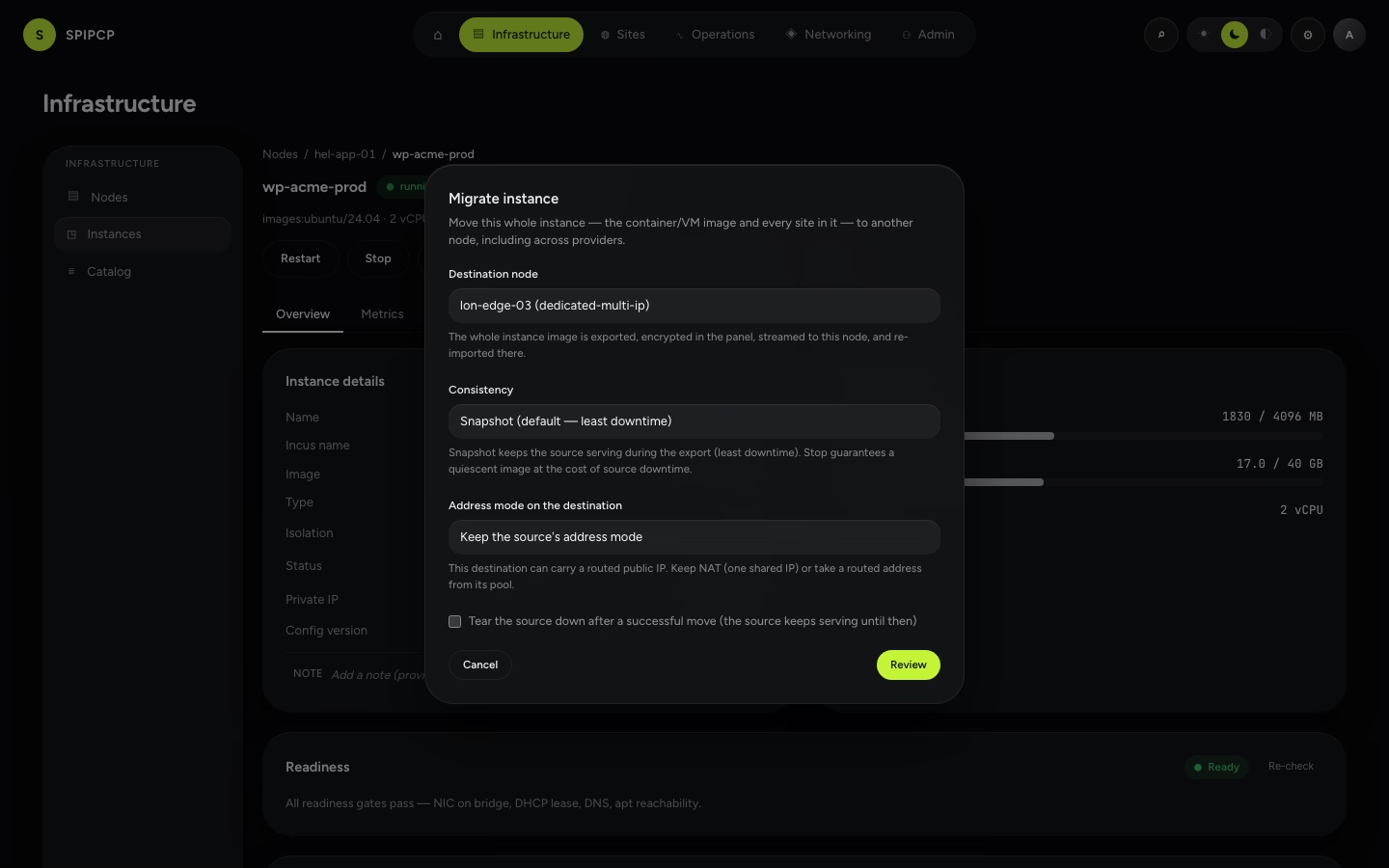
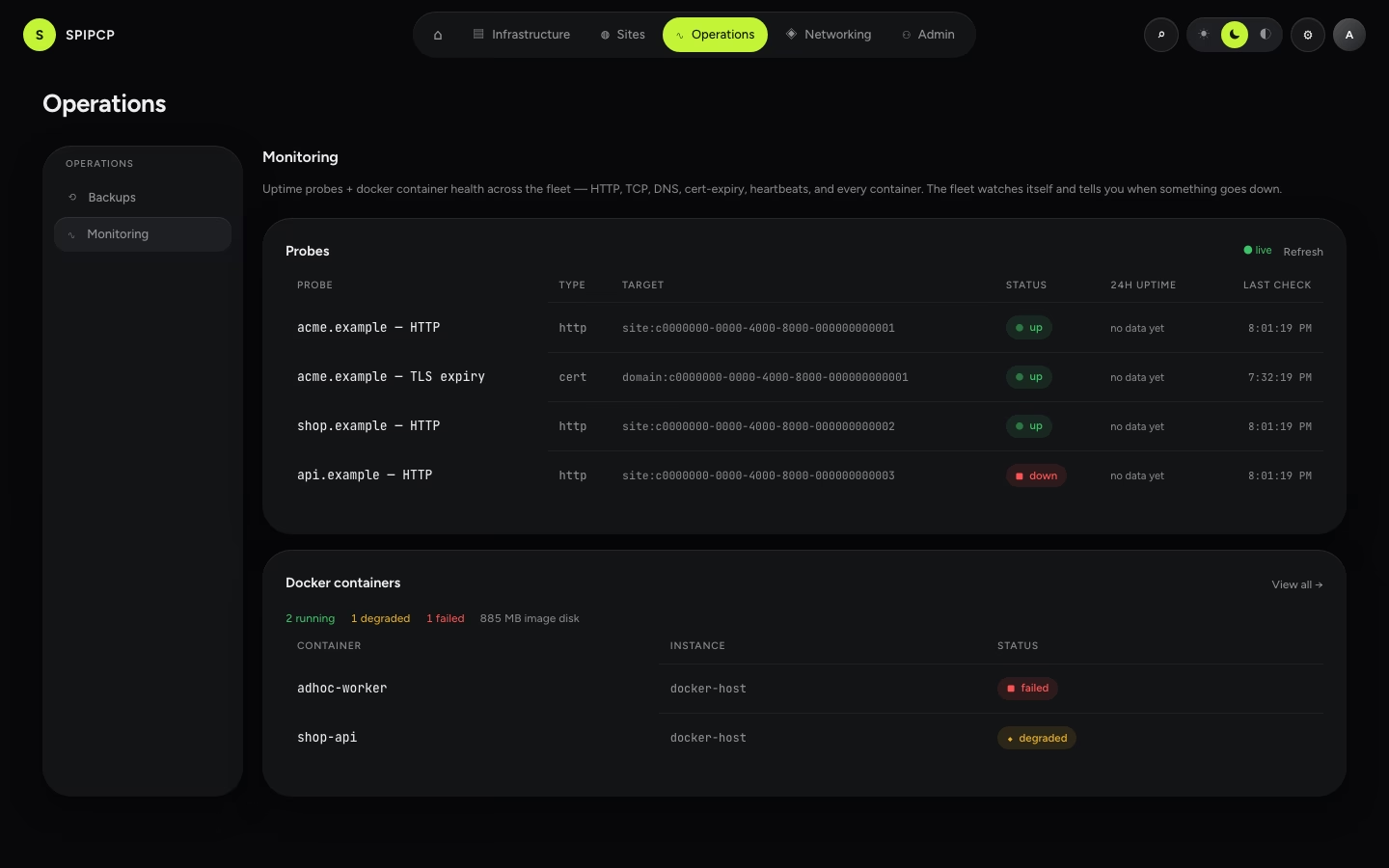
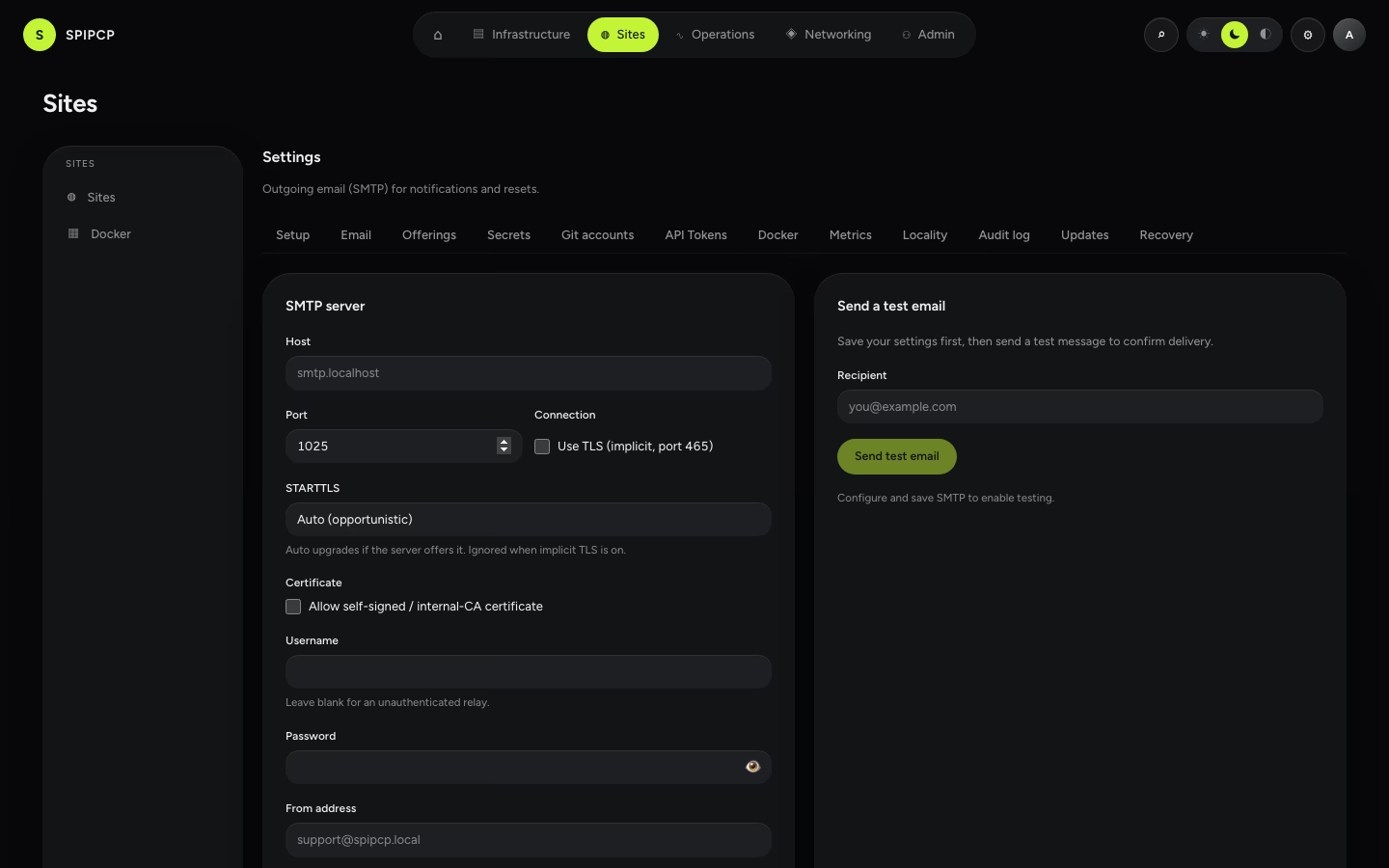
85 captured surfaces. Each tile links to the page it documents; the filename is its asset under spipcp-docs/public/img/. Regenerate them all with the capture harness (see below).
Home & getting started
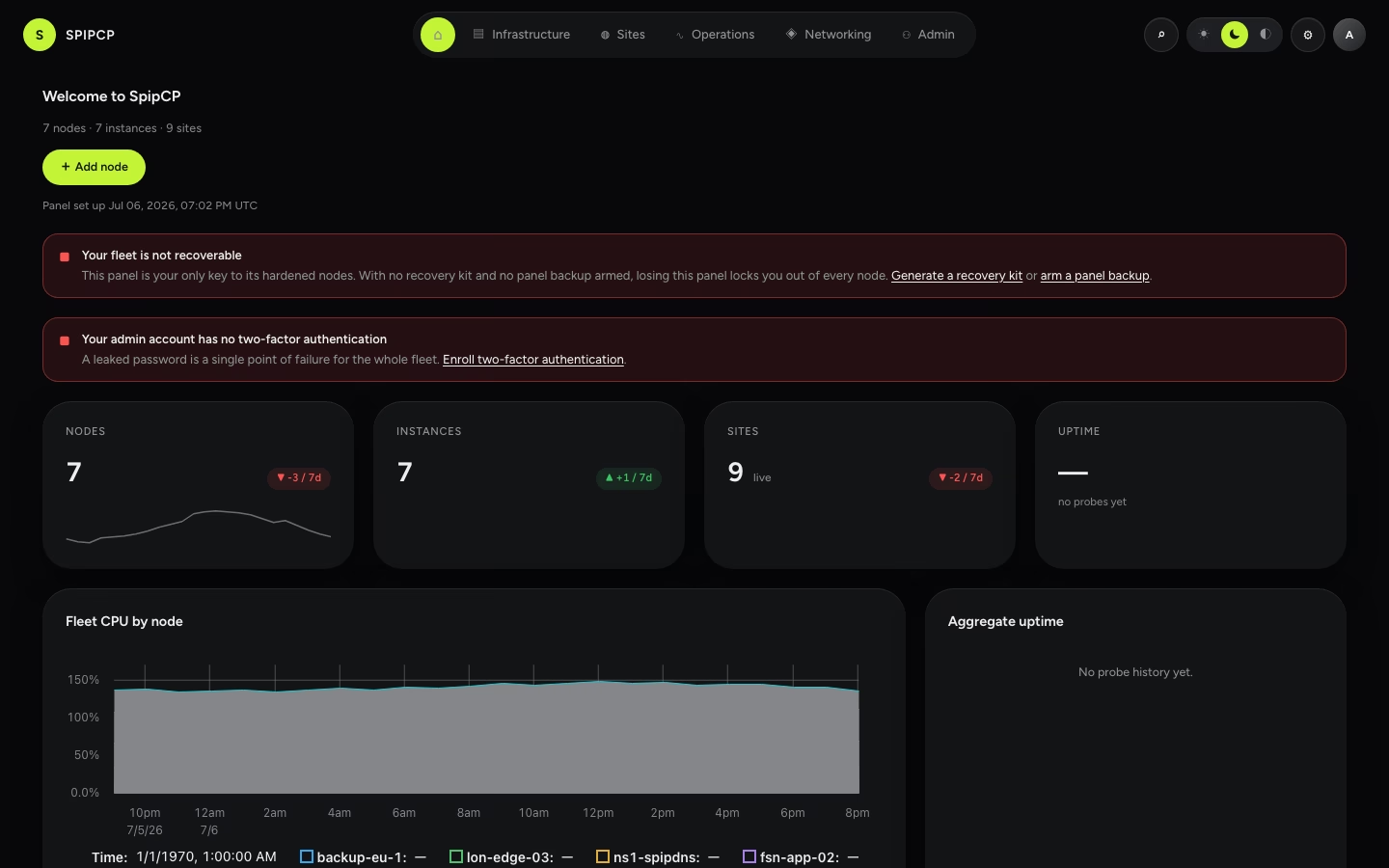
Nodes
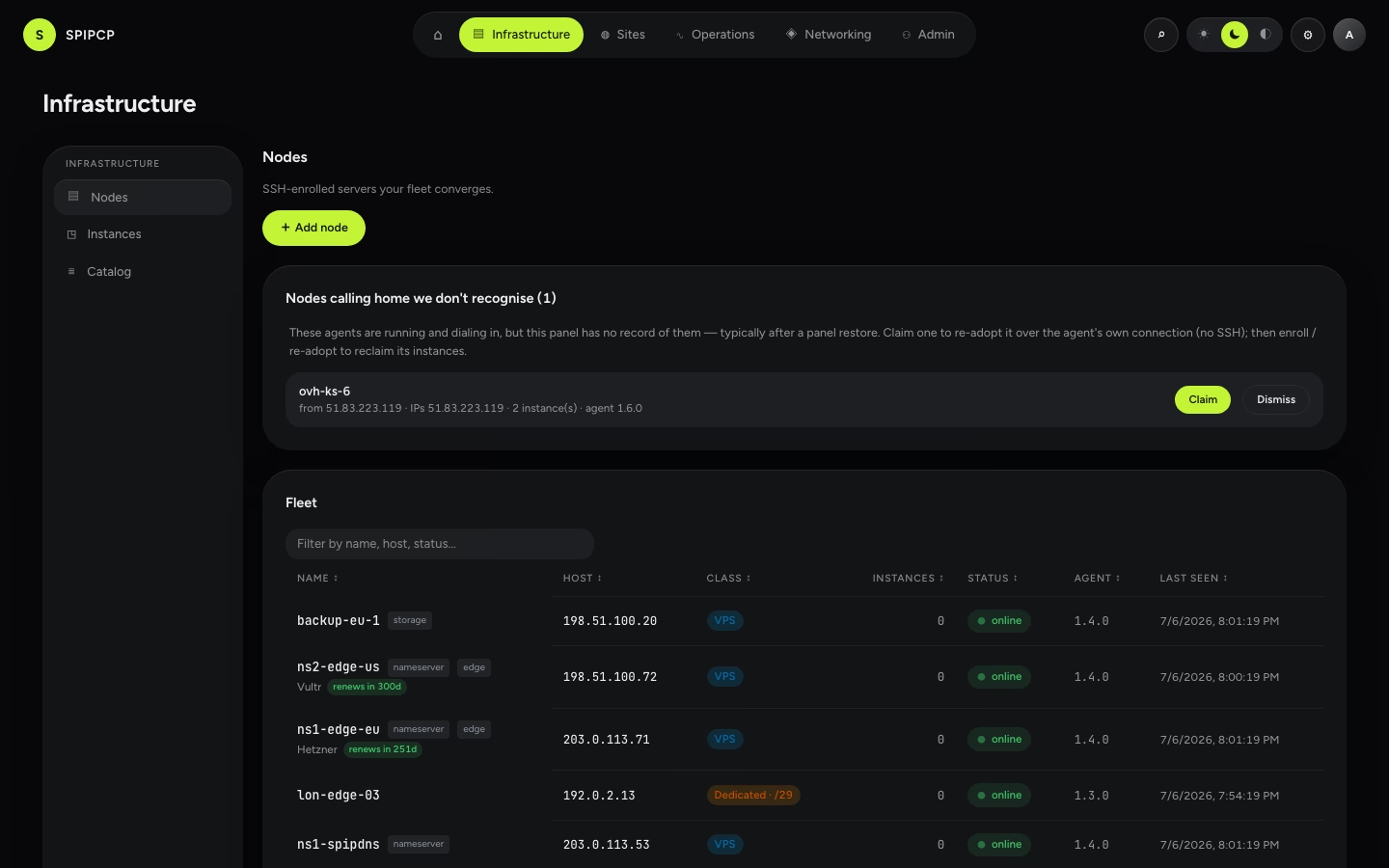
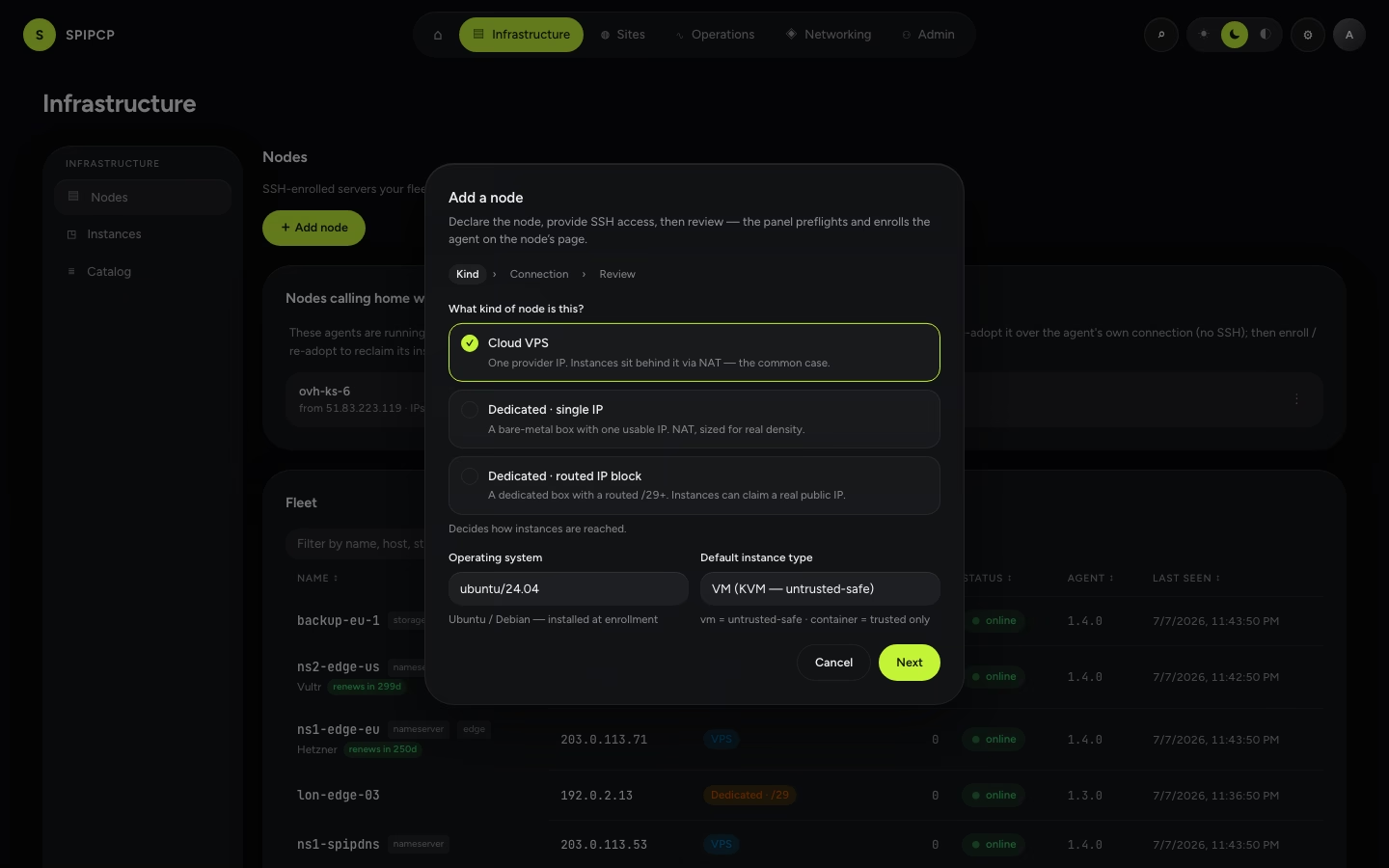
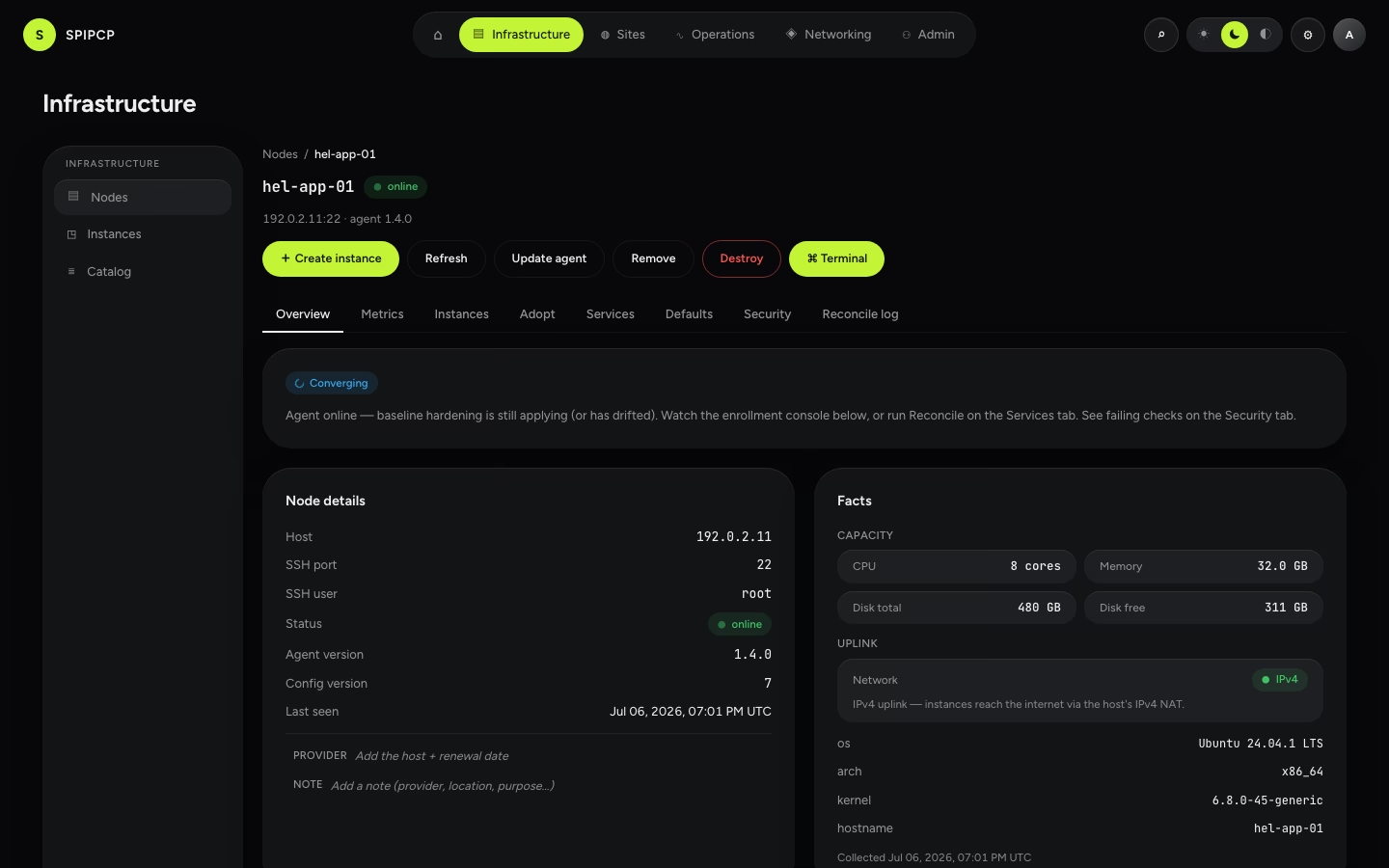
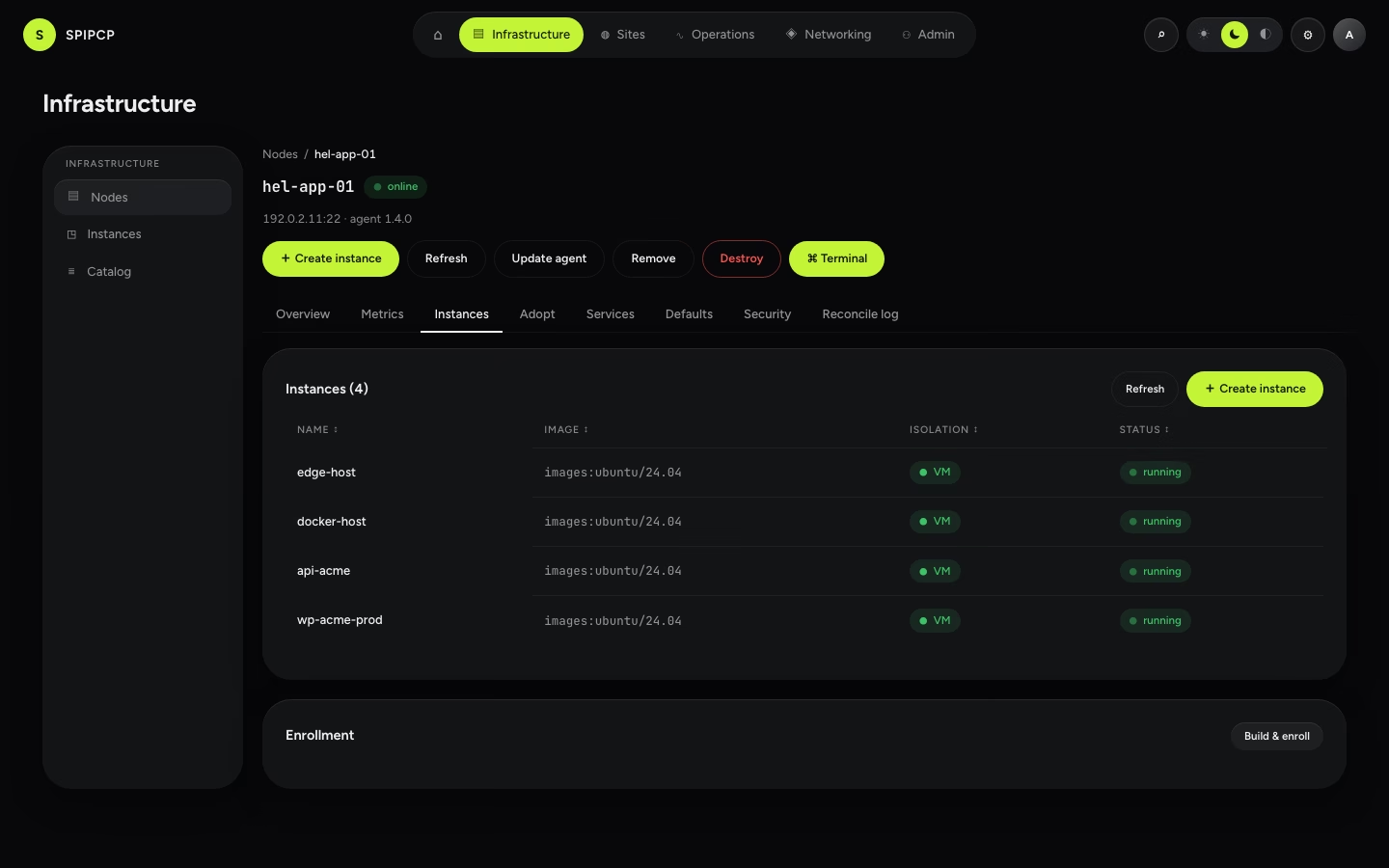
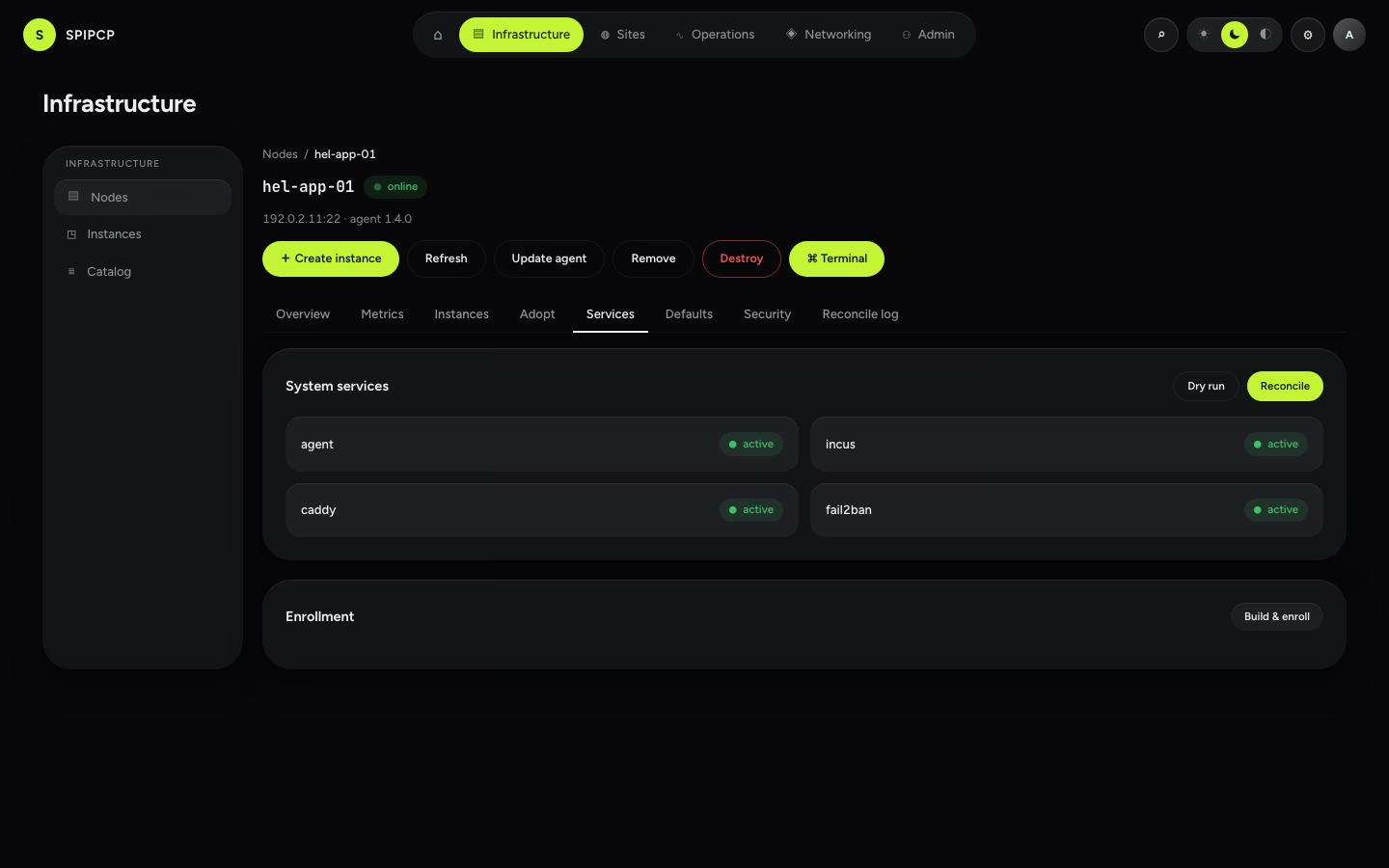
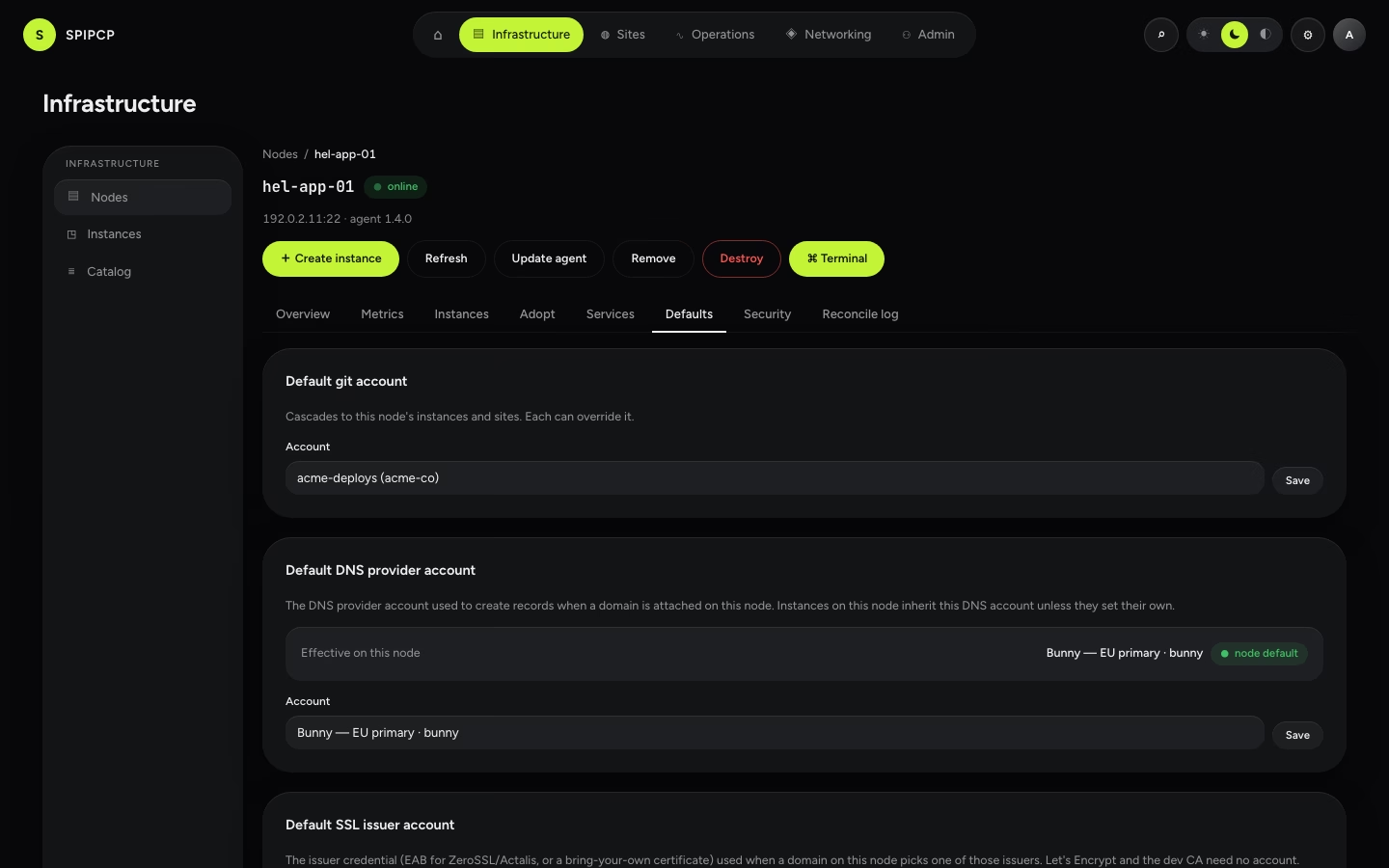
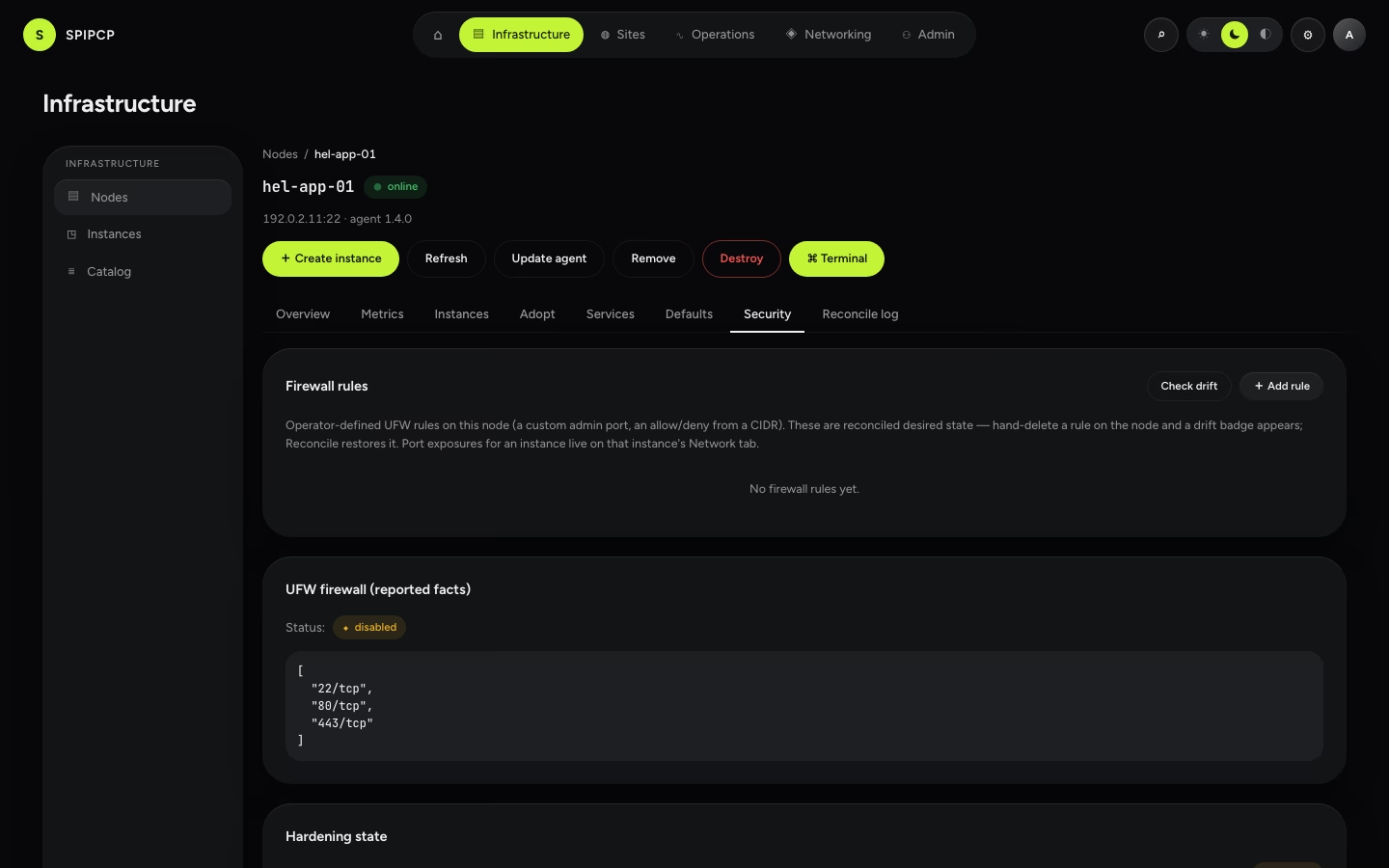
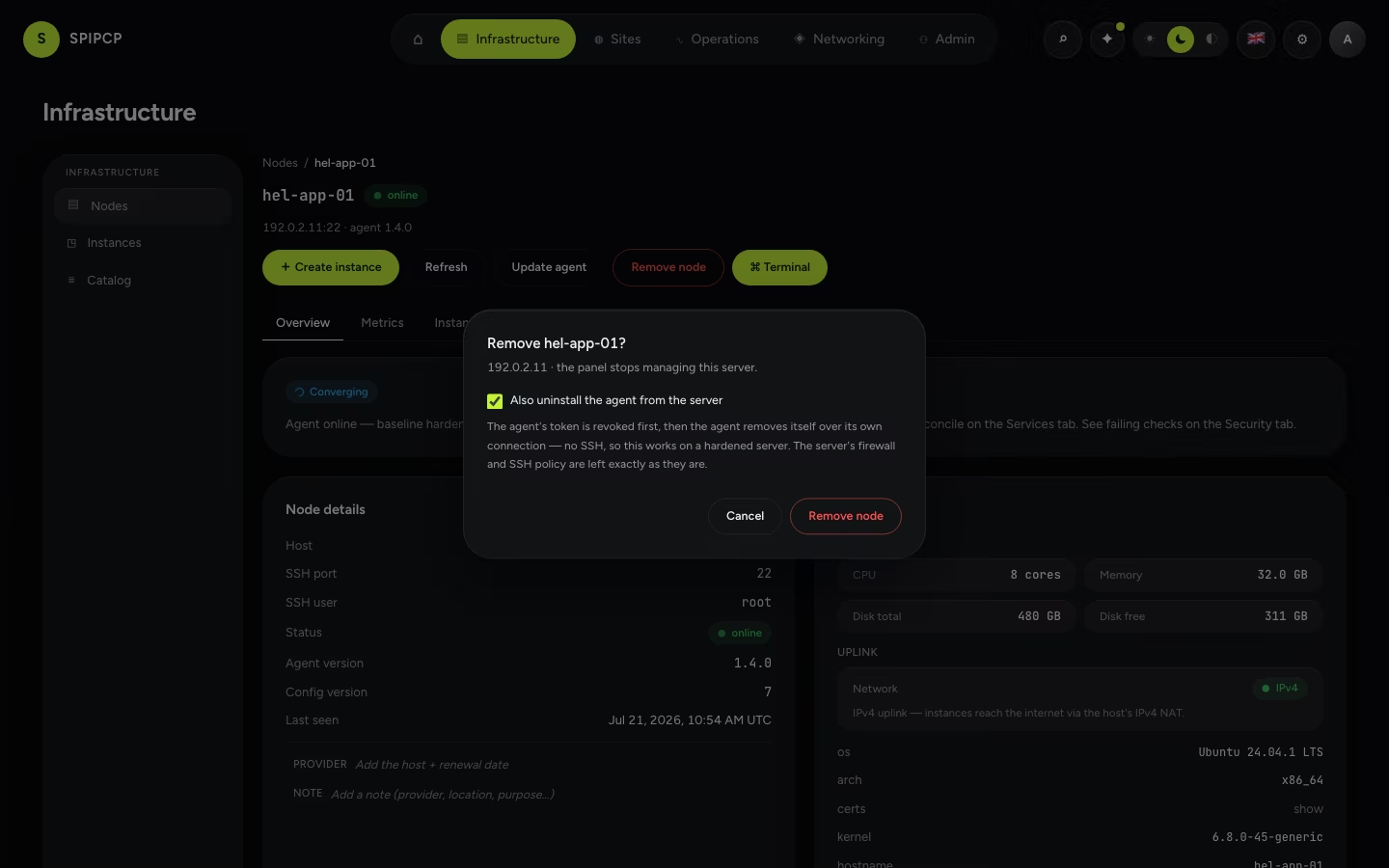
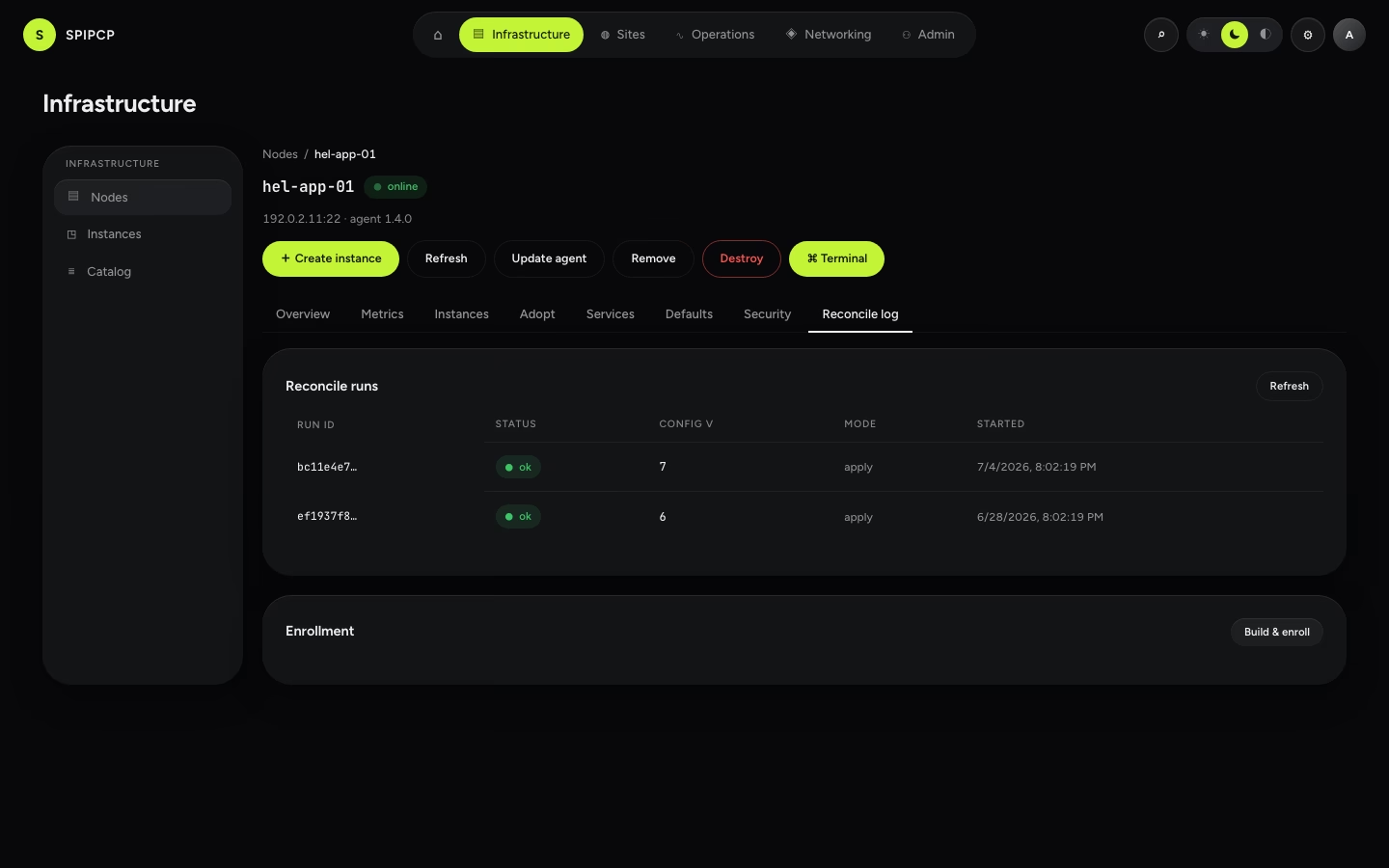
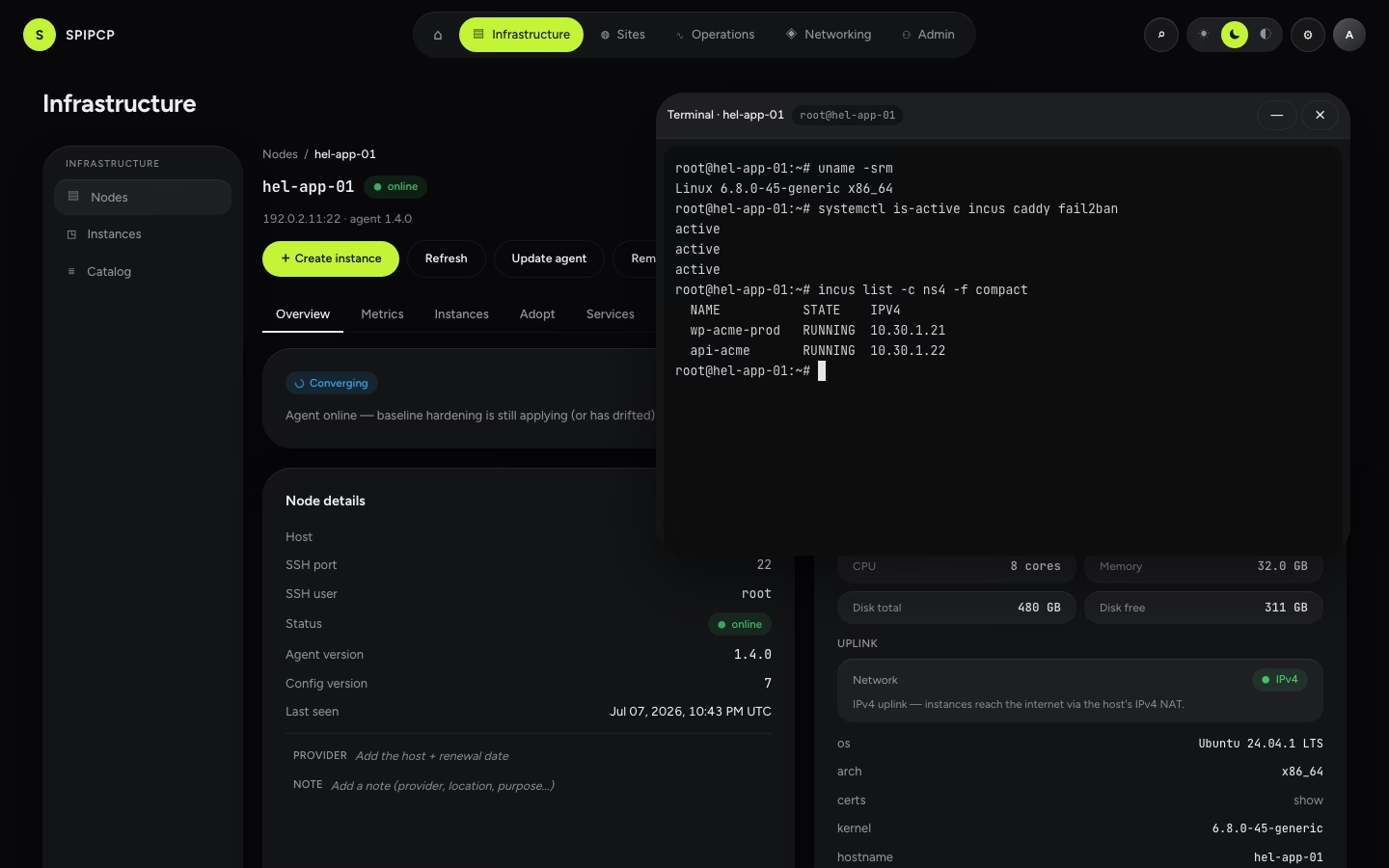
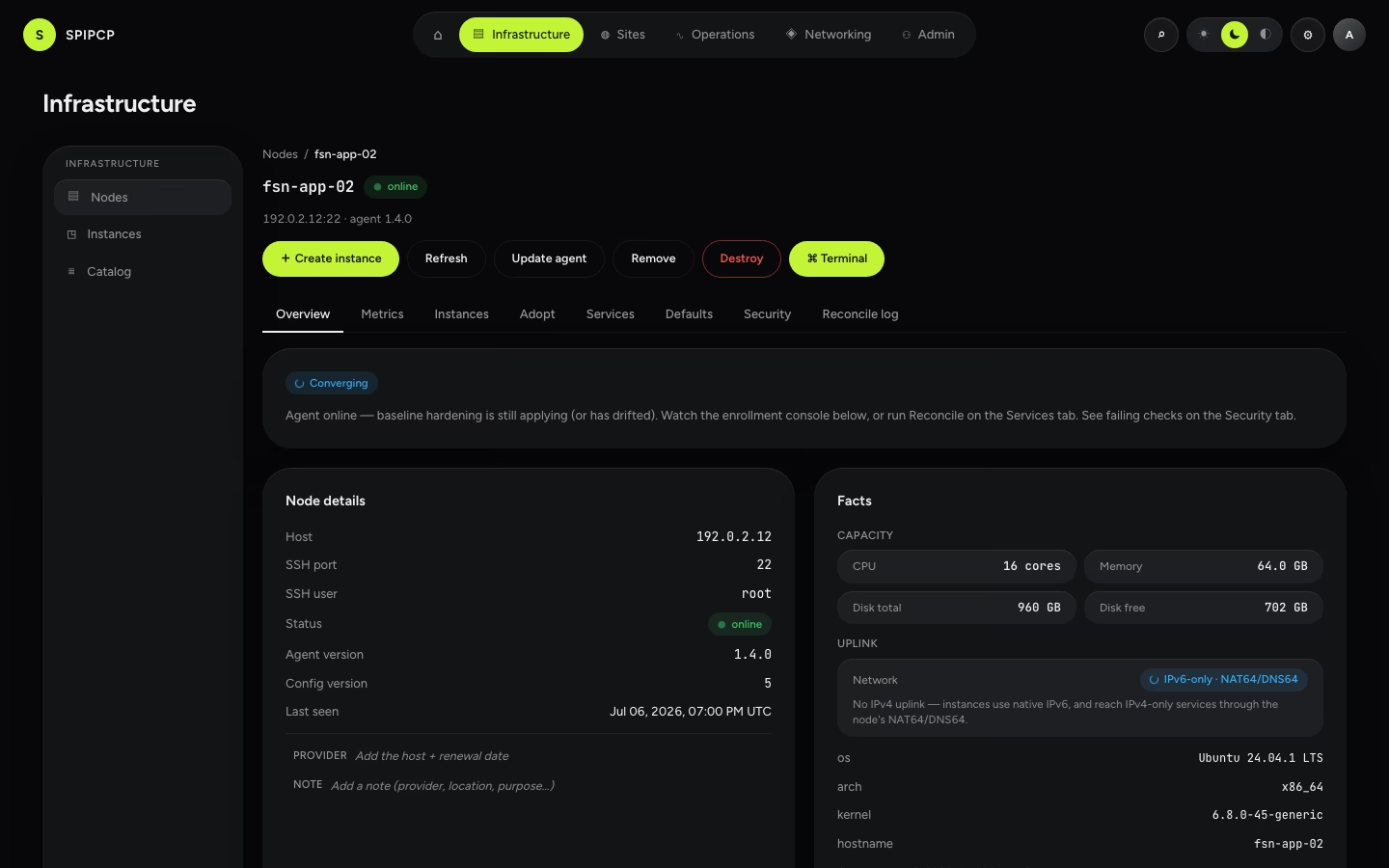
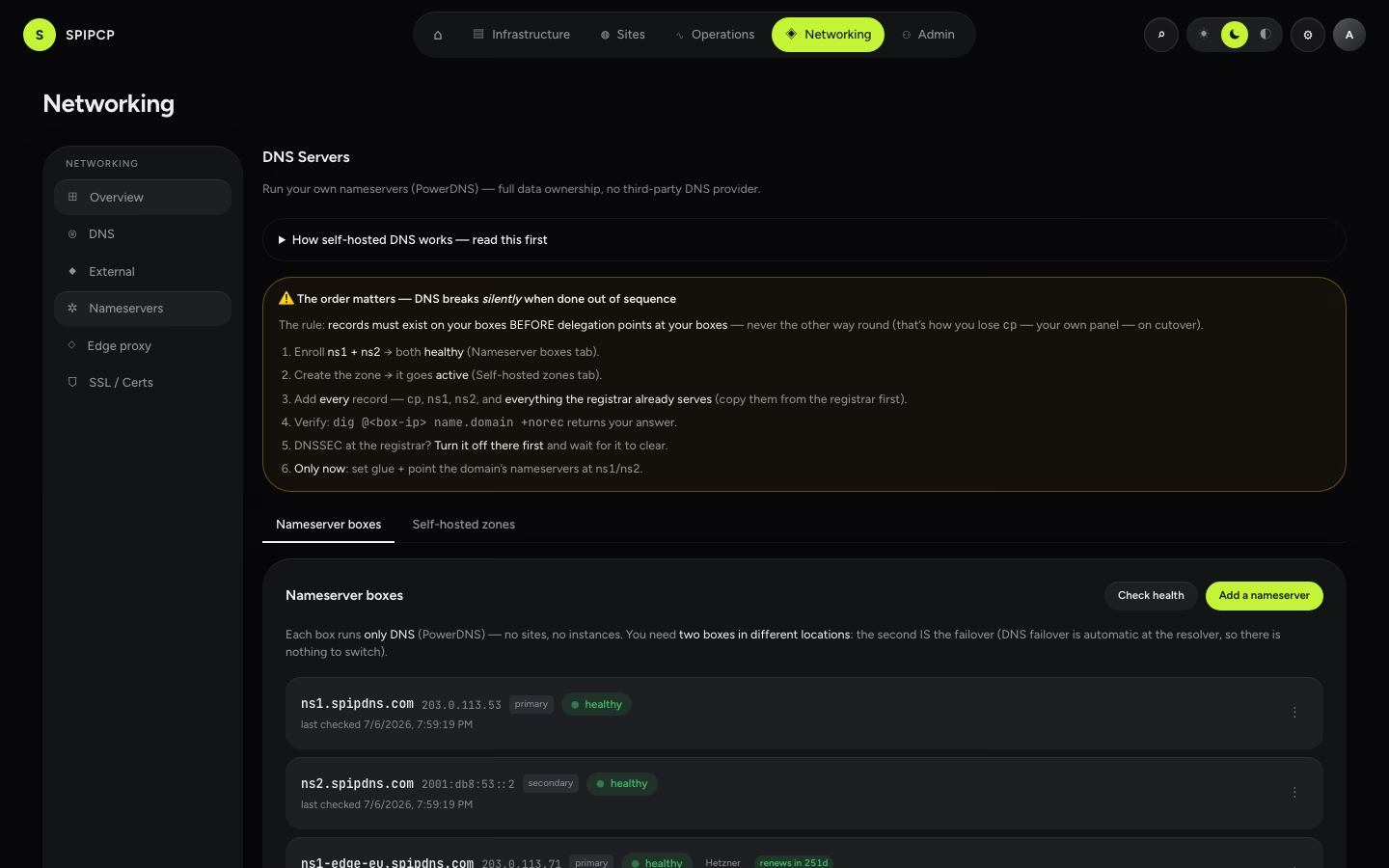
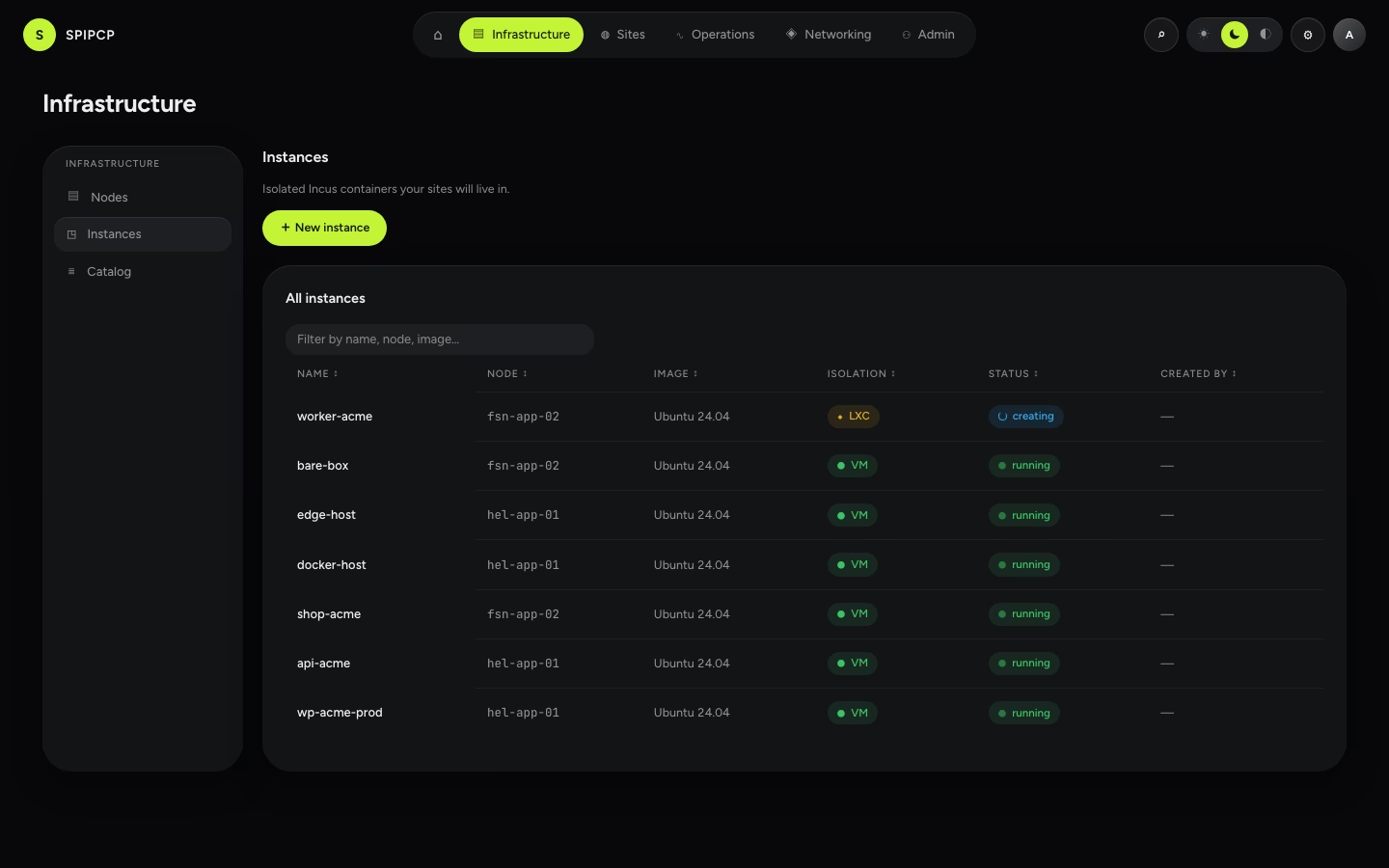
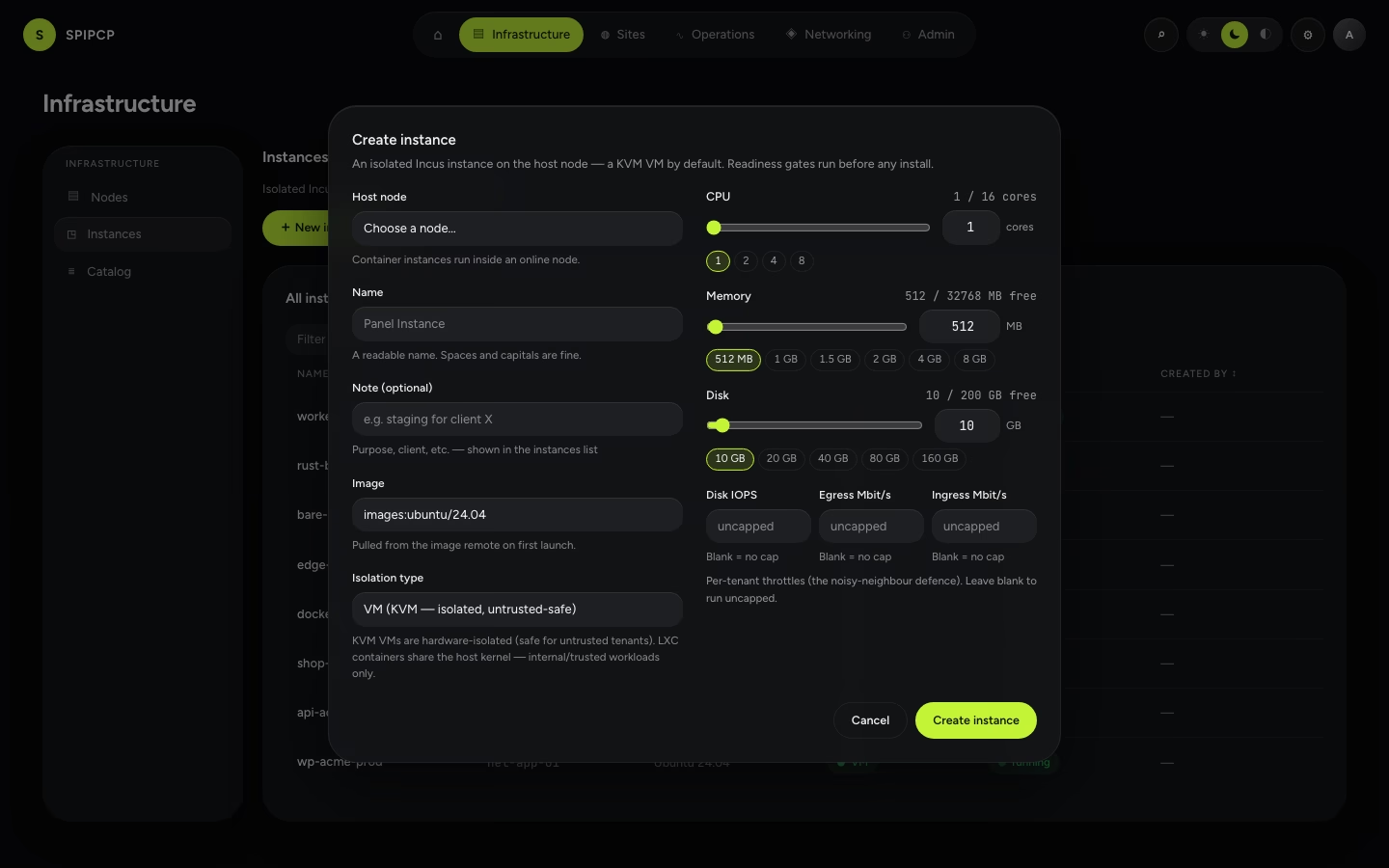
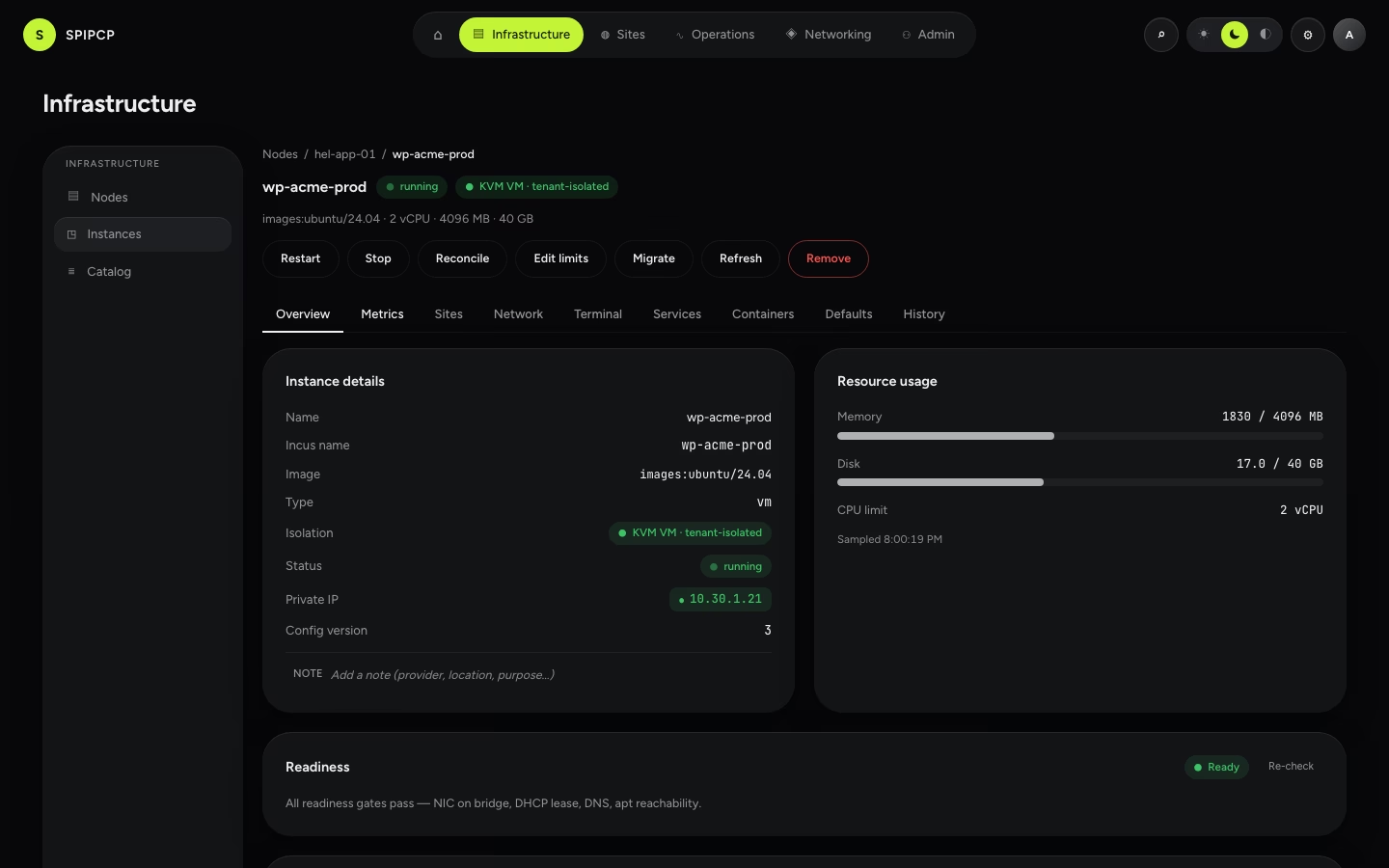
Instances
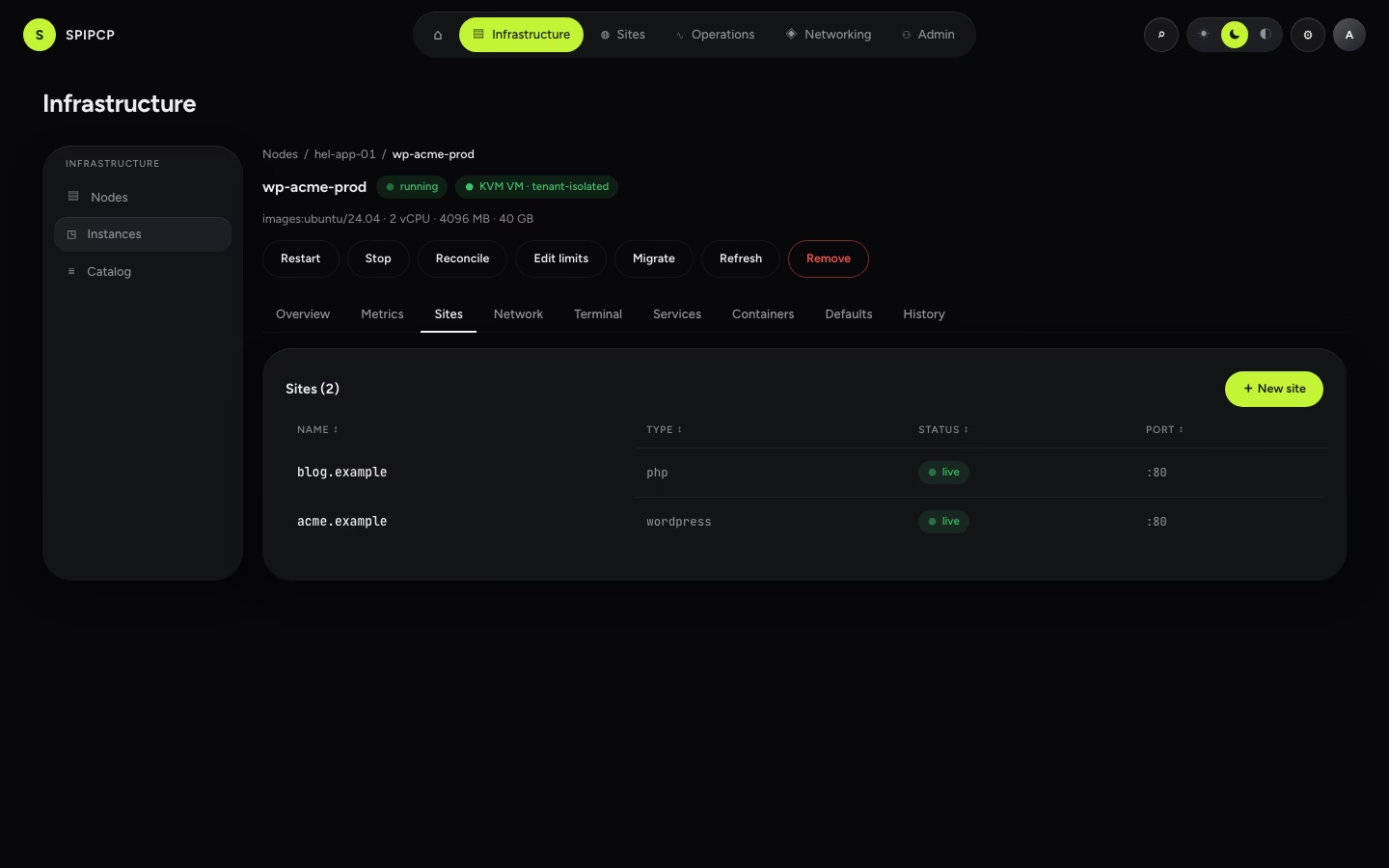
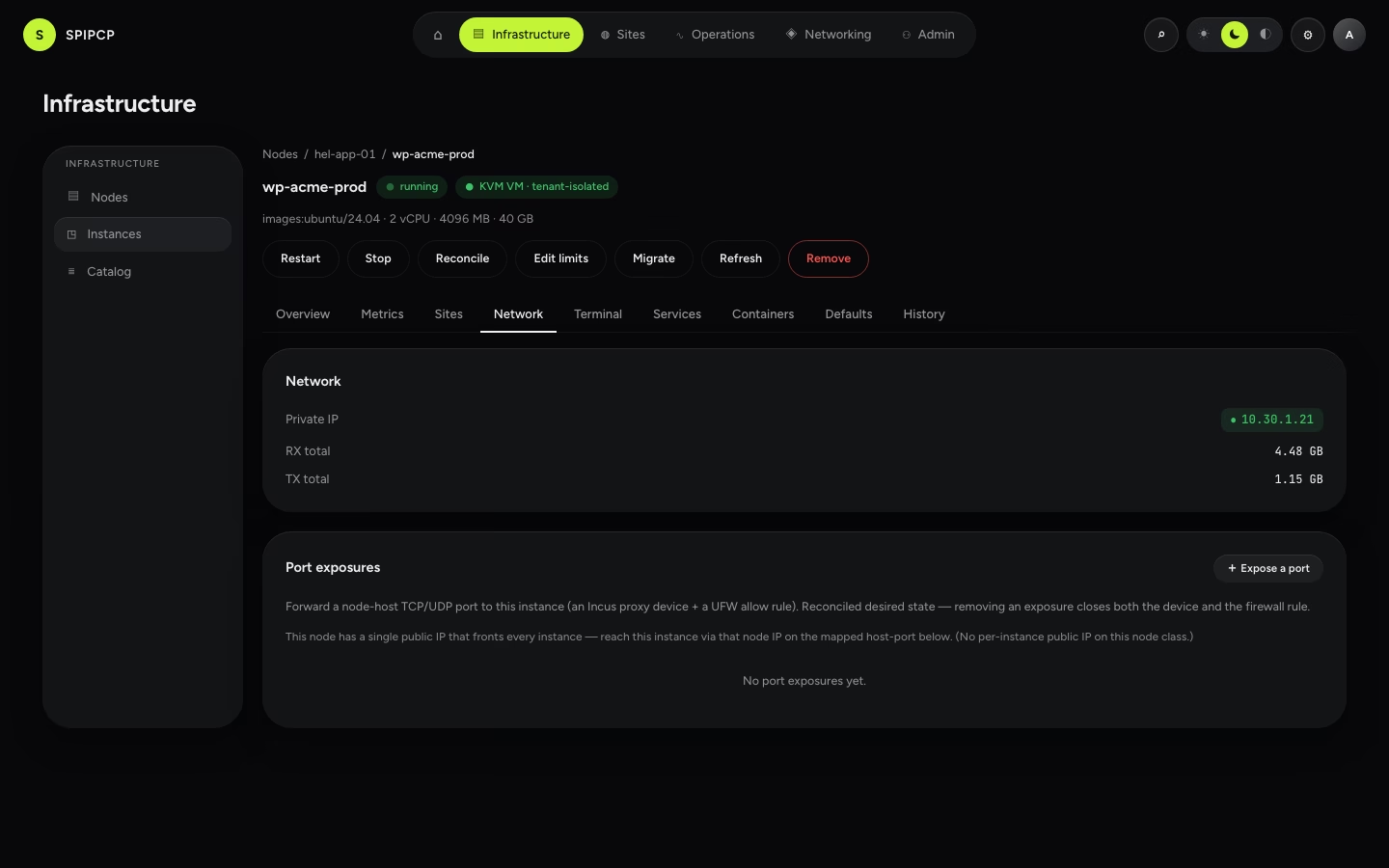
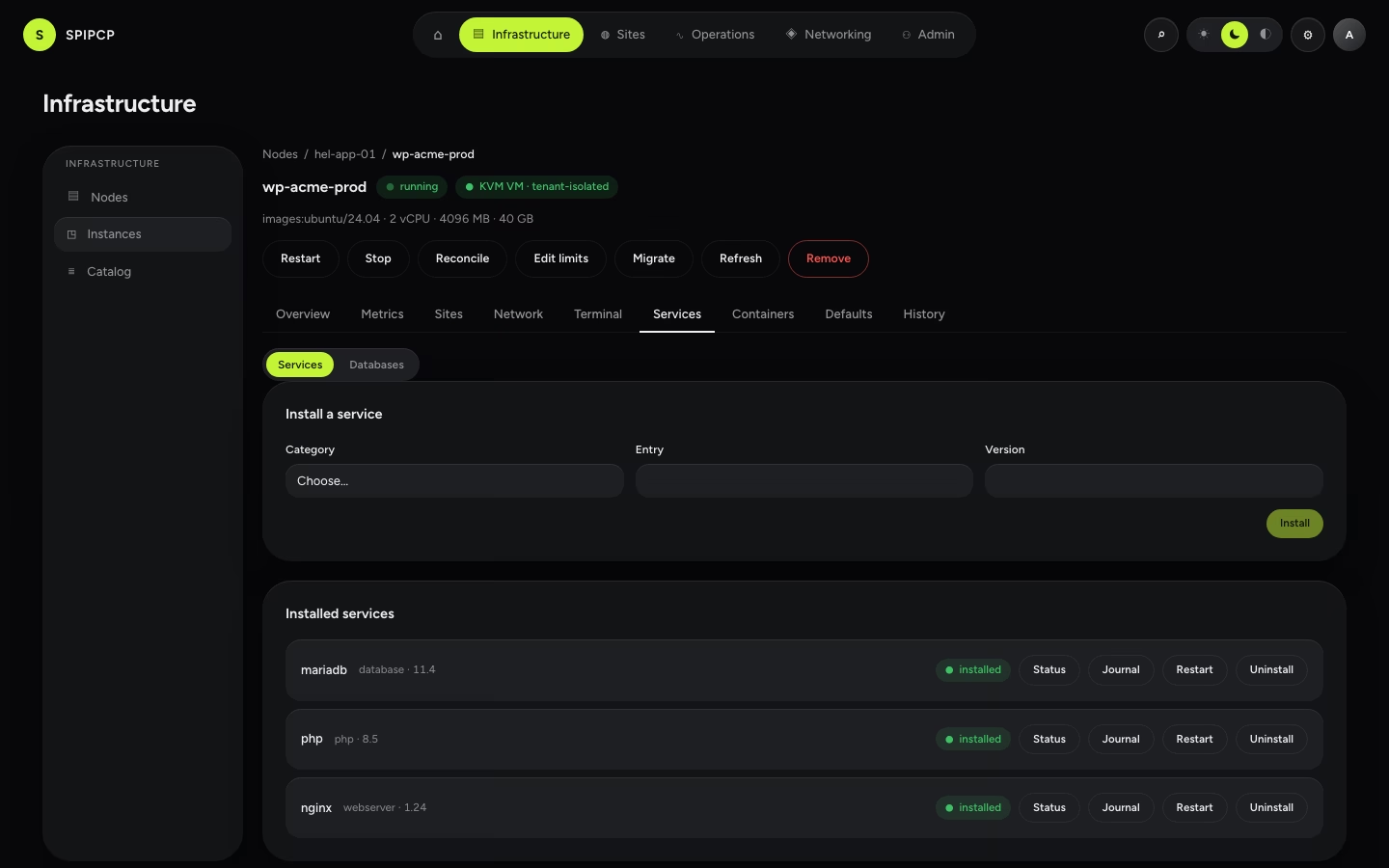
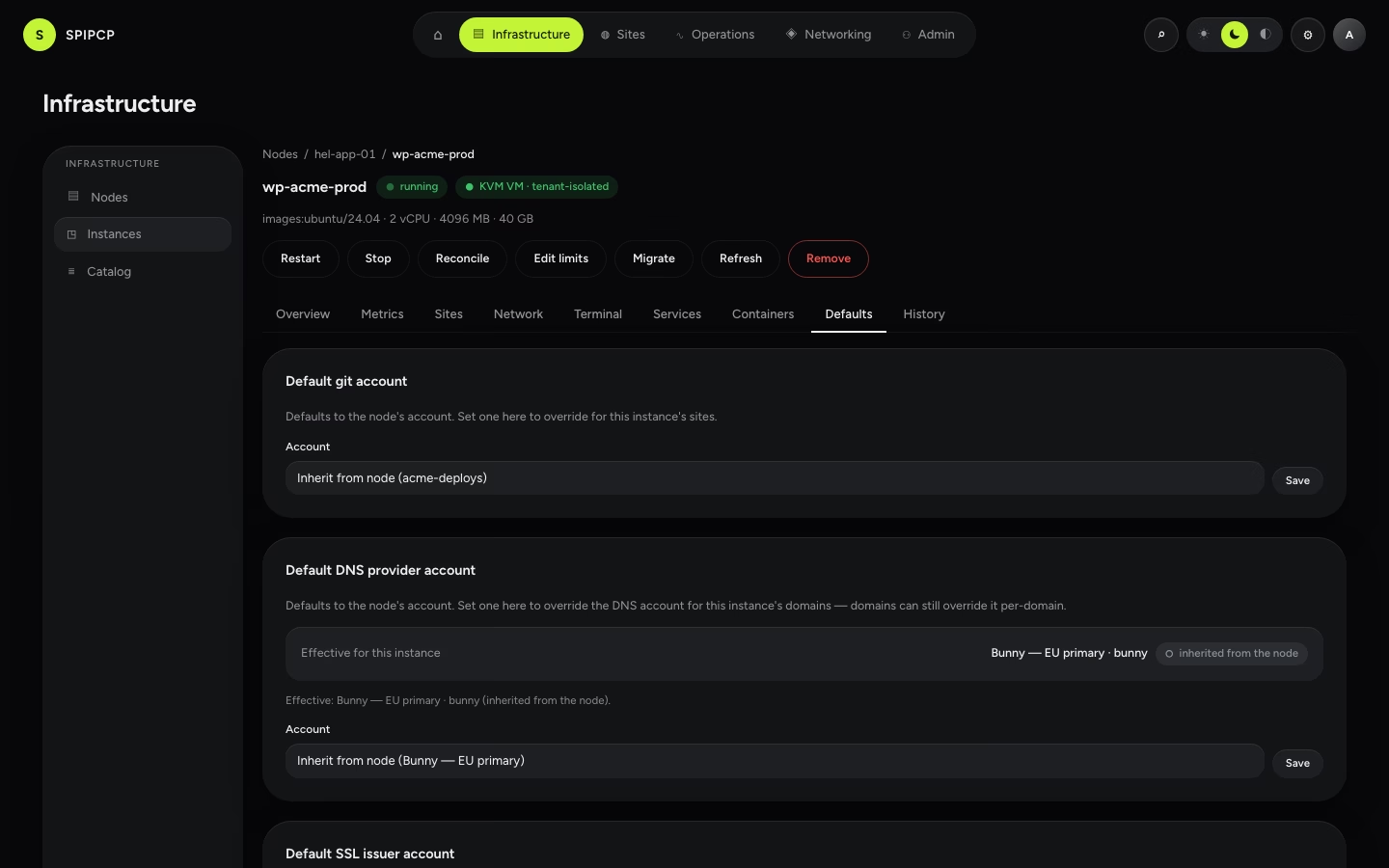
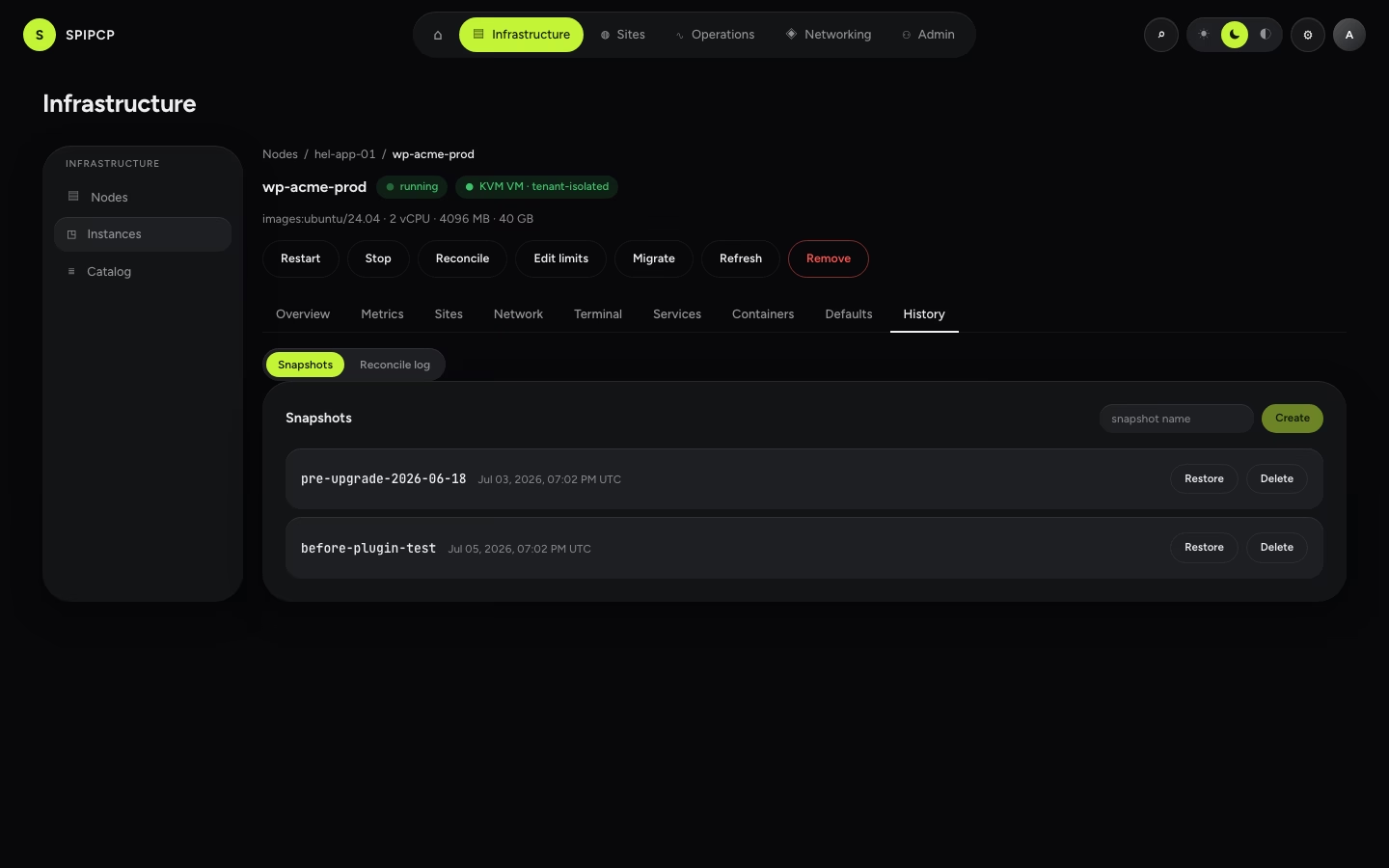
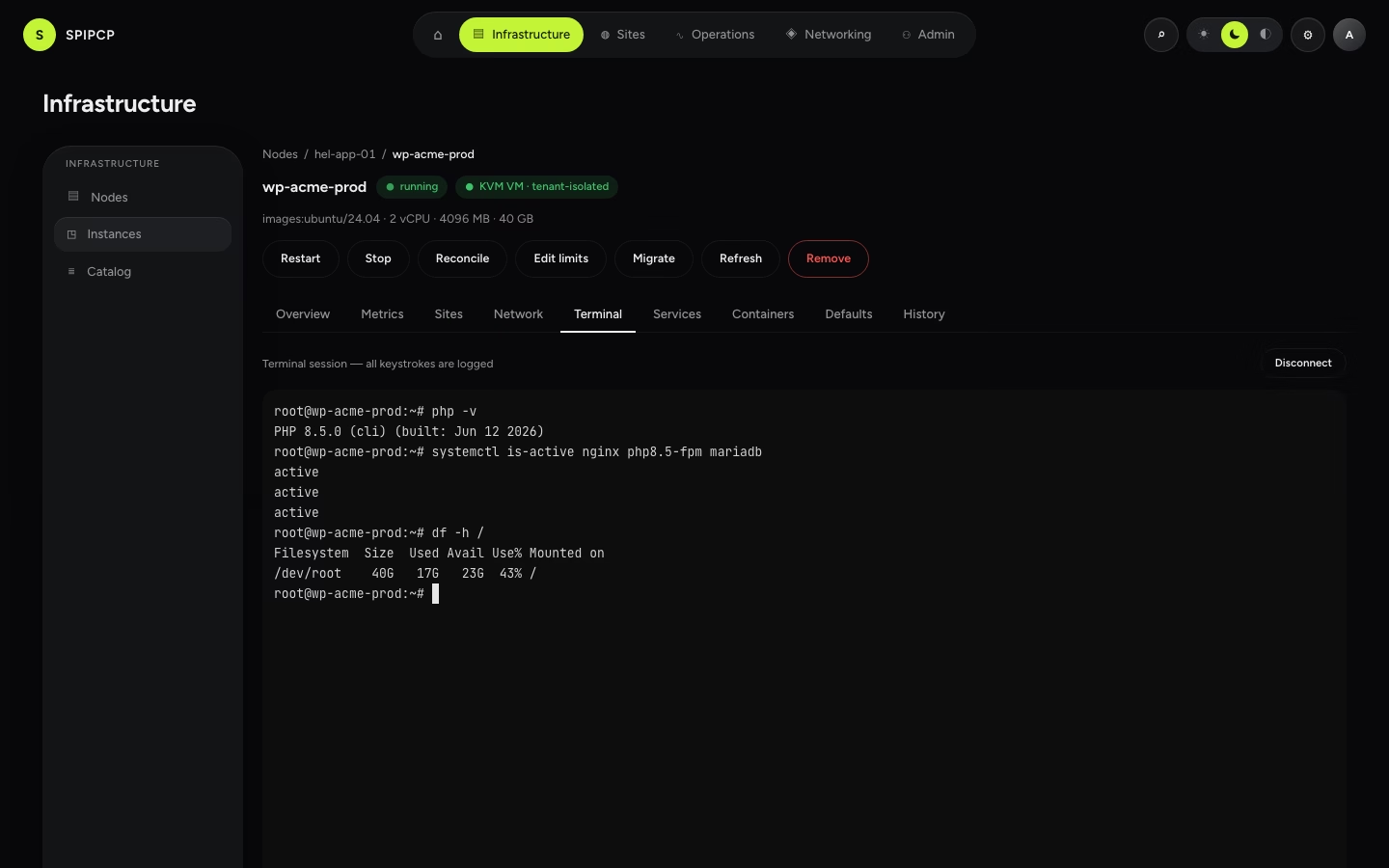
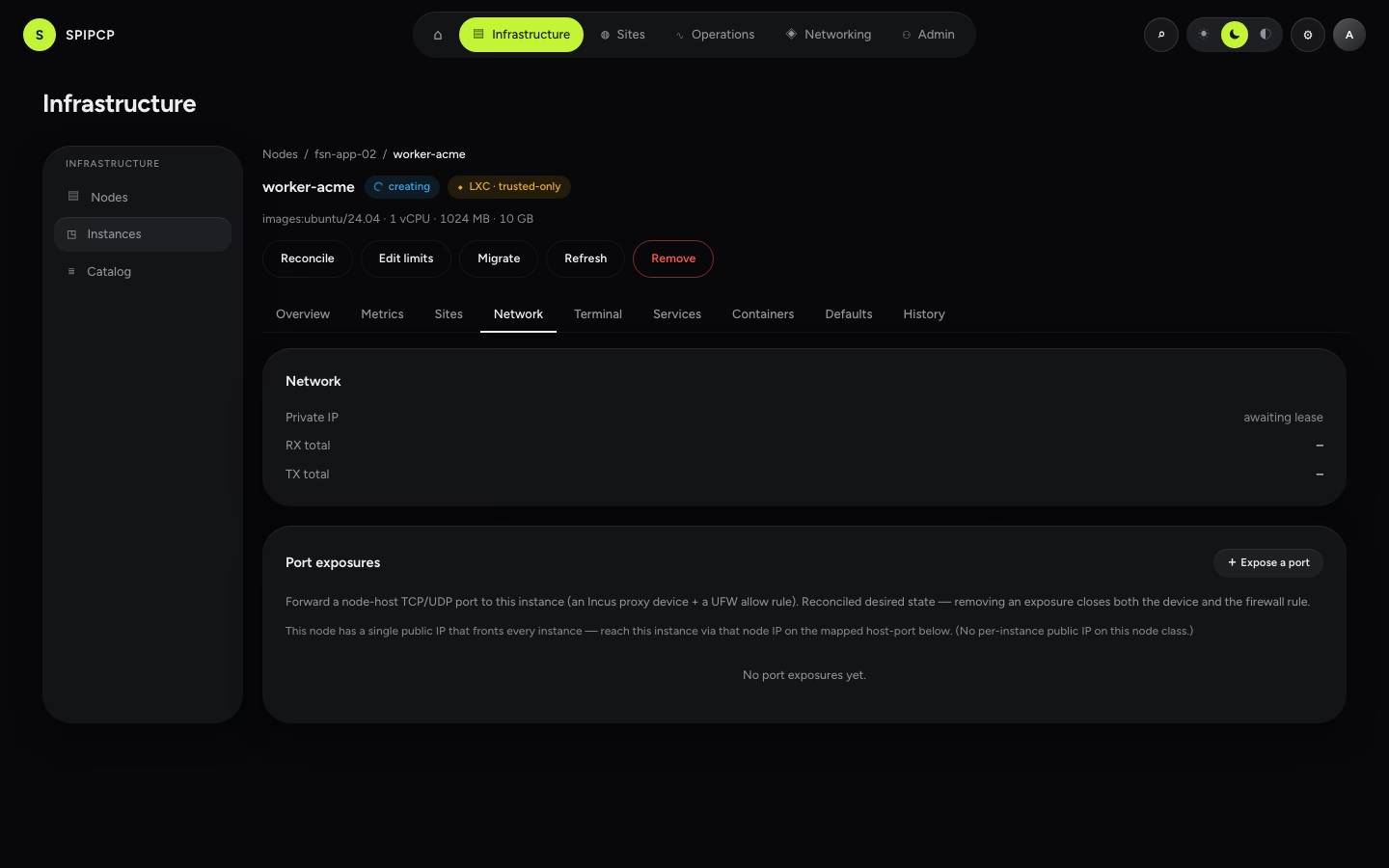
Docker management
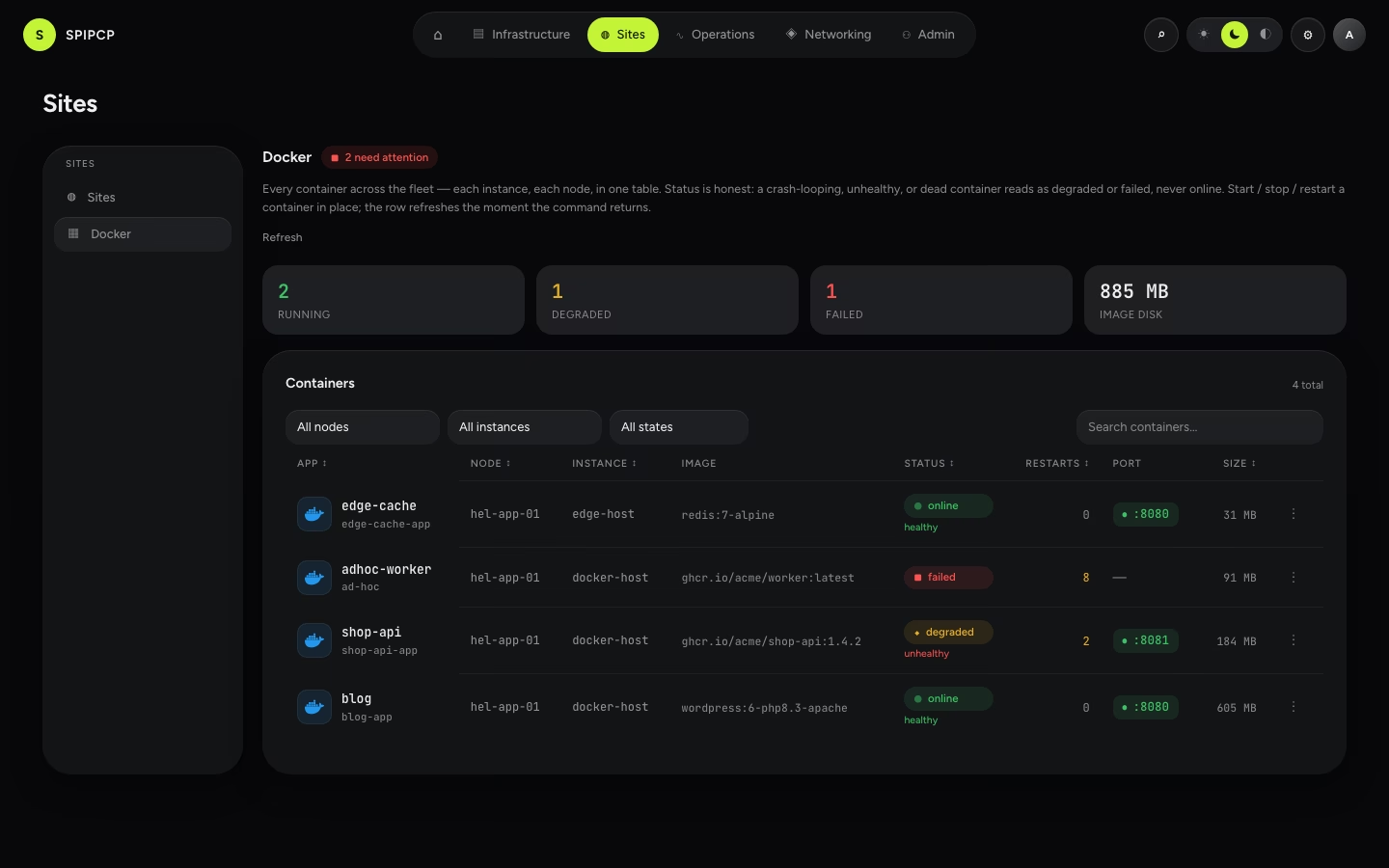
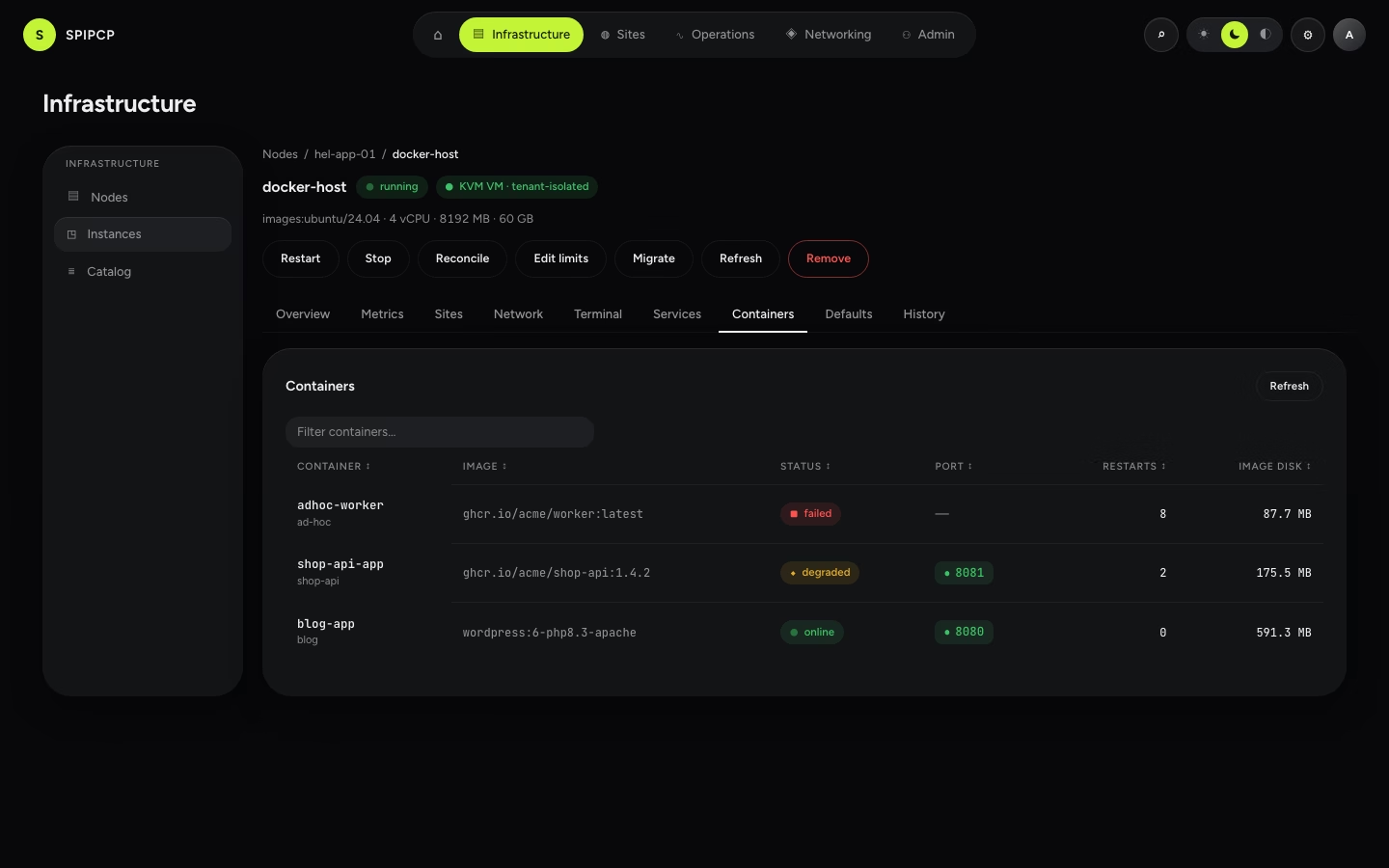
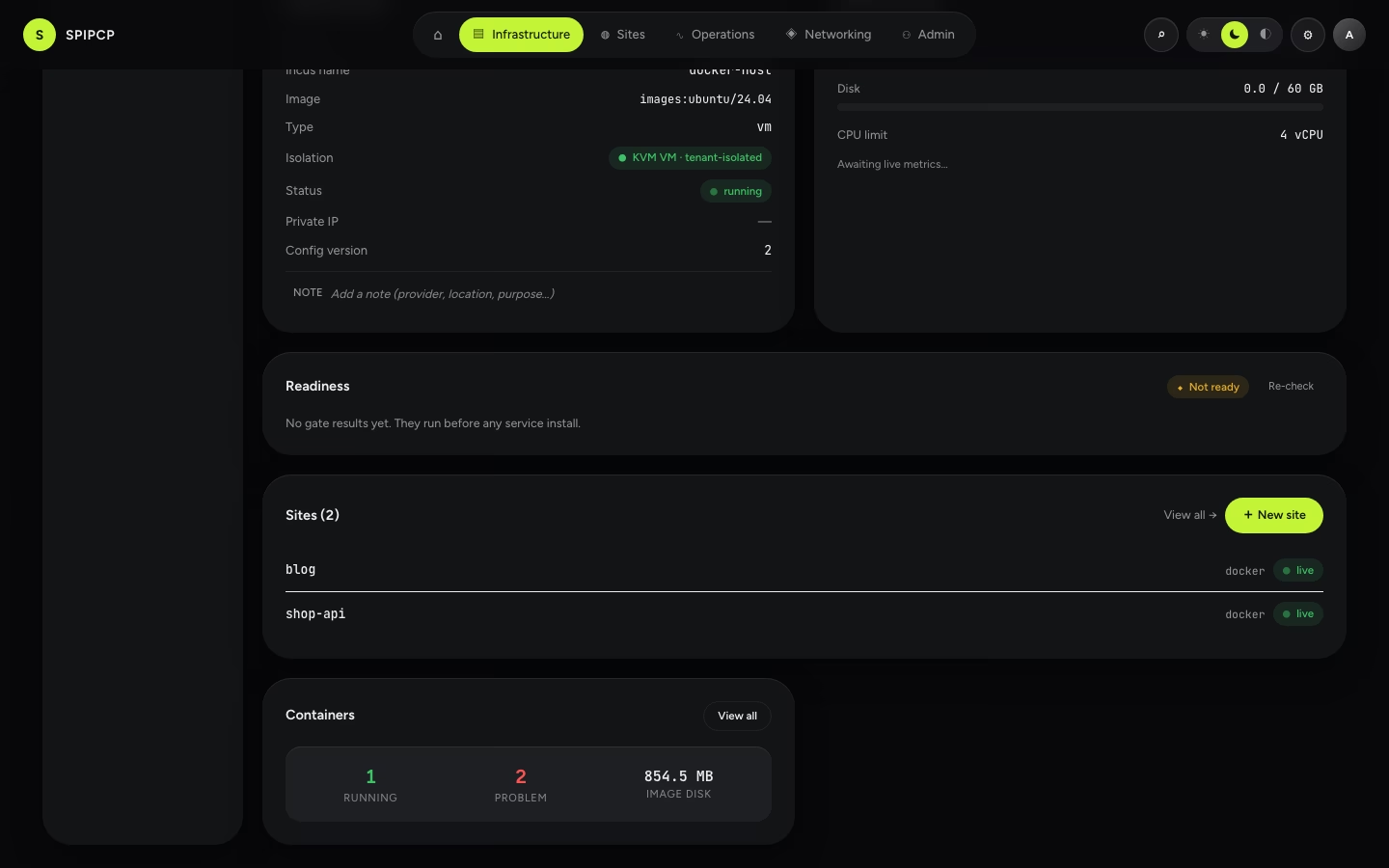
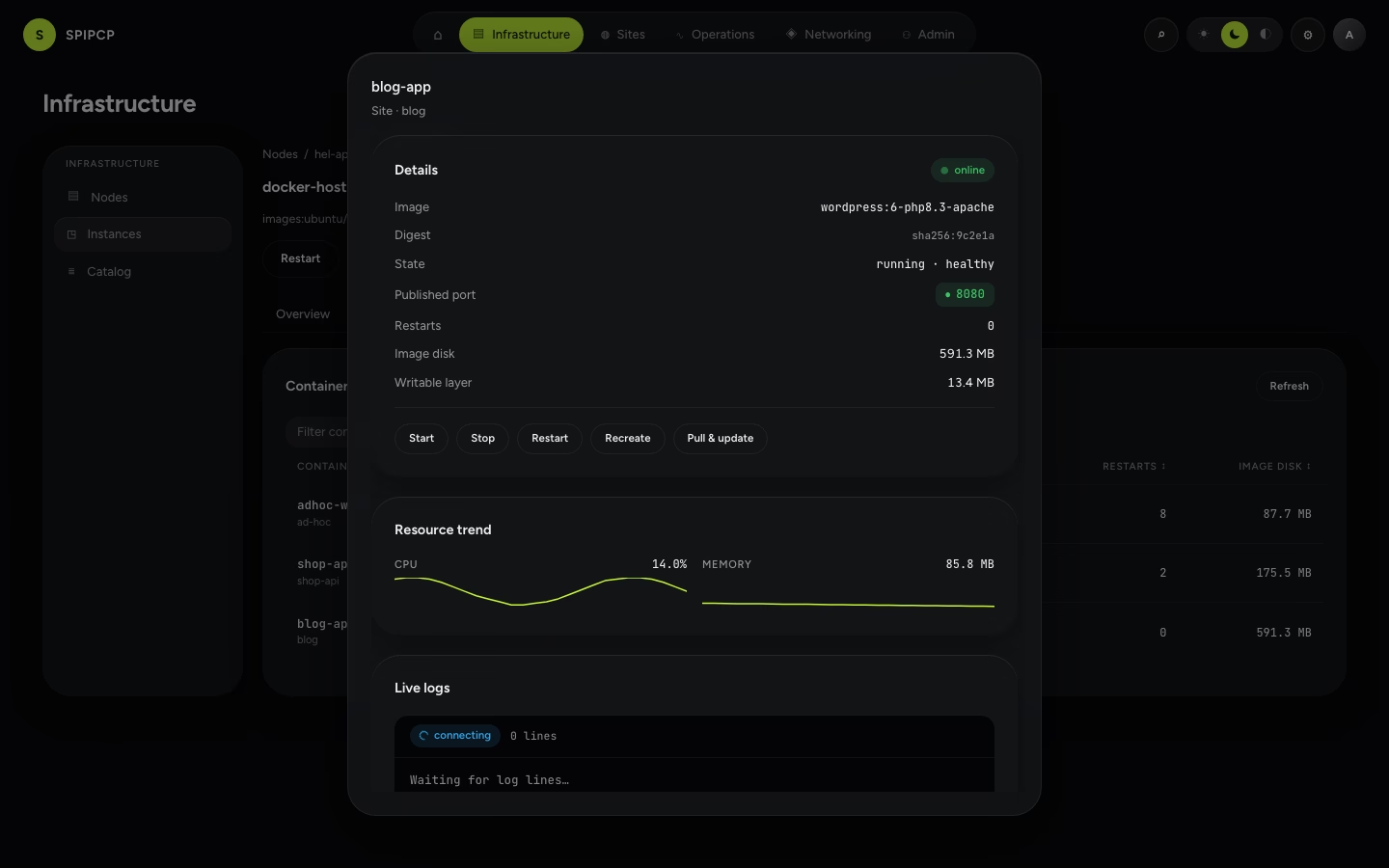
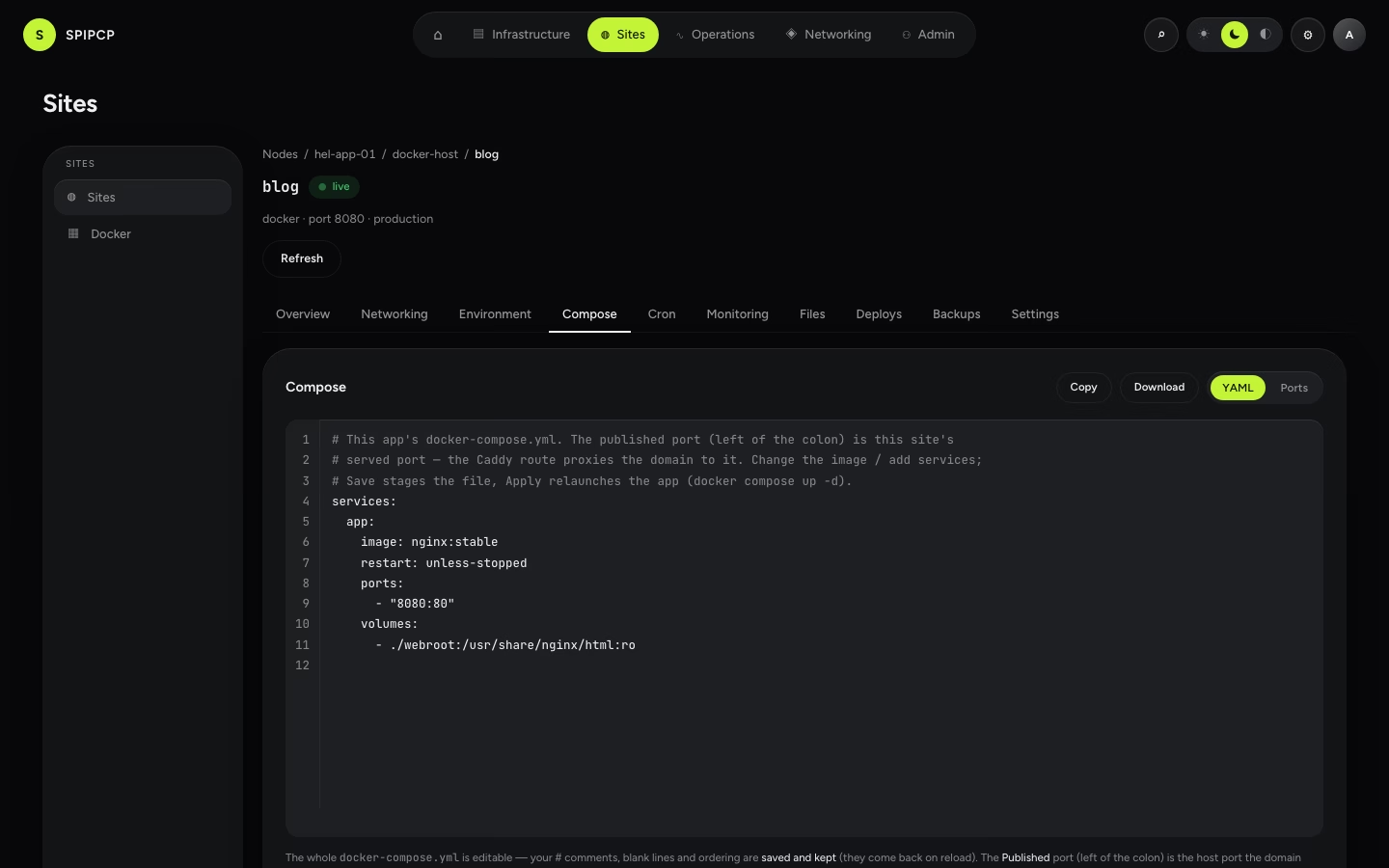
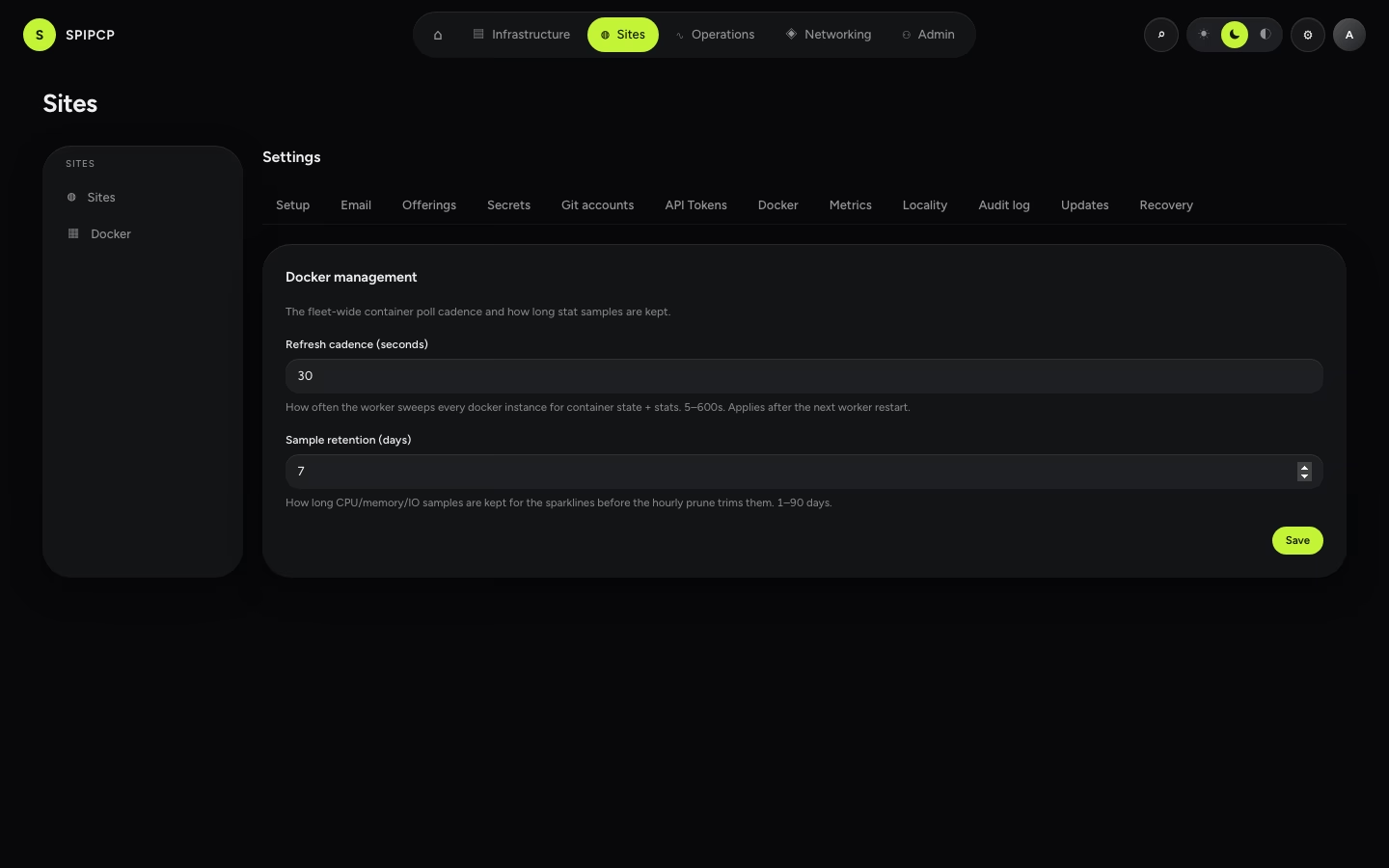
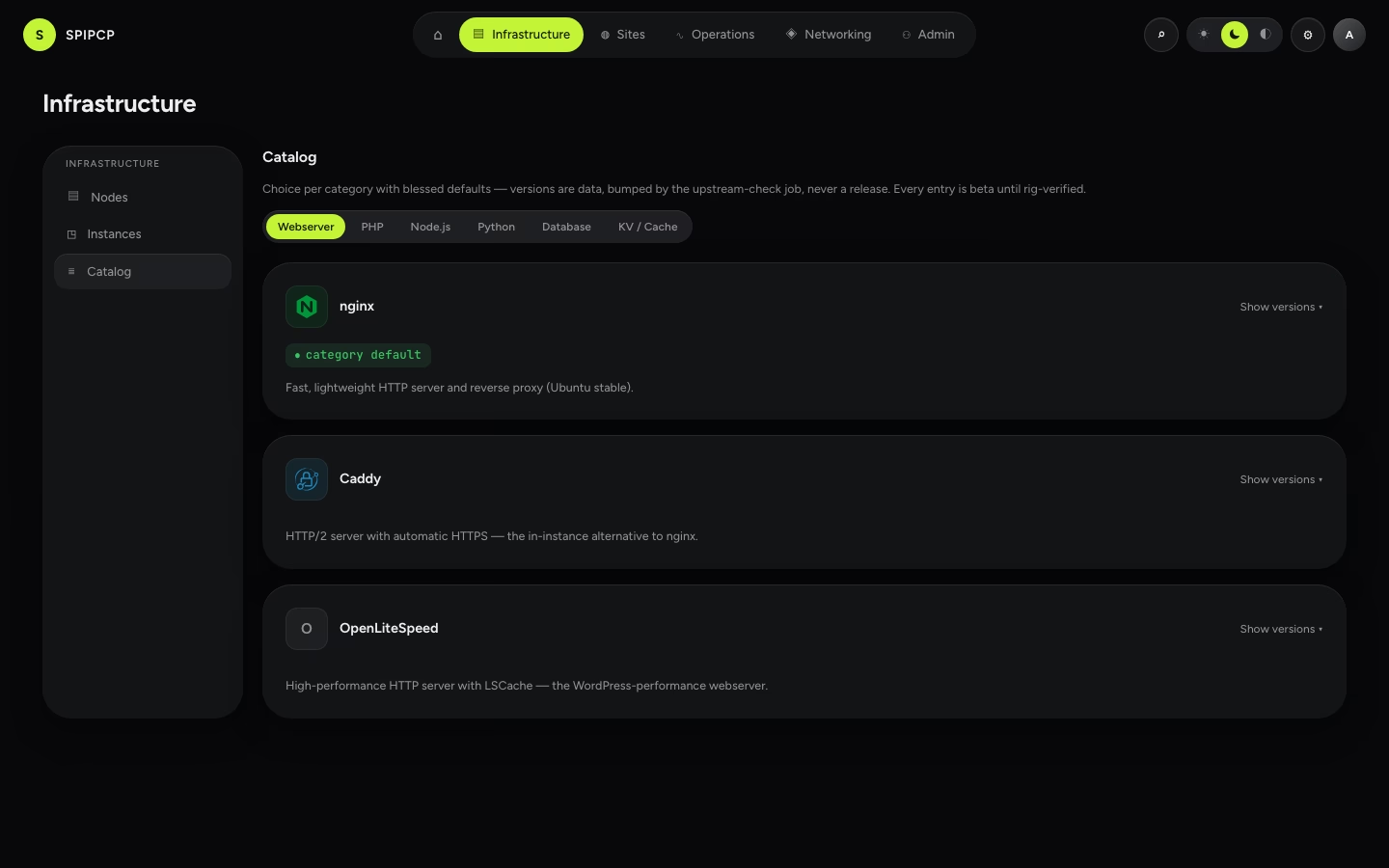
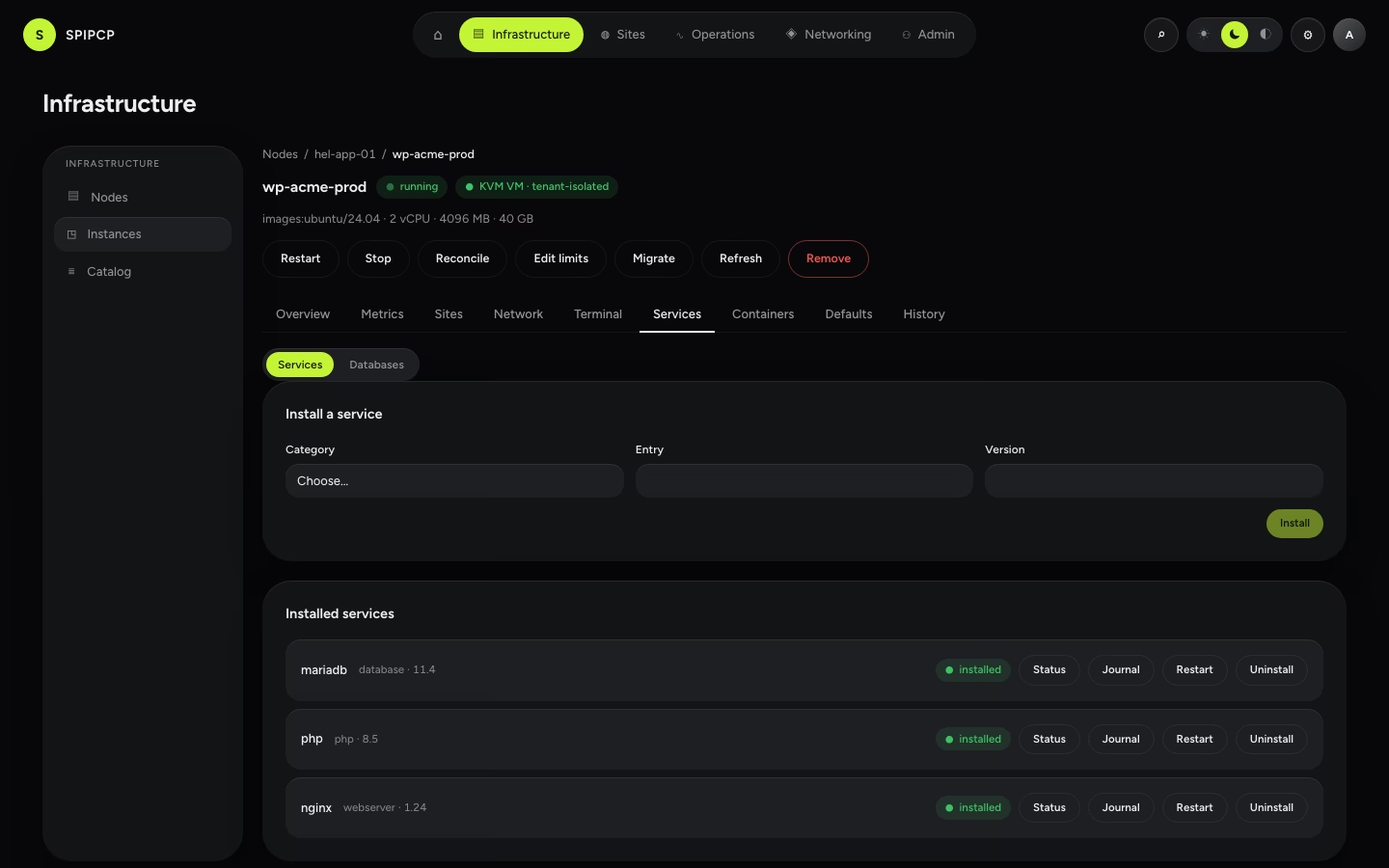
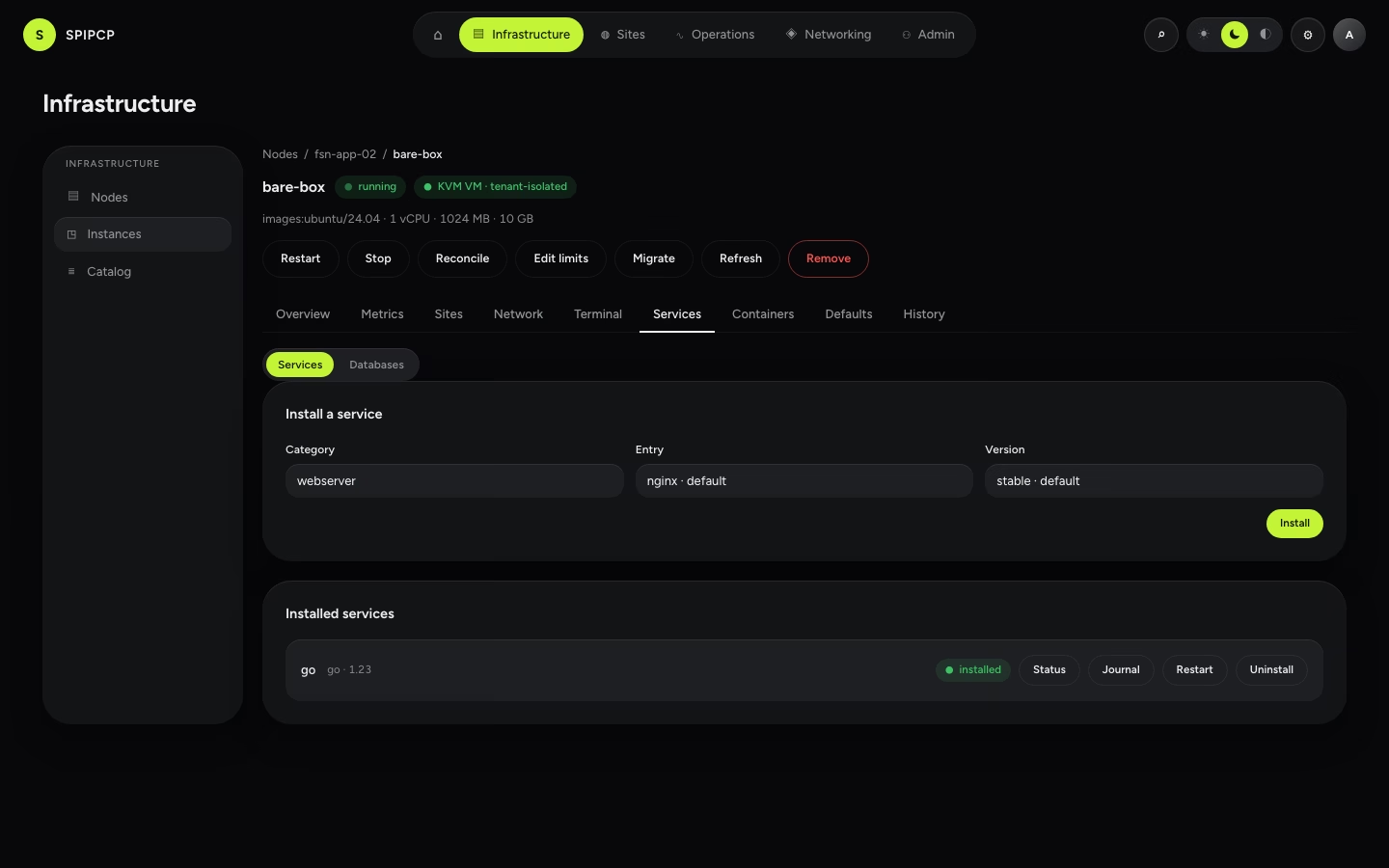
Catalog & installable services
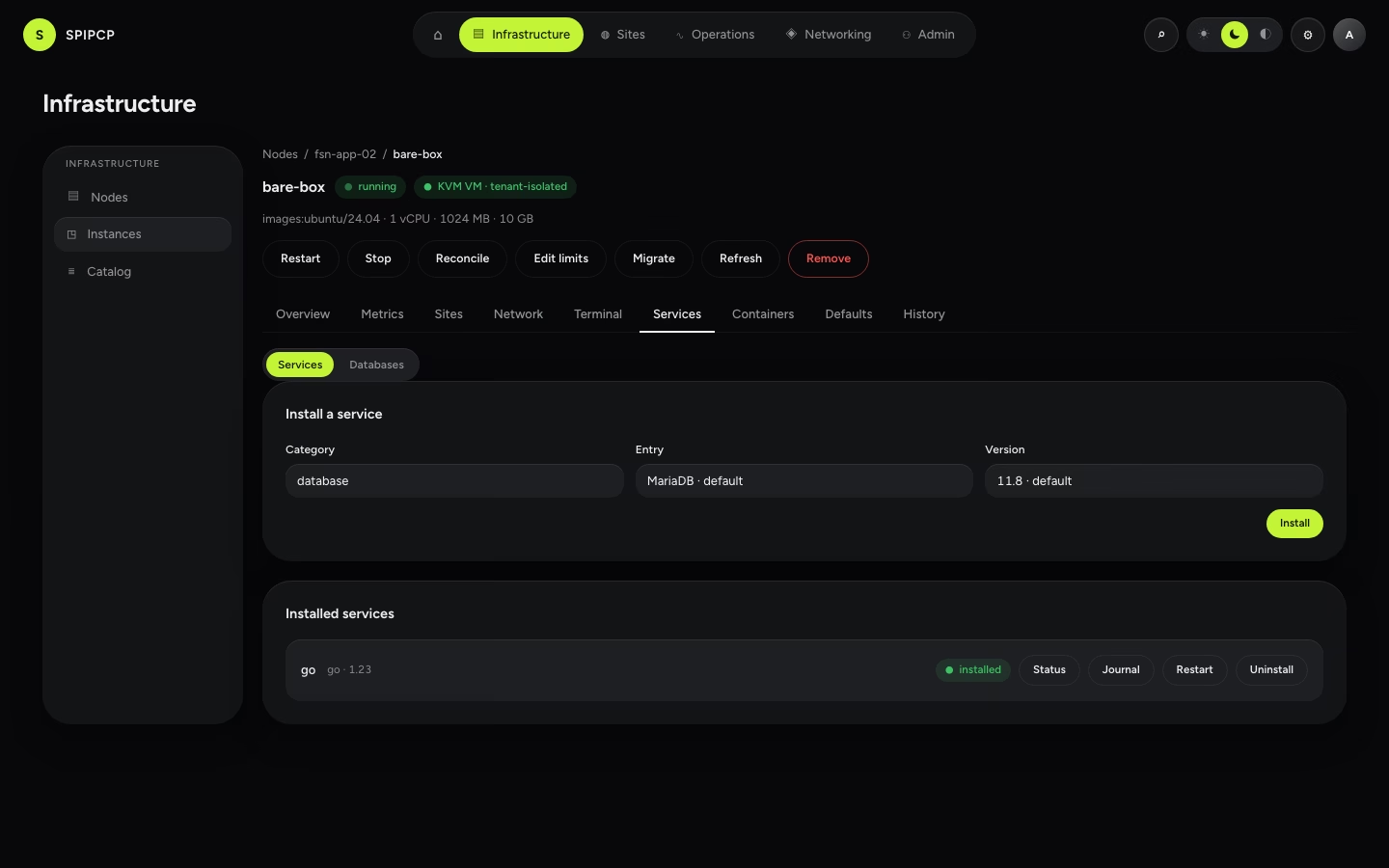
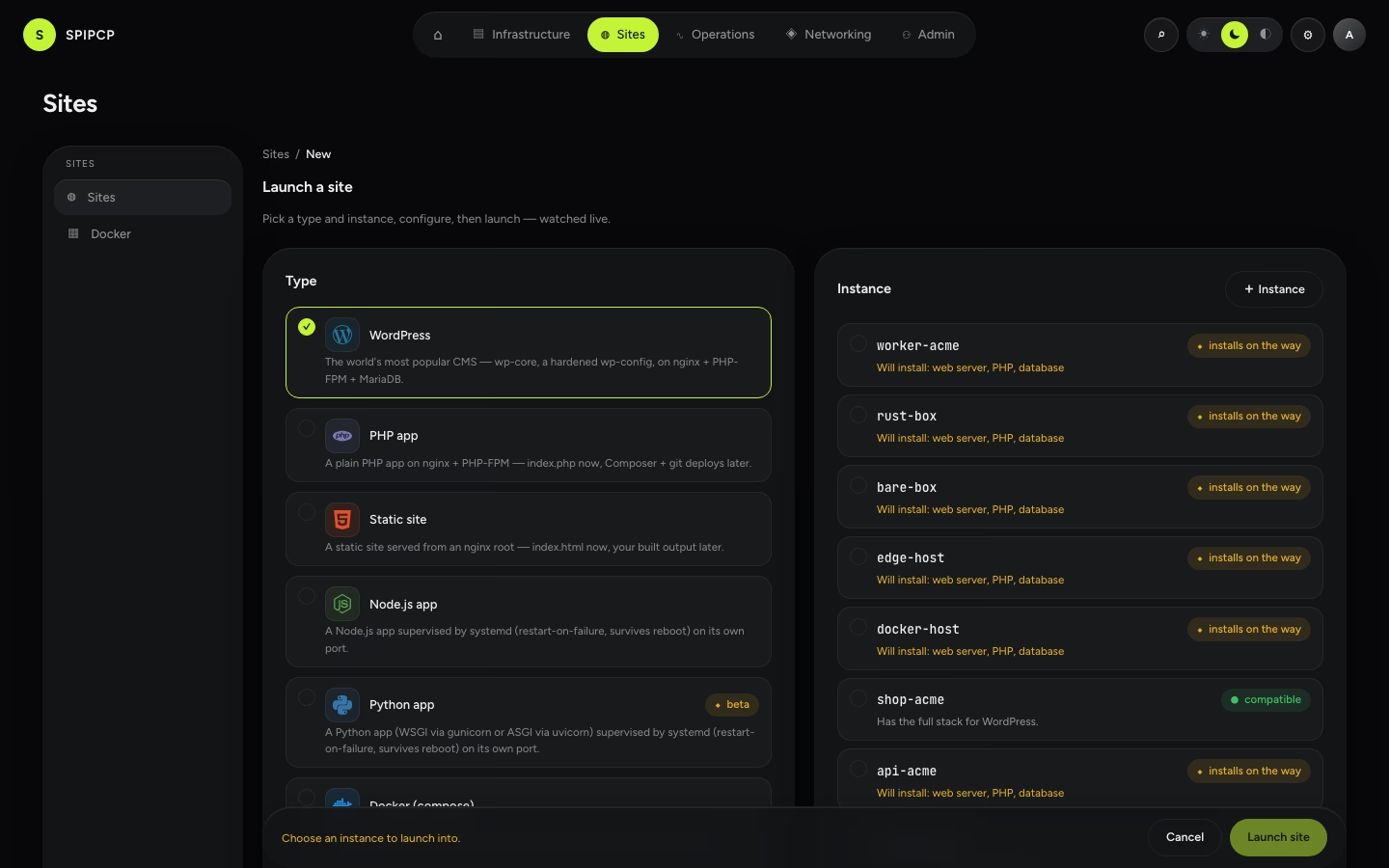
Sites
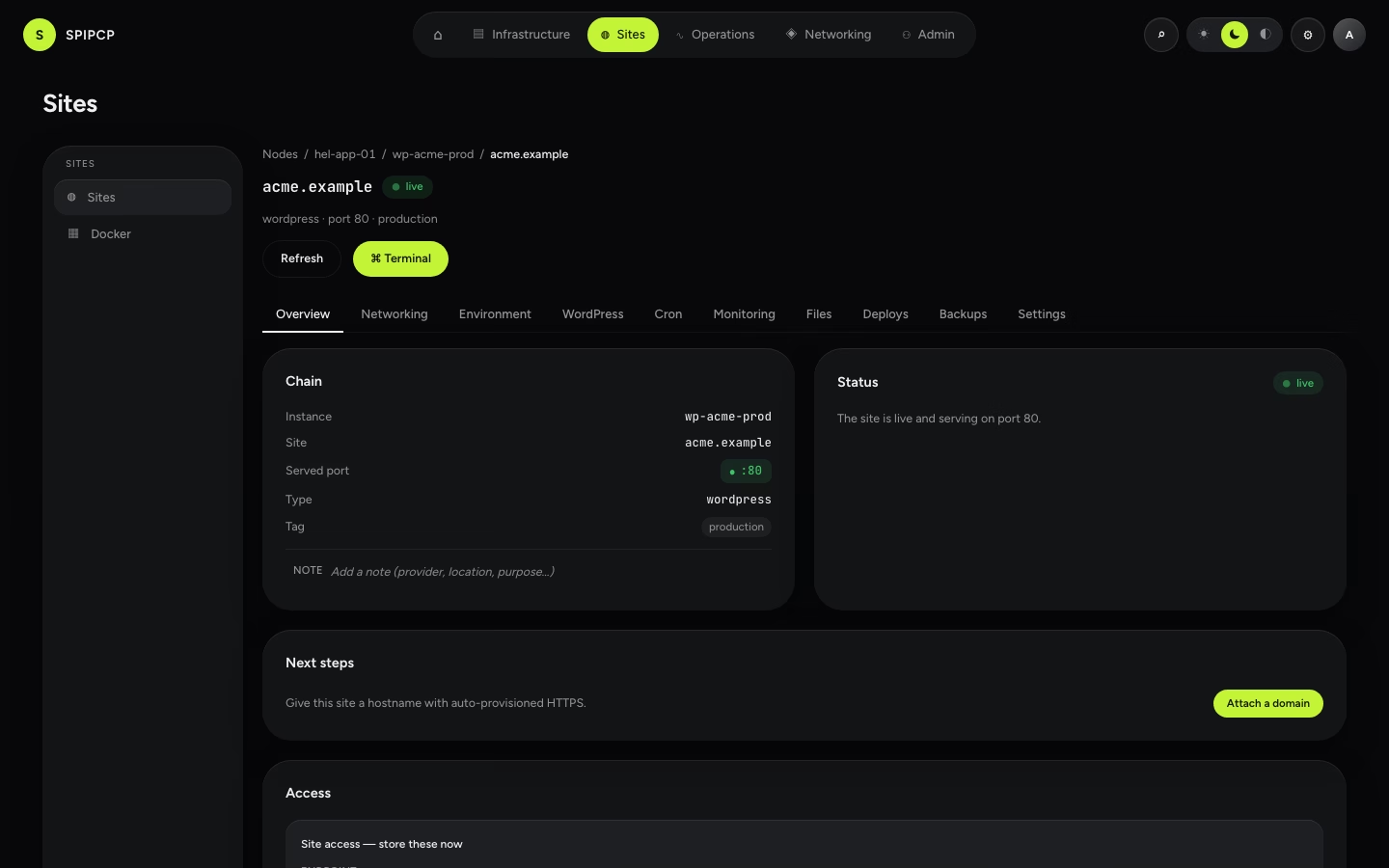
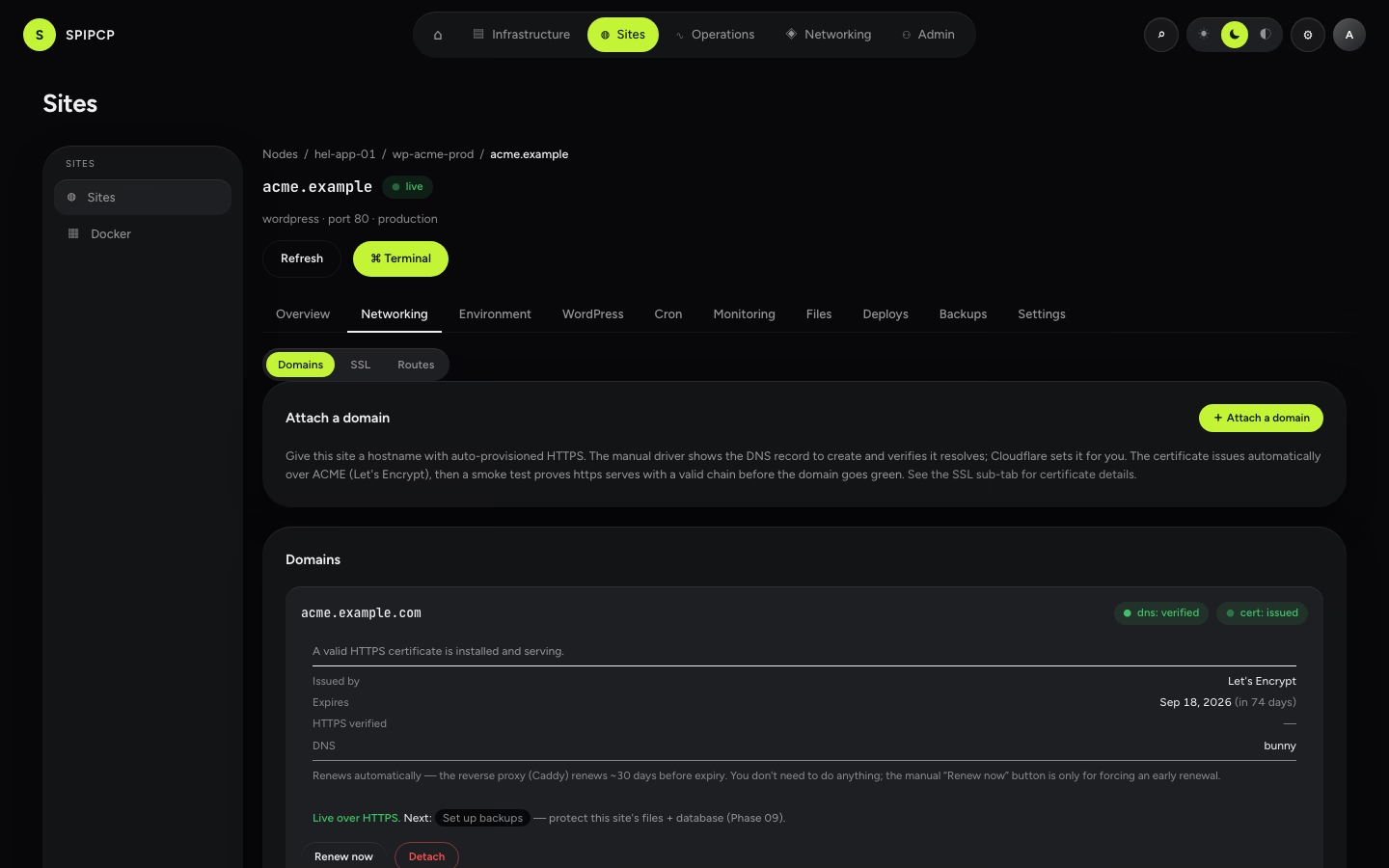
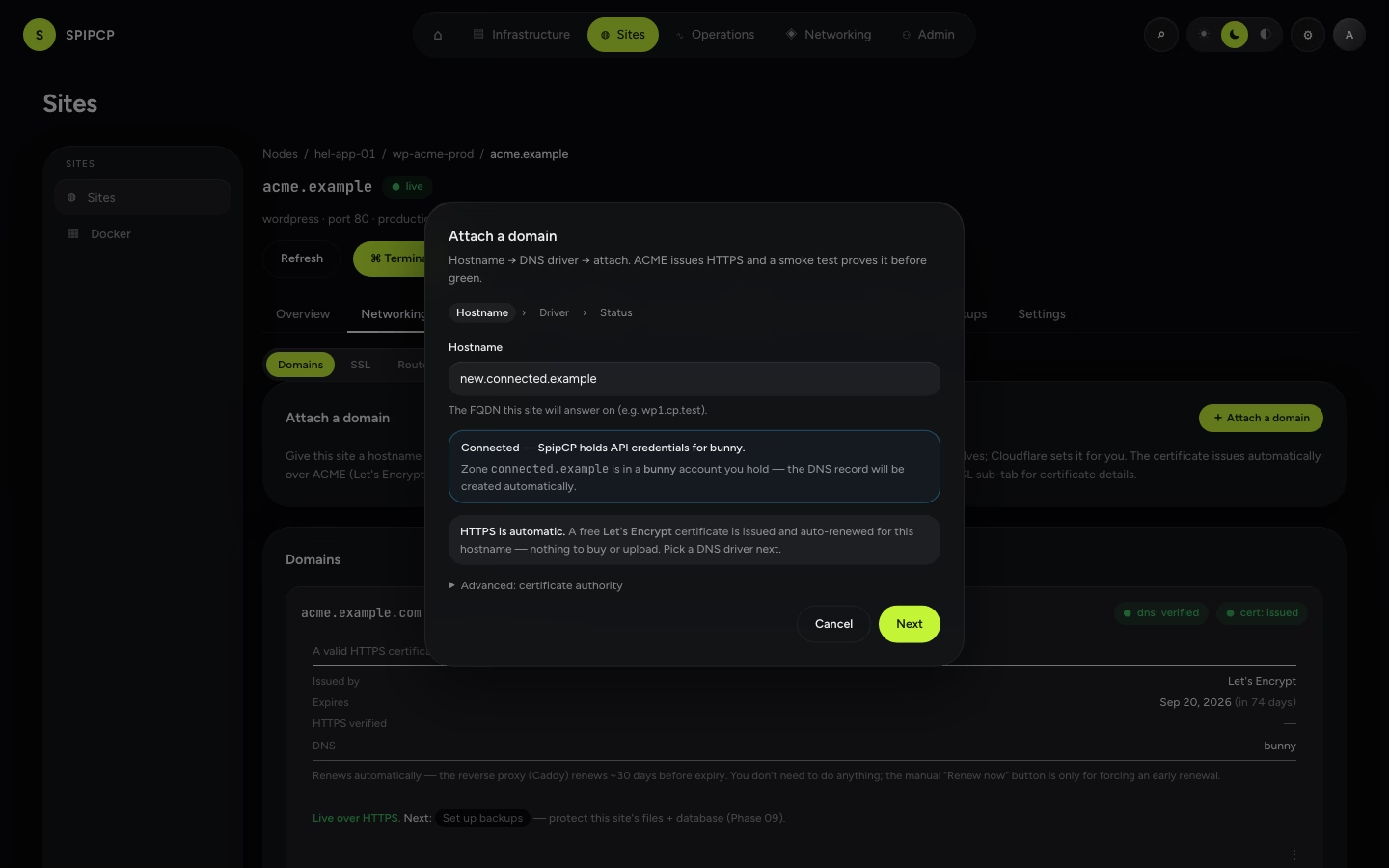
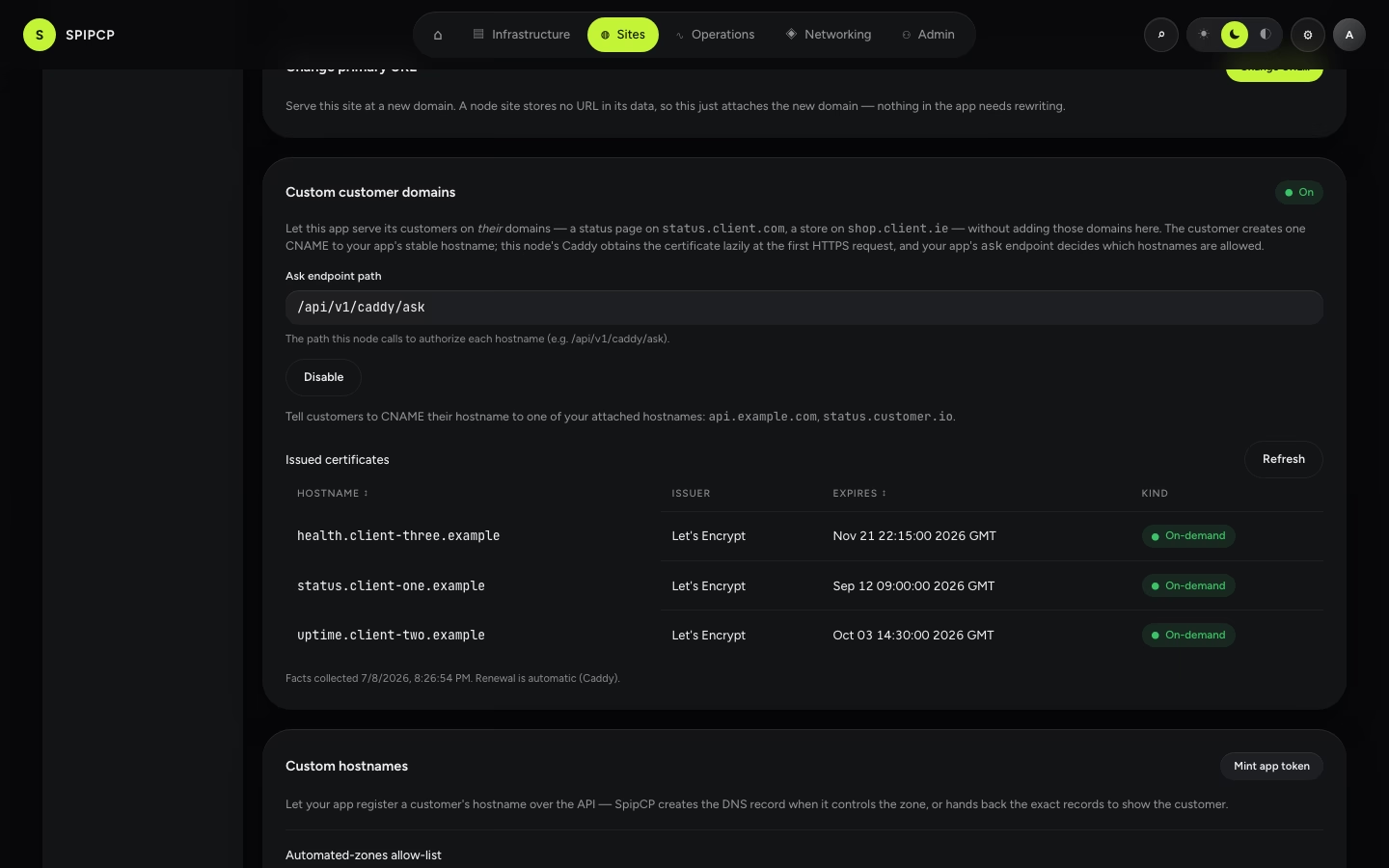
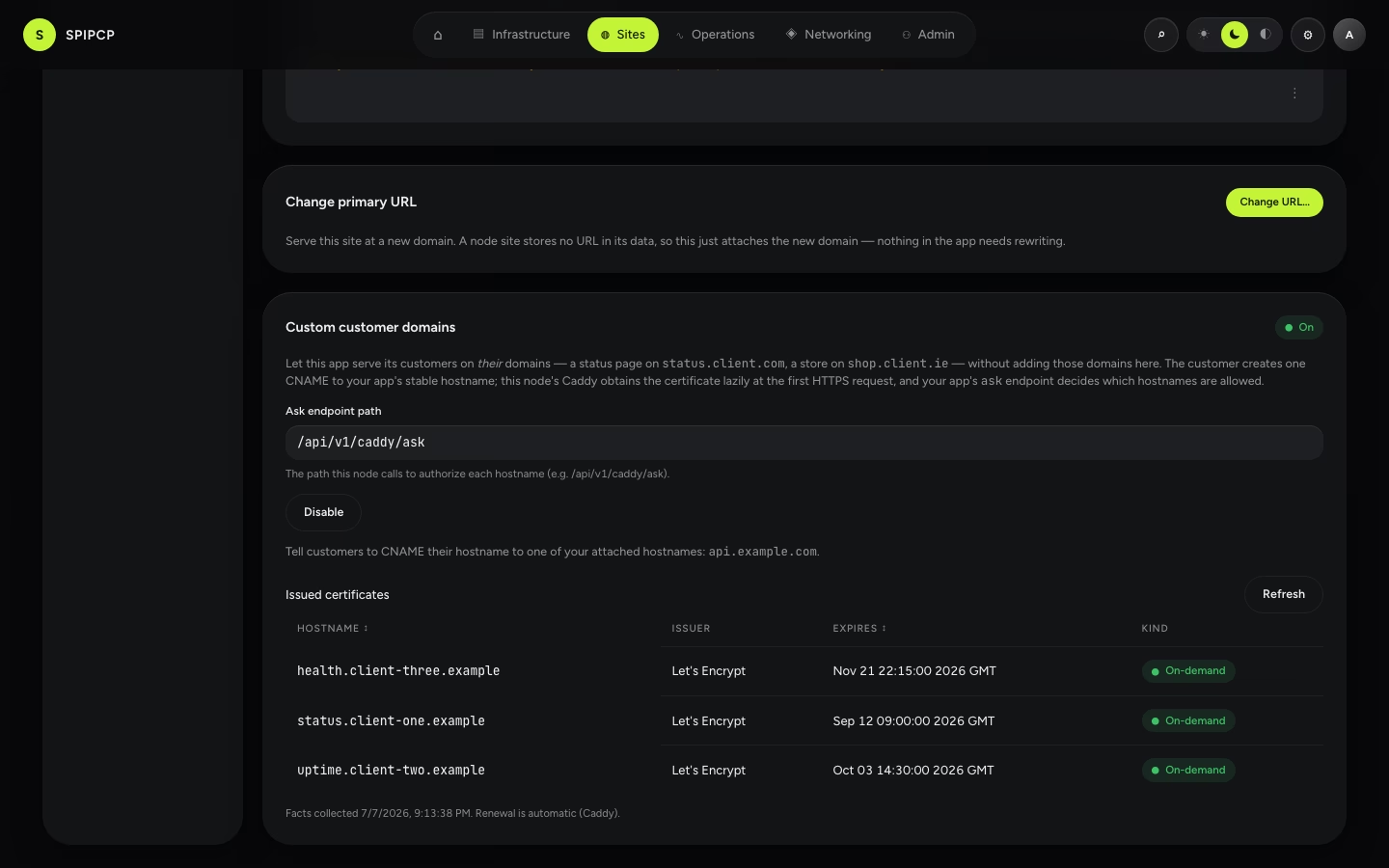
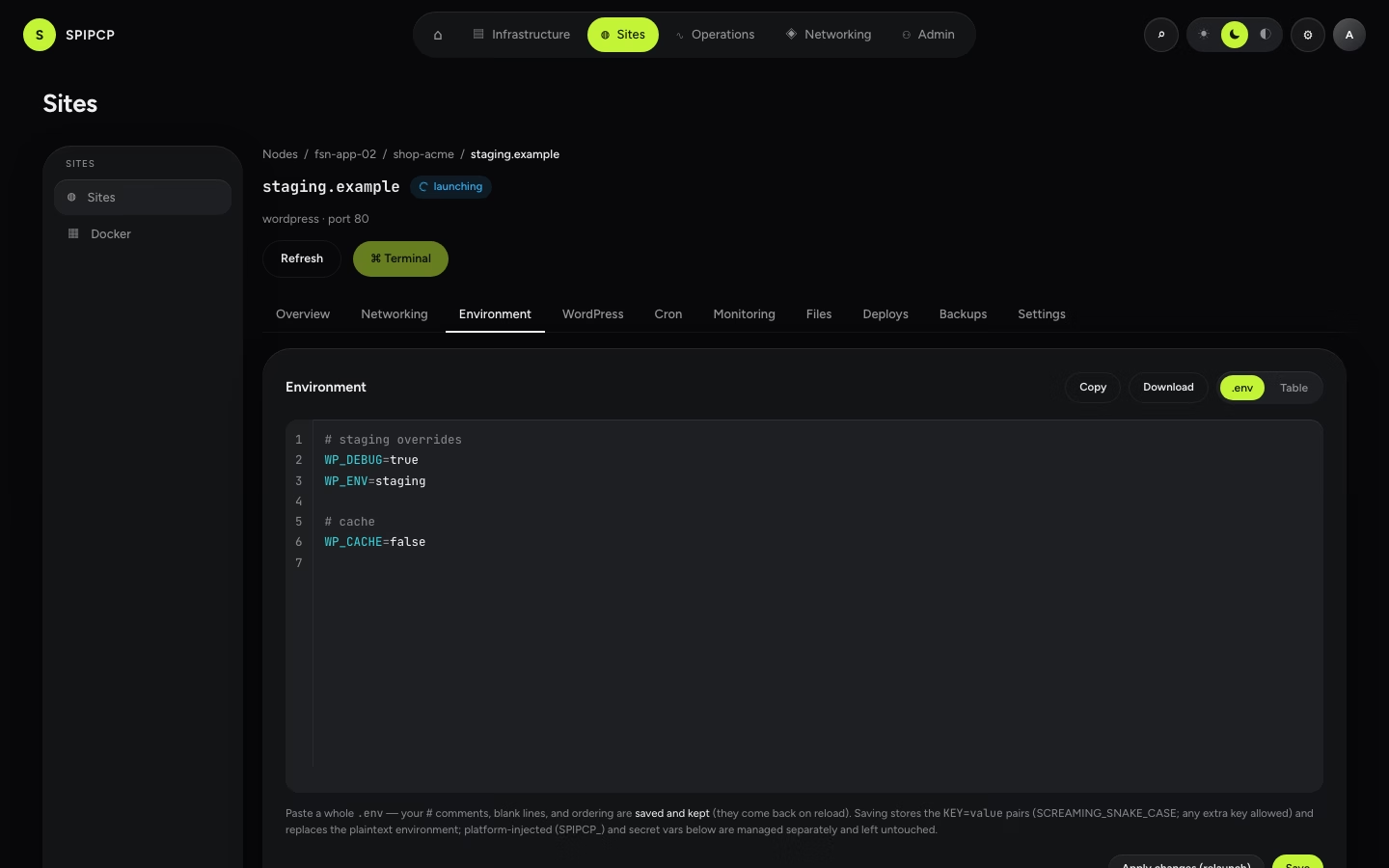
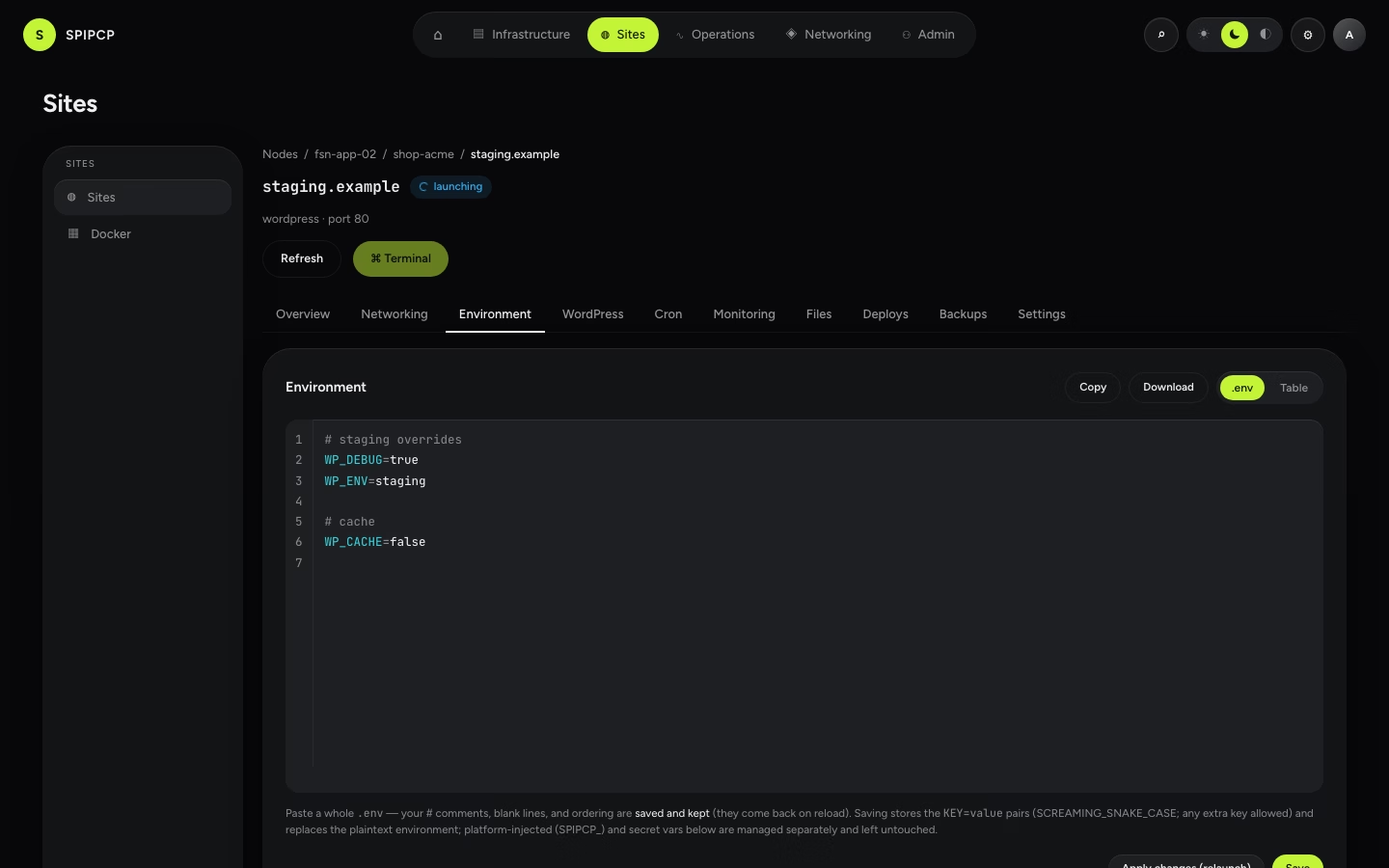
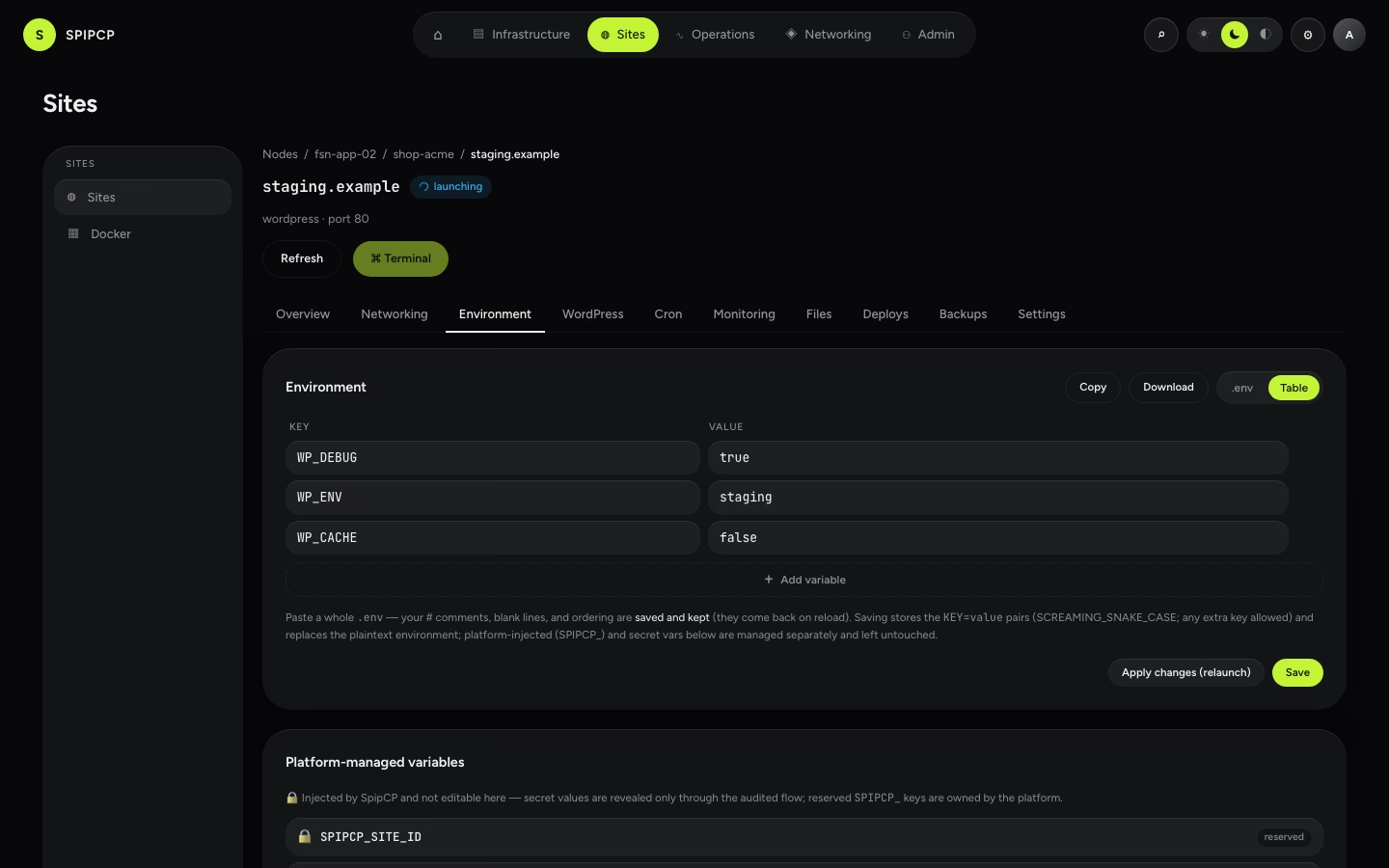
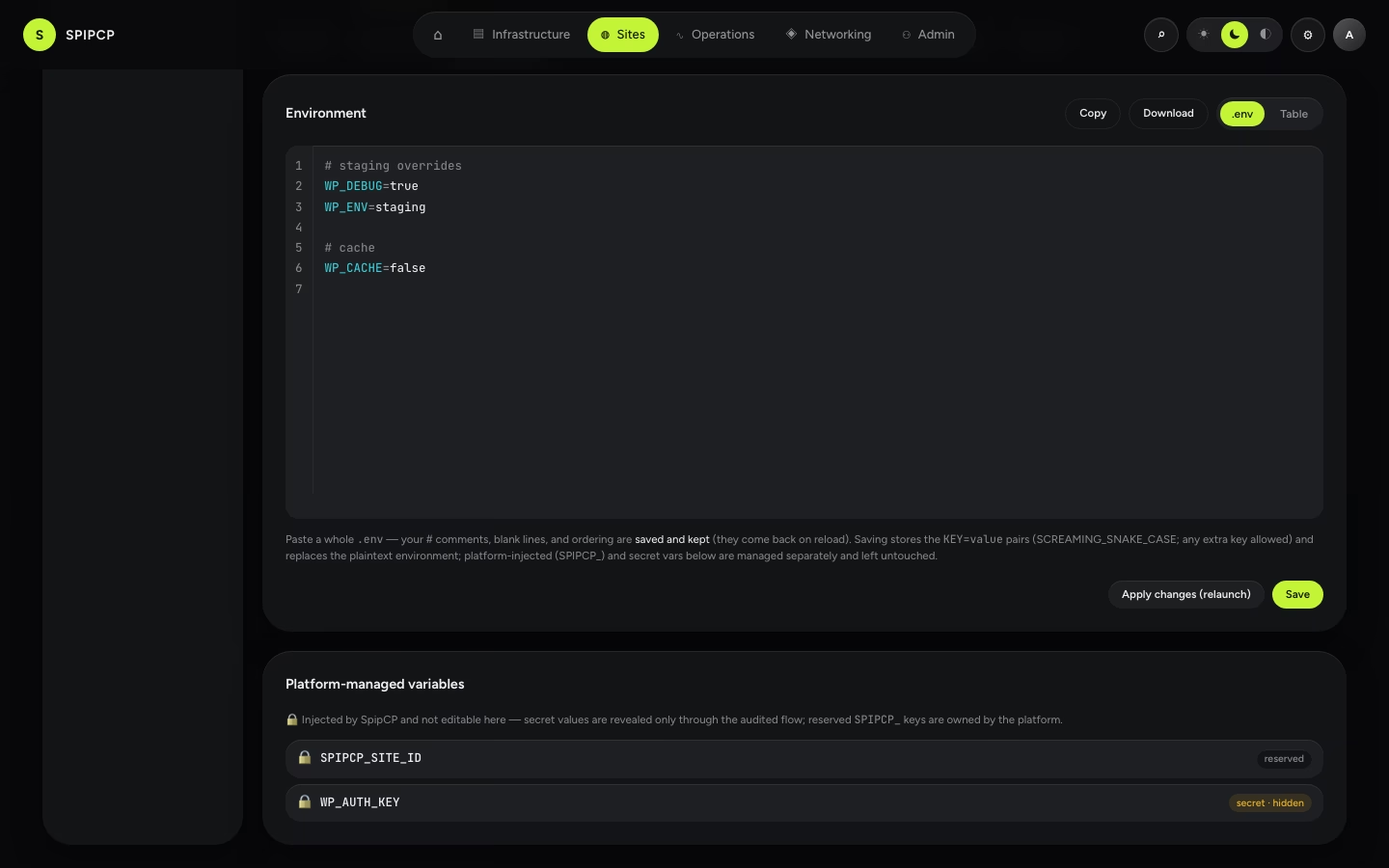
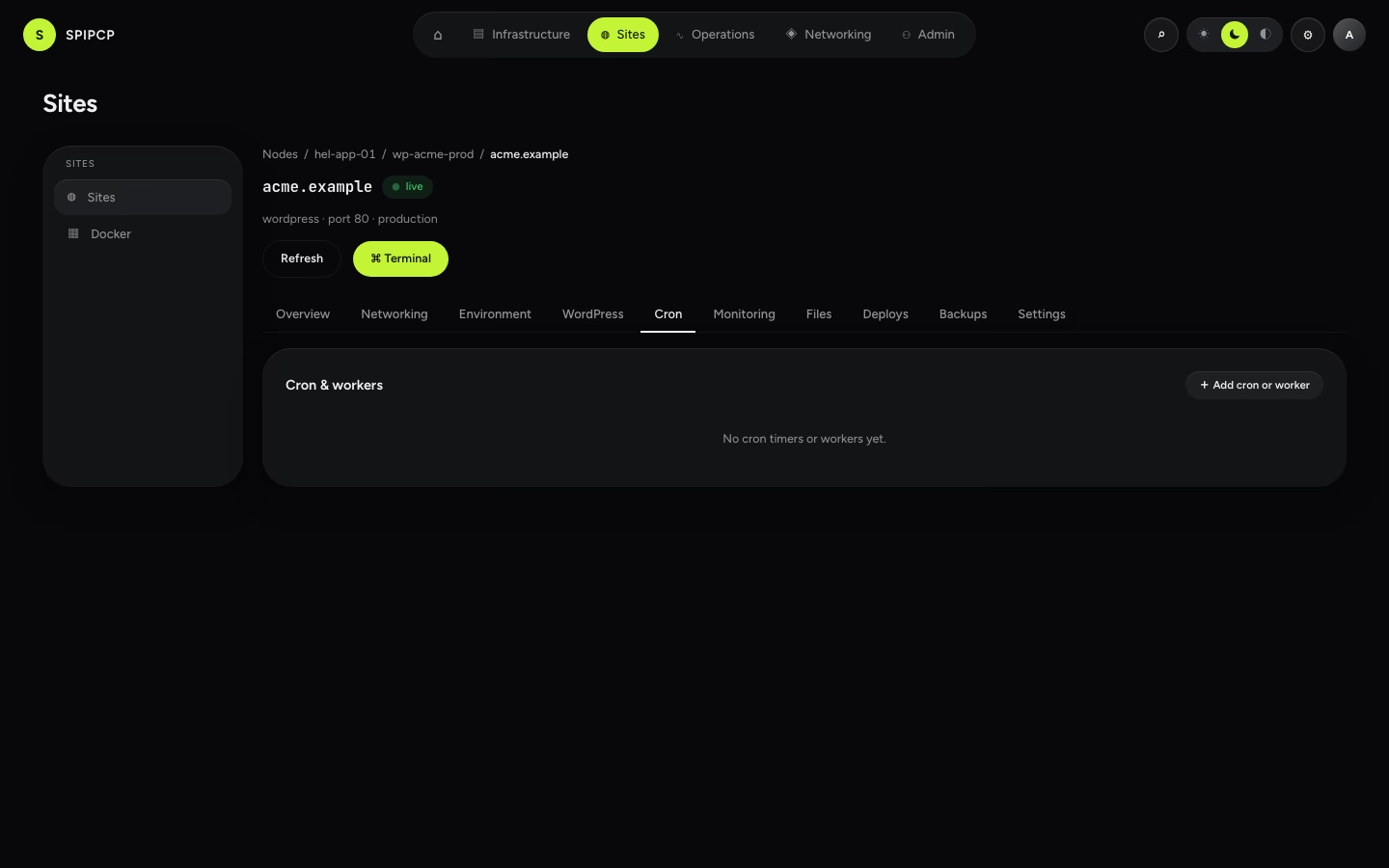
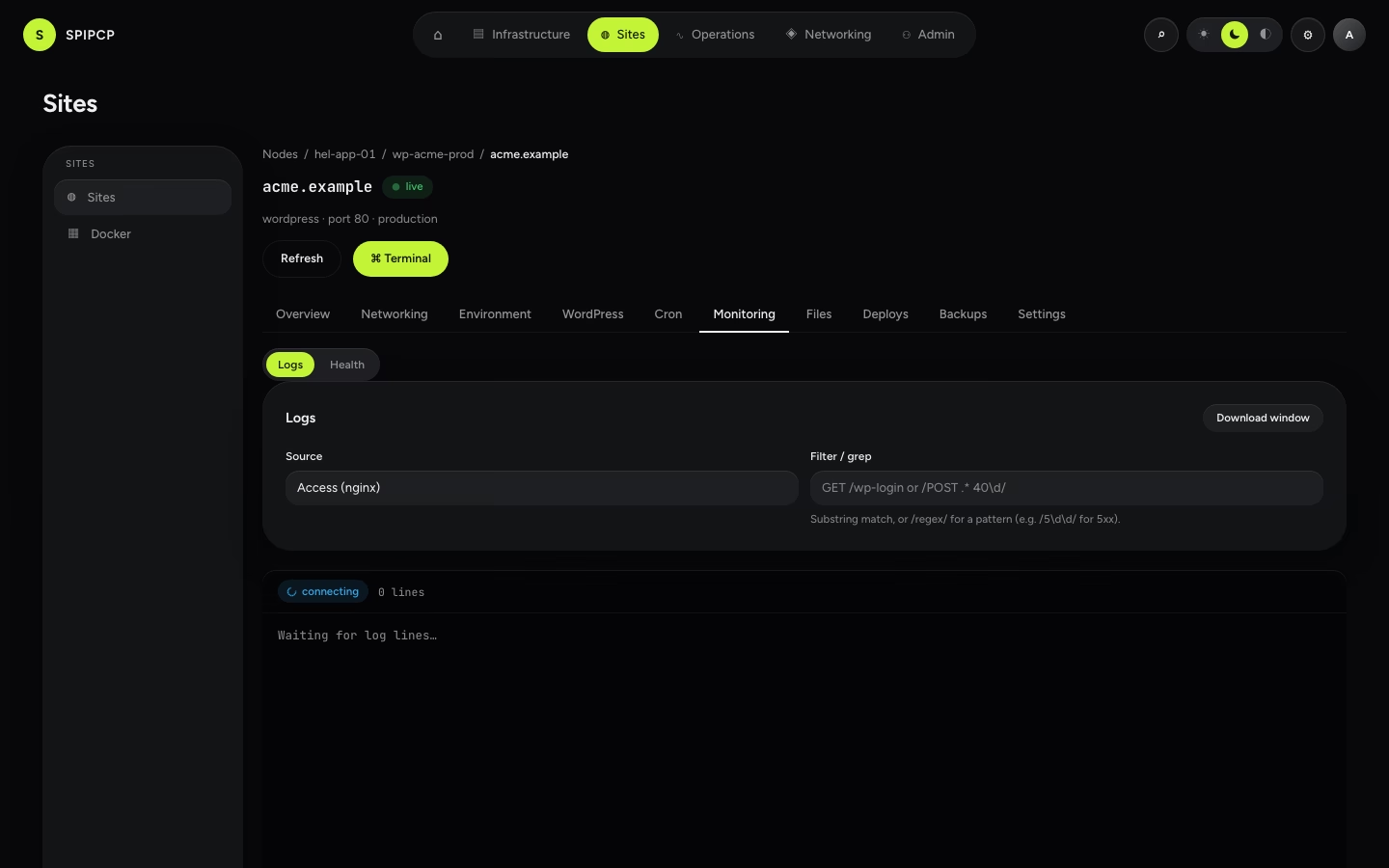
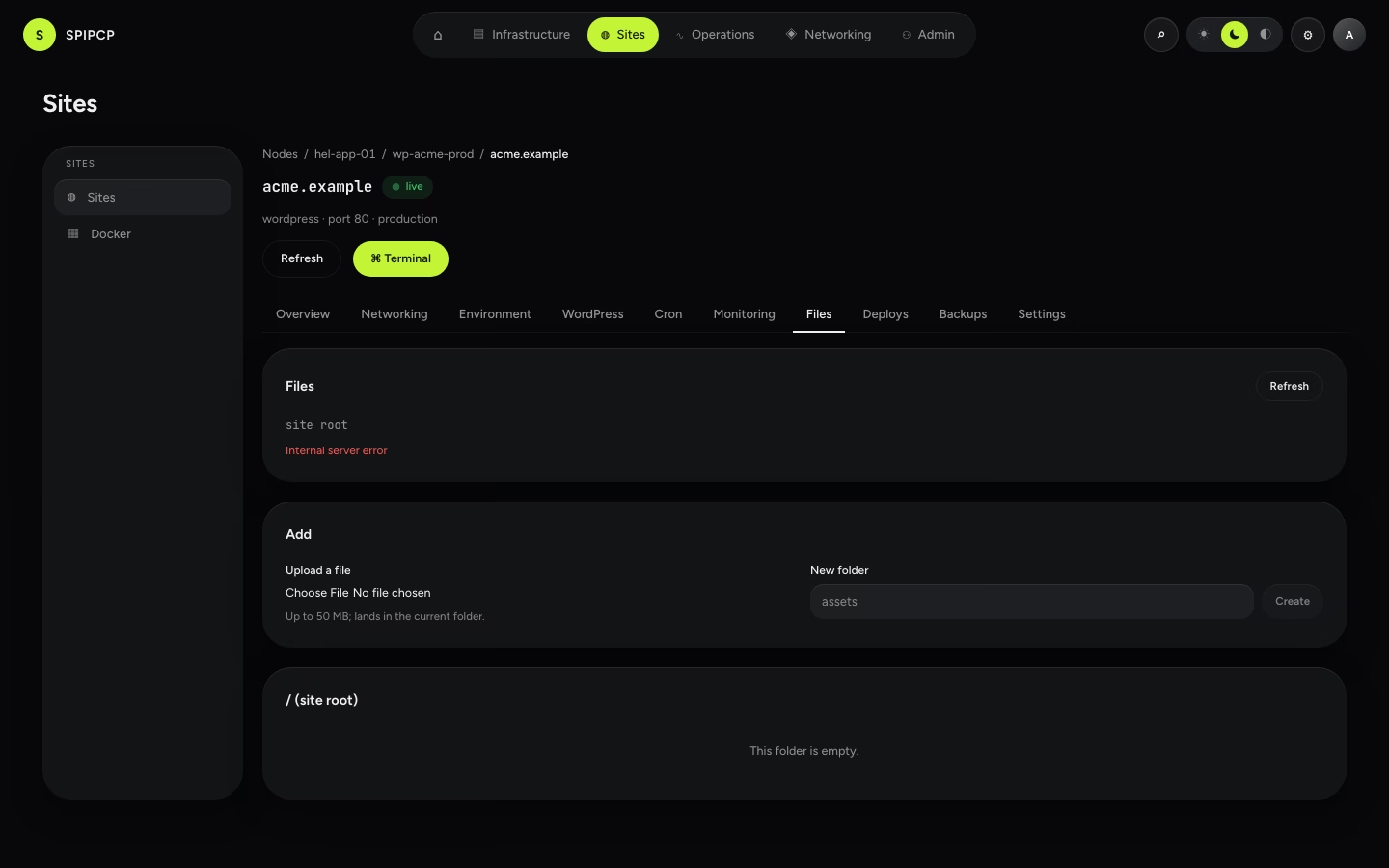
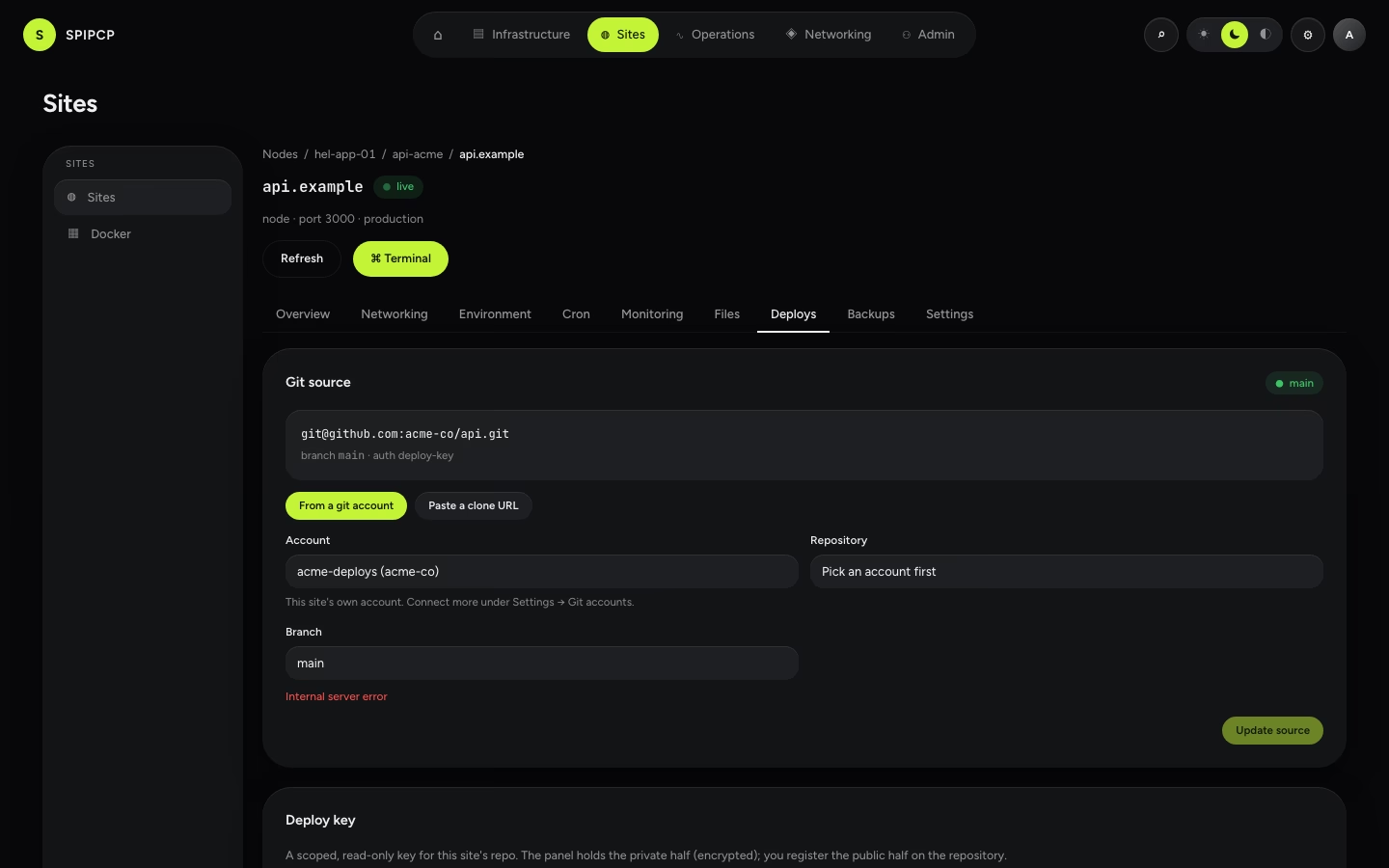
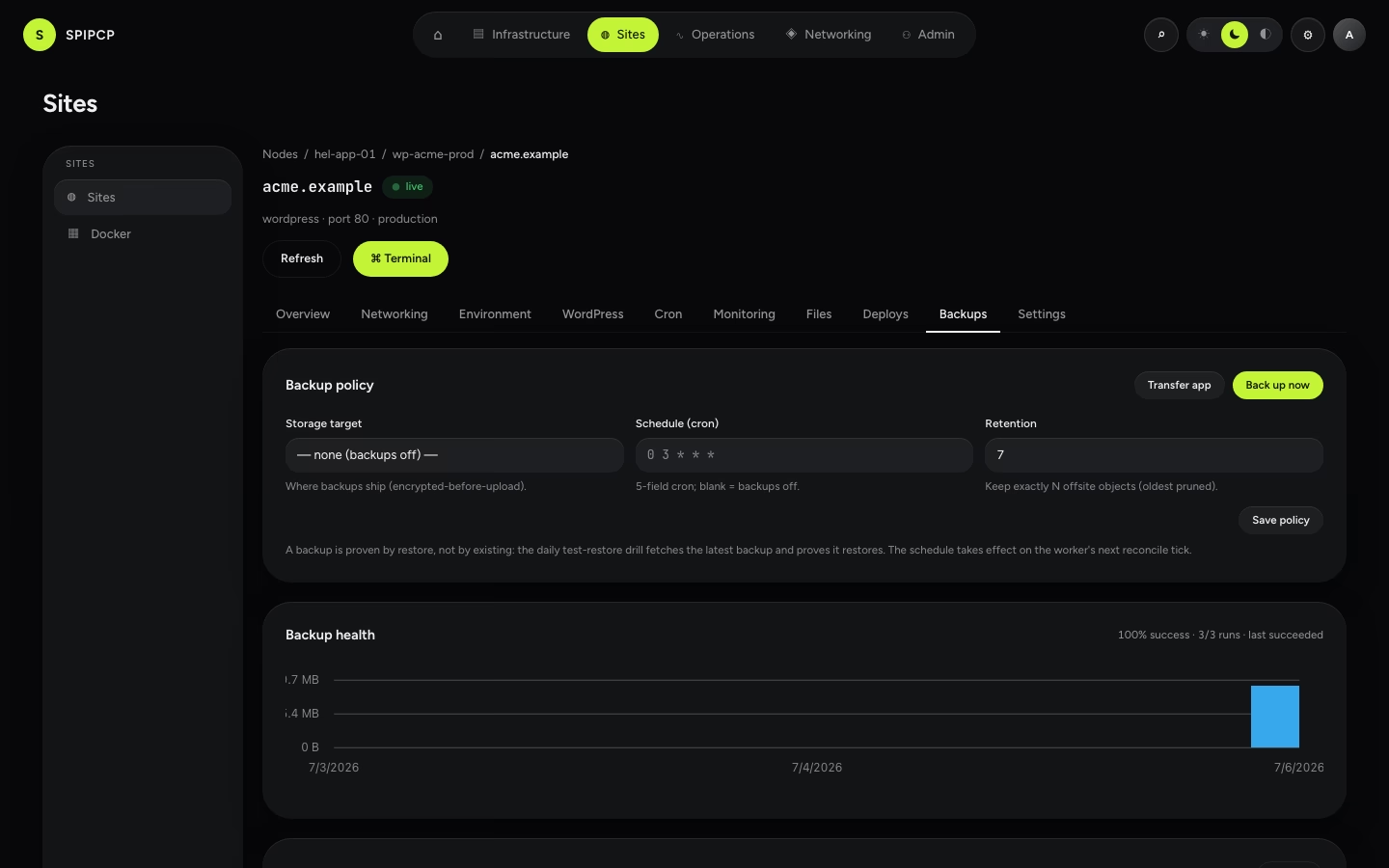
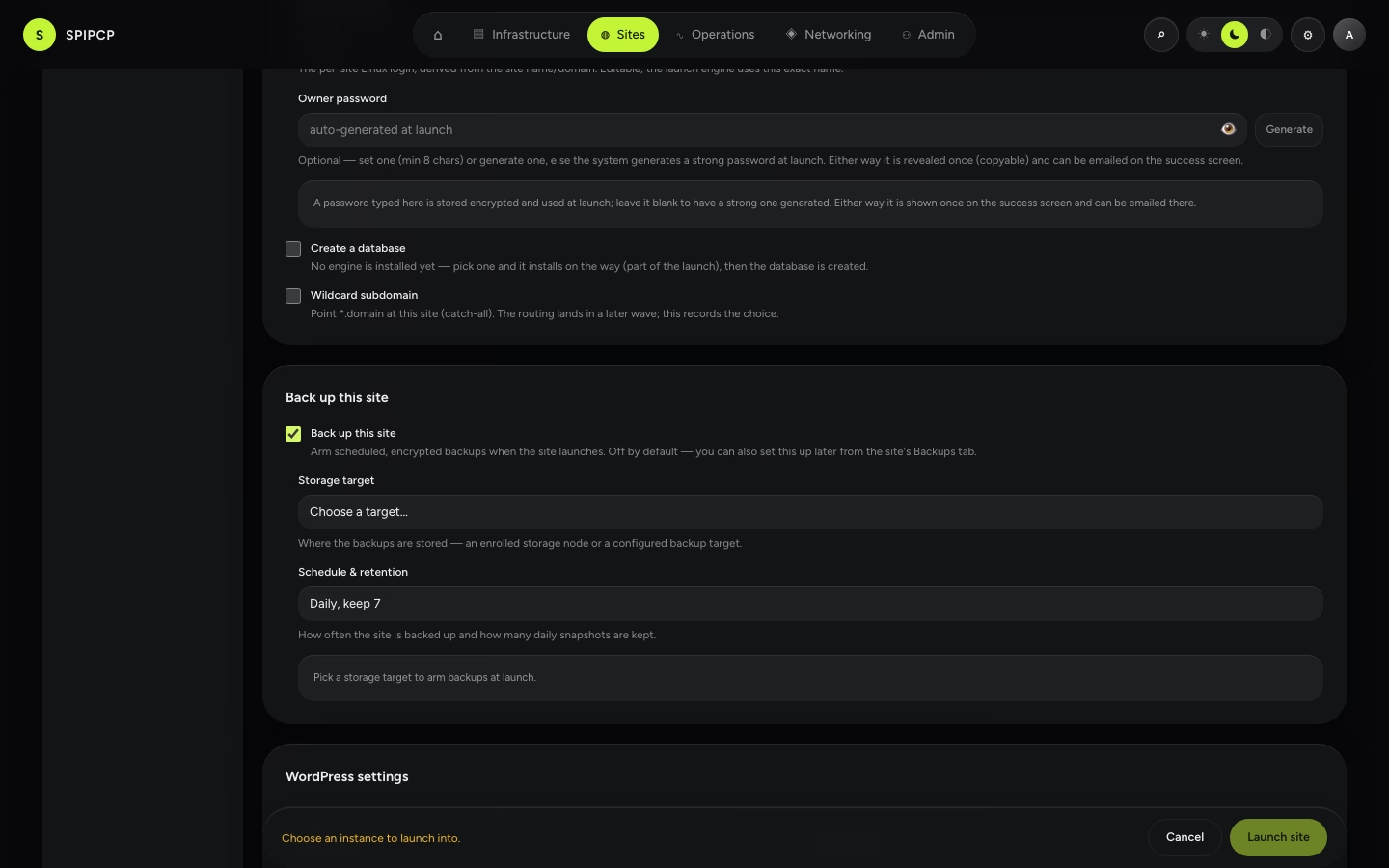
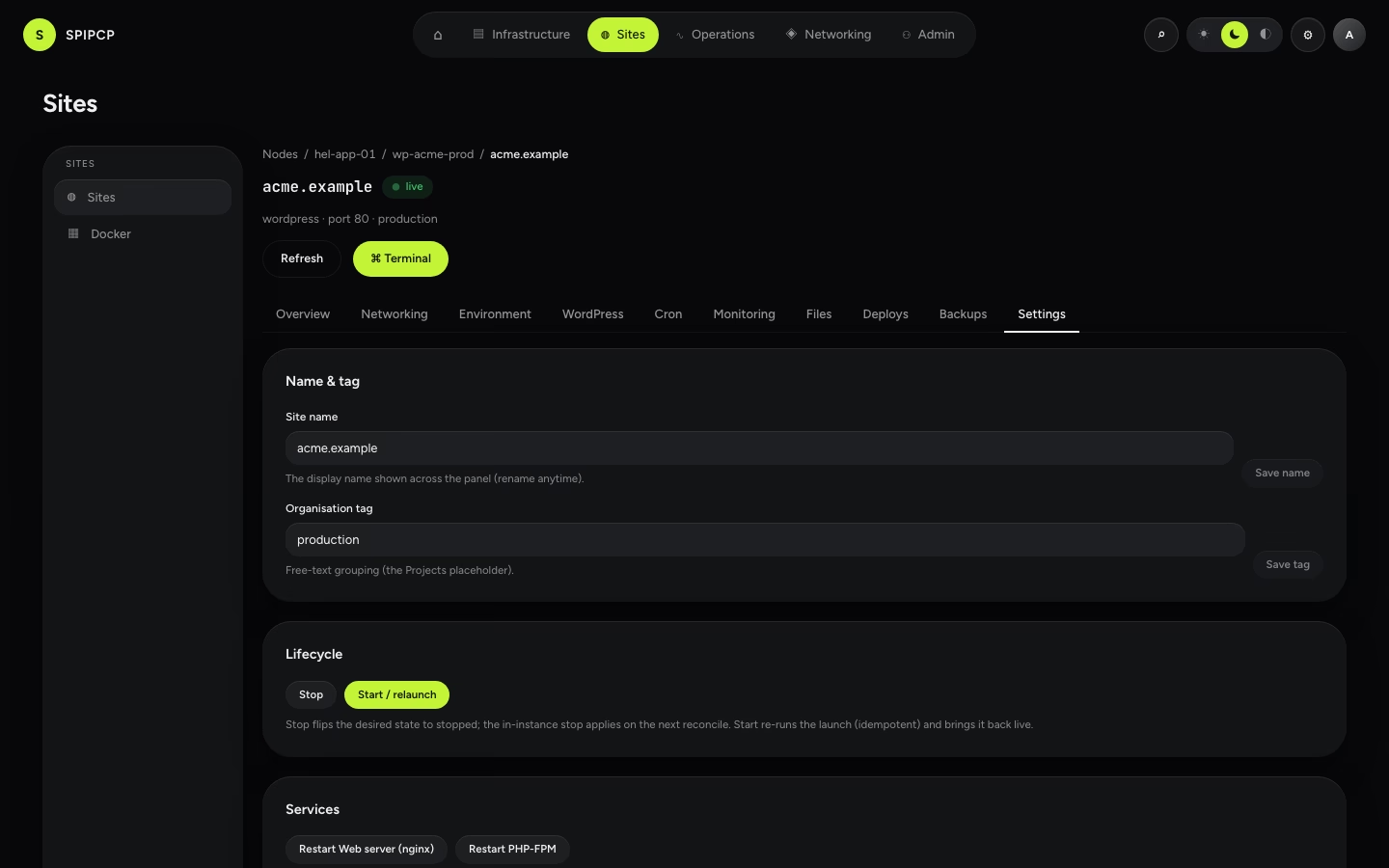
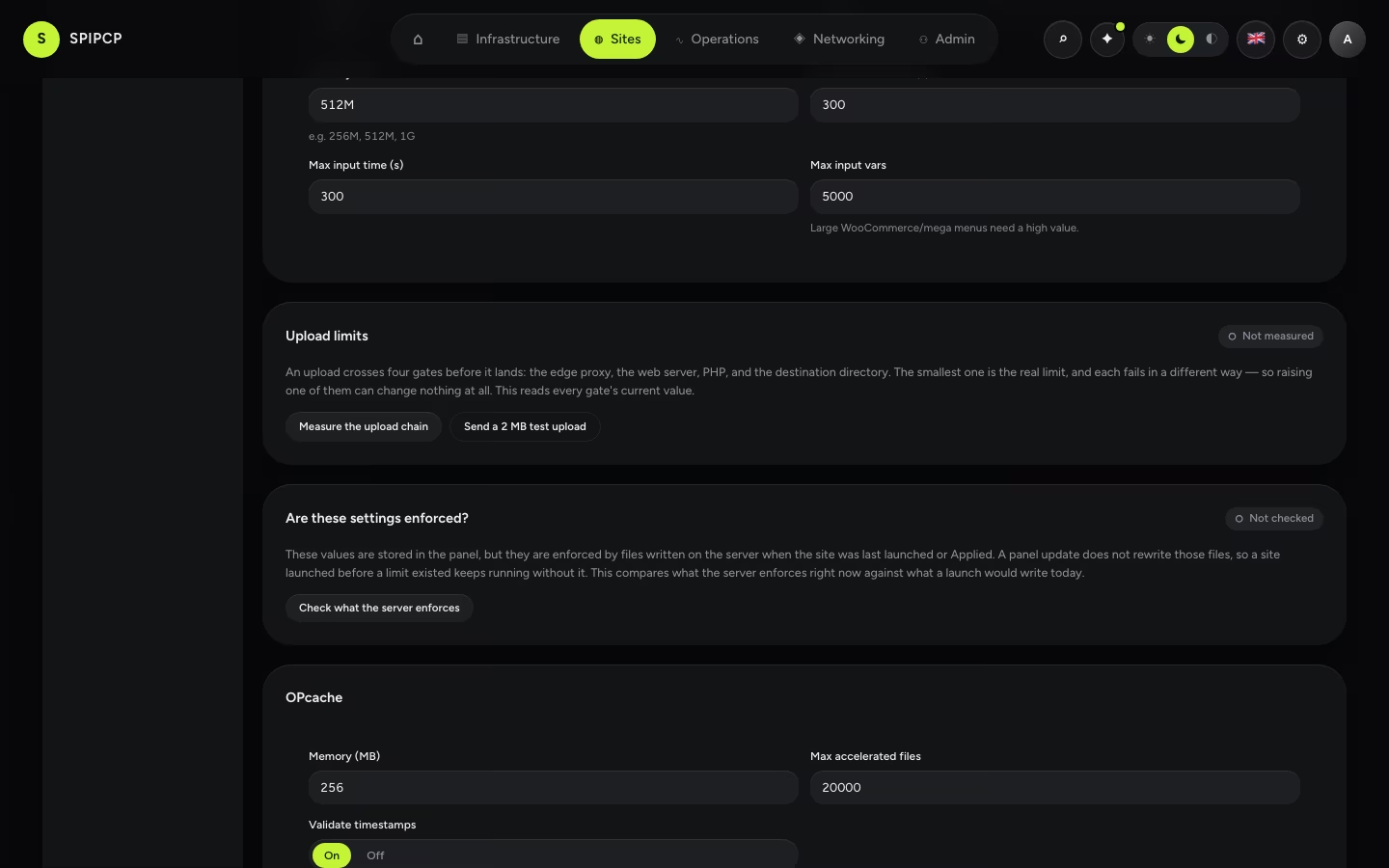
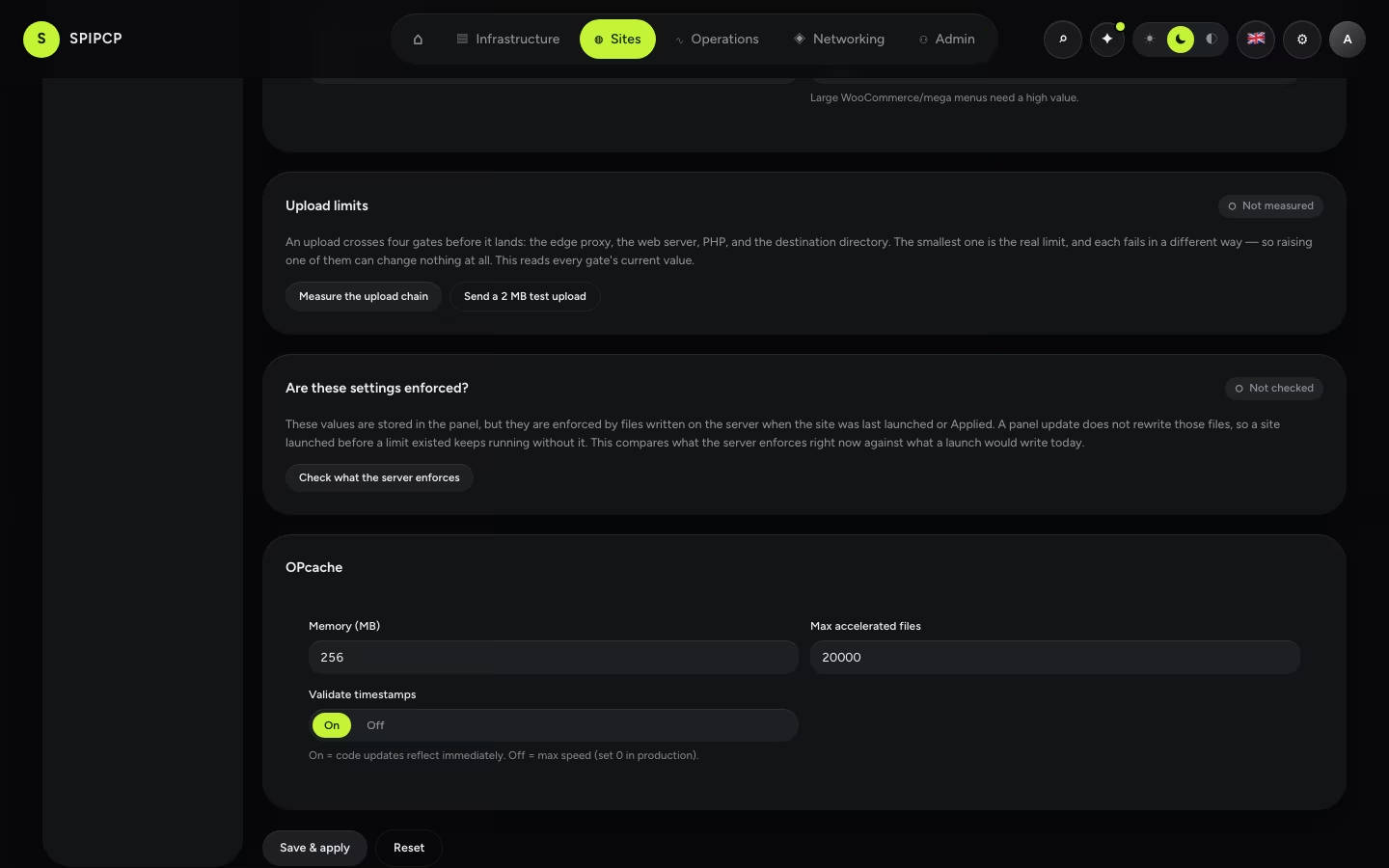
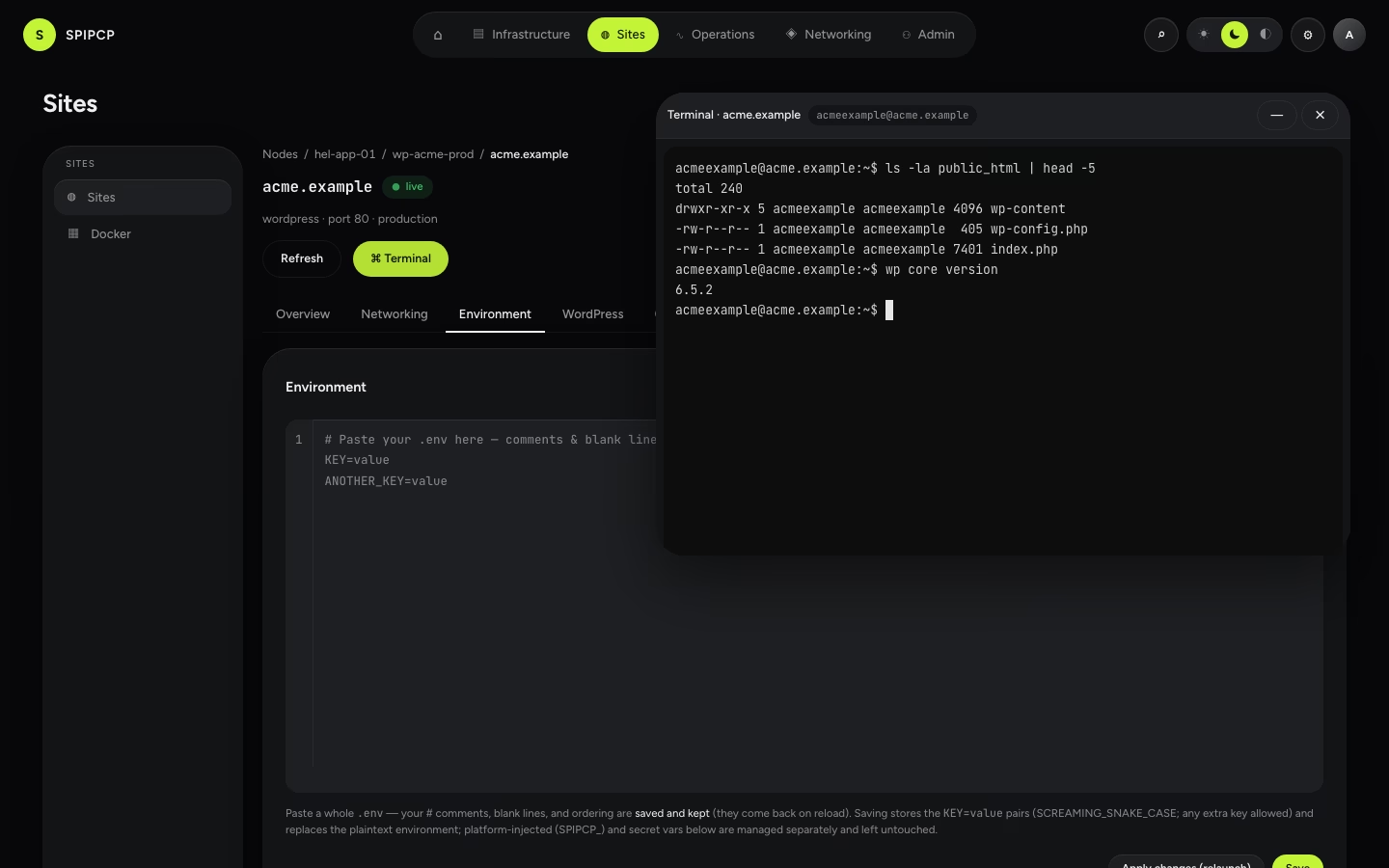
Networking (DNS · SSL)
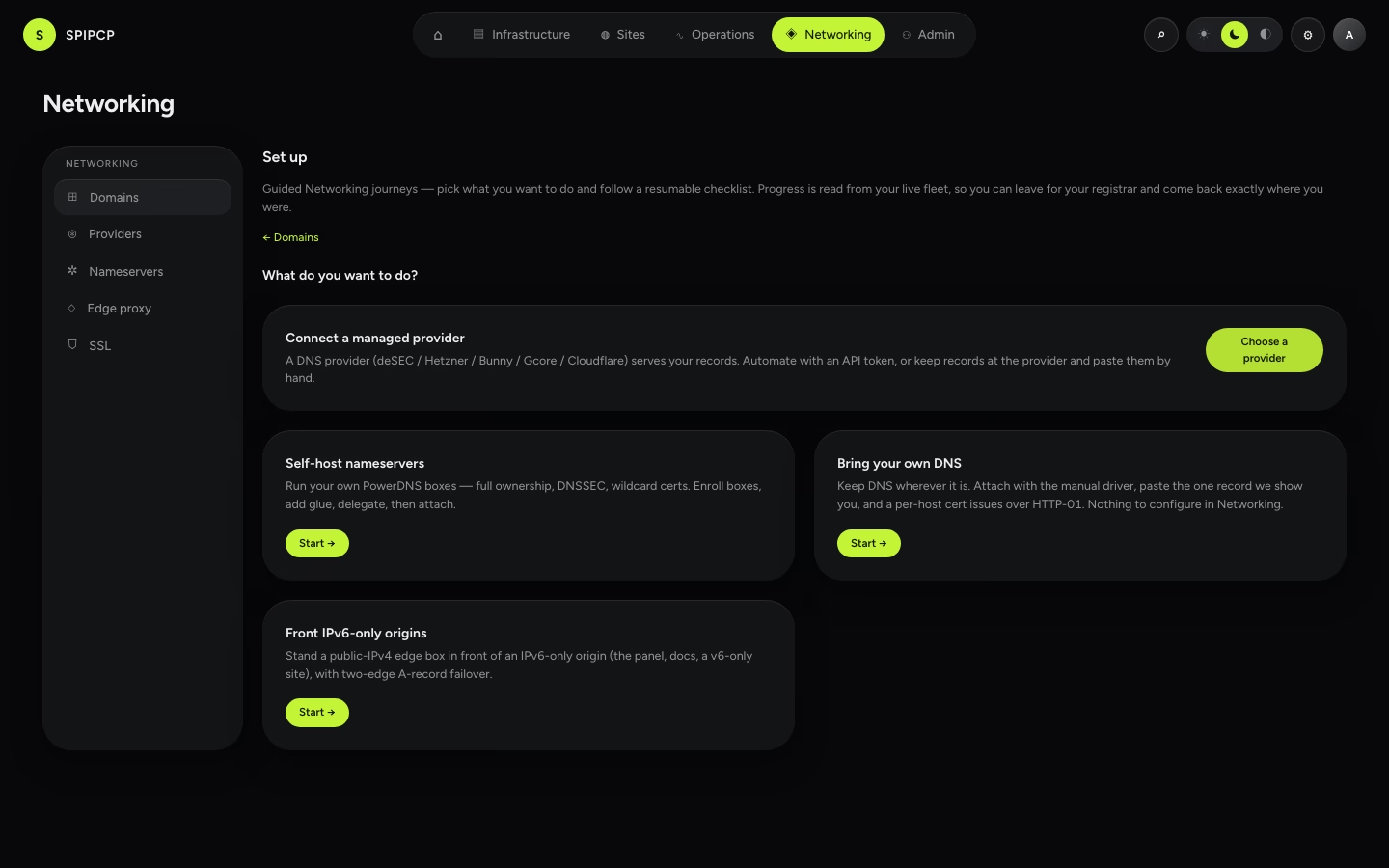
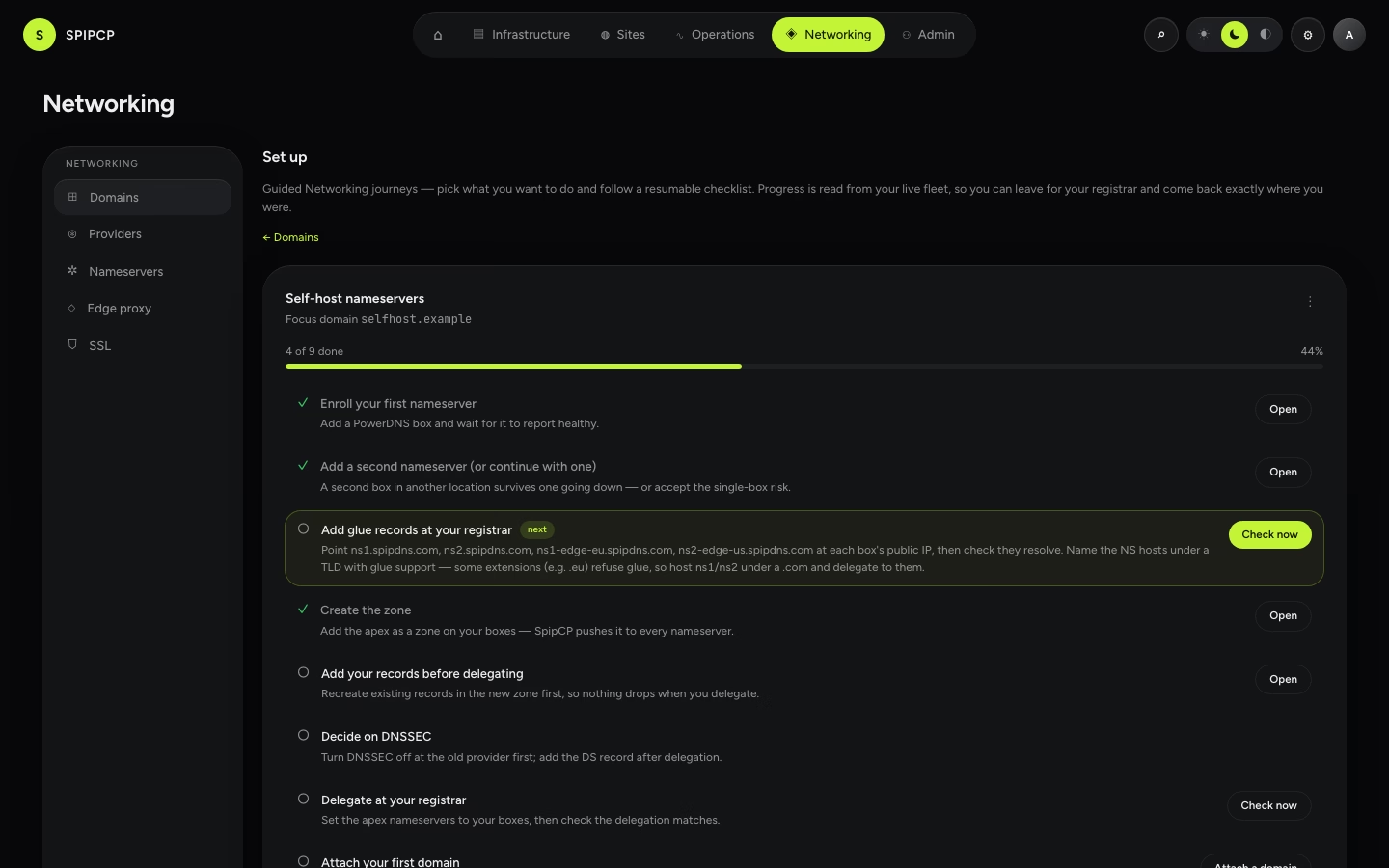
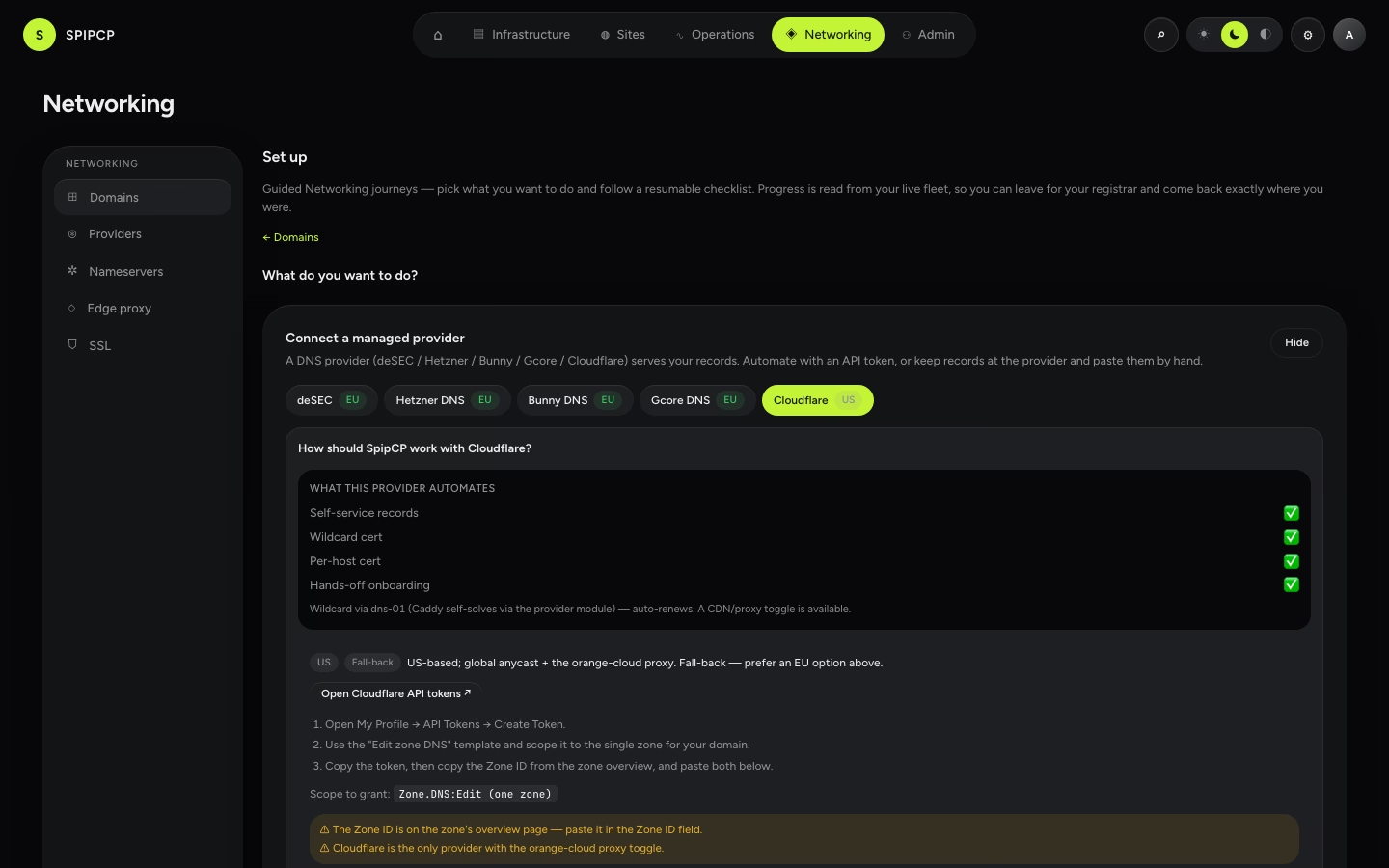
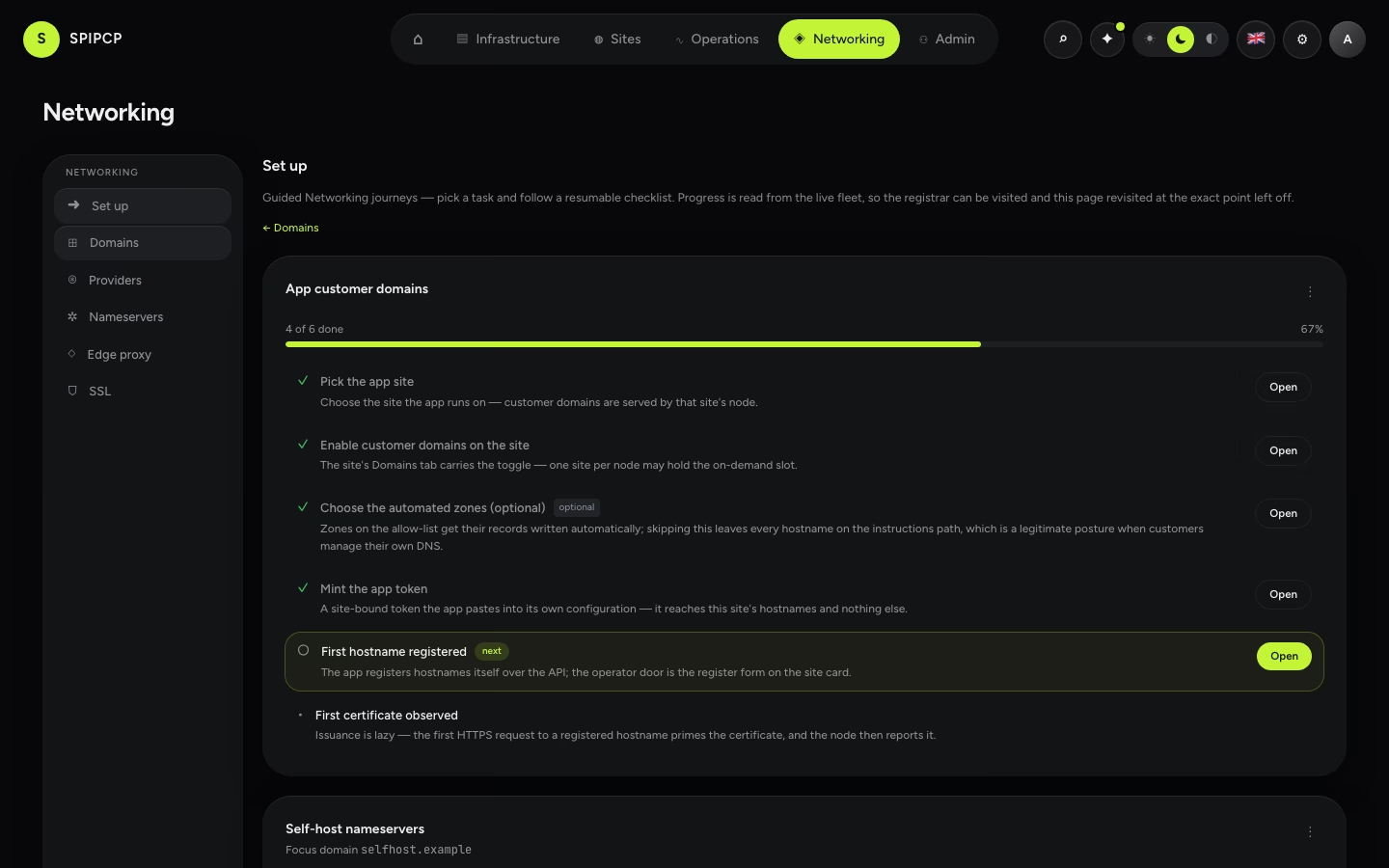
Backups & recovery
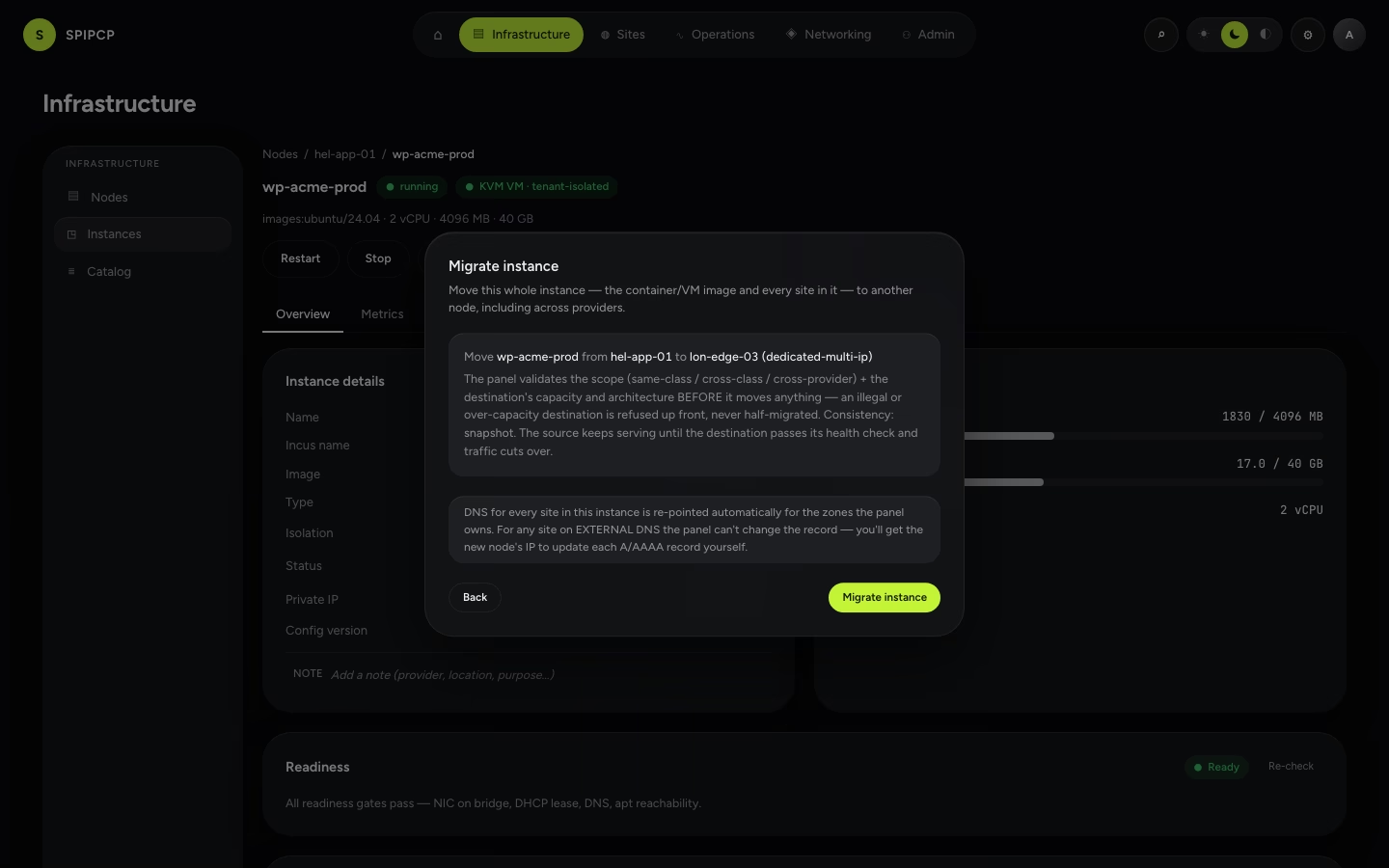
Monitoring
Settings & account
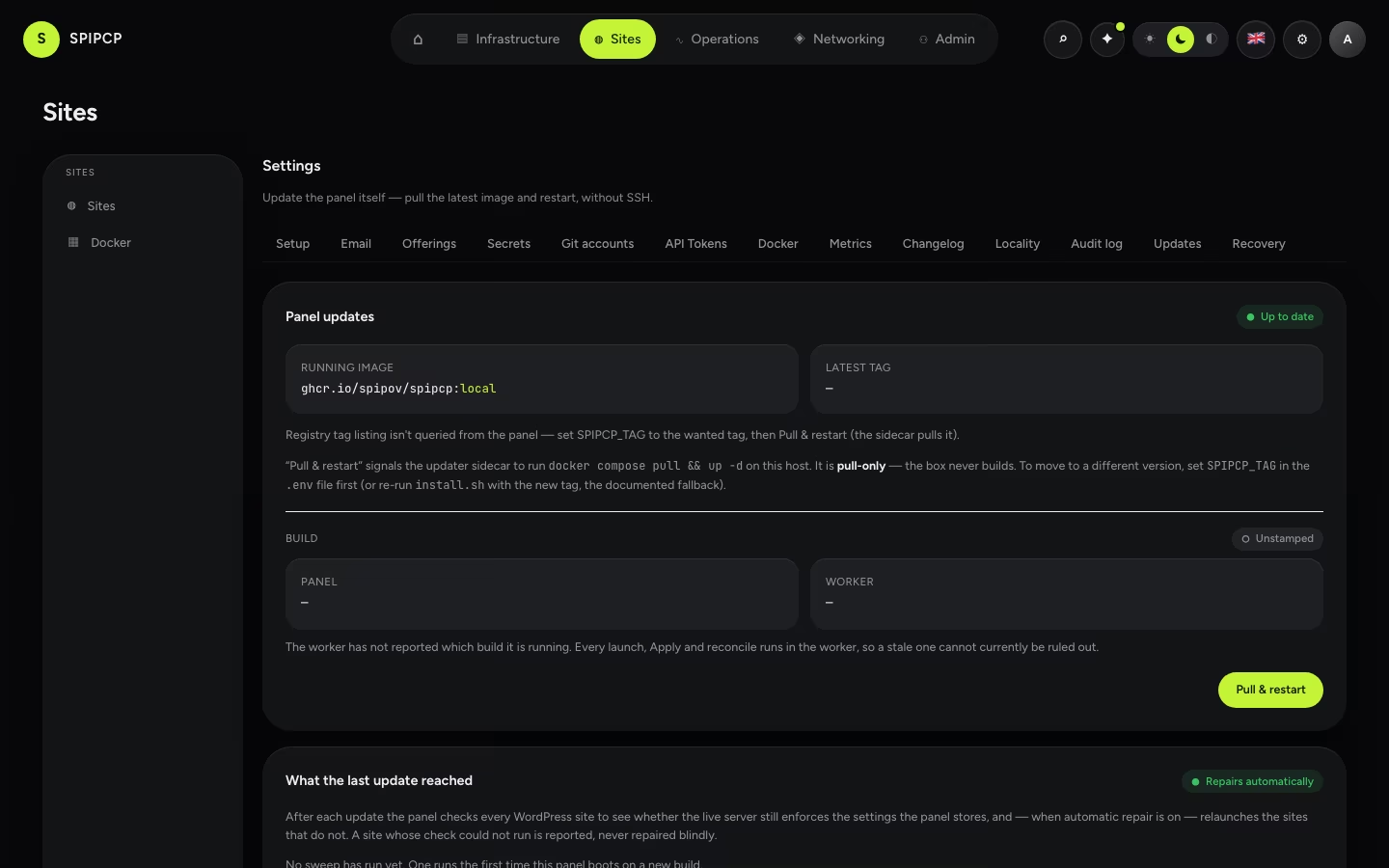
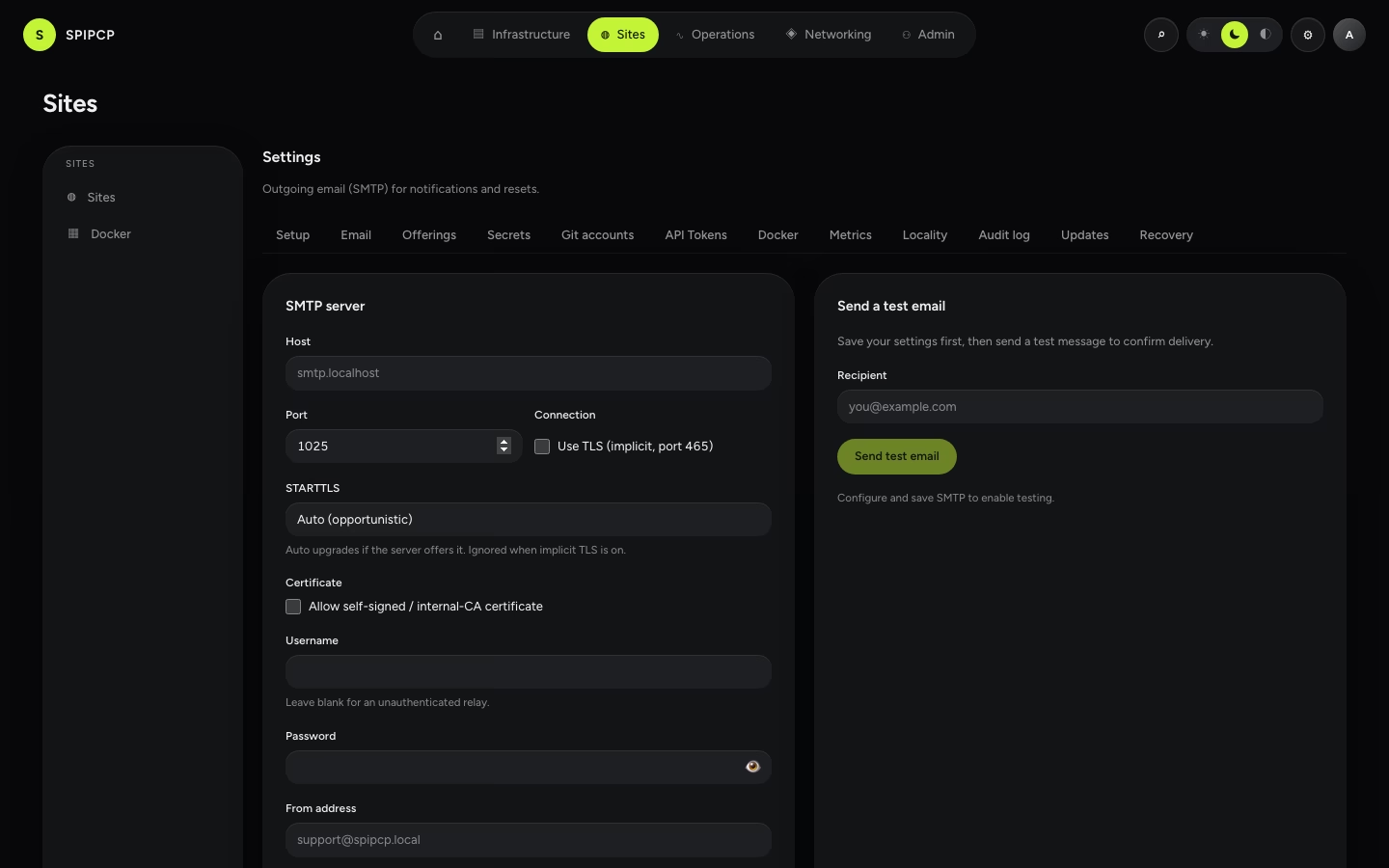
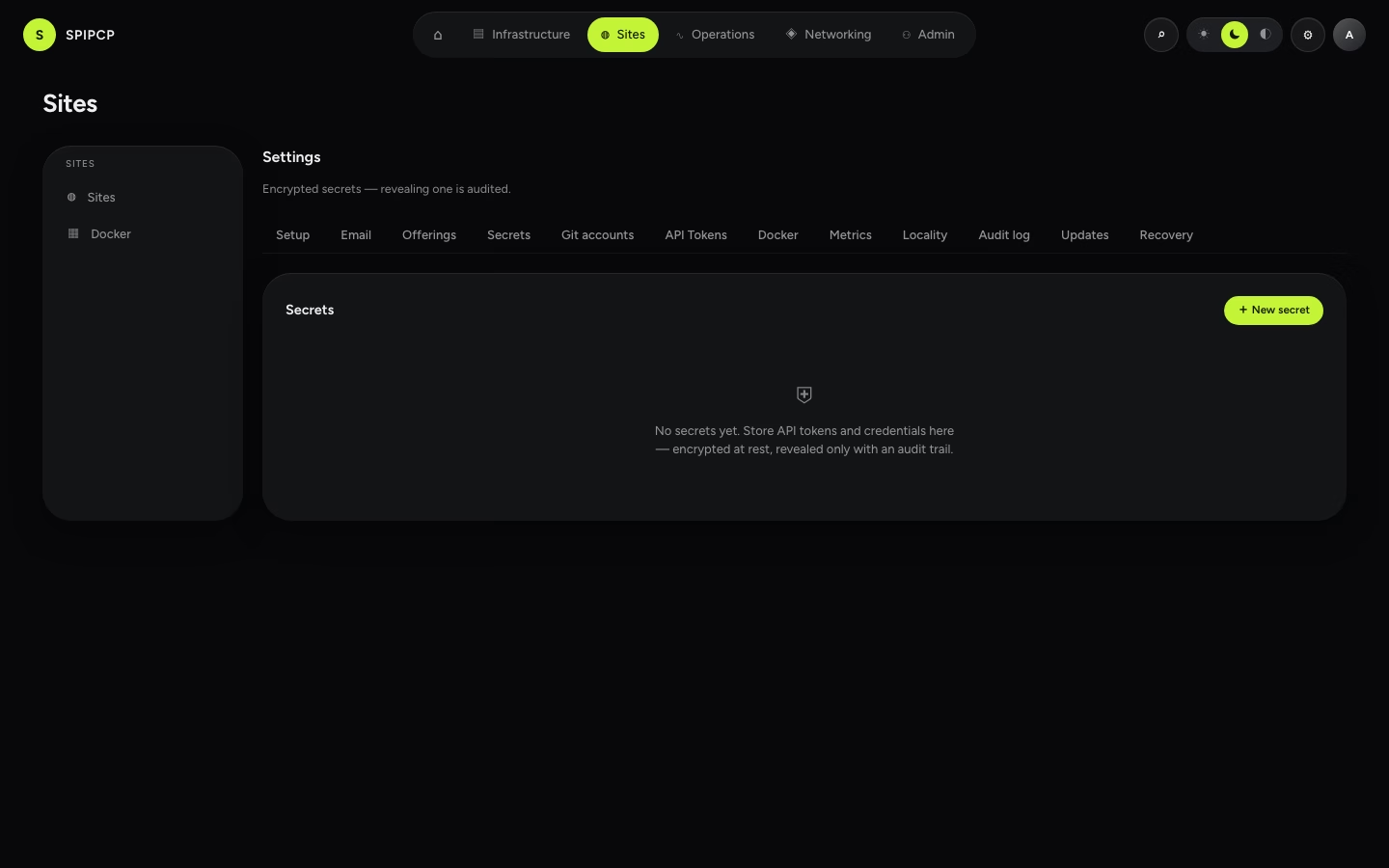
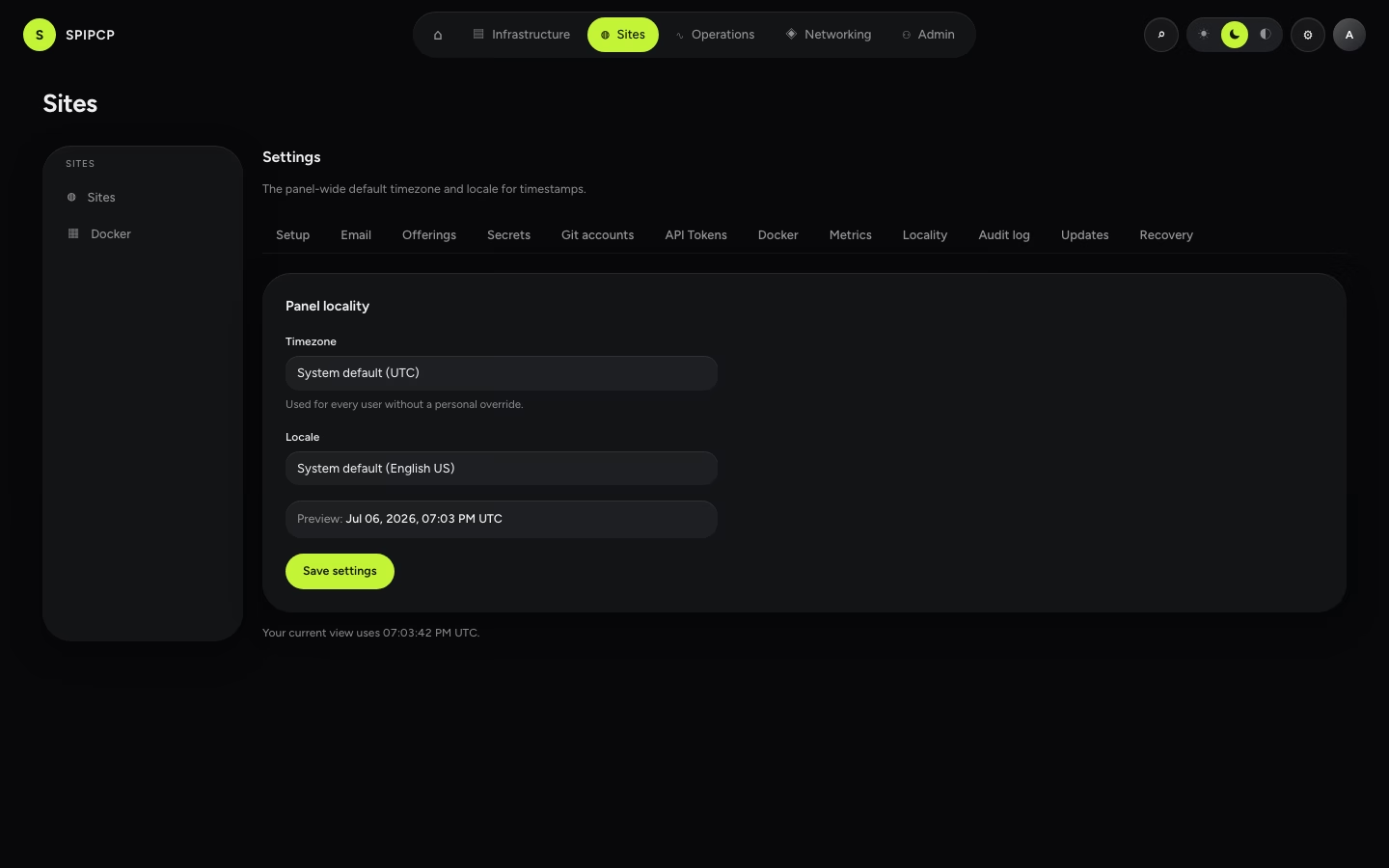
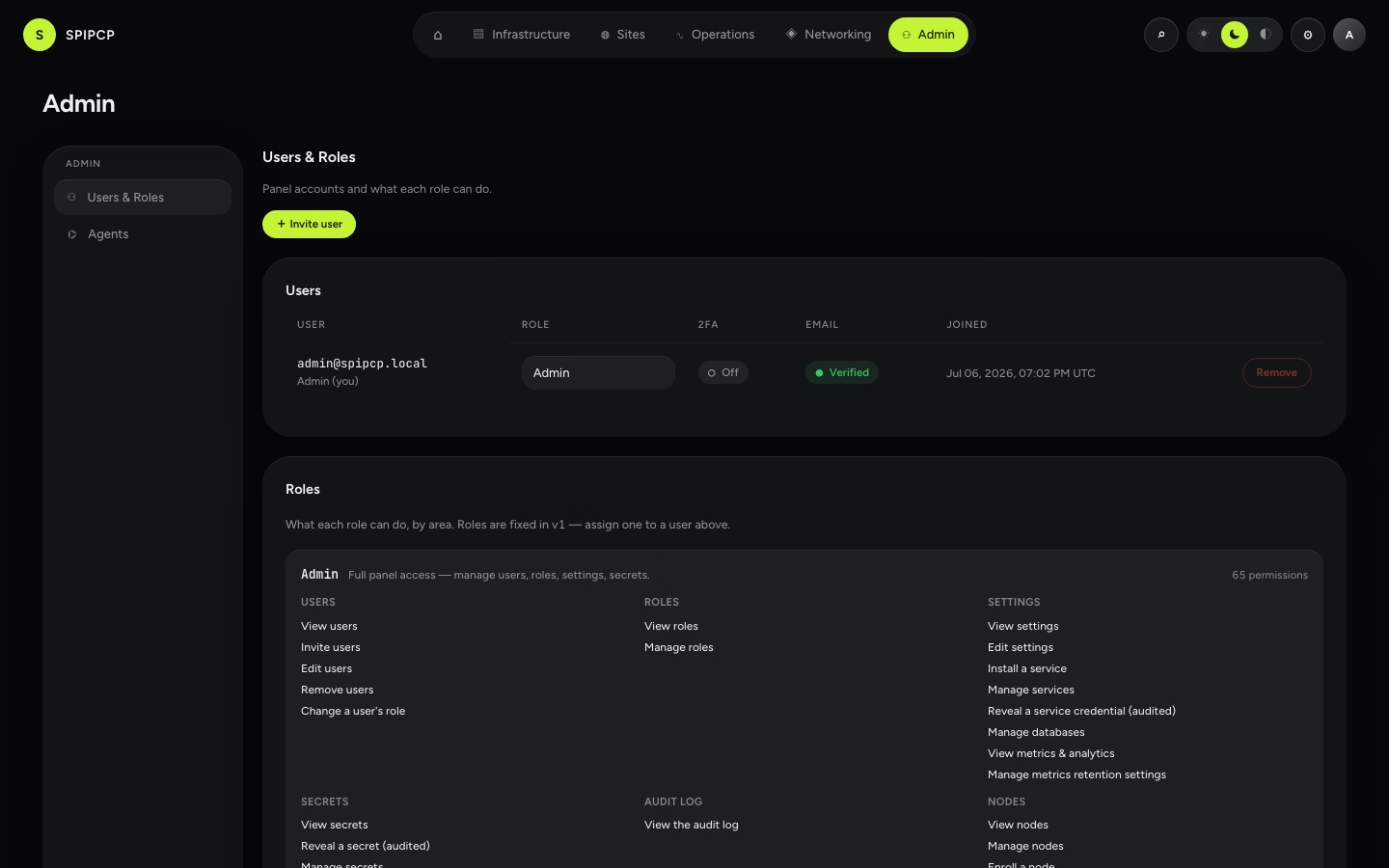
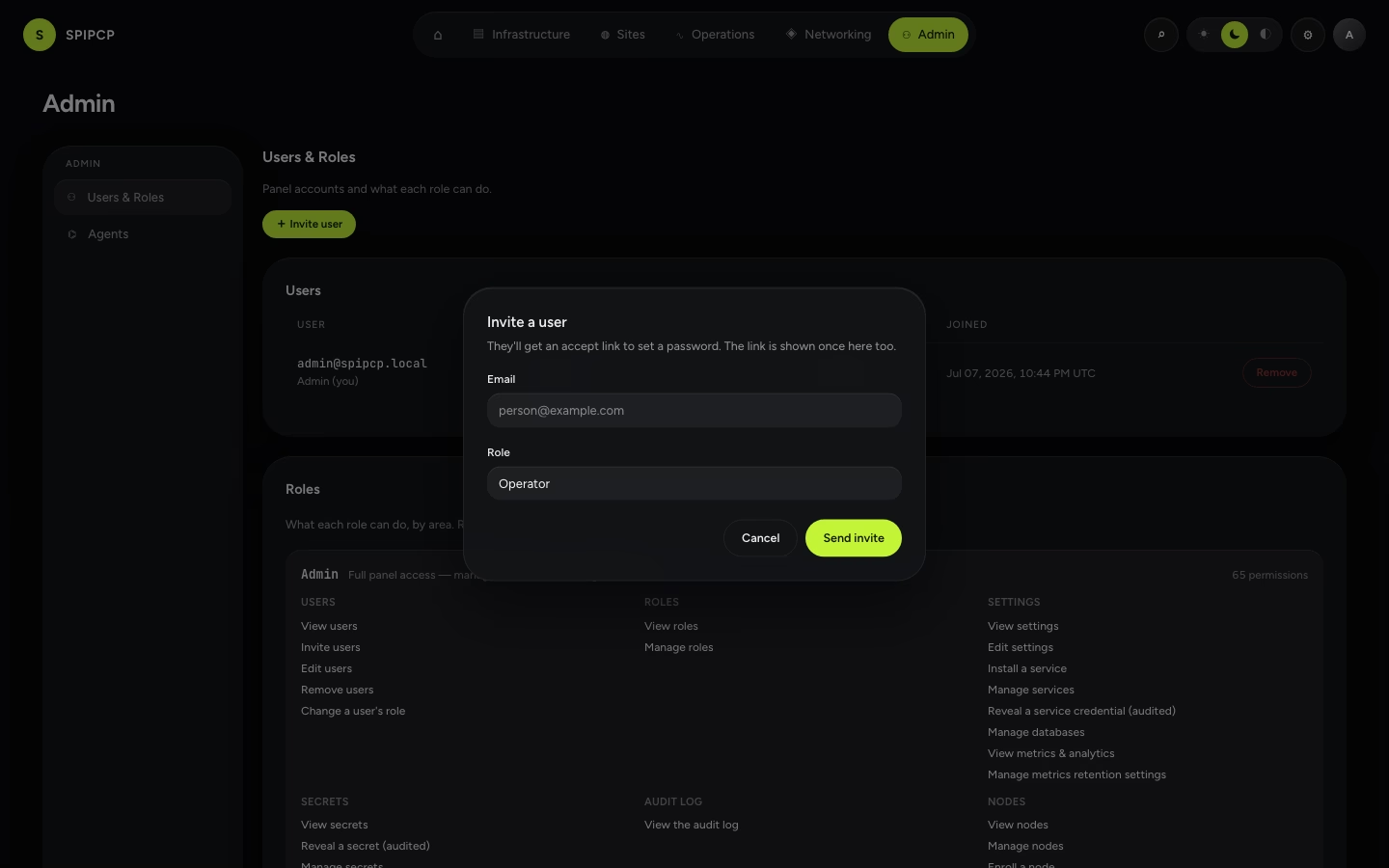
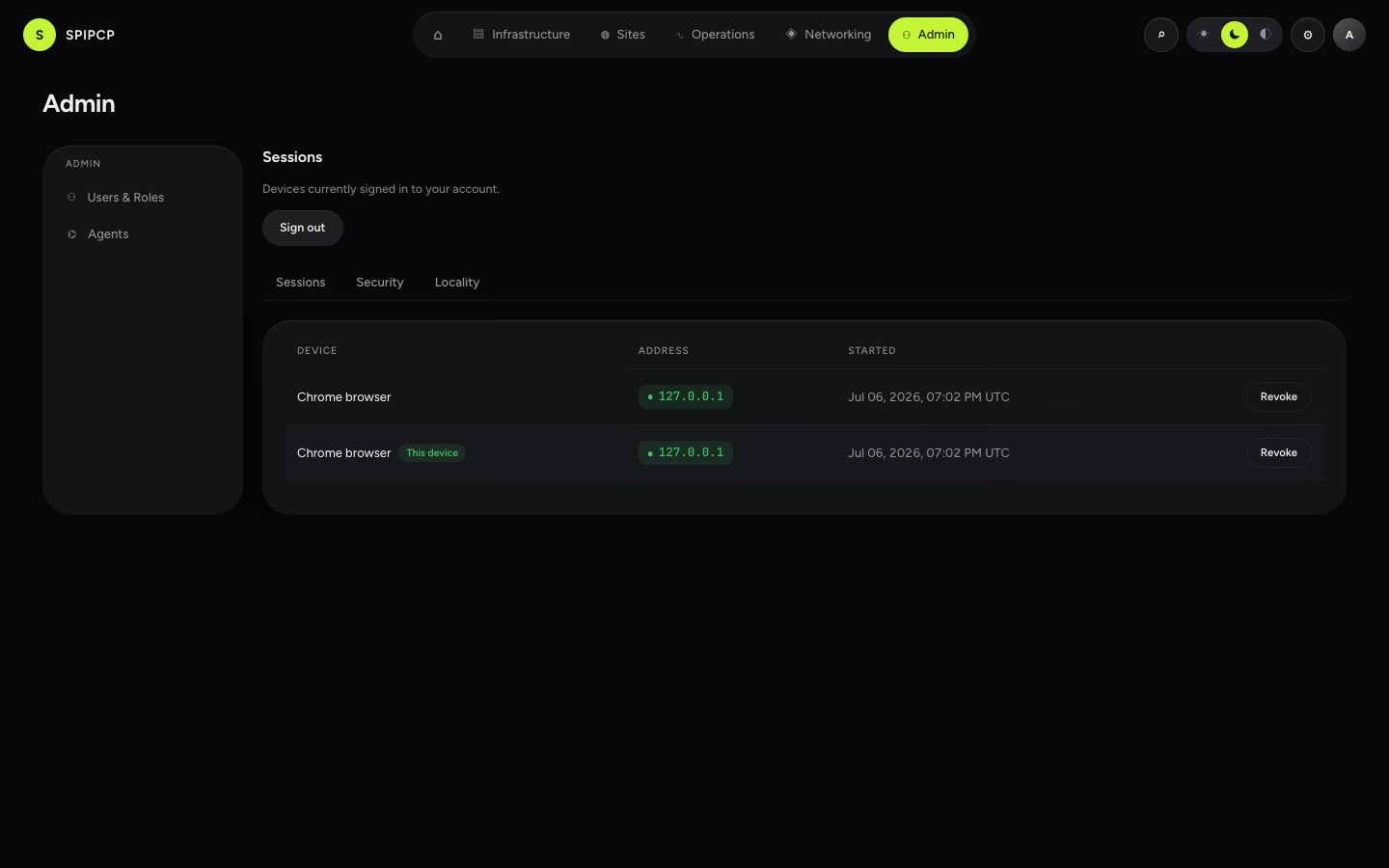
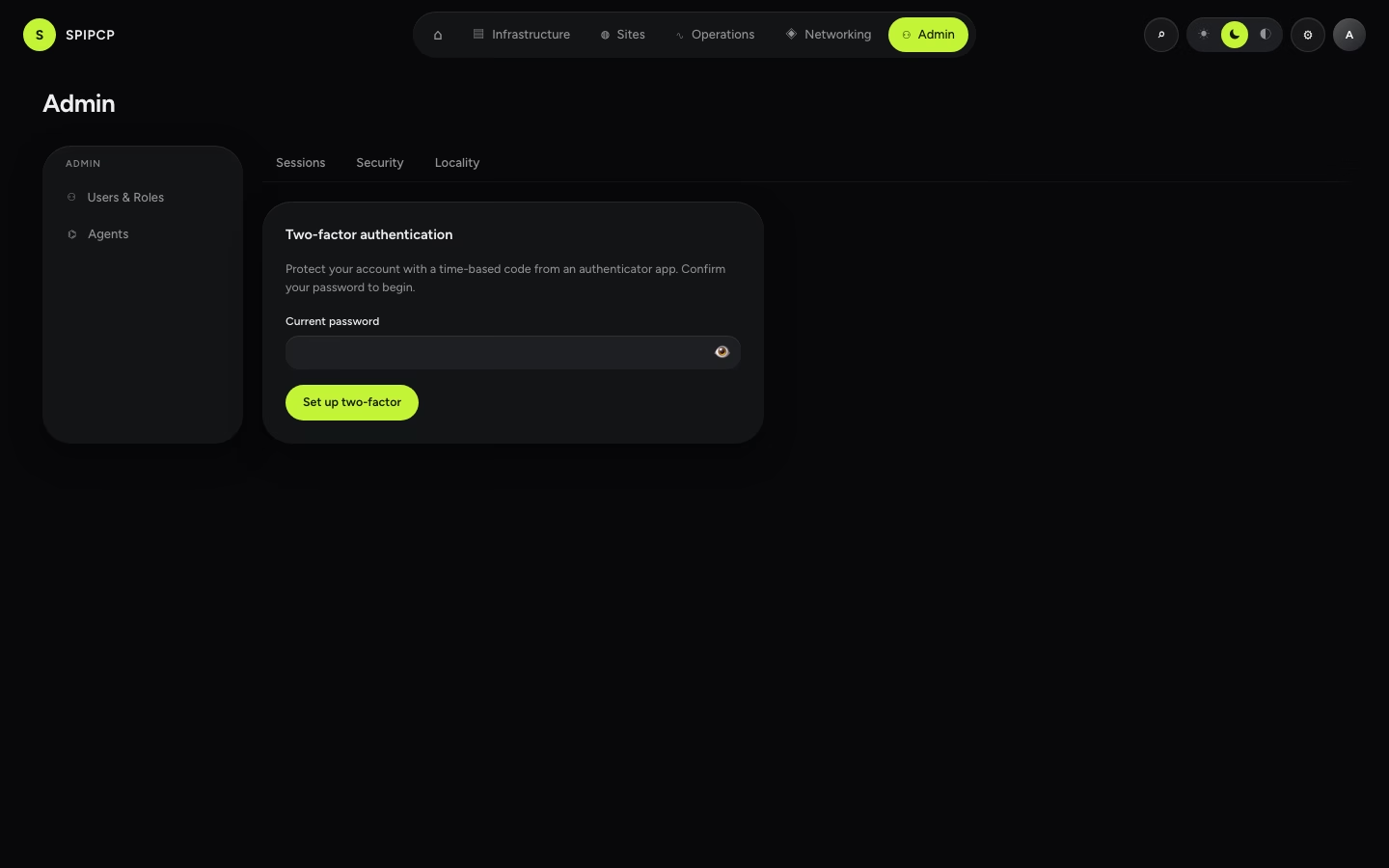
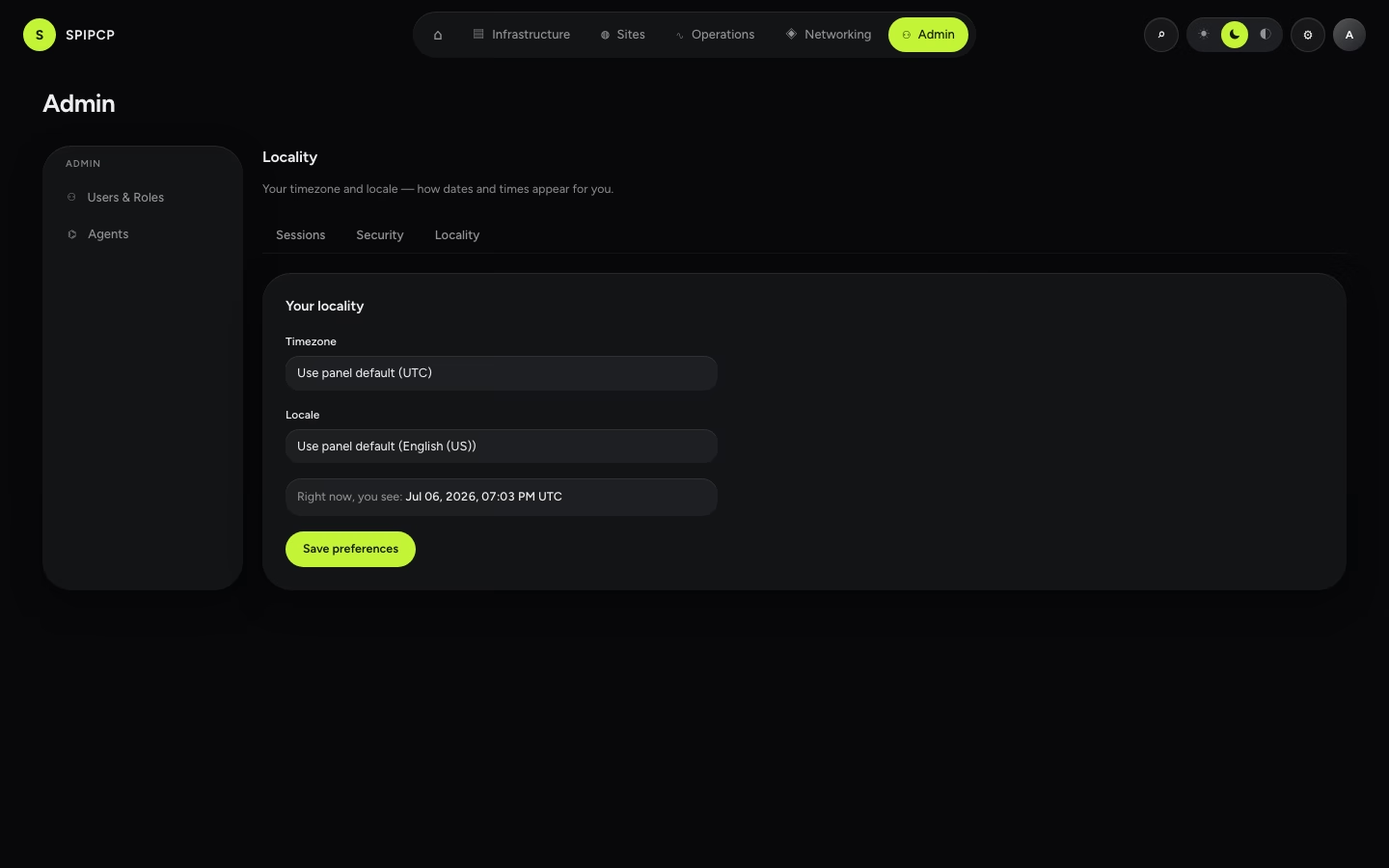
How the screenshots are made
The images are captured from the real panel UI, not mocked. A dev-only seed
(POST /api/dev/test-support {seed:"fleet"}) fills the panel with a believable demo estate — a few
nodes (including a self-hosted nameserver), instances, sites in various states, DNS providers,
backups, and probes — using fictional, reserved values (RFC-5737 IPs like 192.0.2.x, *.example
hostnames) so nothing real ever lands in a committed image. A Playwright script then logs in, walks
each page, and writes one PNG per slot.
To regenerate every screenshot from a fresh, isolated test database:
# from the repo root — both specs write into spipcp-docs/public/img/
DOCS_SCREENS=1 pnpm --filter panel e2e docs-screenshots.spec.ts        # data-driven surfaces
DOCS_SCREENS=1 pnpm --filter panel e2e docs-screenshots-live.spec.ts   # dialogs, wizards, terminals
It uses its own <db>_test database (never the dev DB) and the dark theme, matching the docs'
dark-first style. The terminal screens show the window frame and prompt rather than a live session,
since an attached shell needs a running worker.
Panel disaster recovery
How the panel backs ITSELF up (pg_dump + the boot secrets, encrypted offsite) and how to restore it into a fresh VM in under 30 minutes — the migrate-panel runbook.
Development setup
Bring SpipCP up on a local machine — dev services, the database, the panel and worker — plus the 34xx port convention, the green gate, the rig, and how to run this docs site.